The theme of this post is not one big framework launch. It is how many useful iOS 14 additions became approachable in almost no code.
This article is a quick catalog rather than a deep tutorial. That makes it useful to rewrite as a grouped guide. These APIs all share the same appeal: they expose system UI that used to require more custom work, or they replace awkward old controls with better defaults.
The set here includes SKOverlay for in-app App Store promotion, UIMenu and UIAction for menus on
bar buttons and plain buttons, improved UIDatePicker styles, UIColorPickerViewController, and
GKAccessPoint for Game Center.
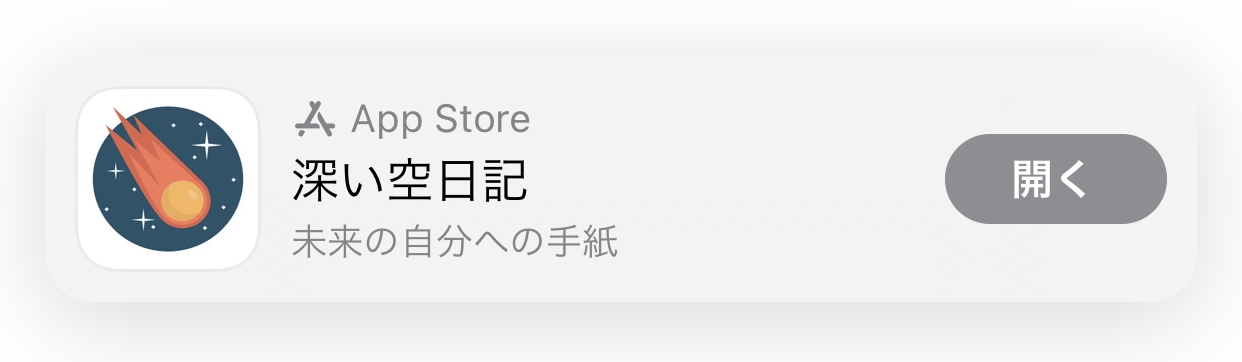
SKOverlay lets an app recommend another App Store app with a native floating card instead of a custom promo screen.
This is the most product-facing API in the roundup. If you already have another app to promote, iOS can render the App Store summary card directly over your current interface. The implementation is small because the system handles the presentation style.
if let scene = view.window?.windowScene {
    let config = SKOverlay.AppConfiguration(
        appIdentifier: "1234567890",
        position: .bottom
    )
    let overlay = SKOverlay(configuration: config)
    overlay.present(in: scene)
}
iOS 14 made context menus much easier to attach directly to navigation items and ordinary buttons.
The pair of APIs that matter here is UIAction plus UIMenu. Together they let a control carry its own small command list
without building a separate sheet or popover controller.
let addCat = UIAction(
    title: "Add Cat",
    image: UIImage(systemName: "plus")
) { _ in
    print("add cat")
}

let addDog = UIAction(
    title: "Add Dog",
    image: UIImage(systemName: "hare")
) { _ in
    print("add dog")
}

let menu = UIMenu(title: "", children: [addCat, addDog])
For a navigation bar item, the menu can be attached at creation time. For a UIButton, the menu can be assigned directly and triggered
as the primary action.
navigationItem.rightBarButtonItem = UIBarButtonItem(
    title: nil,
    image: UIImage(systemName: "ellipsis.circle"),
    primaryAction: nil,
    menu: menu
)

button.menu = menu
button.showsMenuAsPrimaryAction = true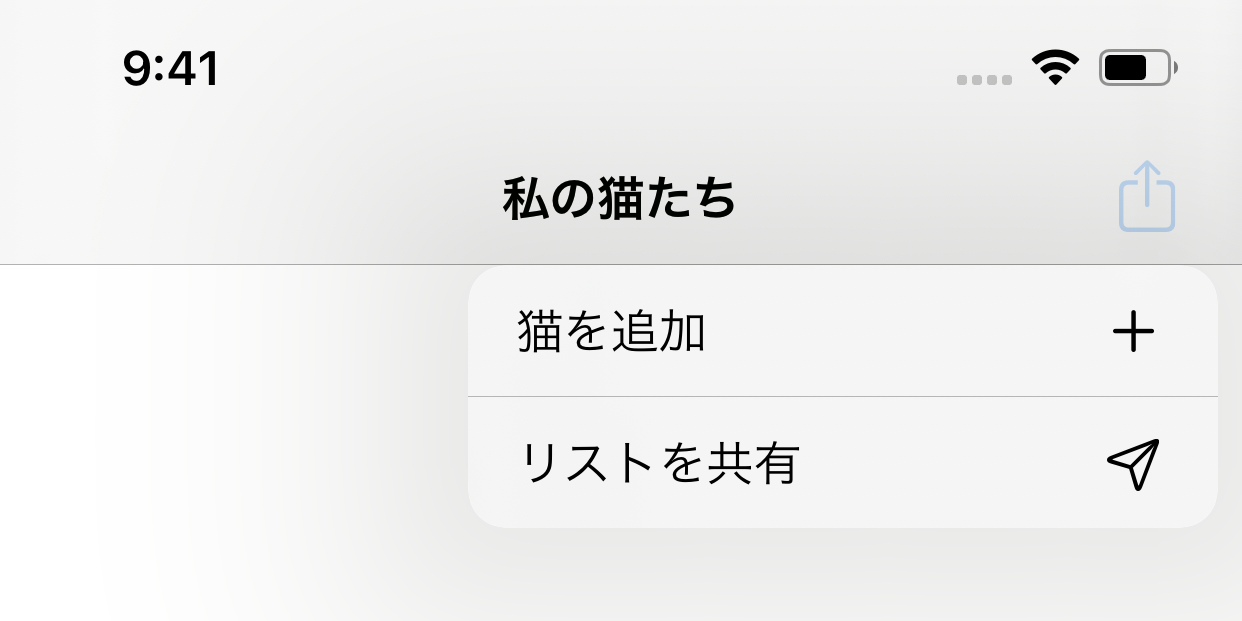
UIBarButtonItem can expose a menu directly without building a separate action sheet.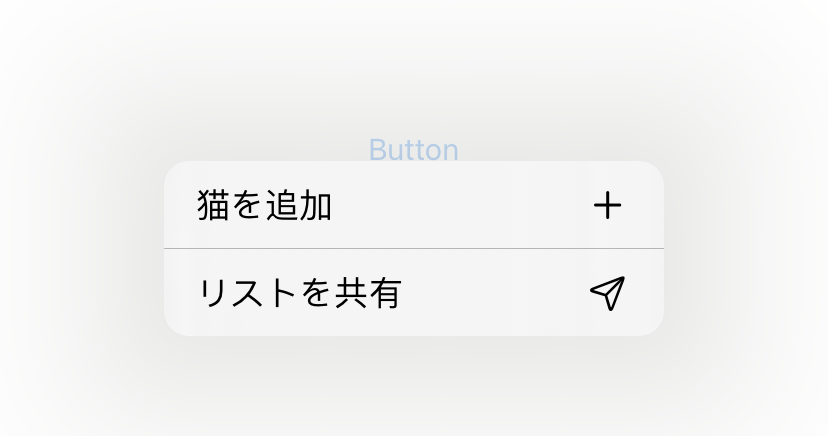
UIButton can behave like a compact command launcher when showsMenuAsPrimaryAction is enabled.UIDatePicker gained new styles that felt much more native than the old wheel-only approach.
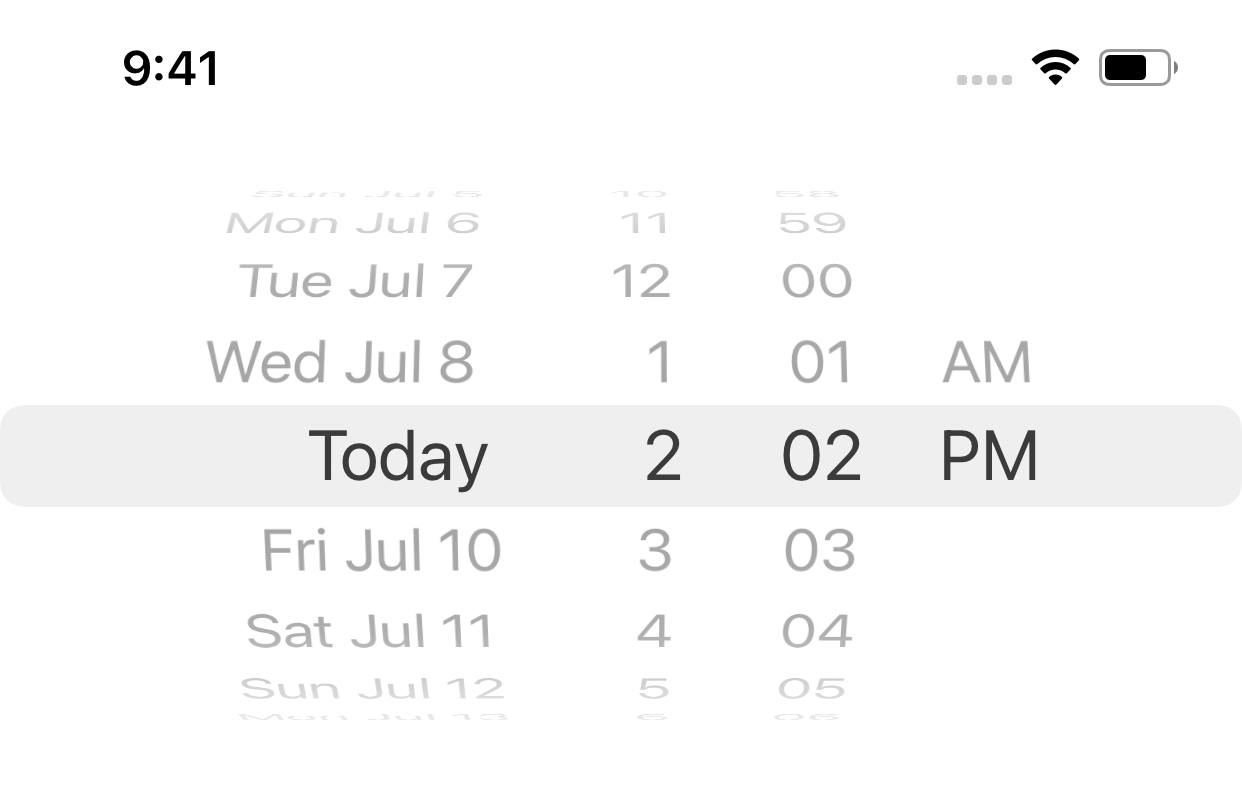
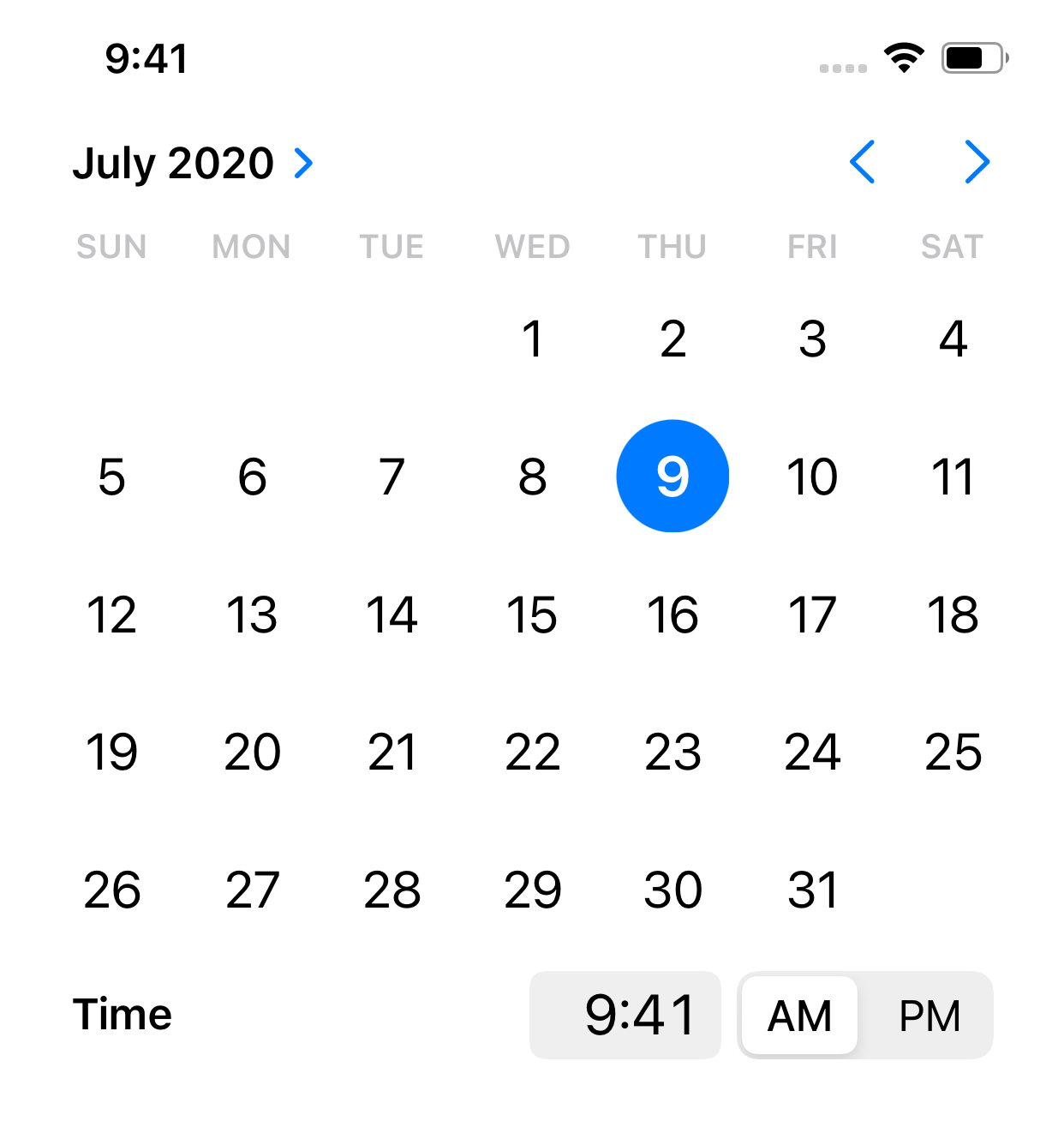
This was one of the small but immediately visible iOS 14 changes. Instead of always forcing the classic spinning wheel, apps could request an inline calendar-style picker or a compact presentation that expands only when needed.
datePicker.preferredDatePickerStyle = .inline

datePicker.preferredDatePickerStyle = .compact
This article shows both the contrast and the benefit: the inline style turns date selection into a calendar interaction, while the compact style keeps forms lighter until the user taps into the control.

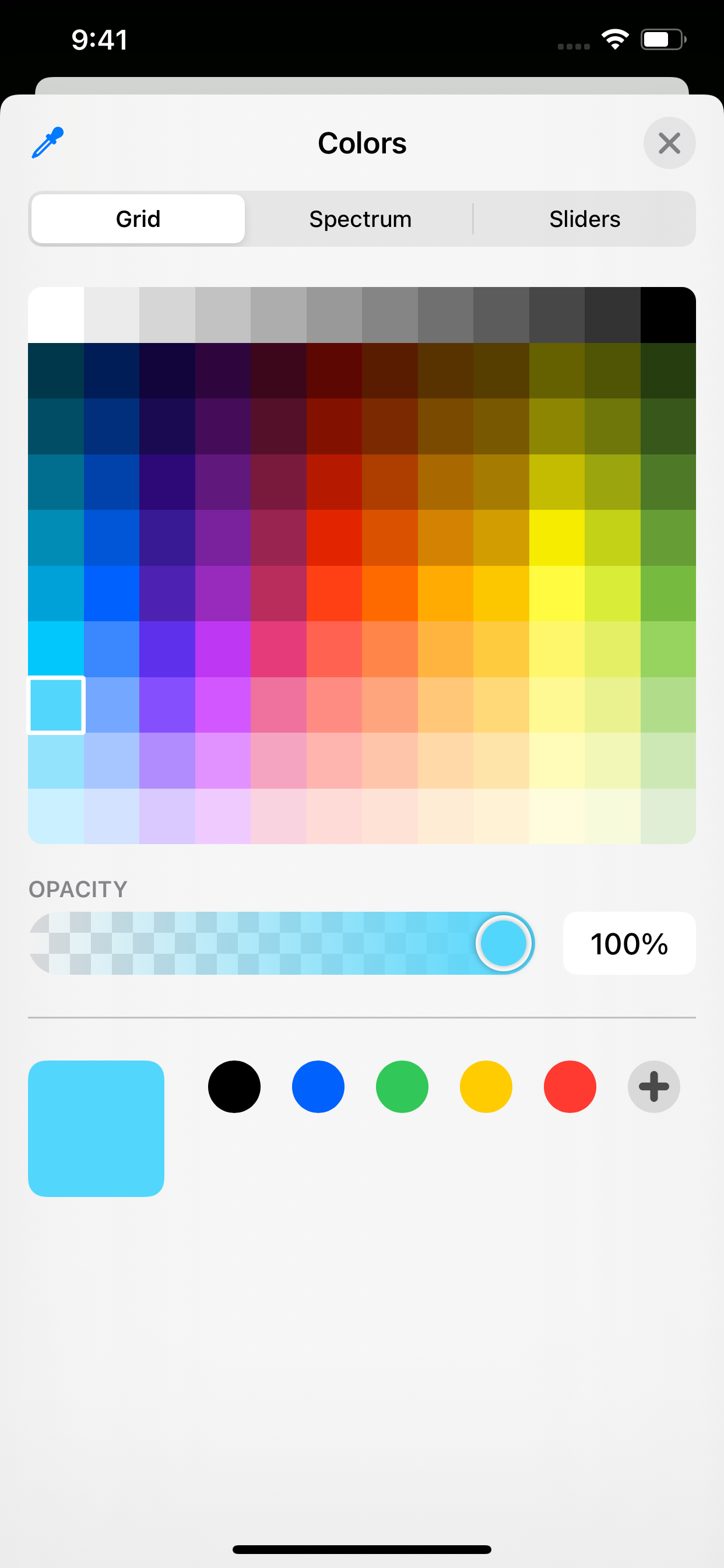
UIColorPickerViewController gave UIKit a native color picking flow with almost no setup.
Before this API, apps that needed user-selected colors often shipped their own color wheels or third-party components. iOS 14 added a system picker that already understood platform behavior, and the controller could be presented like any other modal.
func showColorPicker() {
    let colorPicker = UIColorPickerViewController()
    colorPicker.delegate = self
    present(colorPicker, animated: true)
}

extension ViewController: UIColorPickerViewControllerDelegate {
    func colorPickerViewControllerDidSelectColor(
        _ viewController: UIColorPickerViewController
    ) {
        print("Selected color: \(viewController.selectedColor)")
    }
}
GKAccessPoint turned Game Center presence into a floating system access point instead of a full custom entry screen.
If the app already uses Game Center, iOS 14 made it easier to expose achievements and player-facing features from a small floating entry point. The setup is short: activate the shared access point, choose its location, and attach it to the current window.
if let window = view.window {
    GKAccessPoint.shared.isActive = true
    GKAccessPoint.shared.location = .bottomTrailing
    GKAccessPoint.shared.parentWindow = window
}
The remaining requirement is authentication. The player still needs to sign into Game Center, and the app still needs the corresponding Game Center configuration in App Store Connect.
GKLocalPlayer.local.authenticateHandler = { vc, error in
    if let authVC = vc {
        self.present(authVC, animated: true)
    }
}

The common thread is leverage: a small amount of code now buys a lot more platform-native behavior.
None of these APIs is huge by itself. But together they show what made iOS 14 pleasant for app developers: more system UI became easy to adopt without fighting the framework. That means less custom code, less maintenance, and more interfaces that feel natively at home on the platform.
That is what still makes the original roundup useful. It captures a group of APIs where the best feature was not raw power, but how little code it took to get there.