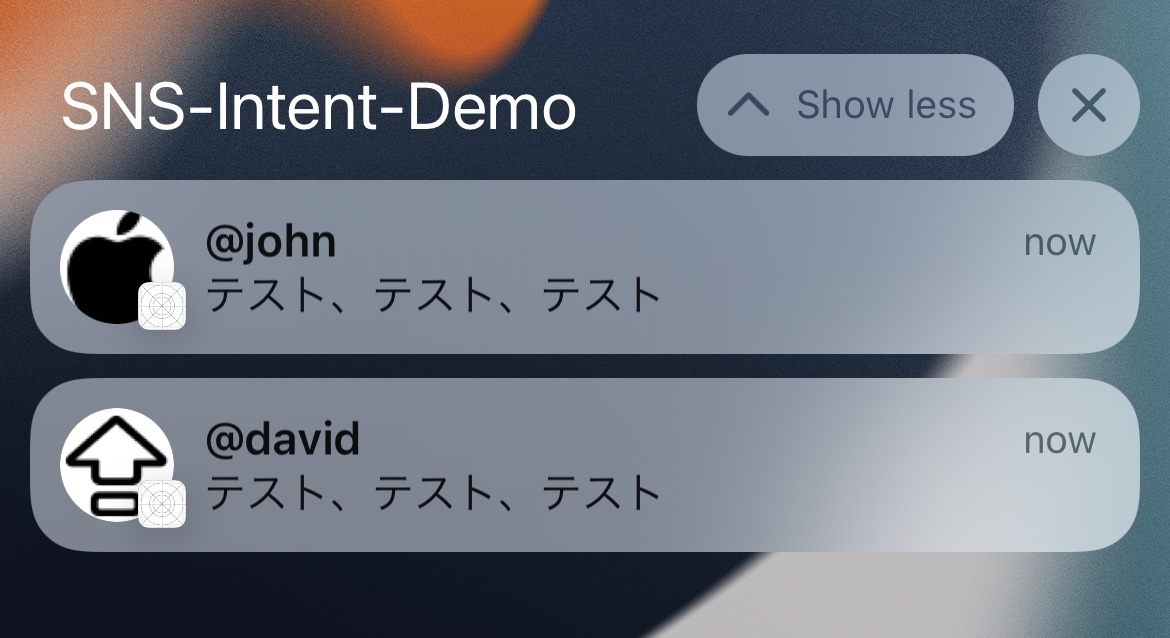
This is mainly for chat and social apps. The point is not only prettier notifications, but giving iOS enough context to treat the notification like a real conversation.
This article highlights three practical outcomes. First, the notification can show the sender avatar instead of only your app icon. Second, iOS can use that conversation metadata for suggestions in places like Contacts or the share sheet. Third, remote pushes can still be upgraded before display by running the same intent-based enrichment inside a notification service extension.
Start by enabling the communication-notification capability and telling the app which intent types it can donate.
The article first enables the Communication Notifications capability in Xcode. Then it adds
the supported user activity types to the main app target's Info.plist:
NSUserActivityTypes (Array)
    - INStartCallIntent
    - INSendMessageIntent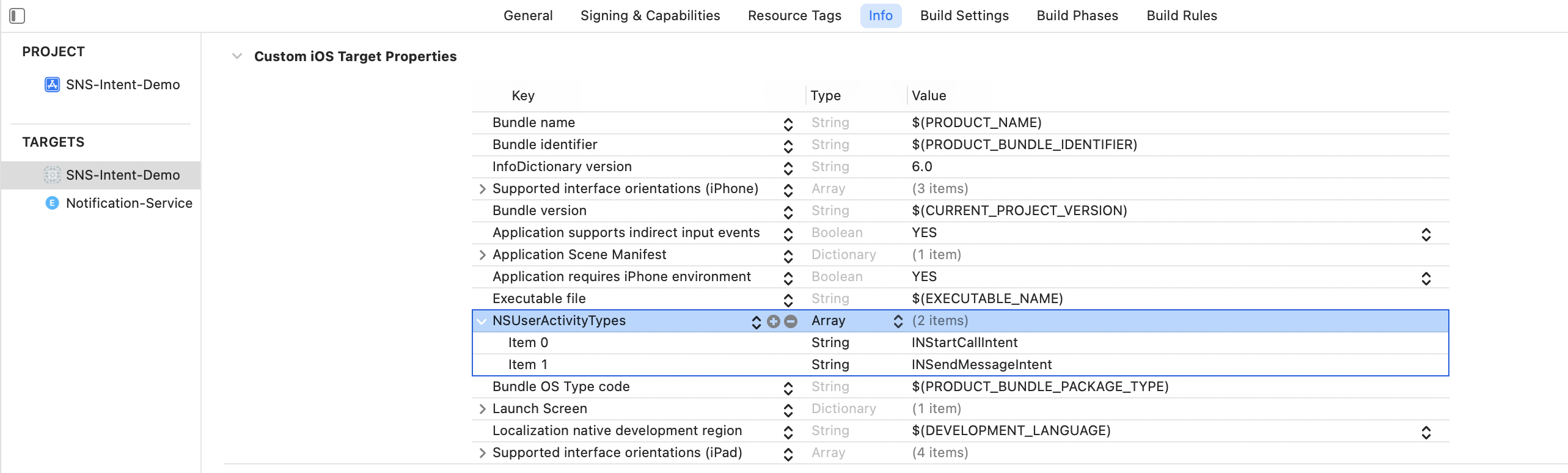
The system needs a real description of the conversation participant, not only a message string.
The article builds an INPerson for the sender and stresses why the fields matter. A real
email address or phone number helps iOS match the sender to a contact. A display name gives the notification
something human-readable. An image turns into the visible avatar. A custom identifier lets your own app map
the system object back to your account model.
let demoParticipant: INPerson = INPerson(
    personHandle: INPersonHandle(
        value: "John-Appleseed@mac.com",
        type: .emailAddress
    ),
    nameComponents: try? PersonNameComponents("John Appleseed"),
    displayName: "@john",
    image: INImage(imageData: UIImage(systemName: "applelogo")!.pngData()!),
    contactIdentifier: nil,
    customIdentifier: "john",
    isMe: false,
    suggestionType: .instantMessageAddress
)
In production, the placeholder symbol image should be replaced with the sender's actual avatar data.
Once the sender exists, wrap the message as an INSendMessageIntent and attach the sender image directly to the intent.
This article models the message itself with INSendMessageIntent, including the recipient,
content, visible sender name, and a conversation identifier:
let intent = INSendMessageIntent(
    recipients: [currentUser],
    outgoingMessageType: .outgoingMessageText,
    content: chatMessage,
    speakableGroupName: INSpeakableString(
        spokenPhrase: sender.displayName
    ),
    conversationIdentifier: "chat001",
    serviceName: nil,
    sender: sender,
    attachments: nil
)

intent.setImage(sender.image, forParameterNamed: \.sender)
The key idea is that the notification is no longer just text. It becomes an intent-backed communication event that iOS can classify as a conversation.
The article proves the feature locally first: donate the interaction, update a UNMutableNotificationContent, then schedule the notification.
The smallest useful transformation happens here:
let interaction = INInteraction(intent: intent, response: nil)
interaction.direction = .incoming
interaction.donate(completion: nil)

do {
    content = try content.updating(from: intent) as! UNMutableNotificationContent
} catch {
    // Handle error
}
That updating(from:) call is the step that upgrades a plain notification into one carrying the
conversation metadata and sender image.
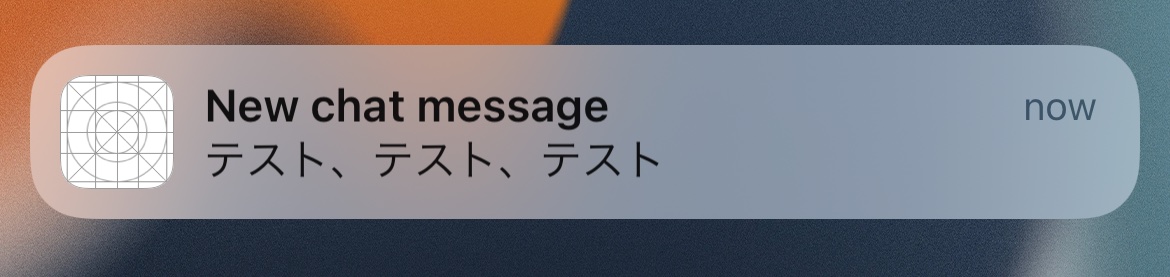
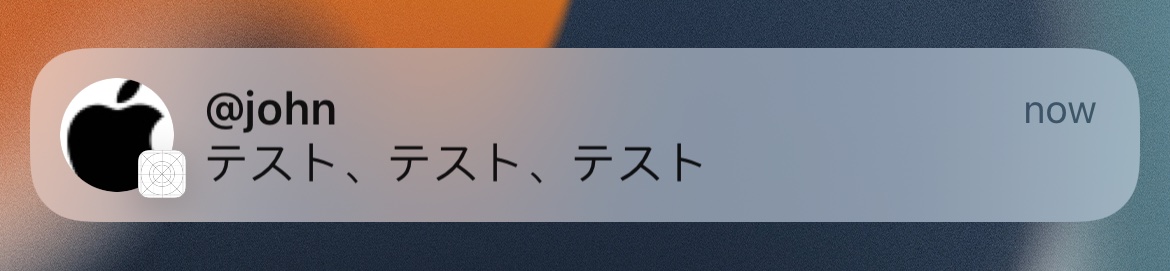
Most real chat notifications come from your server, so the same enrichment has to happen inside a notification service extension.
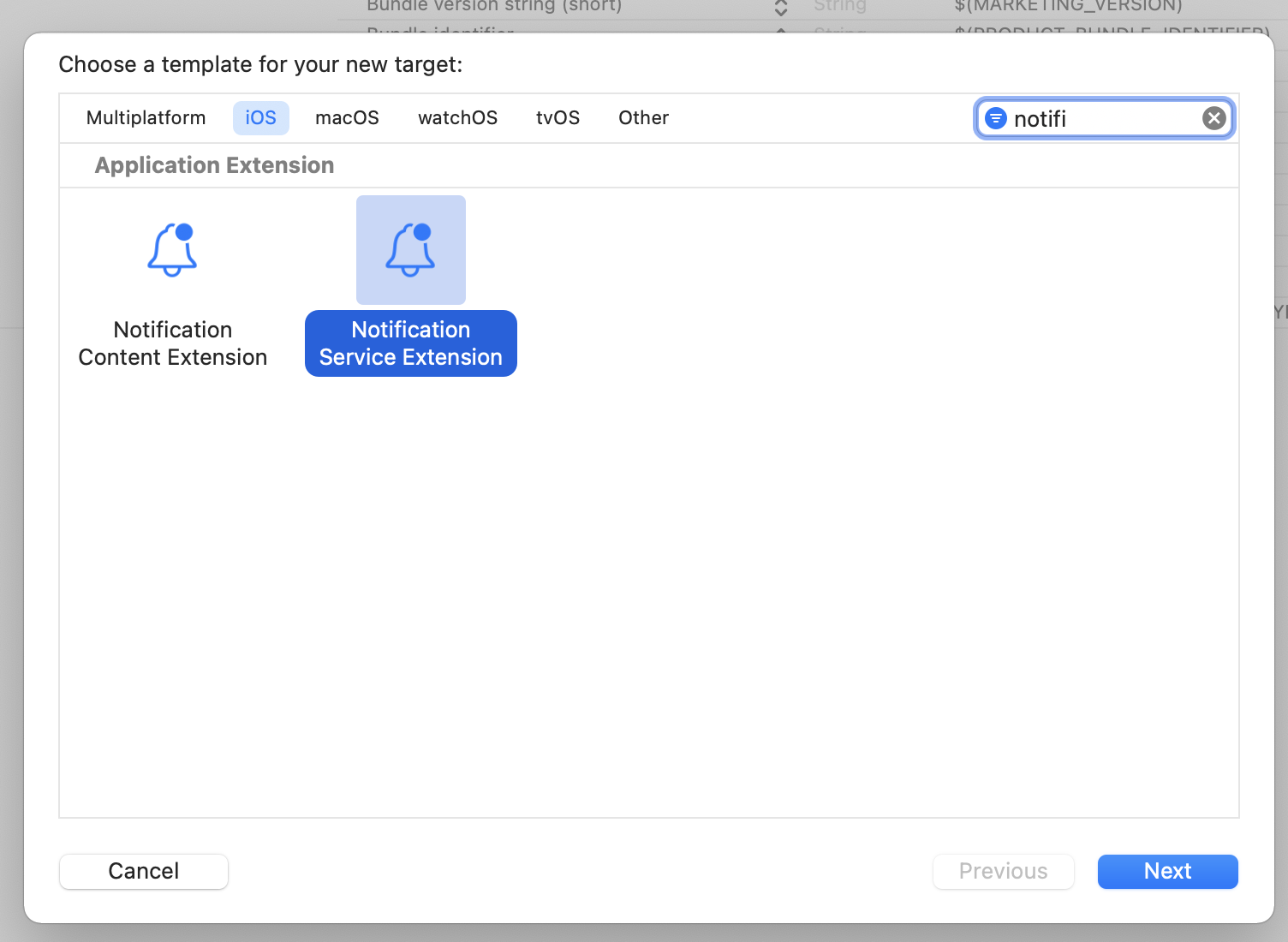
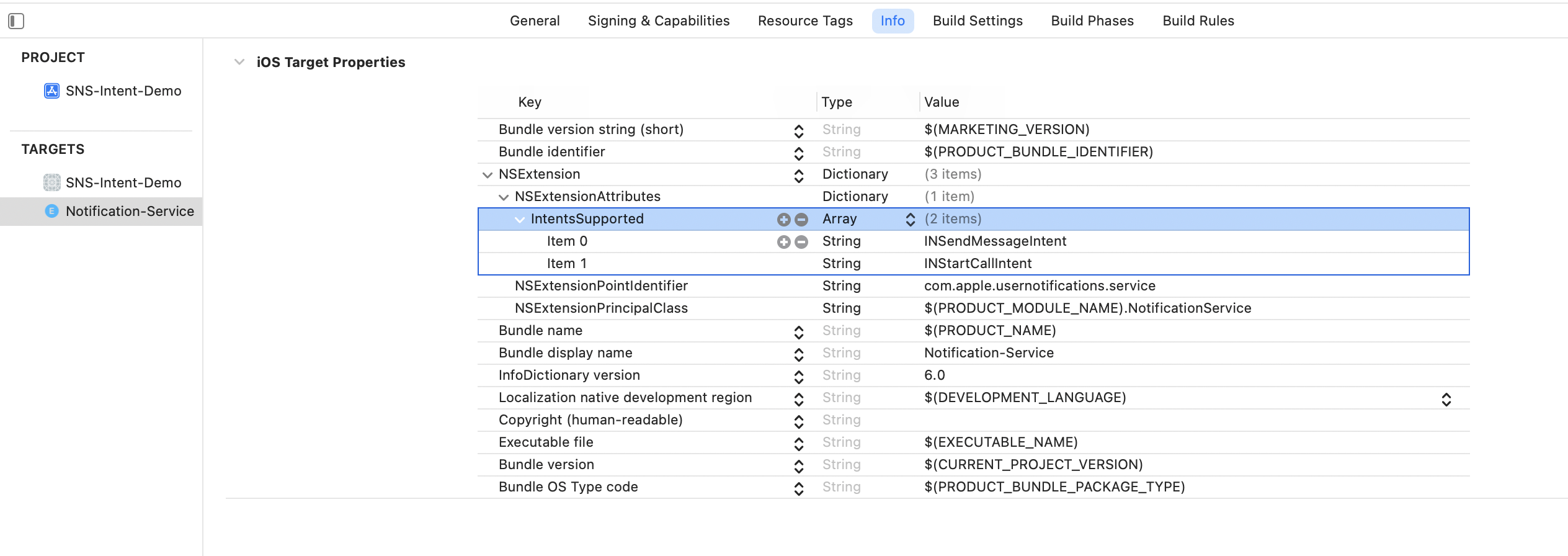
The article adds a Notification Service Extension target, then configures its
Info.plist so the extension can intercept push content before the system presents it.
The push payload in the article carries sender metadata such as sender_id,
sender_name, sender_nickname, sender_email,
sender_image_url, and chat-session_id. The extension reads those values from
bestAttemptContent.userInfo, rebuilds an INPerson and
INSendMessageIntent, then updates the content before handing it back to the system.
if let senderAccountID = bestAttemptContent.userInfo["sender_id"] as? String,
   let senderName = bestAttemptContent.userInfo["sender_name"] as? String,
   let senderImageURLString = bestAttemptContent.userInfo["sender_image_url"] as? String,
   let senderDisplayName = bestAttemptContent.userInfo["sender_nickname"] as? String,
   let senderEmailAddr = bestAttemptContent.userInfo["sender_email"] as? String,
   let chatSessionID = bestAttemptContent.userInfo["chat-session_id"] as? String {
    // Rebuild INPerson and INSendMessageIntent here
}
The article's main service method then calls request.content.updating(from: intent) and returns
the result through the extension's contentHandler.
Two practical notes matter: simulator testing is limited, and the demo project is available if you want a reference implementation.
This article explicitly warns that you cannot rely on a local .apns test file in the Simulator
to validate the full experience. For remote pushes, use a real delivery path. The article also links to a
sample project here:
github.com/mszpro/iOS15-Intents-SNS.
The hard part is not the notification API itself. It is feeding the system enough conversation metadata that iOS can recognize the event as a real person-to-person message.
That is the throughline of this article. Enable the project capability, describe people with
INPerson, represent the message with INSendMessageIntent, donate the interaction,
and run the same logic again in a notification service extension for remote pushes. Once those pieces are in
place, the notification can carry avatars and conversation context instead of feeling like a generic alert.