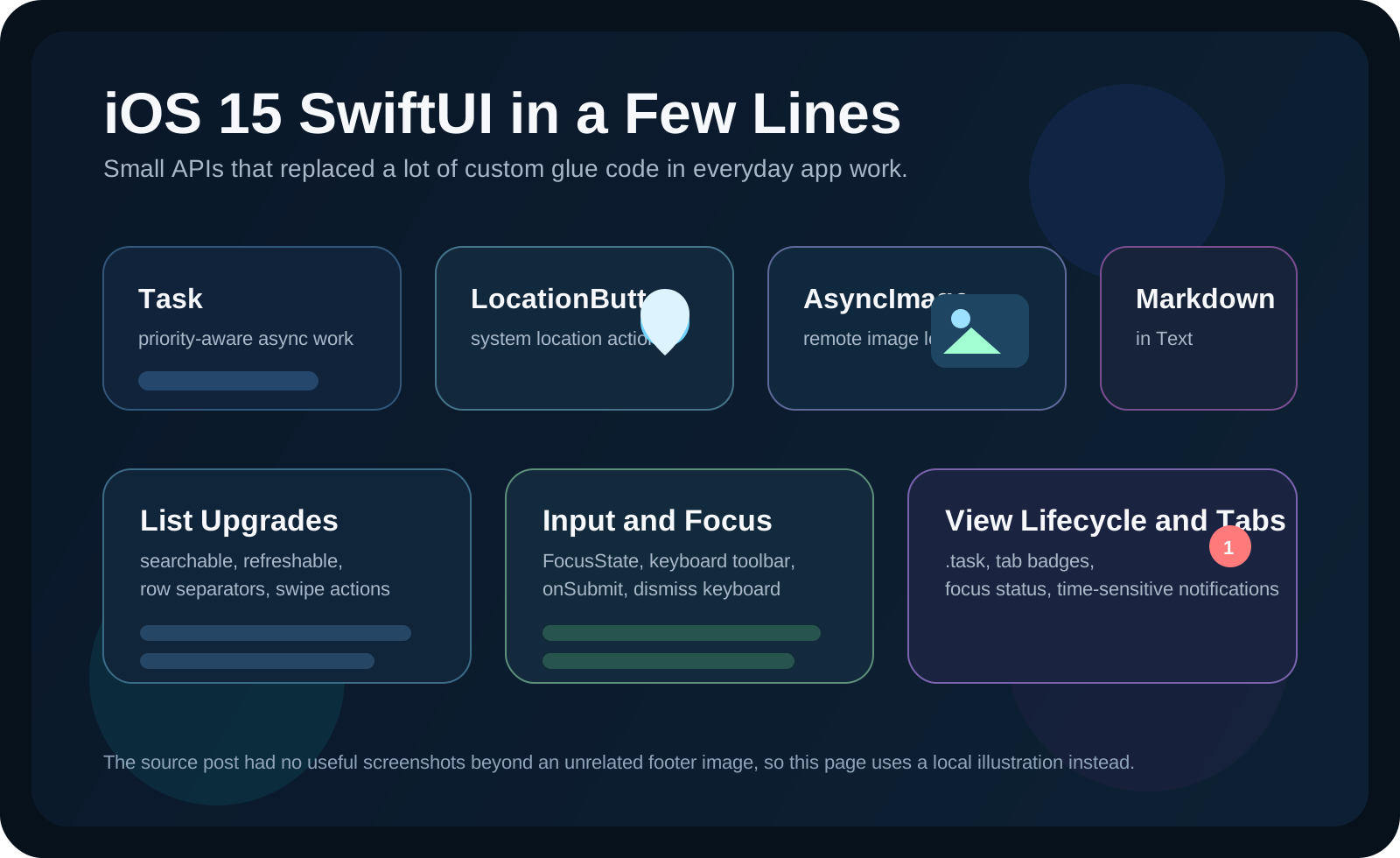
The theme of this article is not one big framework launch. It is the pile of small iOS 15 SwiftUI upgrades that remove custom glue code.
That is why the post is structured as a feature sprint. Many of these APIs are only a modifier or a tiny wrapper view, but they replace chores developers used to solve themselves: loading remote images, adding a search field, exposing pull-to-refresh, reacting to the keyboard submit key, or managing text-field focus.
Some of the useful iOS 15 changes live just outside pure view styling, especially around async work and focus state.
The article opens with Swift concurrency's Task type, using a user-initiated priority to start
a unit of work:
let task = Task(priority: .userInitiated) {
    Server.fetchCatNames { catNames in
        print(catNames)
    }
}
It then shows how to ask whether the user has enabled Focus mode by using
INFocusStatusCenter:
let permissionNotDetermined =
    (INFocusStatusCenter.default.authorizationStatus == .notDetermined)

if permissionNotDetermined {
    INFocusStatusCenter.default.requestAuthorization { status in
        print(status)
    }
}
let isAccessAuthorized =
(INFocusStatusCenter.default.authorizationStatus == .authorized)
if let isFocused = INFocusStatusCenter.default.focusStatus.isFocused,
isAccessAuthorized {
print(isFocused)
}This is not a visual SwiftUI feature, but it fits this article's theme: a new system capability that can be adopted in only a few lines.
Two of the nicest low-friction additions are LocationButton and AsyncImage.
For location requests, SwiftUI gets a dedicated system-styled control from CoreLocationUI:
LocationButton(.currentLocation) {
    print("Location requested.")
}
.cornerRadius(15)
.symbolVariant(.fill)
.foregroundColor(.white)
This article also lists the other built-in button labels:
LocationButton(.currentLocation)
LocationButton(.sendCurrentLocation)
LocationButton(.sendMyCurrentLocation)
LocationButton(.shareCurrentLocation)
LocationButton(.shareMyCurrentLocation)
For remote images, the no-frills version is one line:
AsyncImage(url: URL(string: "https://via.placeholder.com/350x150")!)
And the more realistic version handles loading and failure through phase:
AsyncImage(
    url: URL(string: "https://via.placeholder.com/350x150")!,
    scale: 1.0
) { phase in
    if let image = phase.image {
        image
    } else if let error = phase.error {
        Text(error.localizedDescription)
    } else {
        ProgressView()
    }
}List got some of the most visible quality-of-life upgrades in iOS 15: built-in search, hidden separators, refresh hooks, and swipe actions.
Search becomes a modifier instead of a custom search-controller bridge:
List {
    ForEach(allCatNames, id: \.self) { catName in
        Text(catName)
    }
}
.searchable(text: $searchTextEntered)
Hiding separators is now direct:
List {
    ForEach(allCatNames, id: \.self) { catName in
        Text(catName)
            .listRowSeparator(.hidden)
    }
}
Pull-to-refresh becomes a modifier too:
List {
    ForEach(allCatNames, id: \.self) { catName in
        Text(catName)
    }
}
.refreshable {
    Server.fetchCatNames { catNames in
        self.allCatNames = catNames
    }
}
And list-cell actions no longer need a custom gesture stack:
Text(cat)
    .swipeActions(edge: .leading) {
        Button {
            print("pinned")
        } label: {
            Image(systemName: "bookmark")
        }
        .tint(.blue)
    }
Text rendering and text entry also get noticeably cleaner APIs in iOS 15.
Markdown now renders directly inside Text:
Text(
    "You can **now** type *in* markdown. You can put [links](https://example.com) here, or some `code`."
)
For focus control, this article uses @FocusState together with a keyboard toolbar so the
user can clear the field or dismiss the keyboard:
@State var catNameEntered: String = ""
@FocusState var isCatNameFieldFocused: Bool

TextField("Cat name", text: $catNameEntered)
    .focused($isCatNameFieldFocused)
    .toolbar {
        ToolbarItemGroup(placement: .keyboard) {
            HStack {
                Button("Clear textfield") {
                    self.catNameEntered = ""
                }
                Spacer()
                Button("Done") {
                    self.isCatNameFieldFocused = false
                }
            }
        }
}Three more small additions remove boilerplate around screen loading, keyboard submission, and tab counters.
If a screen should run work when it appears, the article uses .task:
Form {
    List(allCatNames, id: \.self) { catName in
        Text(catName)
    }
}
.task {
    Server.fetchCatNames { catNames in
        self.allCatNames = catNames
    }
}
To react to the keyboard submit button, attach .onSubmit to the form:
Form {
    TextField("Cat name", text: $newCatNameField)
    TextField("Cat color", text: $newCatColorField)
}
.onSubmit {
    print("onSubmit \(newCatNameField) \(newCatColorField)")
}
And tab badges become a first-party modifier:
TabView {
    Form { Text("Tab 1") }
        .tabItem { Label("Tab 1", systemImage: "book") }
        .badge(10)

    Form { Text("Tab 2") }
        .tabItem { Label("Tab 2", systemImage: "calendar") }
        .badge(1)
}The roundup ends outside pure view code again, with time-sensitive notifications that can break through Focus mode when marked appropriately.
The article notes that these urgent notifications still need the right entitlements, including
Communication Notification, Push Notifications, and
Time Sensitive Notifications. It also points readers to Apple's documentation for
interruptionLevel and relevanceScore.
That last section fits the rest of the post well: iOS 15 added many features that are individually small but materially improve common app behavior.
The point of this article is not depth on one API. It is speed: how many older custom solutions became unnecessary once iOS 15 landed.
That is why this roundup still holds up. Search boxes, remote image loading, pull-to-refresh, swipe actions, markdown text, keyboard handling, and tab badges all became easier at once. None of these features are huge on their own, but together they cut a surprising amount of glue code from ordinary SwiftUI apps.