This post is about the smallest useful version of SwiftUI search: bind the query to state, filter the list, then improve the experience with suggestions.
This article uses a simple list of cat records as the example data set. That keeps the point clear:
the interesting part is not the model, but how .searchable attaches a search field to the
list and how the suggestion closure can reduce typing friction.
The article also notes that this search suggestion behavior may be limited to iOS 15 and later, which was the new API surface at the time.
The demo begins with a plain SwiftUI view backed by a small array of cat information and one state property for the search text.
The first important piece is just the bound query string:
@State private var searchText: String = ""The sample data in this article is a list of cat names, colors, and descriptions. That is enough to show search behavior without introducing database or API code.
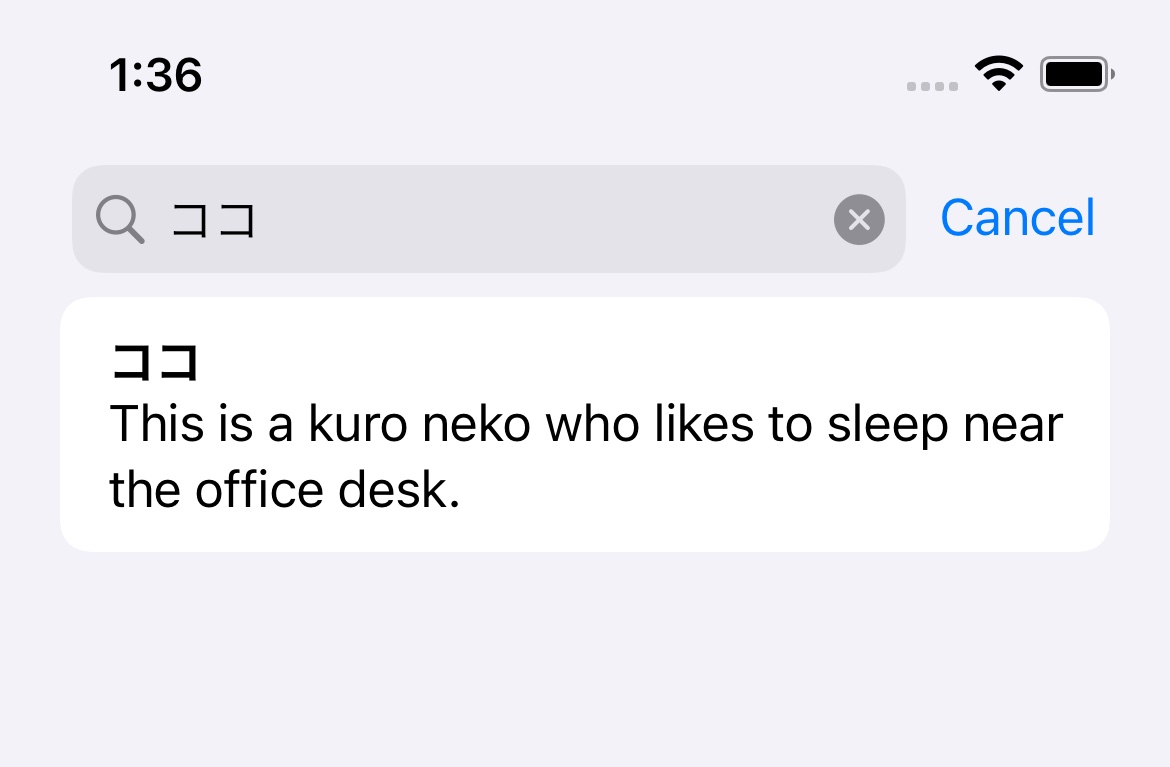
The first usable version is simple: attach .searchable to the list, then filter the items from searchText.
The modifier itself is straightforward:
.searchable(
    text: $searchText,
    placement: .navigationBarDrawer,
    prompt: "Search from cat names"
)
Then the list content is filtered based on the typed text. In this article, an empty query returns every item, while a non-empty query checks for an exact cat-name match:
List(catInfos.filter({ catInfo in
    if self.searchText.isEmpty {
        return true
    }
    return catInfo.catName == self.searchText
})) { catInfo in
    VStack(alignment: .leading) {
        Text(catInfo.catName)
            .font(.headline)
            .foregroundColor(catInfo.catColor)
        Text(catInfo.catDescription)
    }
}
That works, but it produces an obvious UX issue: the user has to type the full cat name before the row appears. The article uses that limitation as the reason to add suggestions next.
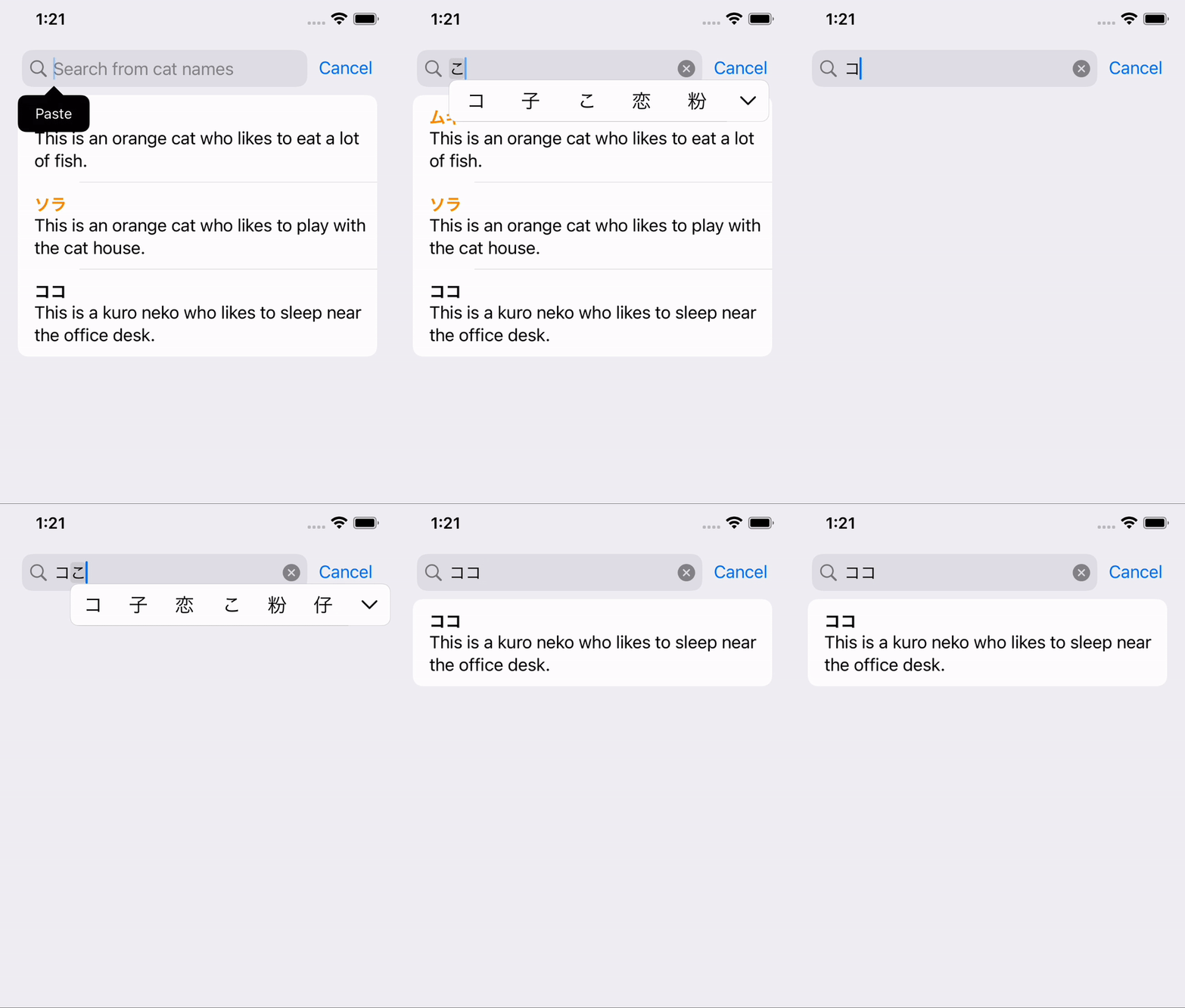
The improvement is to use the searchable suggestion closure so the UI can offer matching names before the user finishes typing.
SwiftUI lets you add a trailing closure to .searchable and build suggestion content there:
.searchable(
    text: $searchText,
    placement: .navigationBarDrawer,
    prompt: "Search from cat names"
) {
    let matchedItems = self.catInfos.filter({ catInfo in
        return catInfo.catName.contains(self.searchText)
    })

    if matchedItems.isEmpty {
        Text("No suggestions found.")
    }

    ForEach(matchedItems) { catInfo in
        Text("Are you looking for \(catInfo.catName)?")
            .searchCompletion(catInfo.catName)
    }
}
This article keeps the matching logic intentionally small by using contains. In a real
app, that same block could call into a database, an API, or a local search index instead.
The key API detail is .searchCompletion. That modifier turns each suggestion row into a value
the user can tap to populate the search field directly.

This article ends by linking the full sample rather than expanding every line inline.
If you want the exact complete version from the article, use the linked gist: mszpro/e22105fa05485b2e8025e9cb2a8eaa25.
Conceptually, the whole implementation is just one list view plus three moving parts: the bound search text, the filtered list data, and the suggestion rows returned from the searchable closure.
This is a good example of how small SwiftUI modifiers become much more valuable once you pair them with the right interaction pattern.
.searchable by itself gives you a search field. The suggestion closure and
.searchCompletion are what make it feel faster and less brittle for real users.
If your SwiftUI list search still depends on exact full-string entry, this is a clean next step.