The key problem is that a UITextView wants to scroll itself, while the table view needs the cell to grow instead.
This article starts with a deceptively simple setup: one table view cell, one text view, and normal Auto Layout constraints. On paper, that sounds enough. In practice, the text view keeps its own scrolling behavior, the table does not know it should recompute height during editing, and the visible result looks broken.
The useful part of this tutorial is that it fixes the whole interaction rather than only one symptom. The cell becomes auto-sized, the text view stops swallowing extra height with internal scrolling, and the controller updates layout smoothly while the user types.
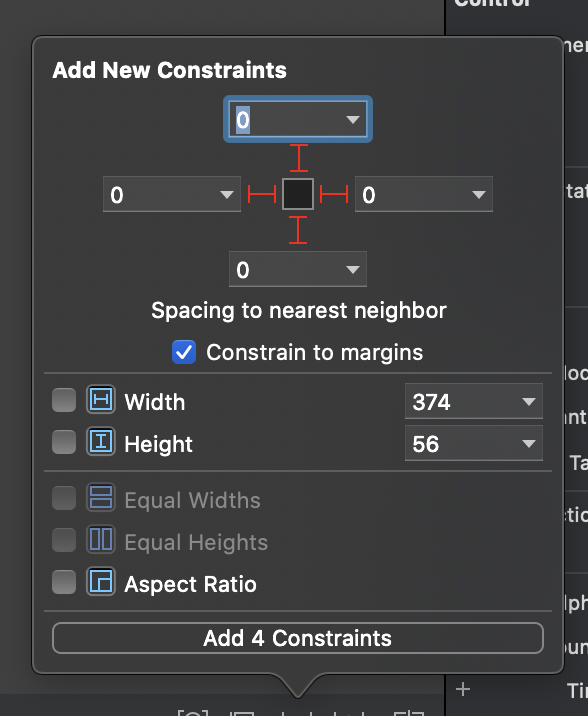
The initial project already has constraints, but that alone does not make the editing experience work.
The original project uses a cell with a single UITextView and regular layout constraints. The storyboard looks reasonable,
but the runtime result still does not produce the behavior you want. The text view appears inside the cell, yet the cell does not
naturally resize to follow the user's input.
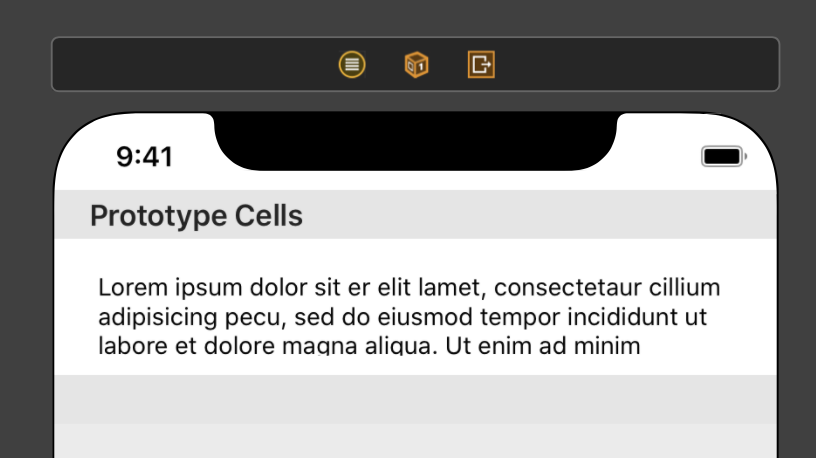

Two things unlock the layout: use automatic row height, and disable scrolling inside the text view.
The first step is to let the table view calculate row height automatically. The second step is just as important: the text view must stop treating overflow as its own private scroll area. If it keeps scrolling internally, the cell has no reason to grow.
tableView.rowHeight = UITableView.automaticDimensionfinal class DemoCell: UITableViewCell {
@IBOutlet weak var textField: UITextView!
override func awakeFromNib() {
super.awakeFromNib()
textField.isScrollEnabled = false
}
}That gets the layout moving in the right direction. This article shows the intermediate state after internal scrolling is disabled: the text view is no longer fighting the cell, but the table still needs to be told when the edited content changes.
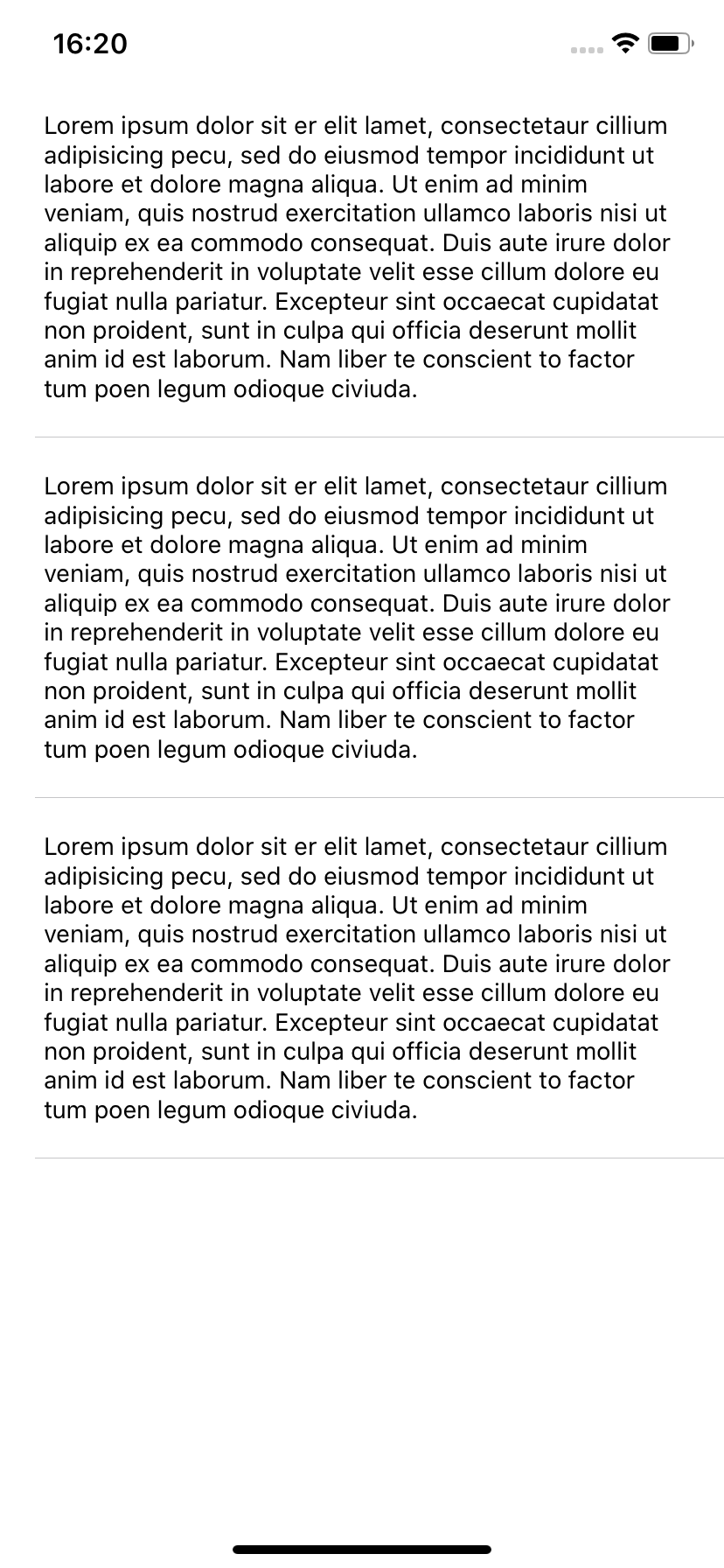
isScrollEnabled is necessary, but it is not the whole solution by itself.The cell needs to report editing changes back to the controller so the table can react.
A UITextView already tells you when its text changes through UITextViewDelegate. The missing piece is passing that
event out of the cell. The article uses a small custom delegate protocol for that bridge.
protocol DemoCellDelegate: AnyObject {
    func textDidChange()
}
final class DemoCell: UITableViewCell, UITextViewDelegate {
@IBOutlet weak var textField: UITextView!
weak var delegate: DemoCellDelegate?
override func awakeFromNib() {
super.awakeFromNib()
textField.isScrollEnabled = false
textField.delegate = self
}
func textViewDidChange(_ textView: UITextView) {
delegate?.textDidChange()
}
}
Then the table view controller sets itself as the cell's delegate in cellForRowAt. That keeps the cell focused on input handling
while the controller stays responsible for table layout.
override func tableView(
    _ tableView: UITableView,
    cellForRowAt indexPath: IndexPath
) -> UITableViewCell {
    let cell = tableView.dequeueReusableCell(withIdentifier: "demo") as! DemoCell
    cell.textField.text = "Test test test test test test test test"
    cell.delegate = self
    return cell
}Do not call reloadData() for this. Ask the table to re-evaluate layout with beginUpdates() and endUpdates().
This is the most important behavioral detail in the article. A full reload is heavy-handed and visually wrong for live editing. You do not want to rebuild the whole table every time the user types one more character. You only want UIKit to recalculate row heights and animate that change cleanly.
extension ViewController: DemoCellDelegate {
    func textDidChange() {
        tableView.beginUpdates()
        tableView.endUpdates()
    }
}
That small pair of calls is what makes the result feel correct. The row grows with the text, the edit stays in place, and the table does not flash or jump like a brute-force reload.

The full fix is small, but it only works when all the pieces are in place together.
Auto Layout constraints are not enough on their own. The table must use automatic row height. The text view must not scroll internally.
The cell must report edits outward. And the controller must trigger layout recalculation with beginUpdates() and
endUpdates() instead of a full reload.
That is why this older UIKit article still holds up. It solves a real interaction bug in a way that stays simple, explicit, and still practical today.