WWDC 2022 felt like a platform reset: more glanceable information, more collaboration hooks, and more Apple services exposed as developer frameworks.
This article was built from the public WWDC keynote video plus public session and documentation pages only.
It also marked items with (API) when the feature was something app developers could directly adopt in their own products.
In hindsight, the keynote splits into three big stories. First, iPhone gained new passive surfaces such as the redesigned lock screen, bottom-stacked notifications, and Live Activities. Second, Apple kept turning internal platform capabilities into reusable tools such as WeatherKit, Swift Charts, RoomPlan, and newer MapKit views. Third, Mac and iPad both pushed harder toward flexible multiwindow work, with Stage Manager as the most visible symbol of that shift.
iPhone moved toward live, glanceable, and more personalized surfaces while also giving apps stronger hooks into system behavior.
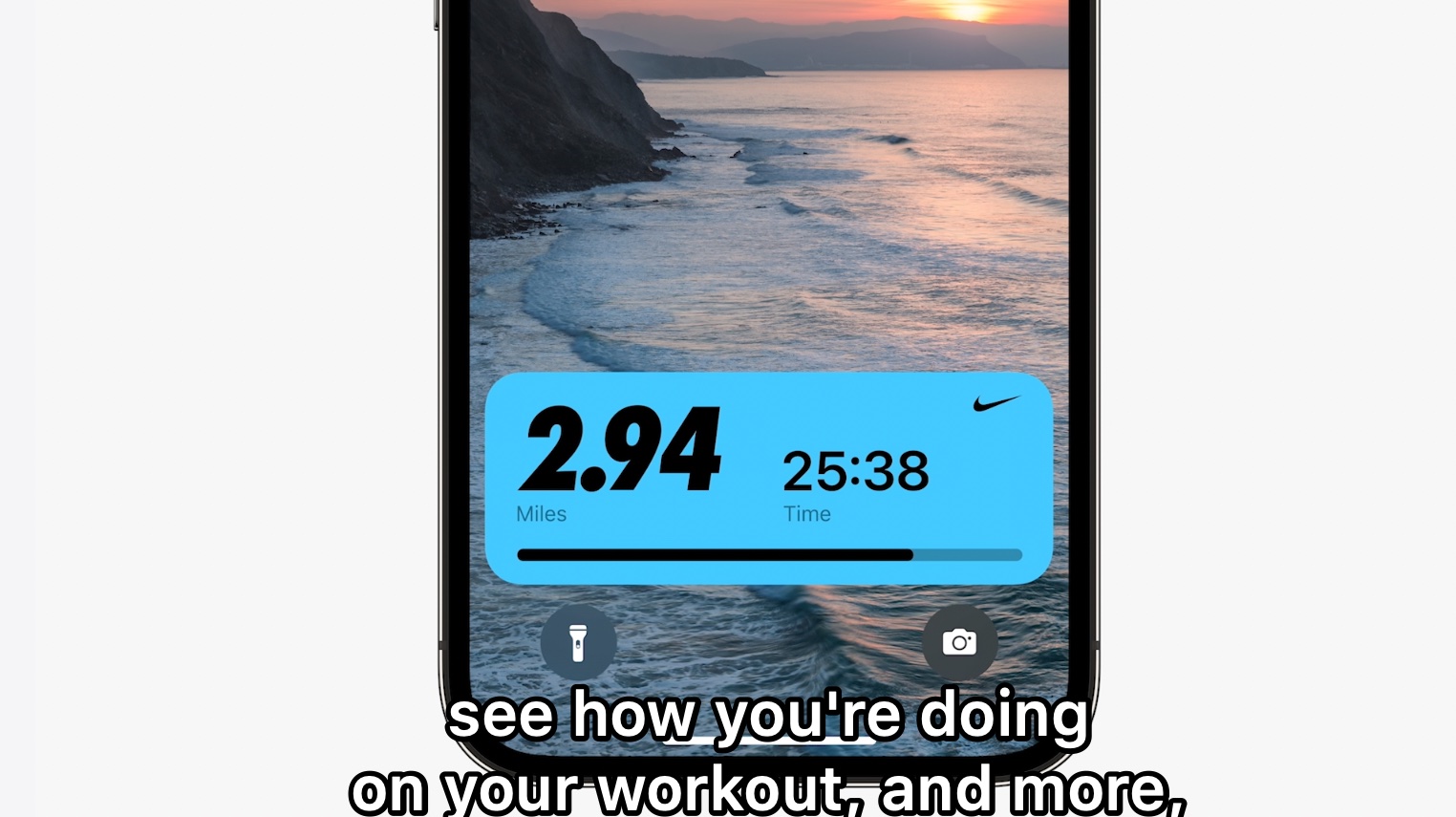
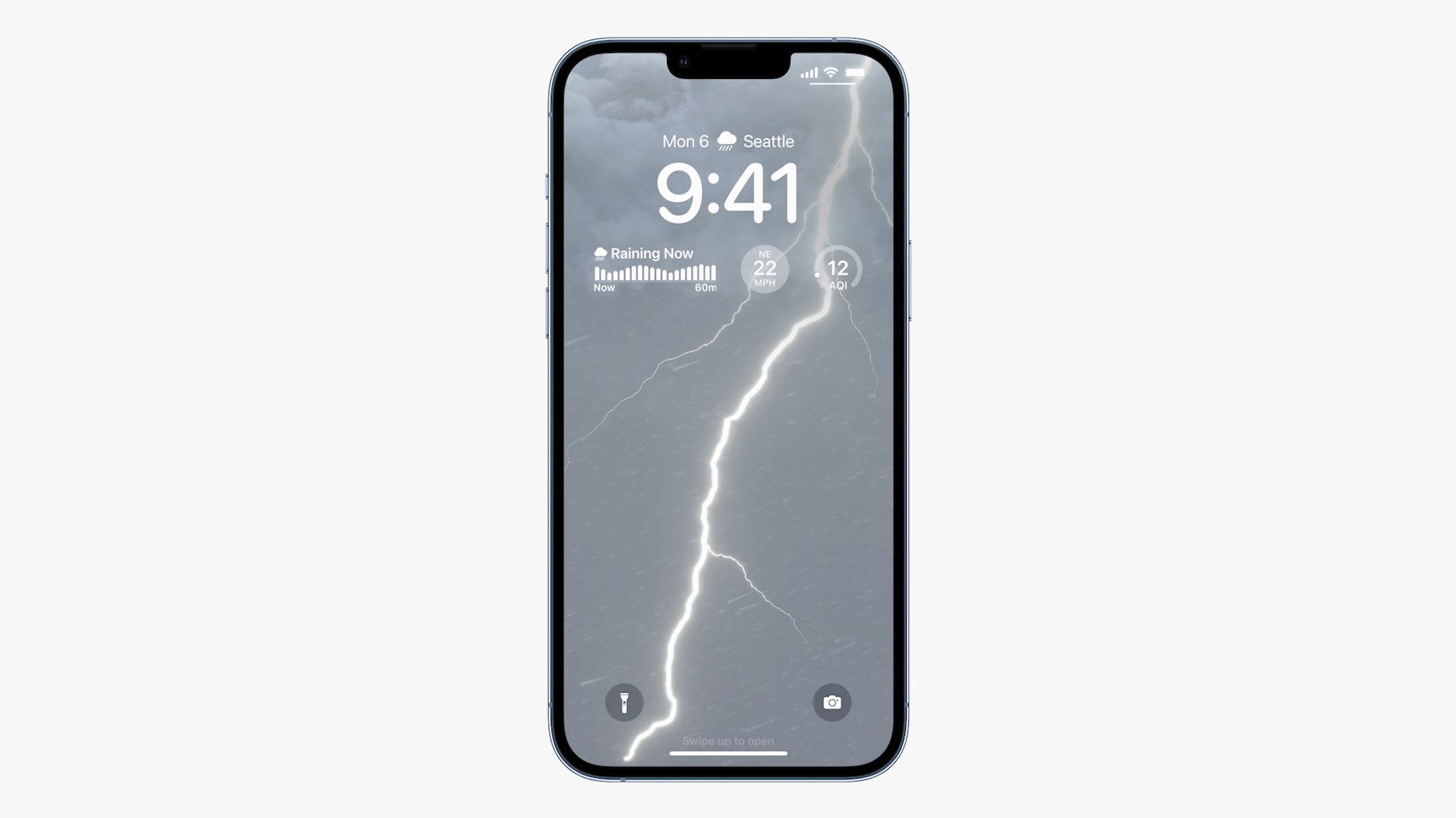
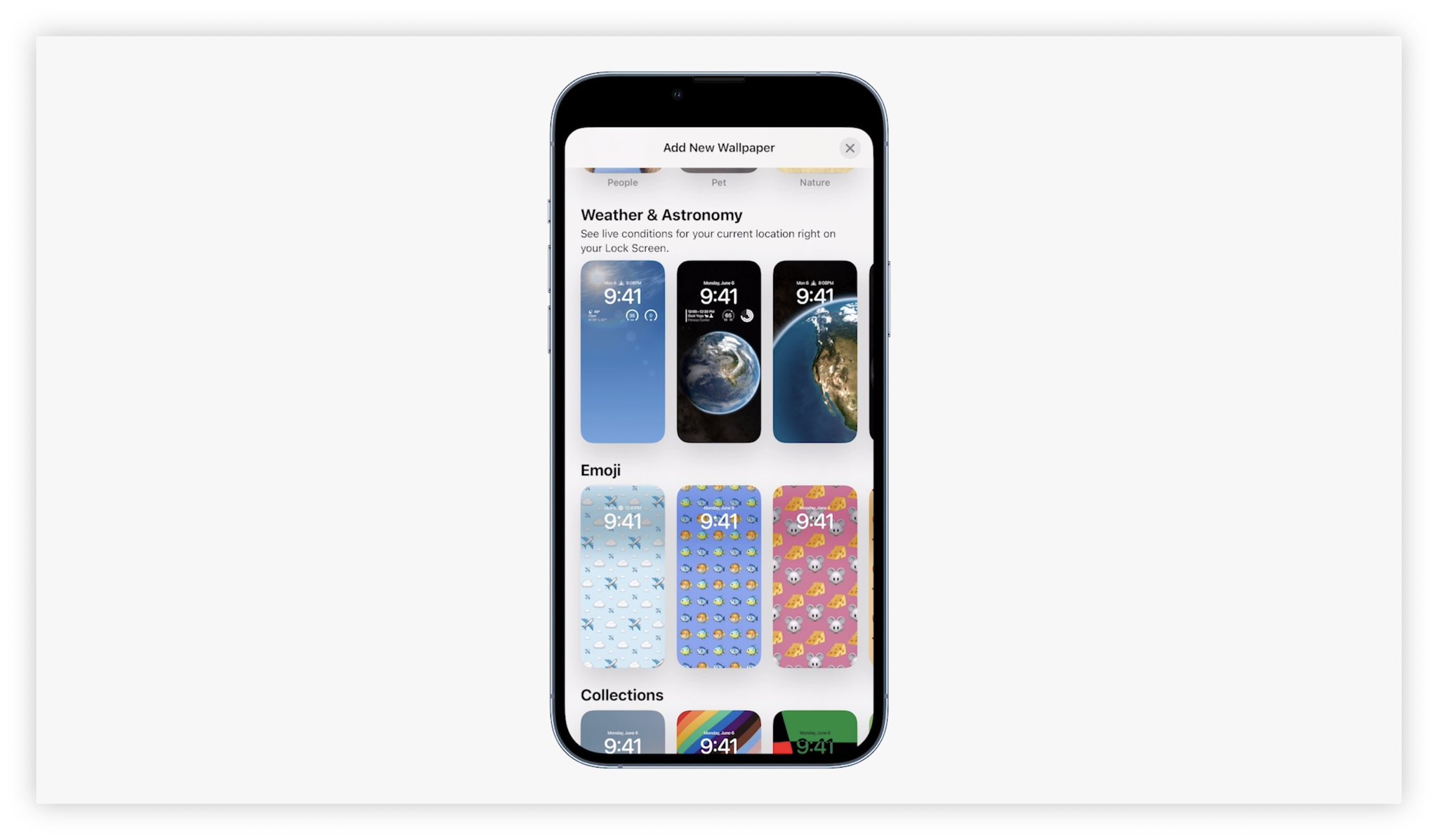
The most visible changes were on the lock screen. Notifications moved to the bottom, could be collapsed out of the way, and sat beside the new Live Activities model for persistent, at-a-glance status such as rides, sports scores, or media progress. Apple also rebuilt the lock screen around widgets, photo shuffles, animated weather or Earth backgrounds, and editable fonts and colors.
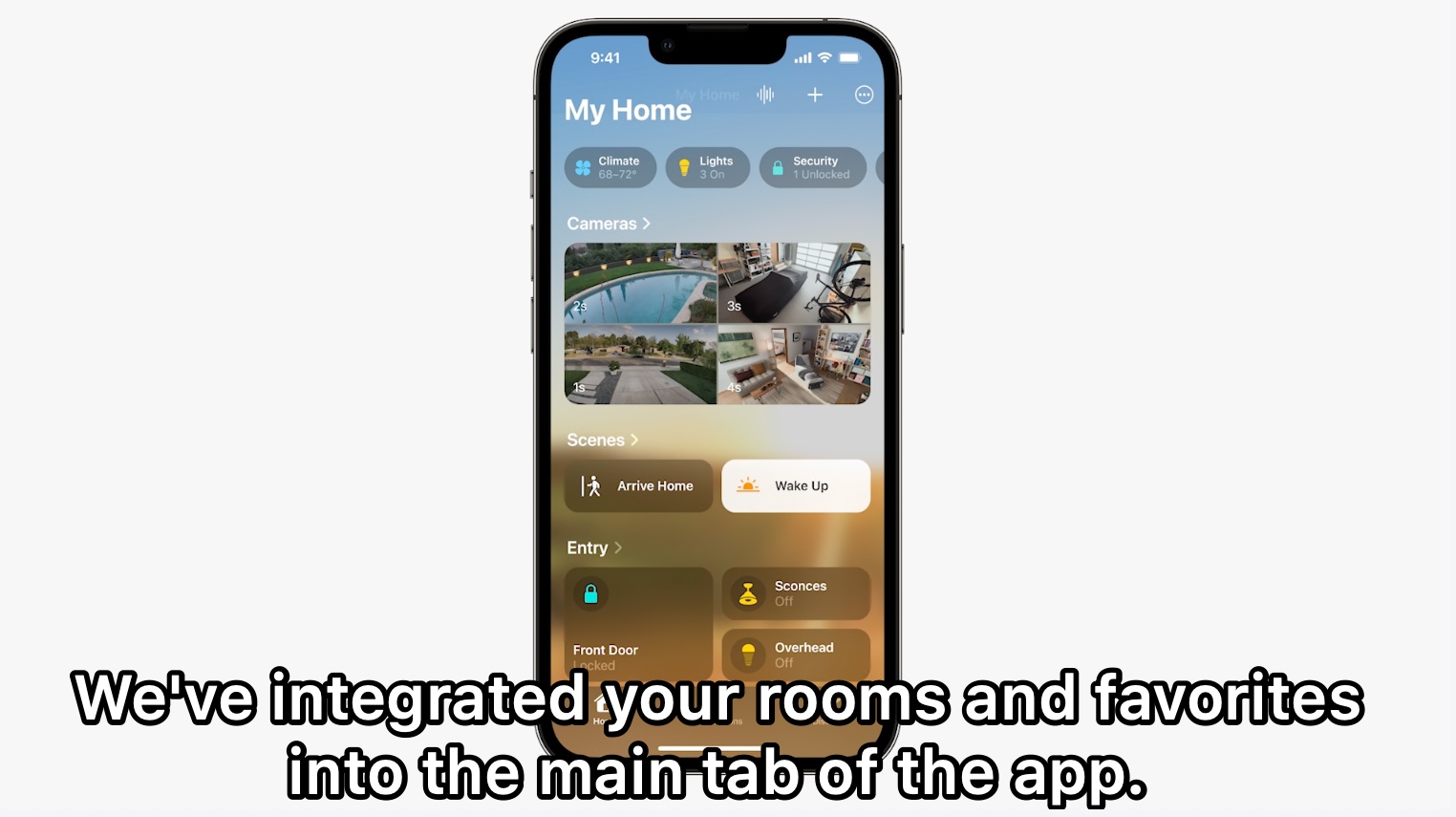
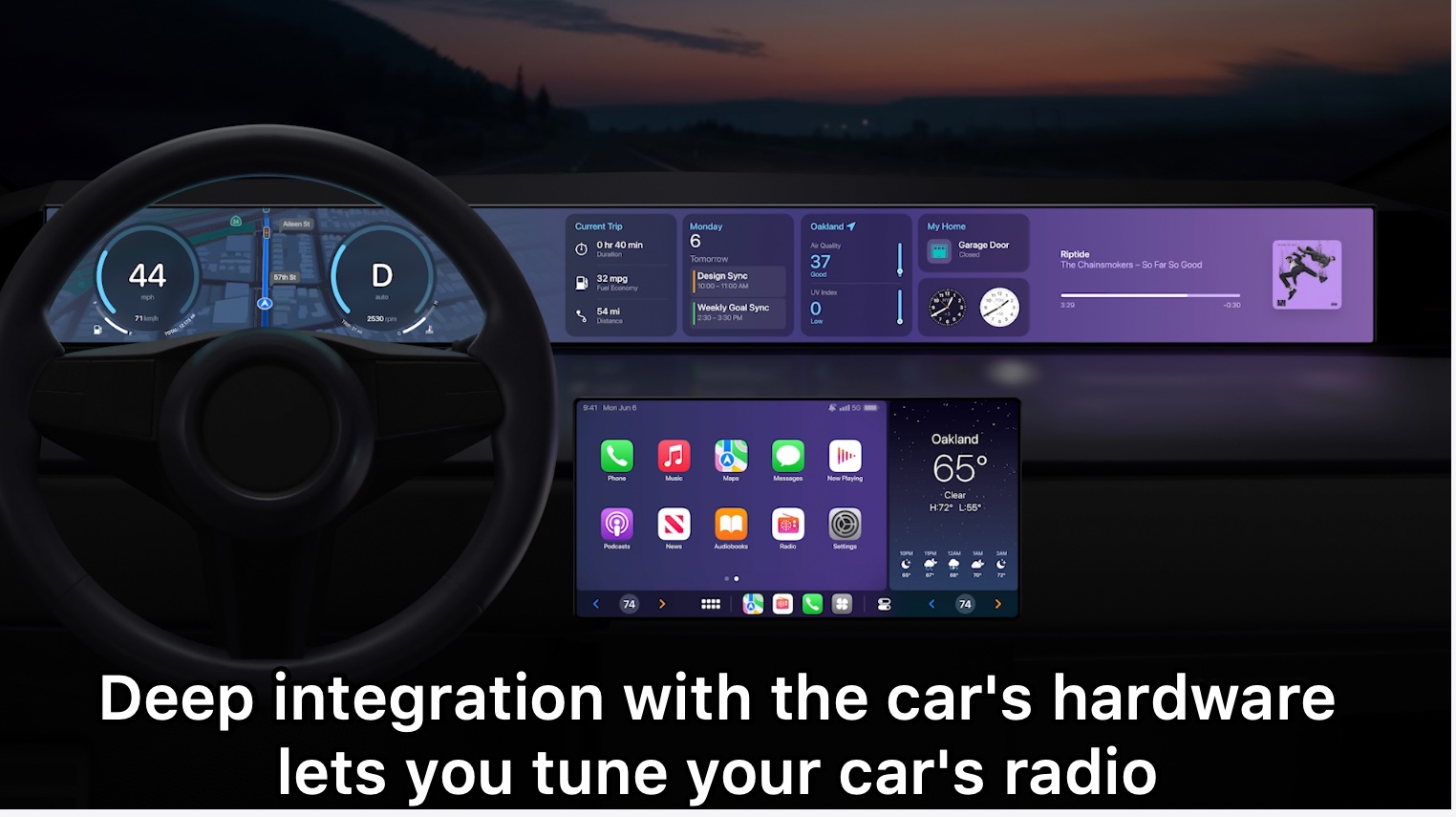
Under that surface layer, iOS 16 kept widening what apps could plug into. Live Text expanded into video, translation, and copyable paused frames. Focus modes could influence app content. Messages gained edit and undo-send behavior, SharePlay moved into Messages, and collaboration sessions made shared documents feel more native to iMessage groups. App Intents simplified Shortcuts integration, while Wallet, Maps, Home, and CarPlay all picked up larger ambitions around payments, navigation, Matter support, and deeper vehicle integration.
WeatherKit, Swift Charts, RoomPlan, and the rest showed Apple pushing higher-level product building blocks directly into the SDK.
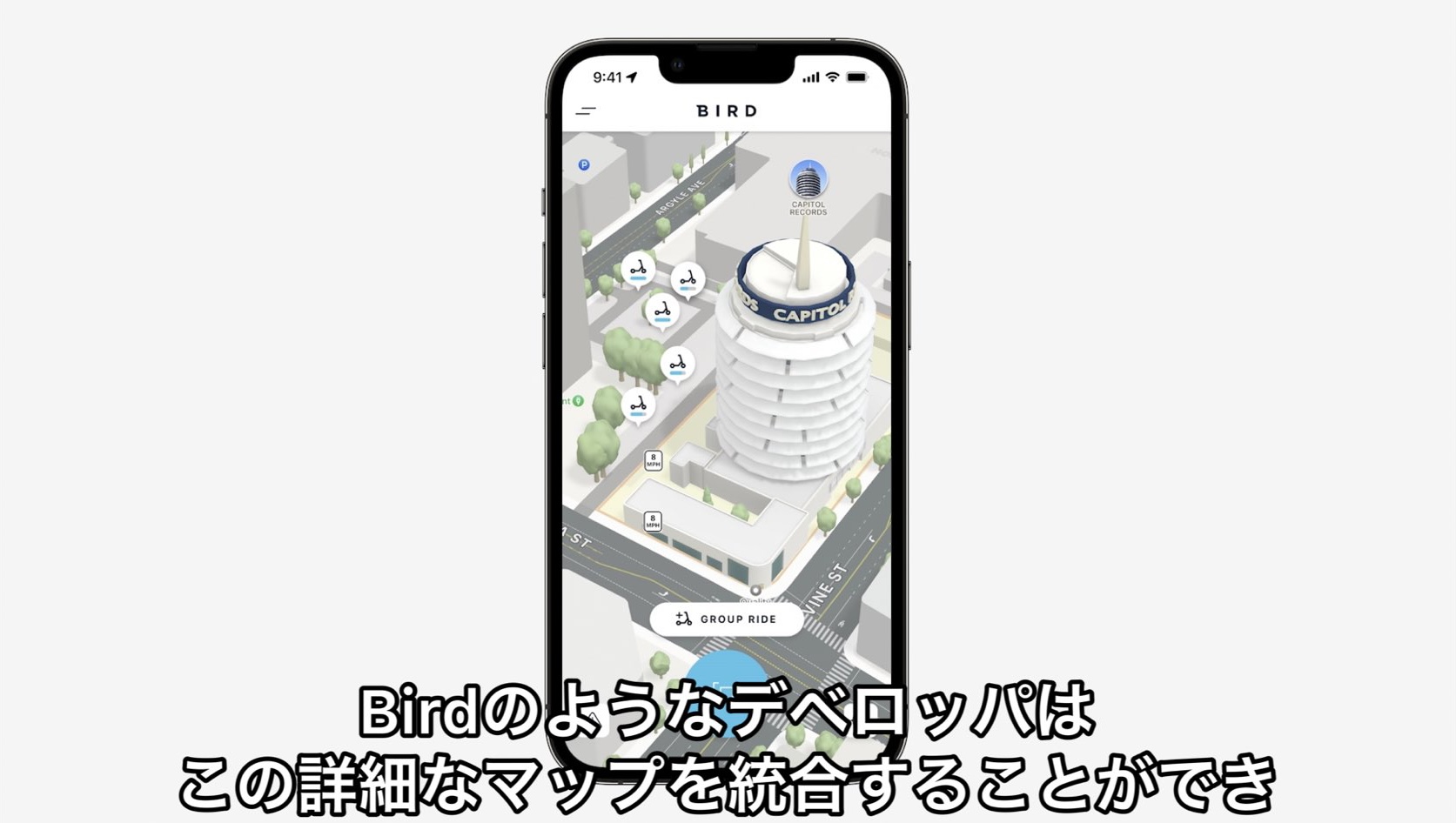
One reason this article was useful is that it did not stop at consumer features. It tracked the new frameworks and session links too. WeatherKit turned Apple's weather data into something apps and services could use. Swift Charts gave SwiftUI developers a serious charting layer. RoomPlan exposed 3D room scanning through the platform stack, and MapKit gained richer city rendering plus in-app Look Around support.
The rest of the developer layer followed the same pattern. PushToTalk added a system path for walkie-talkie style apps. App Clips loosened some constraints and gained access to iCloud and Keychain features. Swift and SwiftUI kept getting deeper platform sessions, and Apple also highlighted a smoother route for bringing Apple frameworks into Unity-based projects.
Apple Watch stayed focused on glanceable utility and fitness data, while Health added practical medication tracking.
The watch portion of this article was shorter, but the direction was clear. Apple highlighted new watch faces, better search and suggestions in Podcasts, new Share Sheet and photo-picking APIs, three new running metrics, and sleep-stage detection. None of that was a dramatic redesign, but together it kept pushing the watch toward a more capable health-and-habits companion.
The Health app update was even simpler: medication records. That sounds modest, but it fits the broader Apple pattern of making the platform more useful through everyday, low-friction health features instead of only through headline hardware moments.
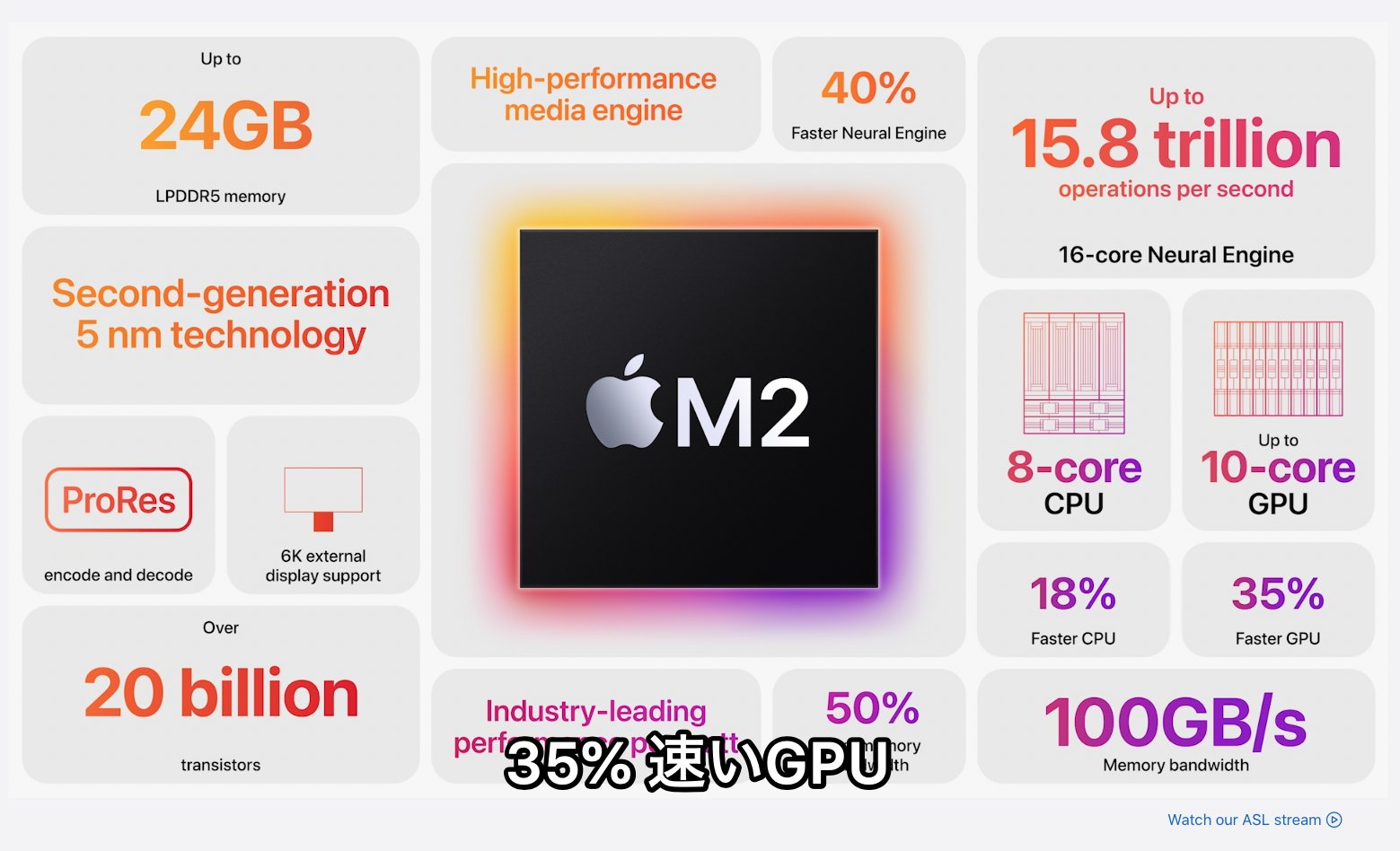
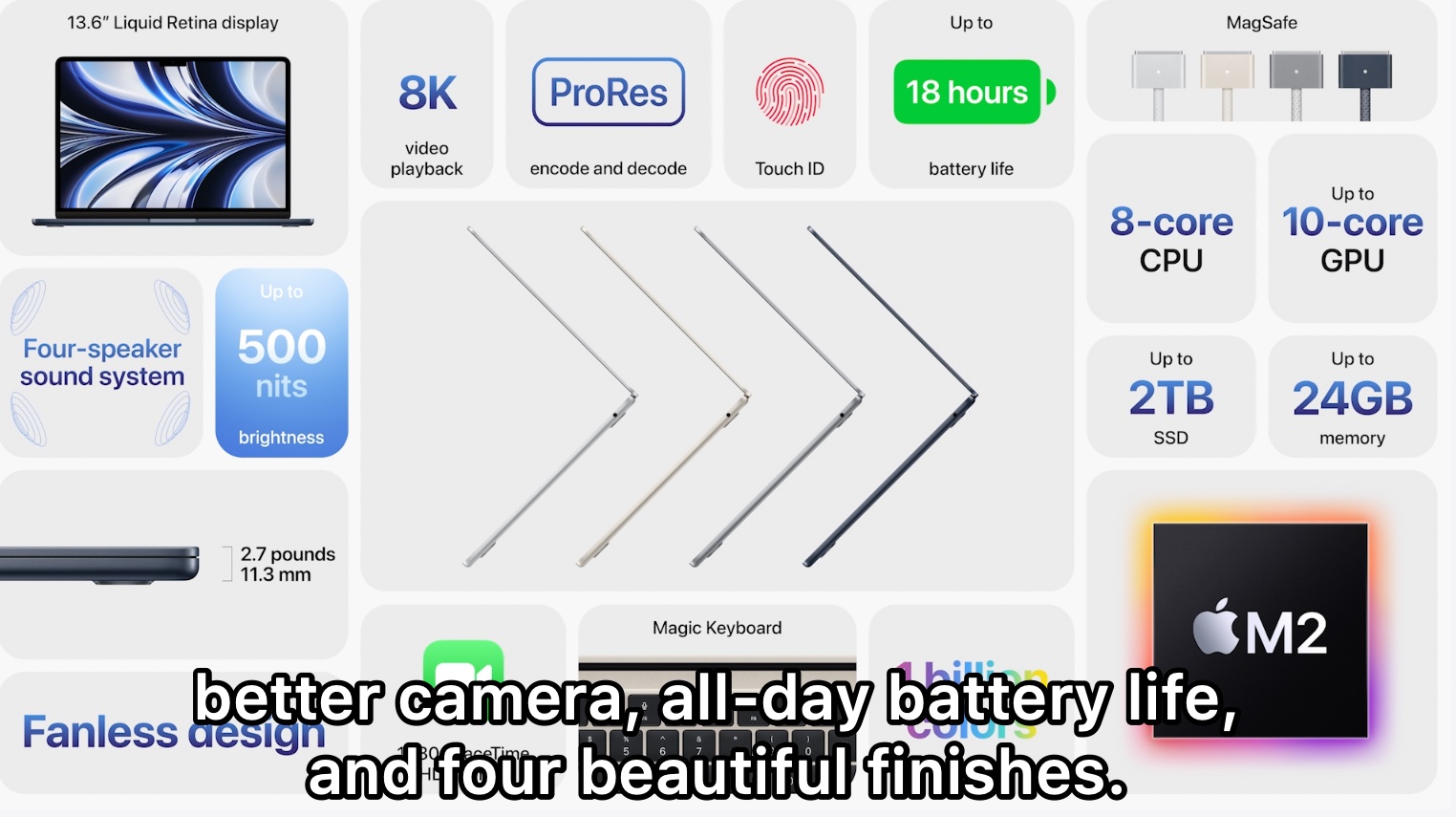
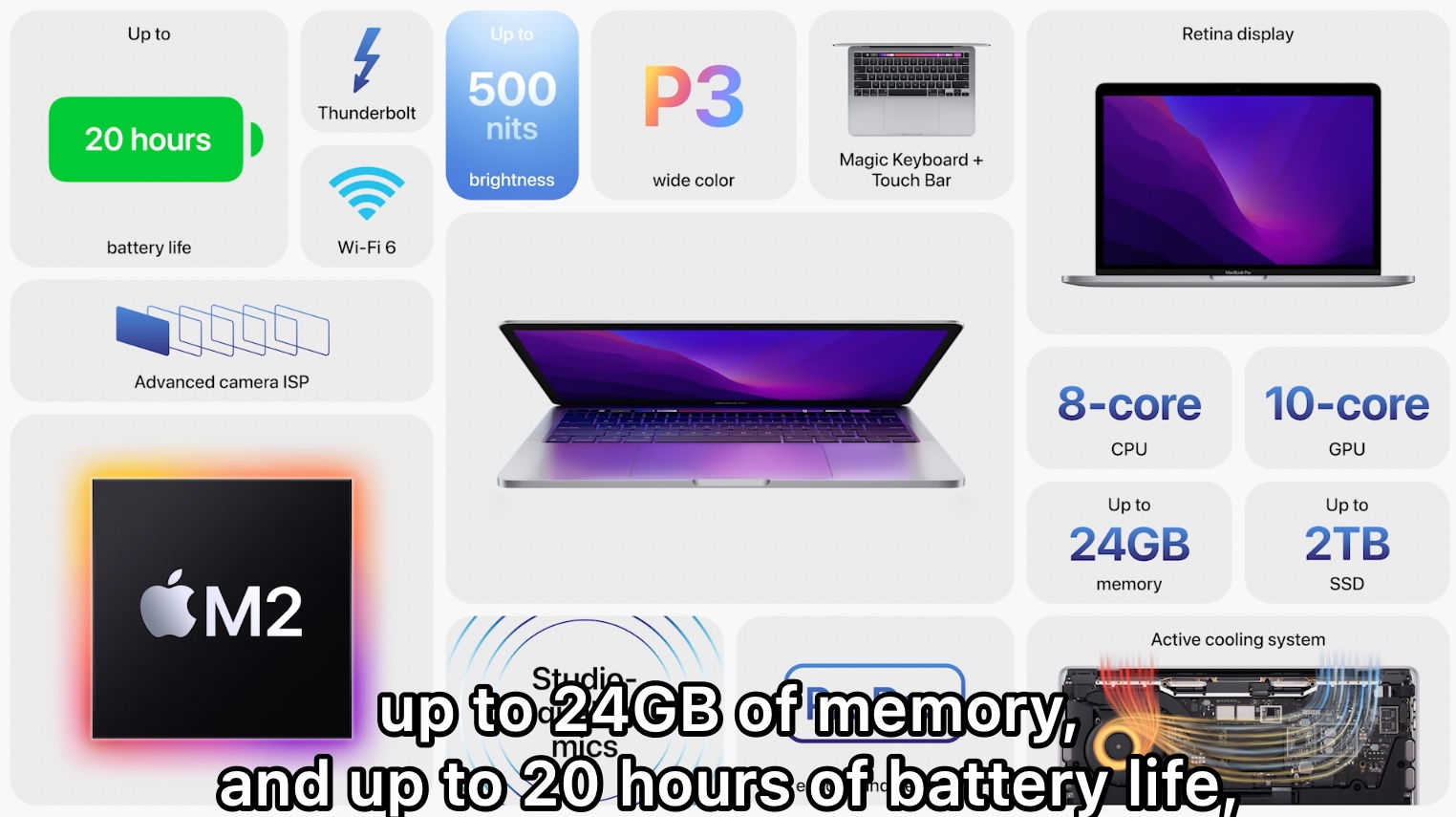
Apple used the keynote to keep the Apple silicon transition moving with M2, a redesigned MacBook Air, and an updated MacBook Pro.
The Mac hardware section in this article is straightforward because the keynote itself was straightforward here. Apple introduced the M2 chip, then used it to refresh the MacBook Air and MacBook Pro lineup. In retrospect, this part of the event reads like platform maintenance work: keep the Mac family moving forward while the software story does the bigger conceptual work.
Ventura tried to make the Mac feel more organized, more searchable, and more connected to the iPhone.
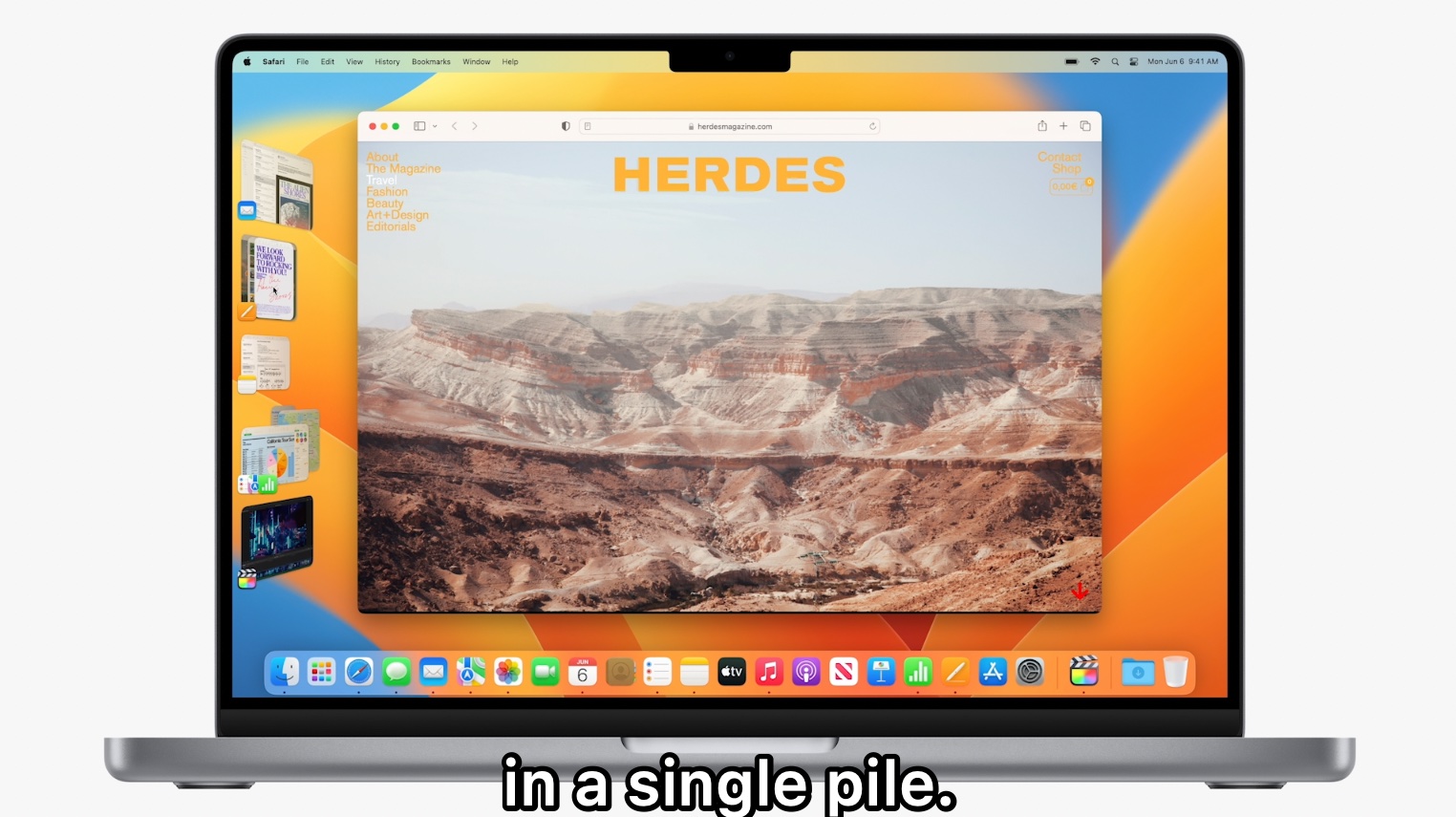
Stage Manager was the headline feature because it changed how windows could be grouped and brought forward. This article describes it in practical terms: keep many windows open, organize them into groups, and bring one app to the foreground without losing the surrounding context. That same organizational push also showed up in Spotlight, which gained Quick Look, image text search, and full-window results.
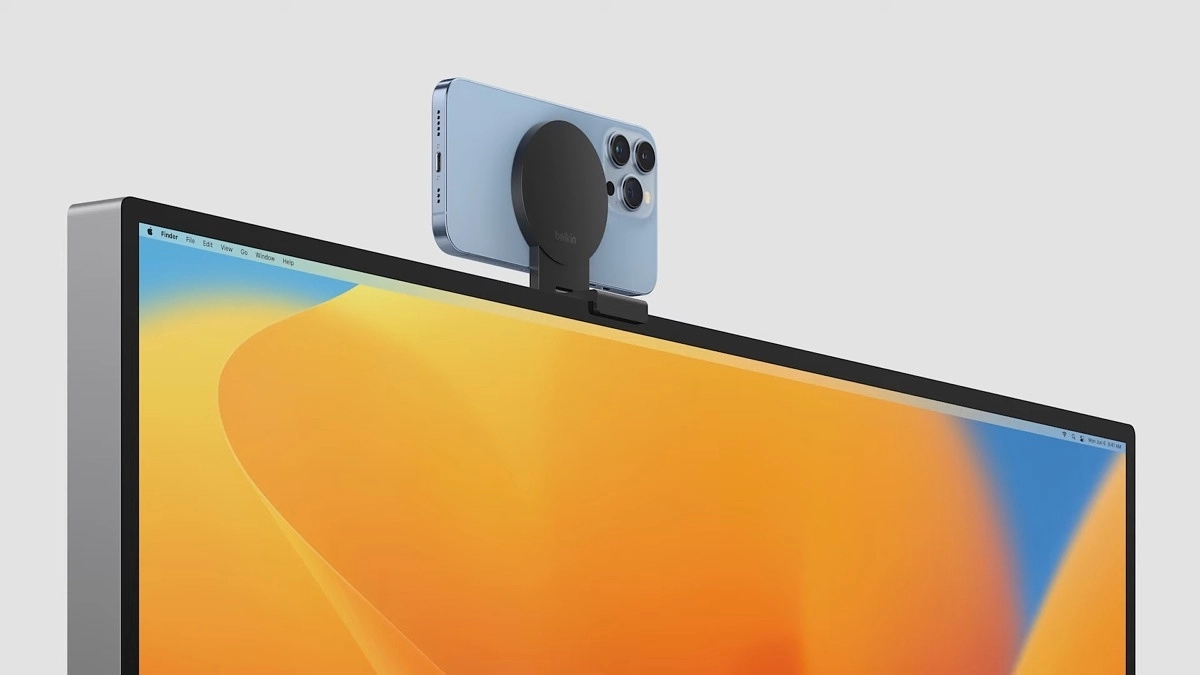
Ventura also kept improving the daily tools around that windowing story. Mail gained reminders and better search for documents and links. Safari added shared tab behavior and passkey-style authentication through Touch ID or Face ID. MetalFX signaled a stronger gaming story, and Continuity Camera turned the iPhone into a higher-quality Mac camera without treating it like a niche accessory trick.
iPadOS pushed hardest toward desktop-style multitasking, collaboration, and external-display work.
The original recap lists the iPad update as a long stack of practical features rather than one dramatic change. Weather finally came to iPad. Collaboration could start from shared links in Messages or from FaceTime. Freeform arrived as a shared whiteboard. Game Center gained activity features, and the file workflow picked up more desktop-style details such as visible folder sizes and file-extension changes.
Then came the power-user layer: color-reference mode, display scaling, virtual memory swap, Stage Manager on iPad, window overlay behavior, and true external-display support with different windows on the second screen. Even if not every user needed those features, the direction was obvious: Apple wanted the iPad to feel more like a real multiwindow workstation, not only a larger phone.
WWDC 2022 mattered because Apple made its platforms more live, more collaborative, and more reusable by developers at the same time.
The keynote is easy to remember for lock-screen widgets, Live Activities, and Stage Manager, but the deeper pattern is broader. Apple kept turning system capabilities into app capabilities: charts, weather, room scanning, maps, collaboration hooks, smart-home standards, and richer window management.
That is why this recap still holds up. It captures the moment when Apple was not only redesigning surfaces, but also making those surfaces and services far more programmable for third-party apps.