This keynote was remembered for Vision Pro, but it was also a broad polish release across nearly every Apple platform.
This recap is built from the publicly available keynote video plus public WWDC sessions and documentation. It tracked the announcement as a running summary, then planned to add more session links as the schedule filled in.
In this rewrite, the structure is simplified. Instead of mirroring every bullet from the live notes, it groups the keynote into the bigger themes that mattered: the debut of spatial computing hardware, a new generation of communication features on iPhone, a more flexible iPad and Mac experience, and a wave of quality-of-life updates across audio, TV, and watch interfaces.

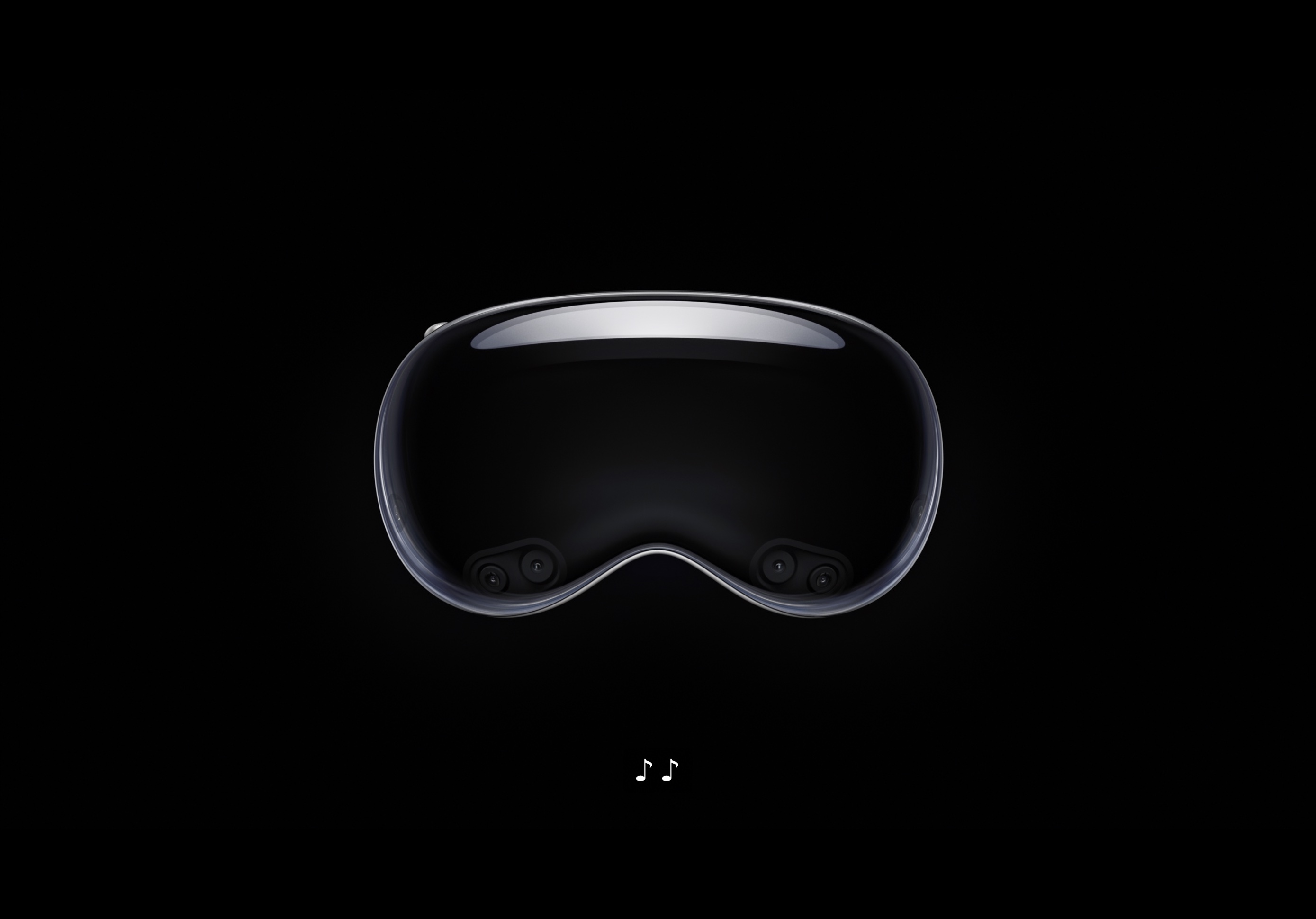
Apple Vision Pro introduced a spatial interface built around eyes, hands, digital crown control, and windows that live in the room instead of on a flat screen.
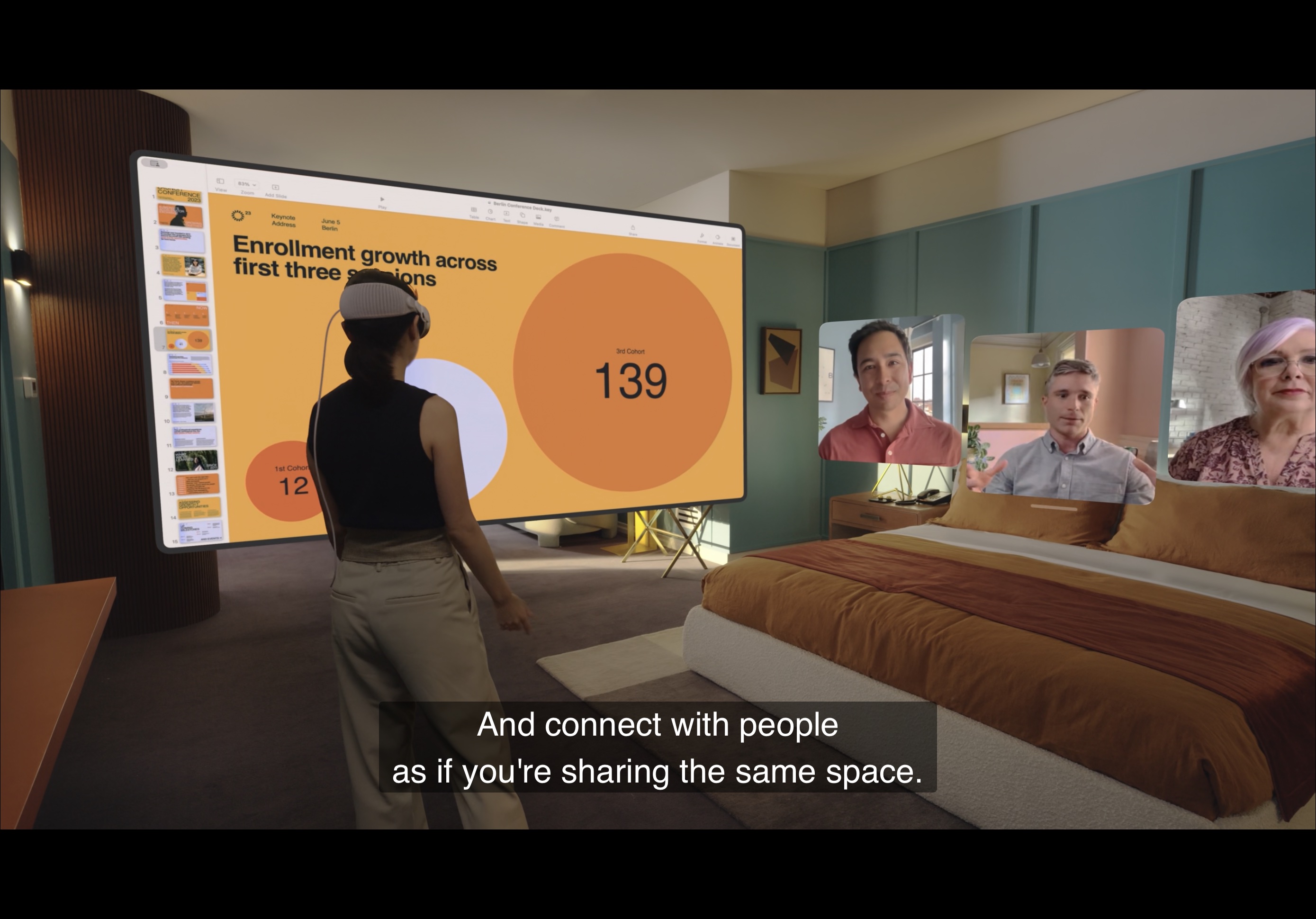
The keynote presented Vision Pro as more than a headset. Apple emphasized that the interface could blend into the surrounding room, cast shadows into the physical environment, and let multiple apps sit around the user at once. The digital crown controlled immersion, so the user could stay partially grounded in the room or push further into a more isolated experience.
Several details defined the product story. Personas scanned the user's face for FaceTime, Optic ID unlocked the device through iris data, 3D photos and panoramic viewing leaned into immersive media, and developers were told they could build for the platform through familiar tools such as ARKit, RealityKit, and even Unity support.
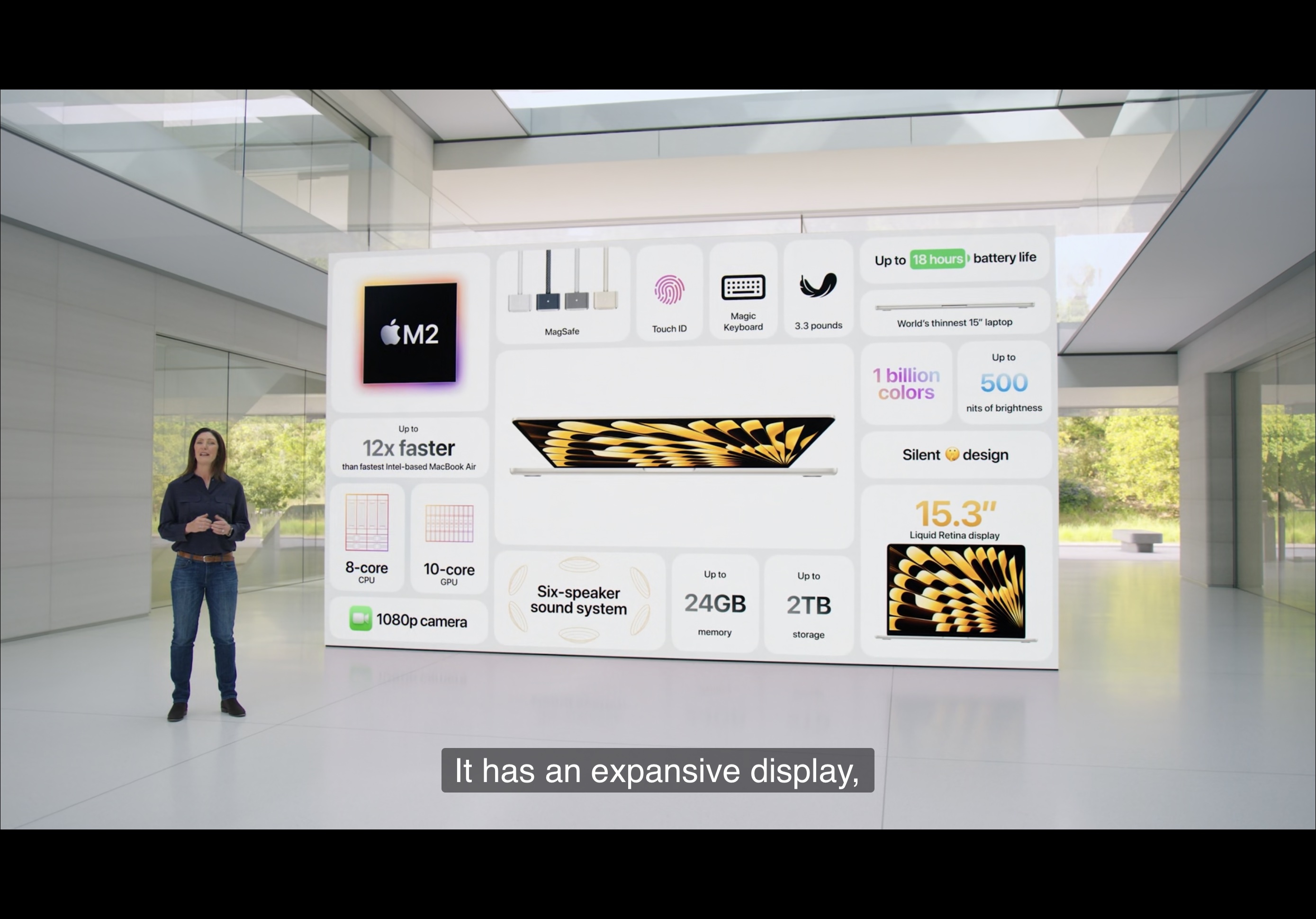
Alongside the platform software, Apple also refreshed the Mac lineup with a 15-inch MacBook Air, new Mac Studio configurations, and Apple silicon Mac Pro.
The hardware part of the keynote was shorter, but still important. Apple positioned the 15-inch MacBook Air as the larger-screen version of the lightweight M2 notebook, updated Mac Studio with M2 Max and M2 Ultra options, and finally moved Mac Pro into the Apple silicon era while keeping PCI expansion in the story.
In retrospect this part of the event reads like a platform consolidation step. Vision Pro was the future-facing announcement, but the Mac lineup was also being tightened around Apple's own silicon strategy from top to bottom.
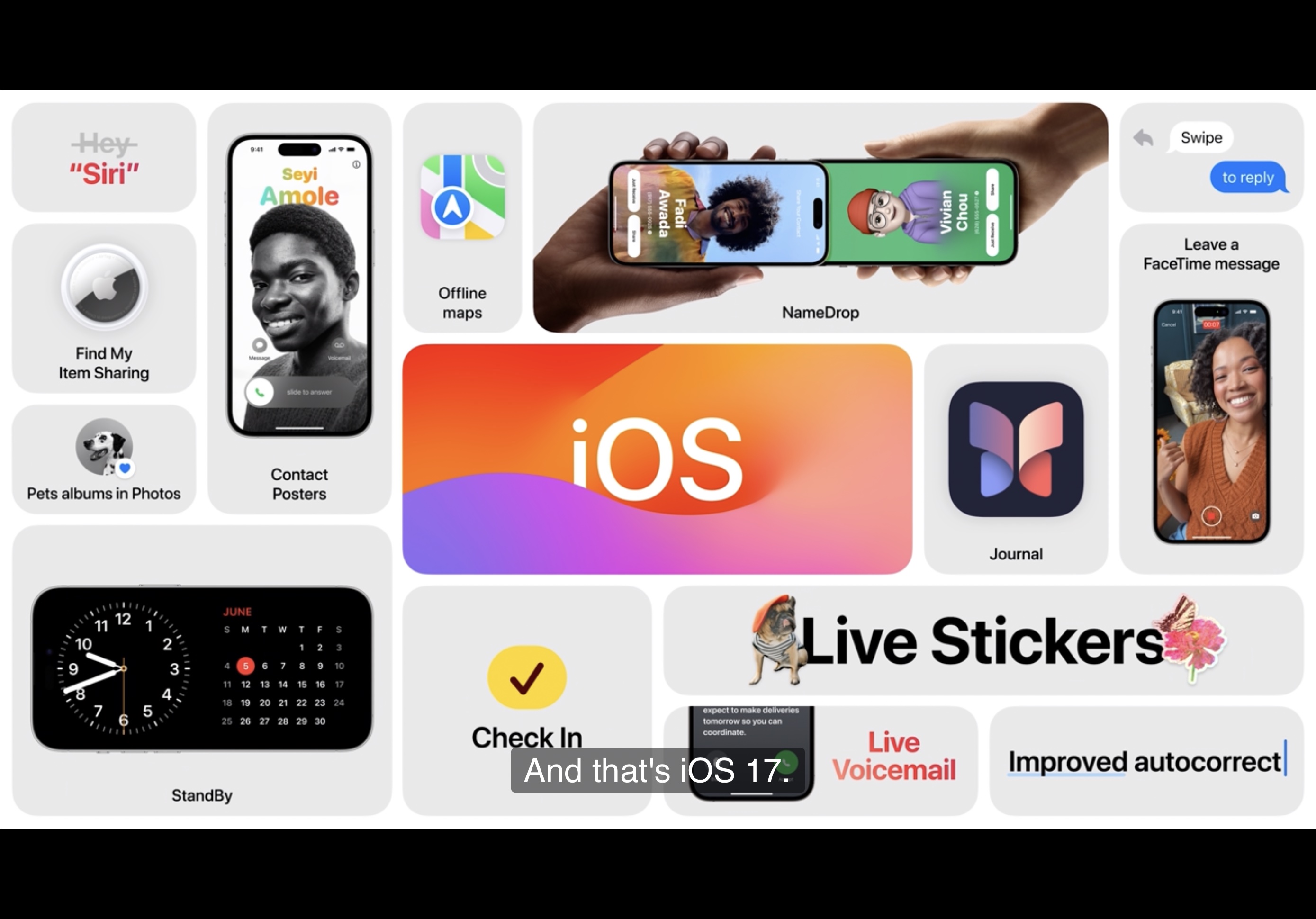
iOS 17 focused heavily on communication, identity, and ambient utility rather than one single dramatic visual redesign.
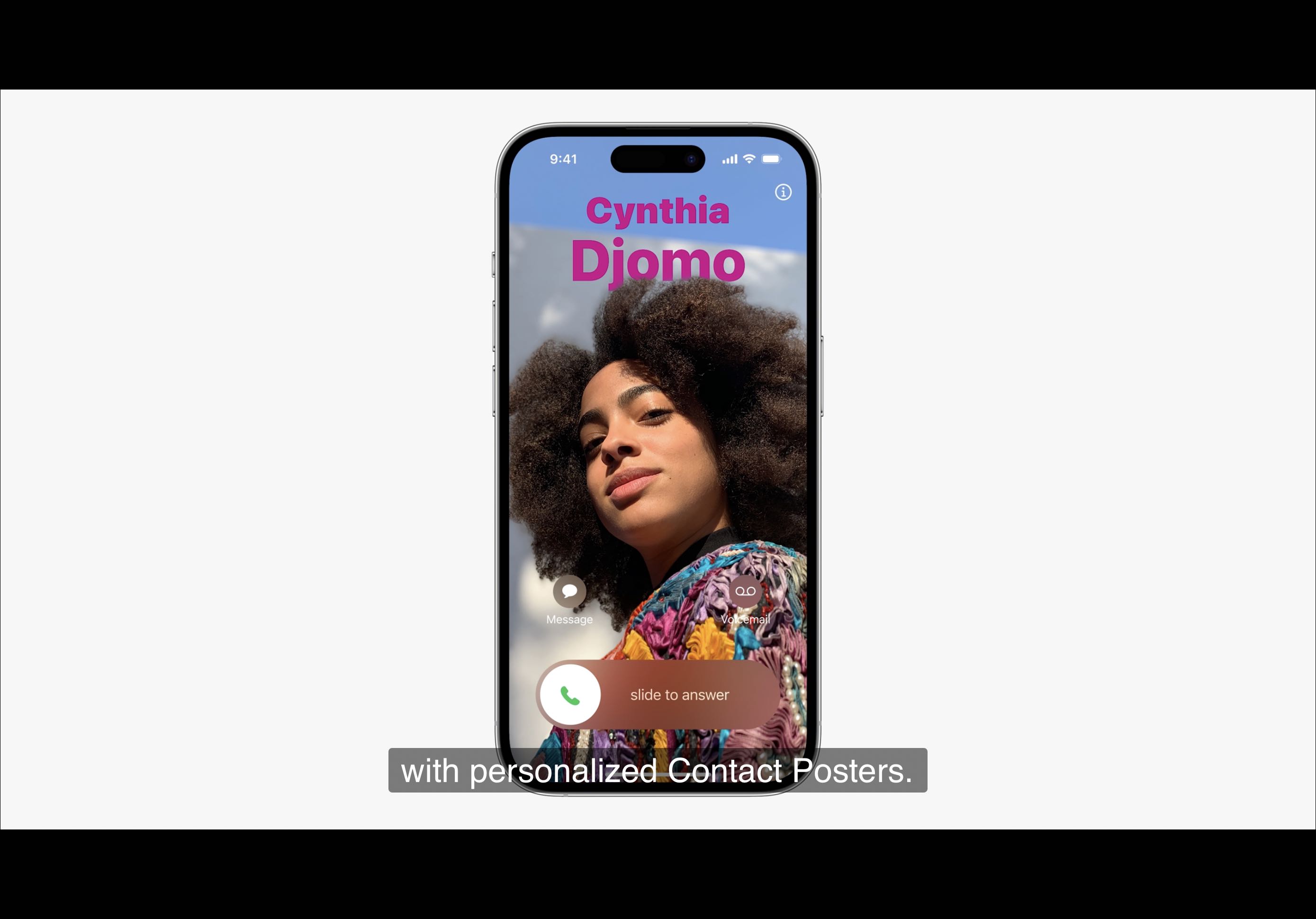
The phone app gained Contact Posters and Live Voicemail, which meant incoming calls could feel more personal and voicemail could be read in real time before answering. FaceTime also gained video messages when the recipient did not pick up.
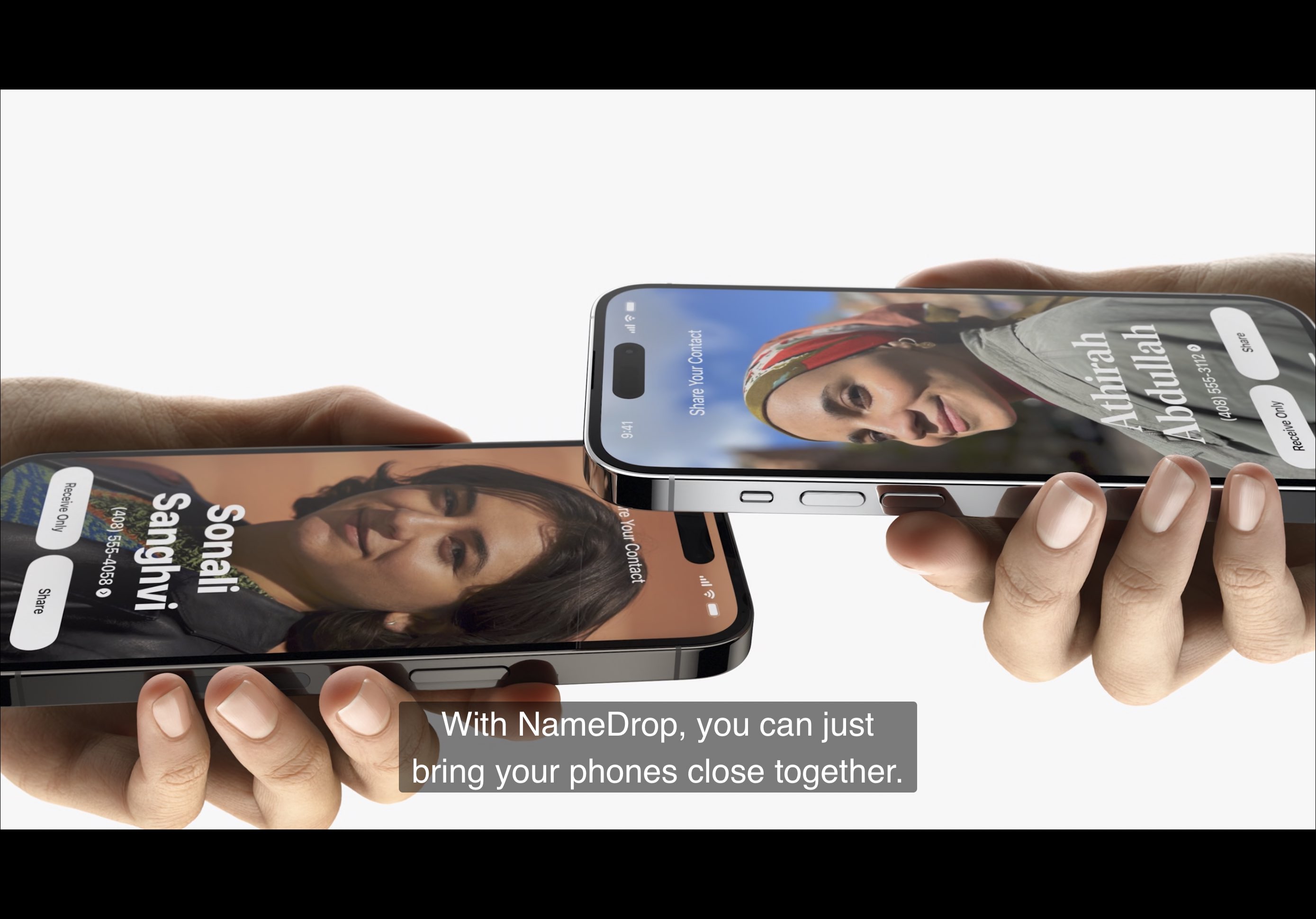
Messages kept getting more capable: stronger search, a jump to the next unread message, Check In for arrival safety notifications, an easier plus-button app drawer, and stickers made from lifted photo subjects, including Live Photos. AirDrop picked up NameDrop for quick contact sharing and internet continuation for longer transfers.
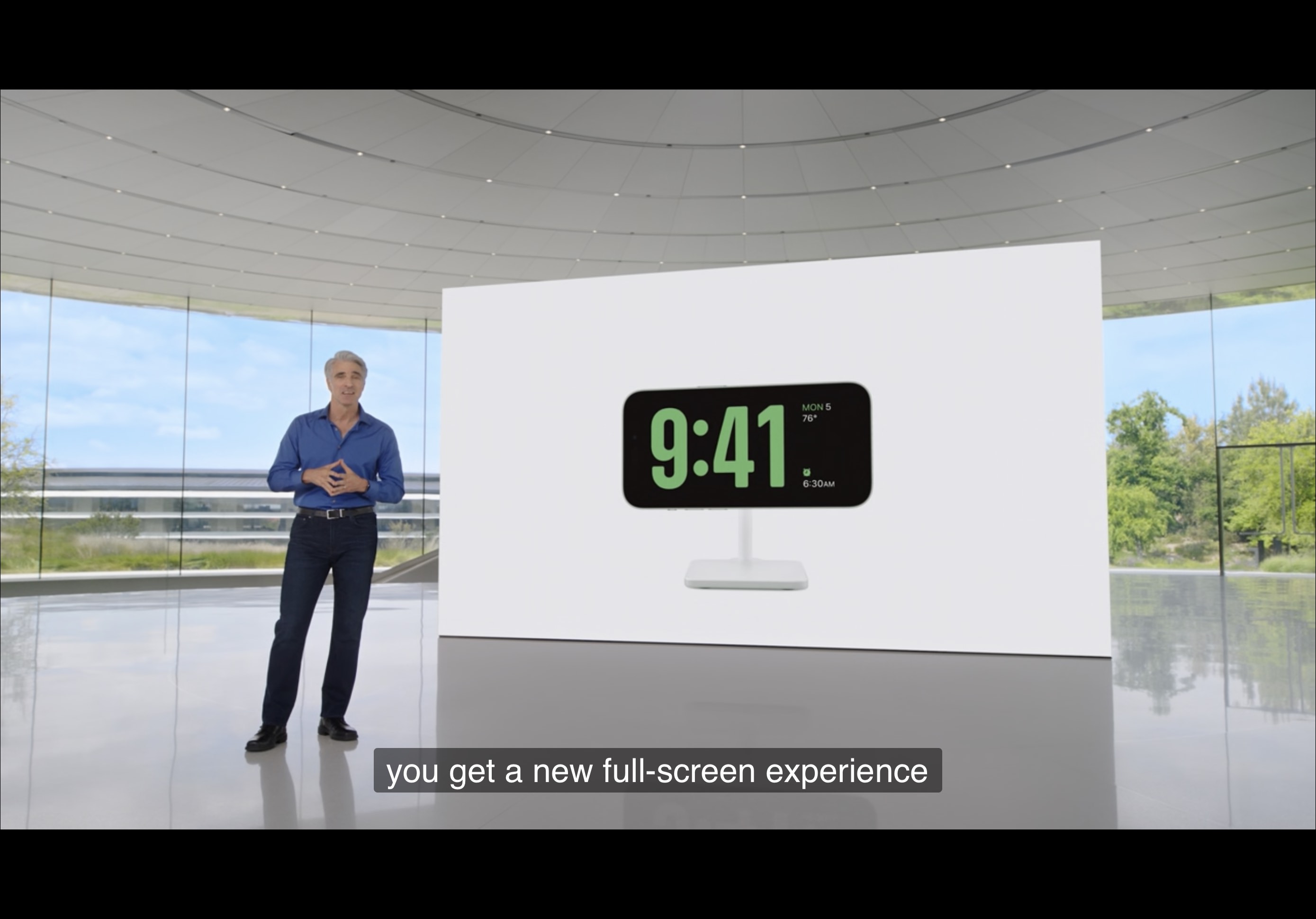
Outside communication, Apple highlighted better transformer-based autocorrect and dictation, the new Journal app and Suggestions API, StandBy mode for landscape charging, the shorter "Siri" trigger phrase, and offline maps.
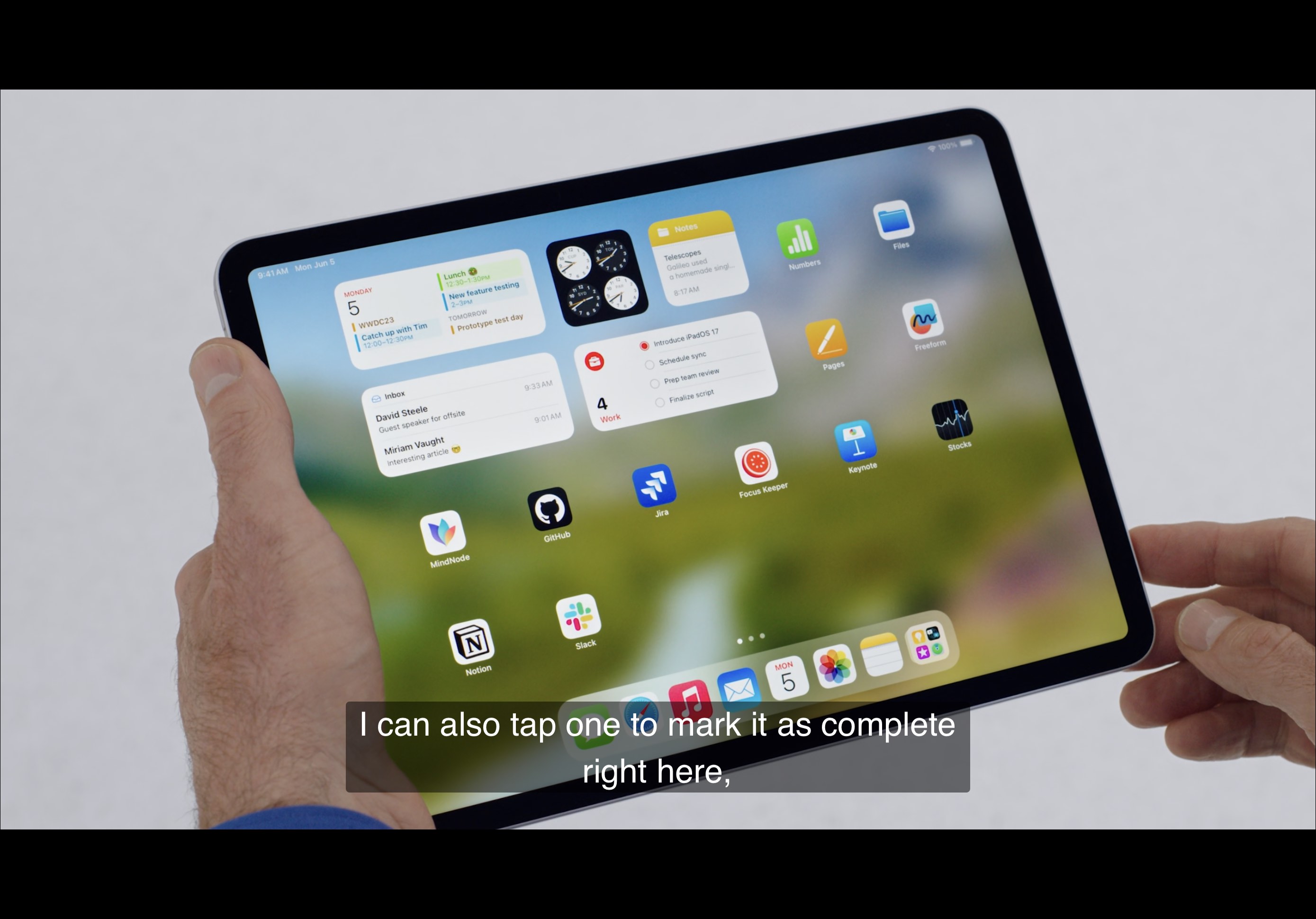
iPadOS was a practical update: interactive widgets, lock-screen customization, more timers, Health on iPad, and smarter PDF handling.
Apple brought iPhone-style lock-screen customization to iPad and pushed widgets closer to real interaction, so users could complete actions without diving into the full app. The keynote used the example of marking a to-do item complete directly from the widget surface.
Smaller but still meaningful additions followed the same theme of reducing friction: multiple timers on iPad, the Health app arriving on the larger screen, and machine-learning assistance for detecting fields in PDFs such as names, addresses, and email entries.
macOS Sonoma leaned into desktop presence, gaming support, and friendlier video communication tools.
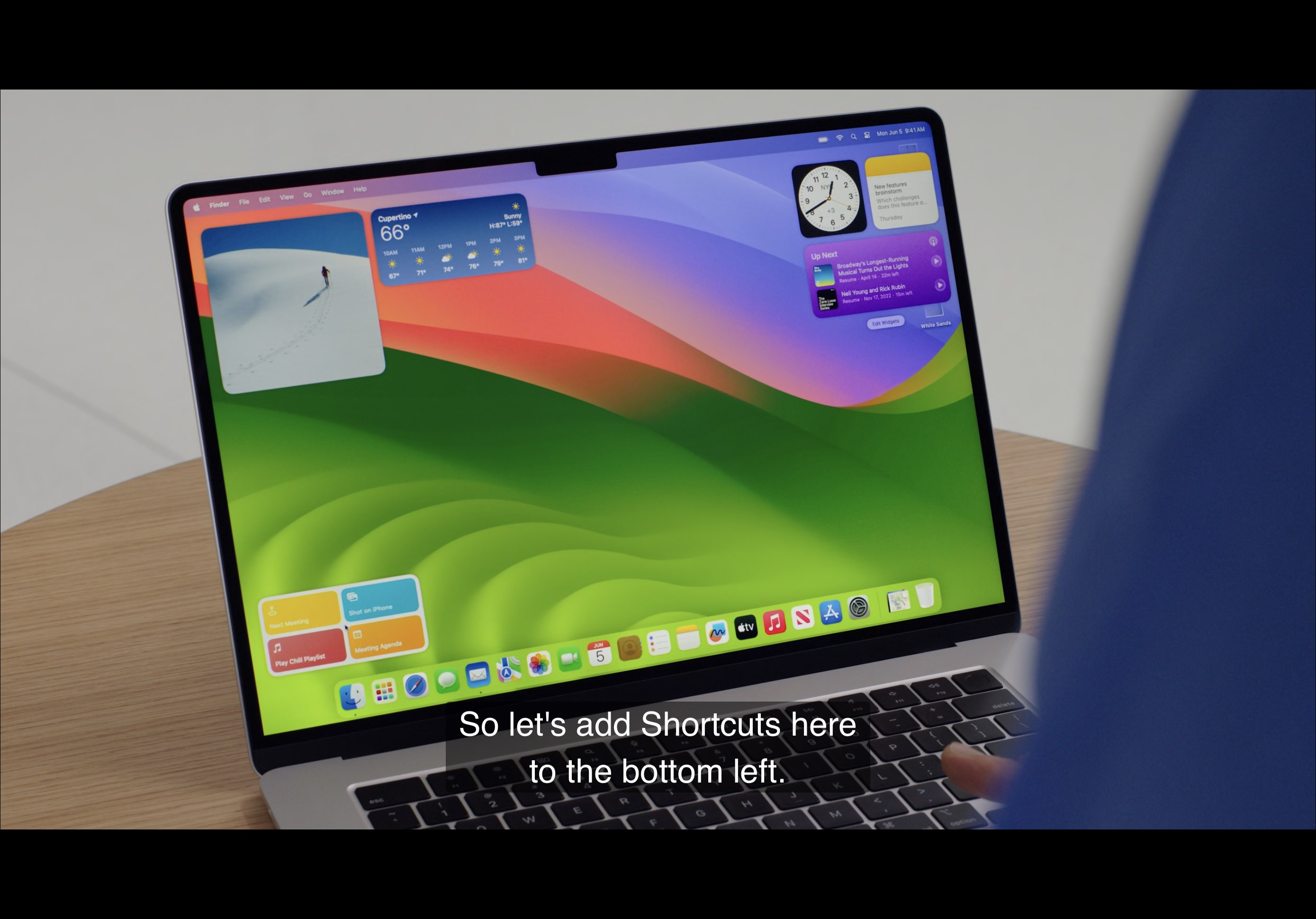
The update introduced new slow-motion aerial screen savers, put widgets on the desktop, and let users bring over iPhone widgets through Continuity without requiring the Mac to install a separate native version of every small utility app.
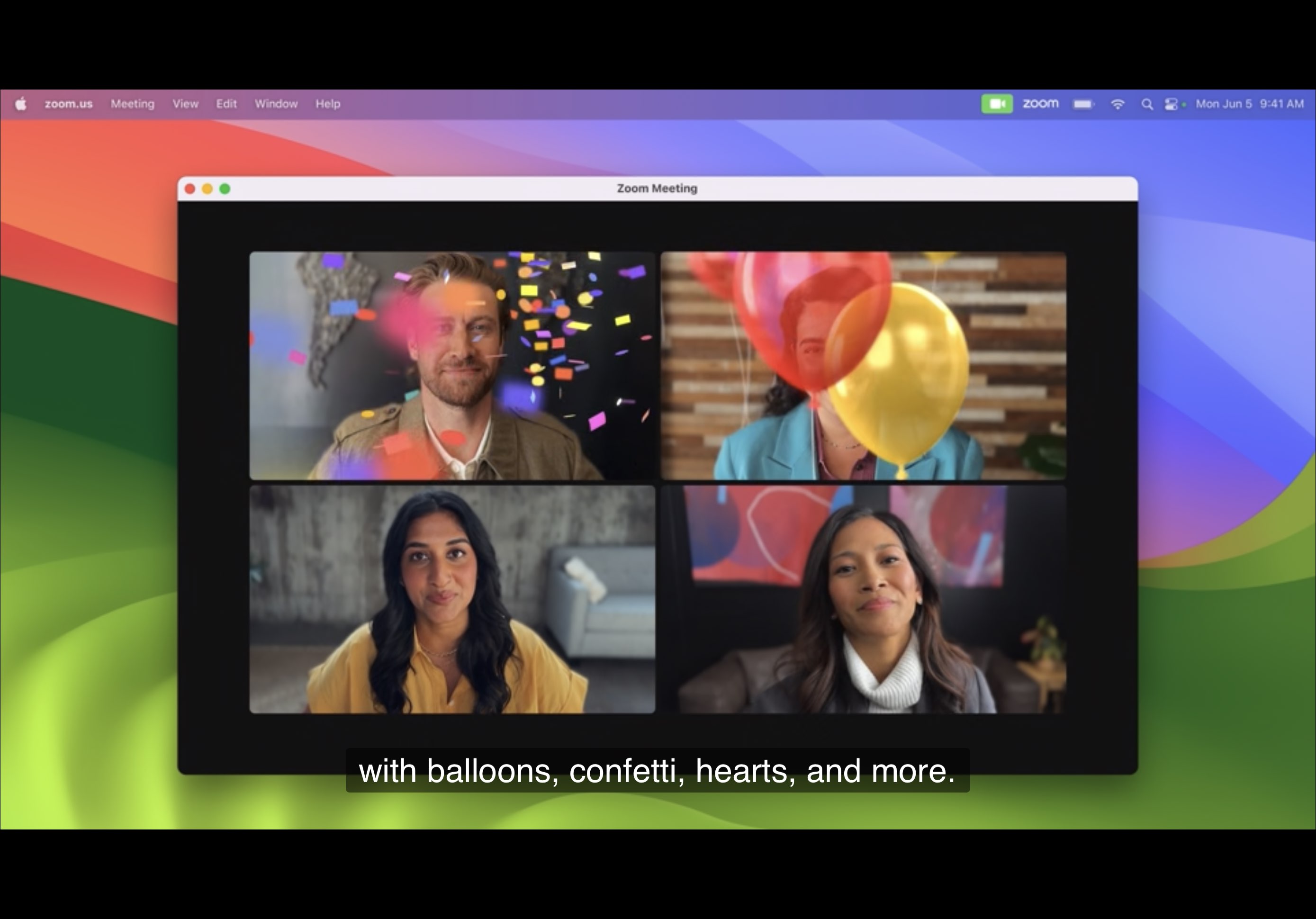
Apple also highlighted Game Mode, Safari profiles and shared family passwords or passkeys, plus a more expressive video-conferencing setup with presenter overlays and reaction effects that could be triggered during calls.
Outside the larger platforms, Apple kept refining the ecosystem with more adaptive audio behavior, FaceTime on Apple TV, and a widget-first watch interface.
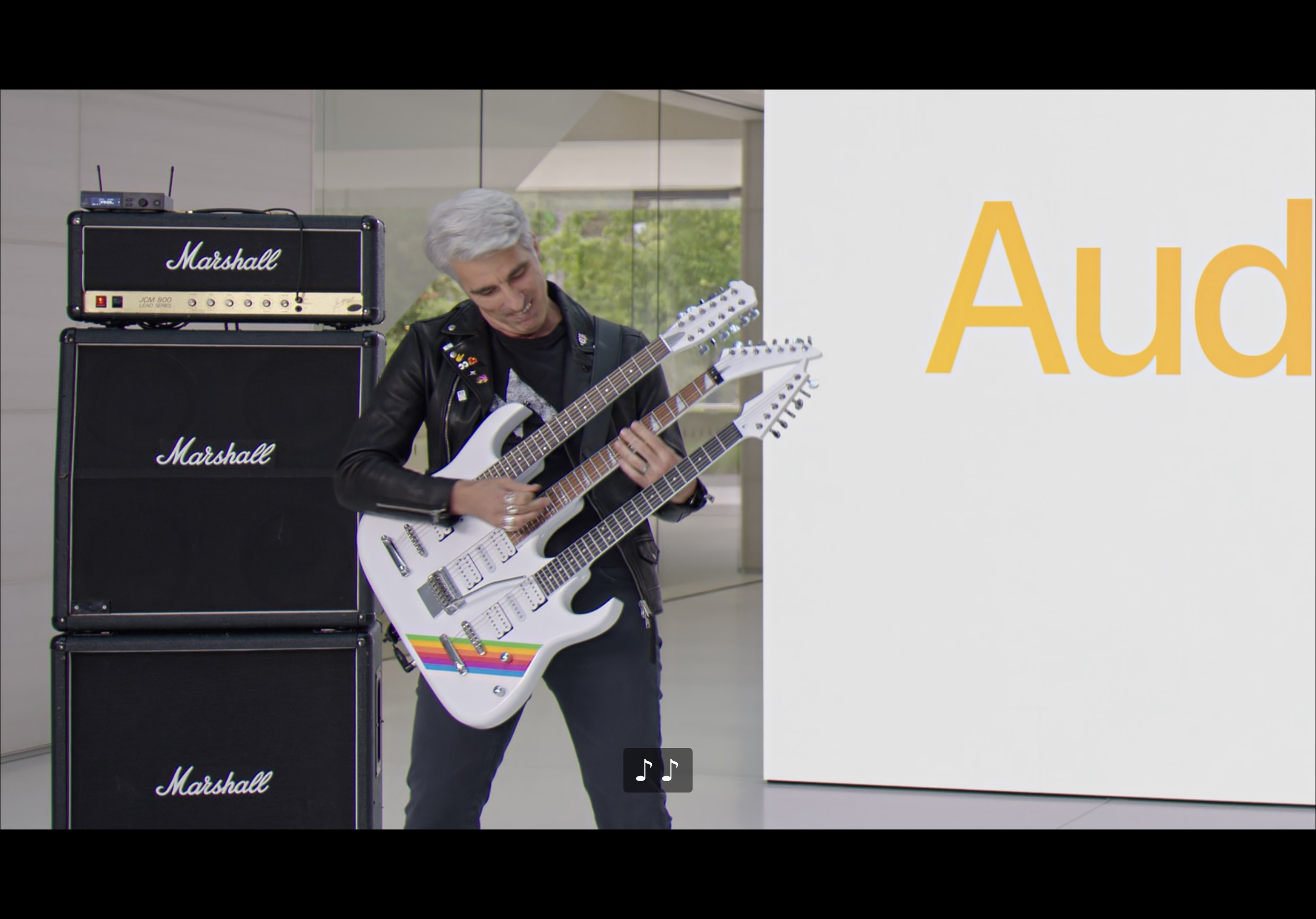
Audio updates centered on Adaptive Audio and smarter AirPlay behavior. AirPods could blend noise control modes dynamically, reduce cancellation when the user needed to hear something important, and automatically shift into a conversation-oriented mode when talking with someone nearby. AirPlay also became more proactive and easier to use in places like hotels through QR pairing.
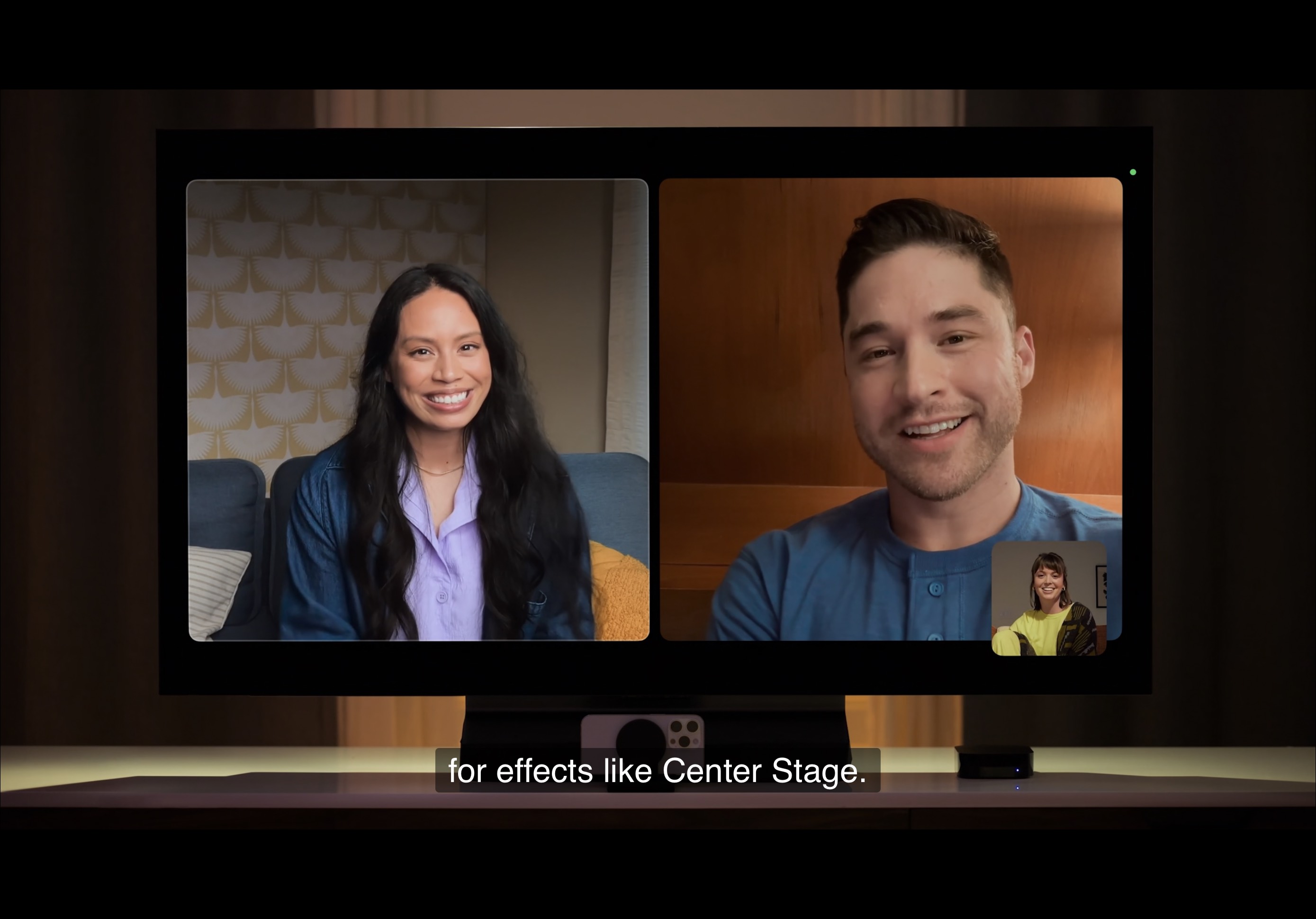
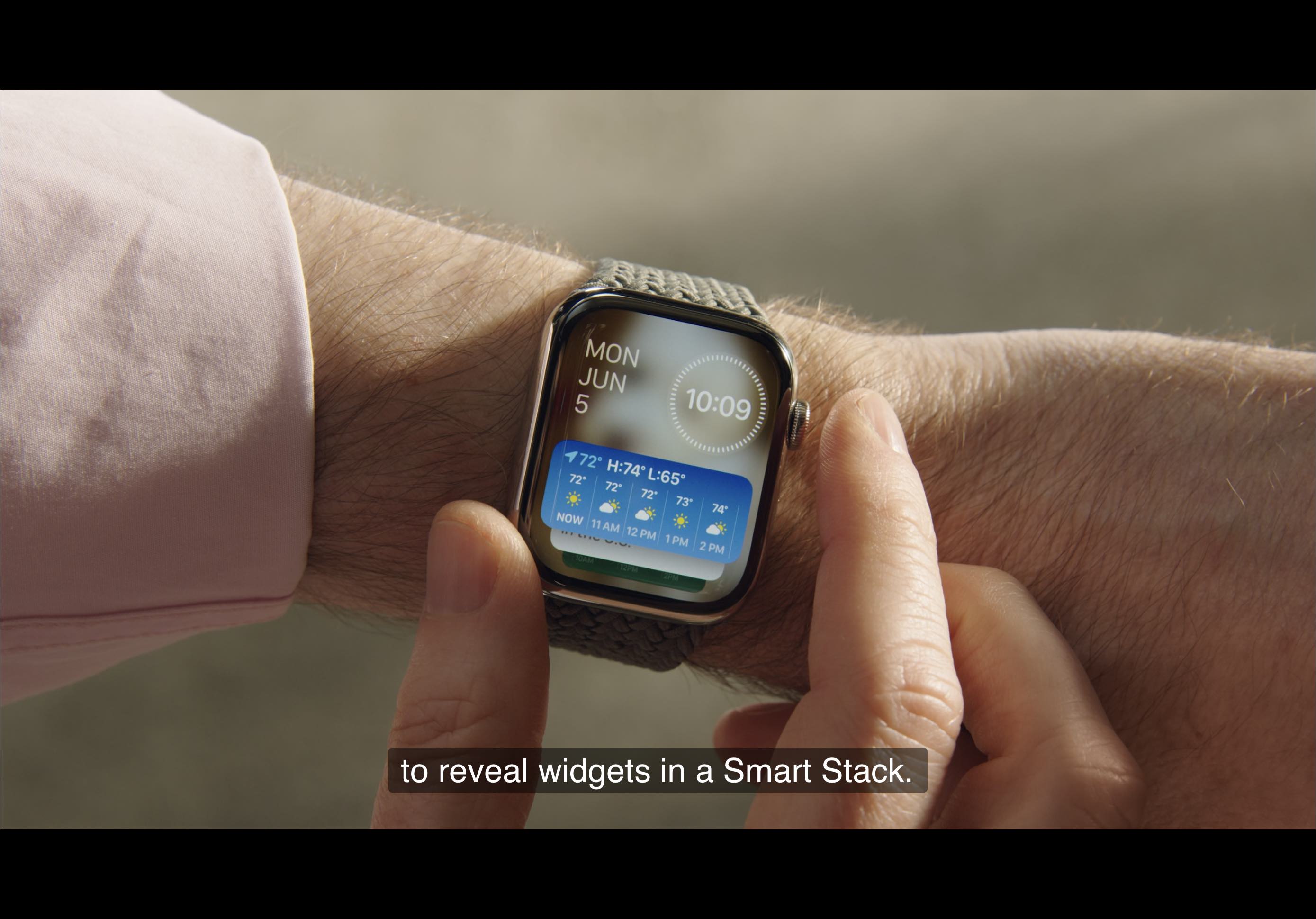
tvOS gained FaceTime through Continuity Camera, while watchOS pushed Smart Stack widgets and expanded workout APIs that could use sensor data such as the accelerometer to create richer workout experiences.
WWDC 2023 was both a new-product launch and a platform-alignment keynote.
Vision Pro took the attention, but the rest of the keynote matters because it shows Apple tightening the experience across every screen and accessory: more expressive communication on iPhone, more useful passive surfaces on iPad and Mac, and more context-aware behavior from audio, TV, and watch devices.
That is why this article works well as a recap. It captures not only the headline reveal, but the way Apple kept nudging the whole ecosystem toward more continuity, more ambient utility, and less friction between devices.