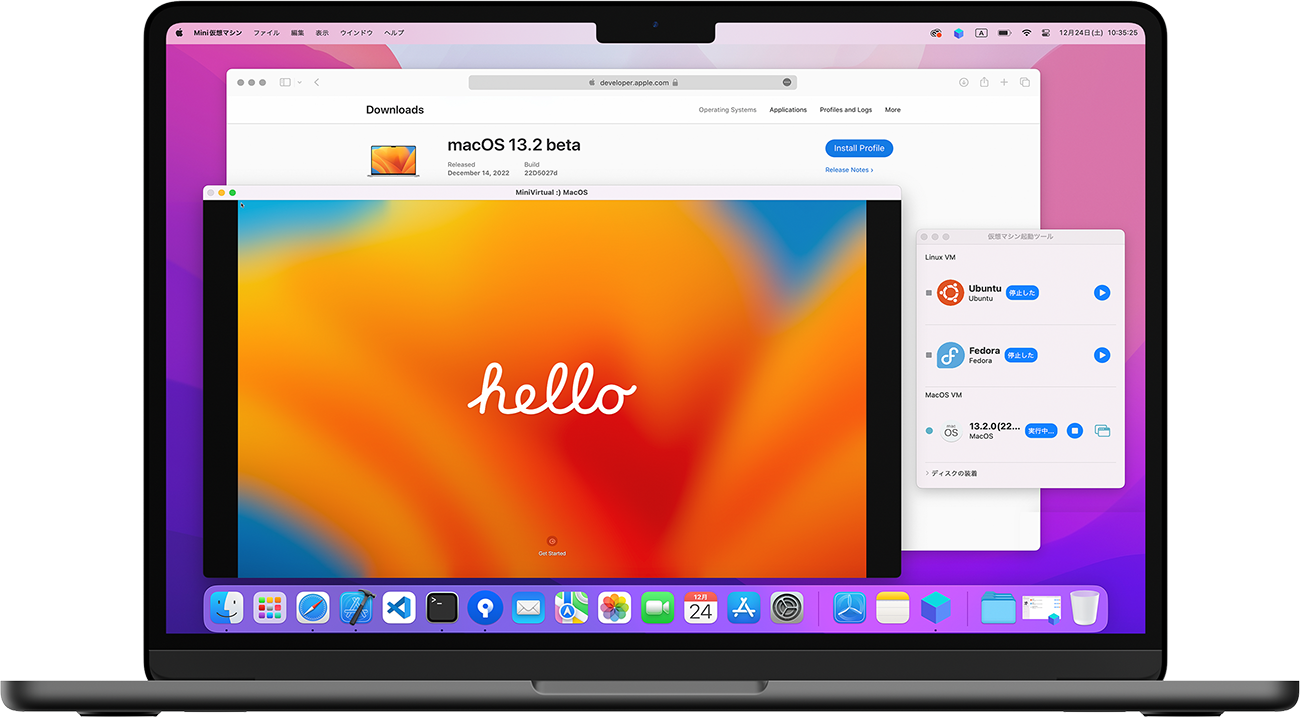
MiniVirtual
Lightweight virtualization for Apple silicon.
Run virtual within your Mac.
Ubuntu, Debian, and compatible macOS guests with shared folders and clipboard sync.
MiniVirtual is a lightweight virtual machine app for Mac that helps you create and run Linux and compatible macOS virtual systems through a clean graphical interface, with shared folders, clipboard support, and focused hardware controls.
Workflow
Choose the system, tune the hardware, boot, and get back to building.
A direct VM flow: pick a guest, size the hardware, boot, and keep moving.
Pick the system you want.
Start from Ubuntu, Debian, Fedora, openSUSE, or a compatible macOS guest path.
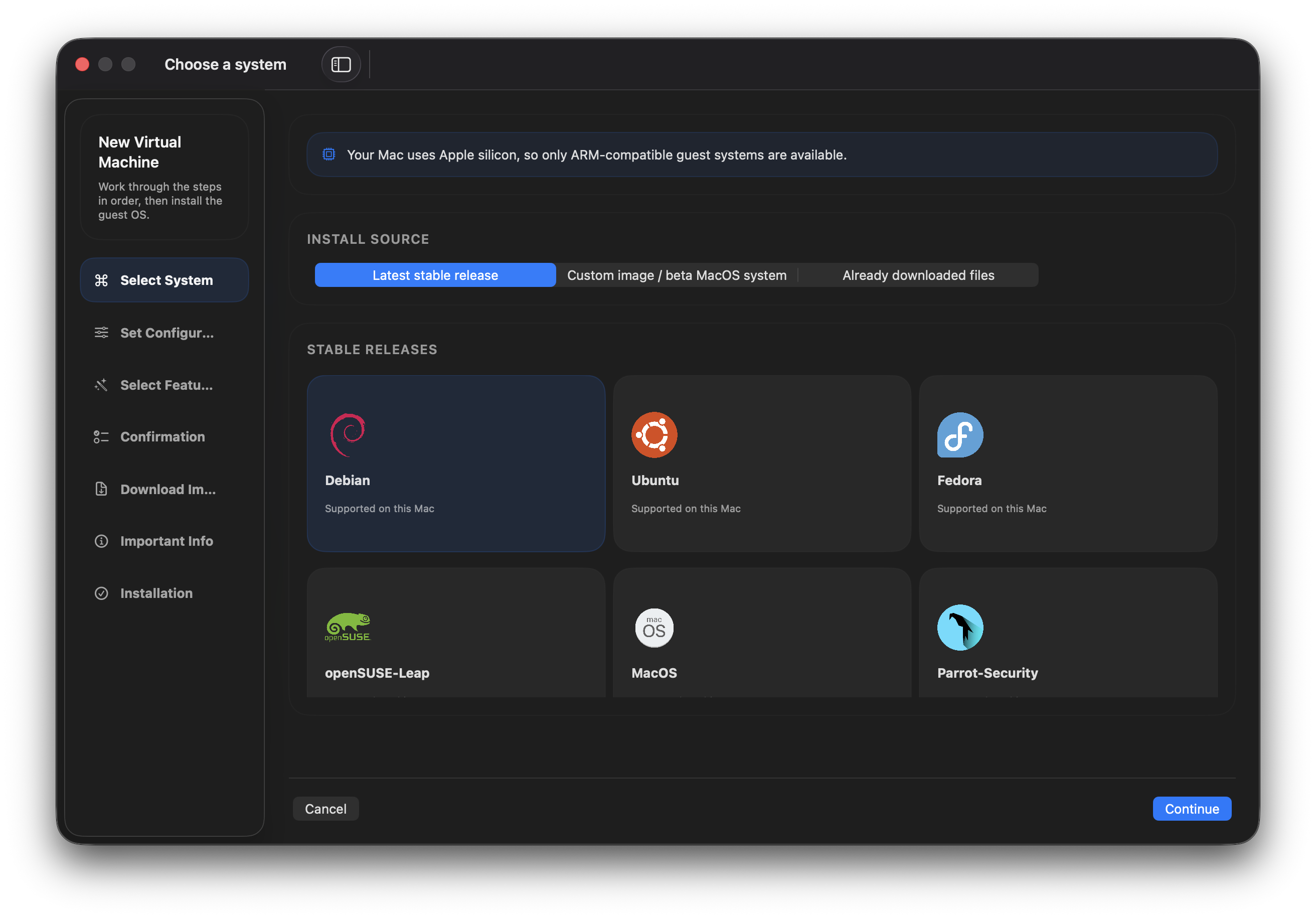
- Bring your own
.isoor.dmgwhen you need a custom setup. - Keep separate VMs for development, testing, and clean workspaces.
Size the VM for the job.
Set CPU, memory, storage, and extra disks before the first boot.
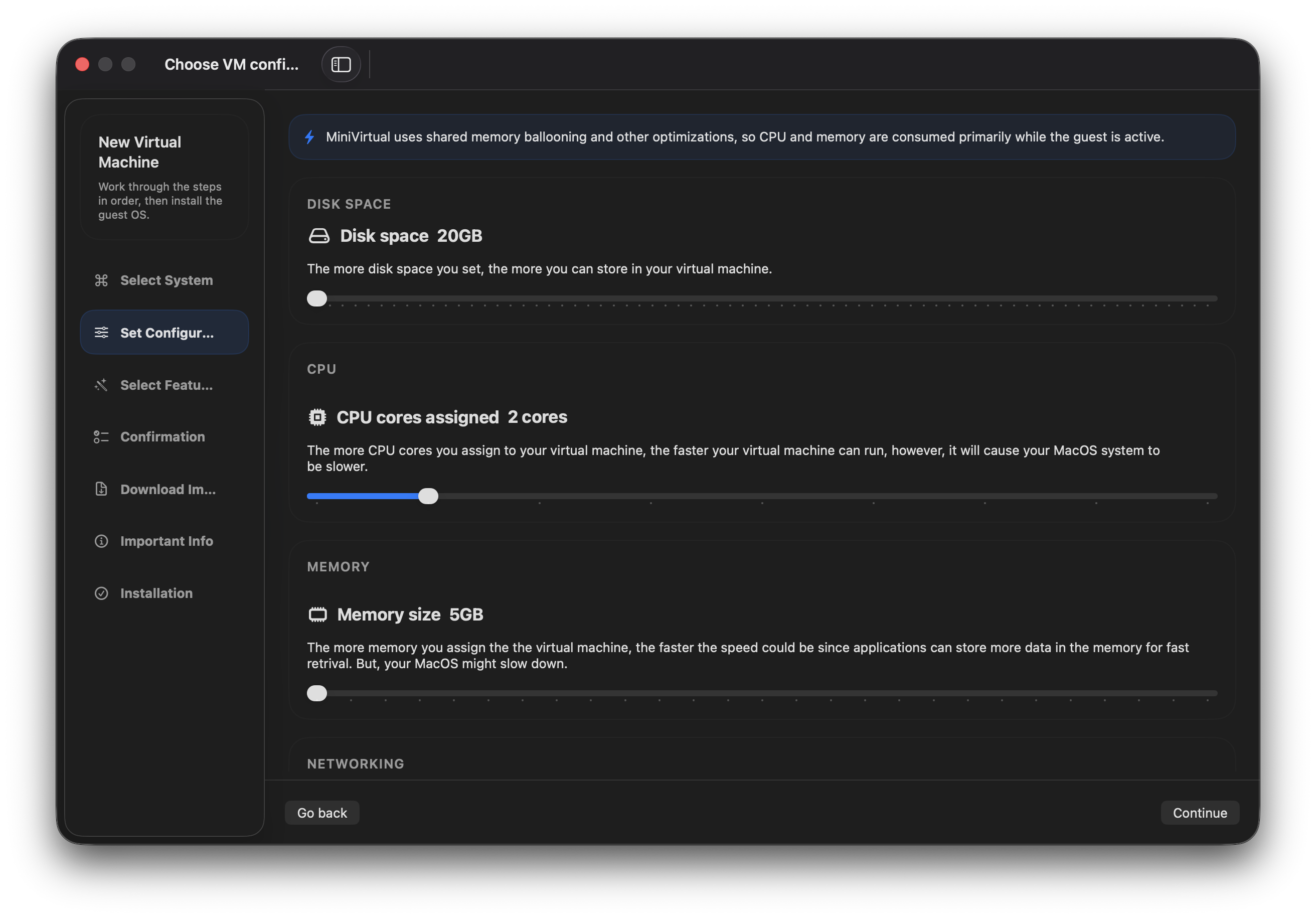
- Make a light utility VM or a heavier development box from the same app.
- Add more disks when one workspace is not enough.
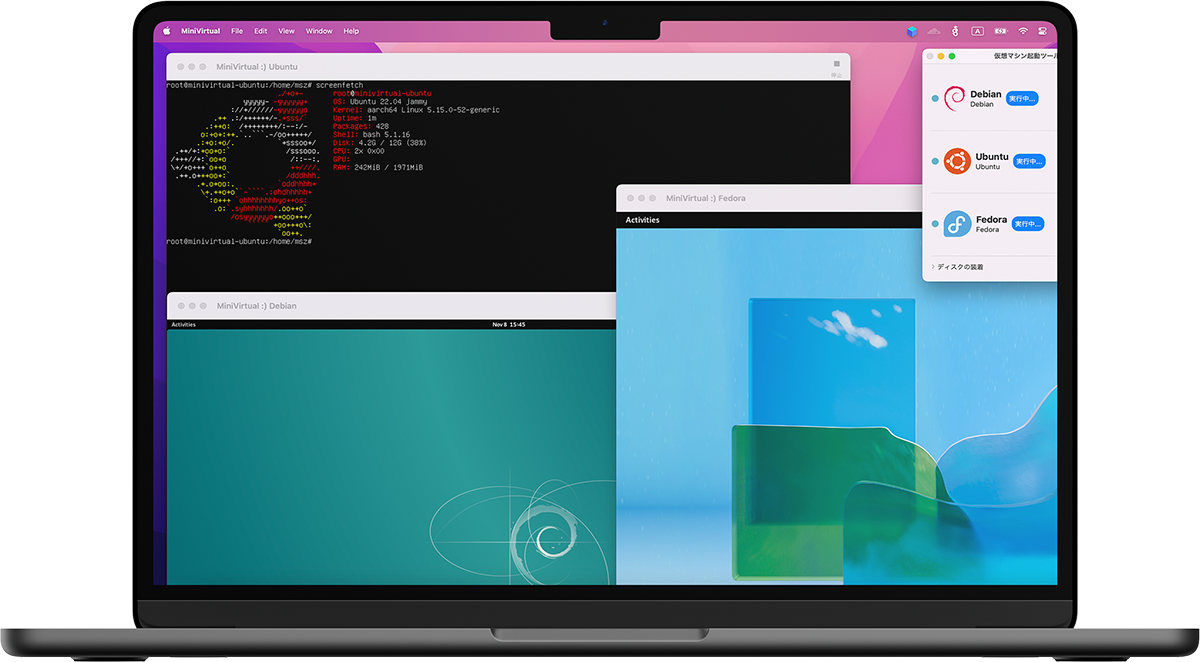
Run clean environments side by side.
Boot multiple guest systems without crowding the main Mac.
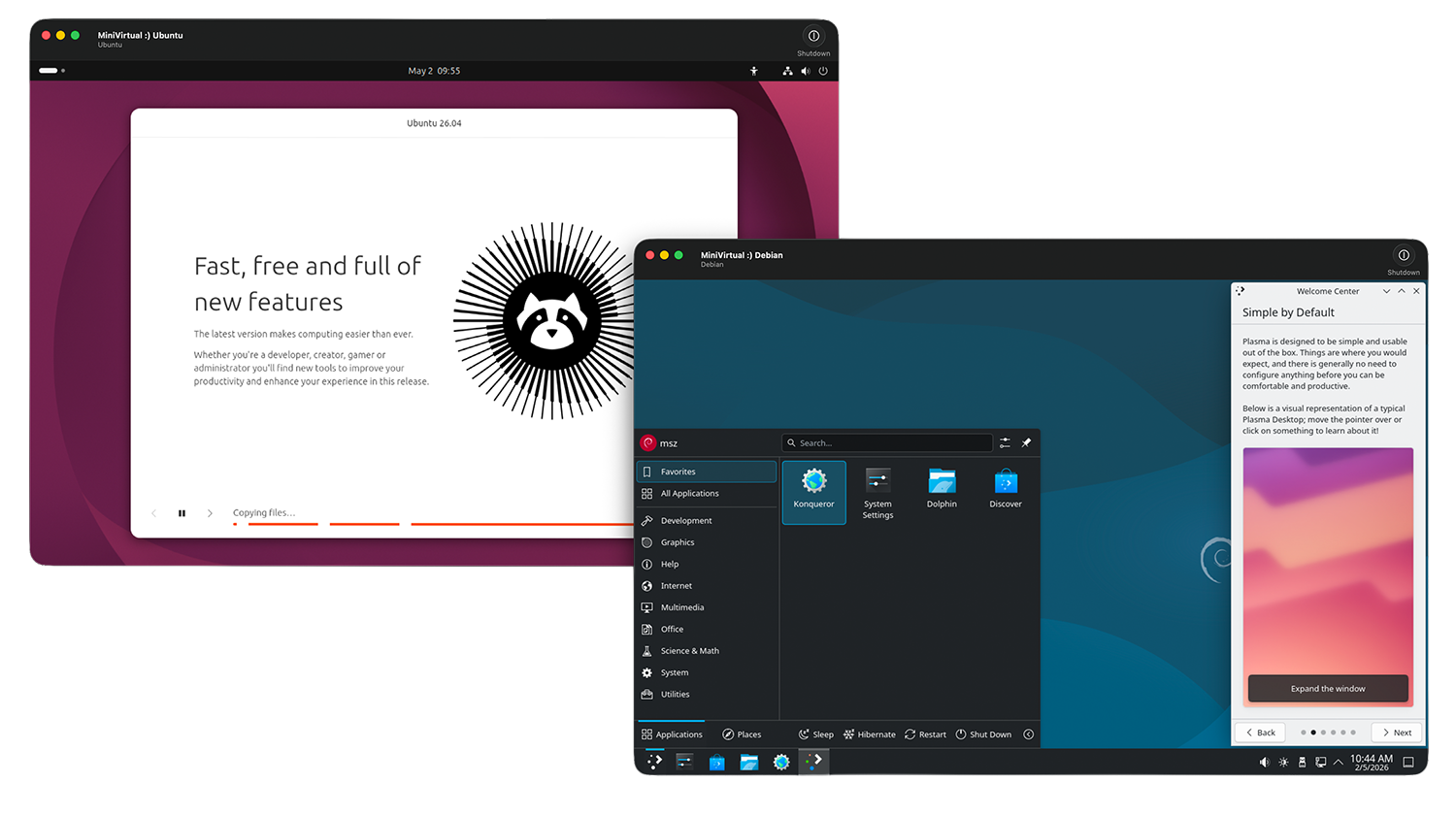
- Keep project-specific dependencies separated from the host.
- Export, copy, and import VM bundles between Macs running MiniVirtual.
Host integration
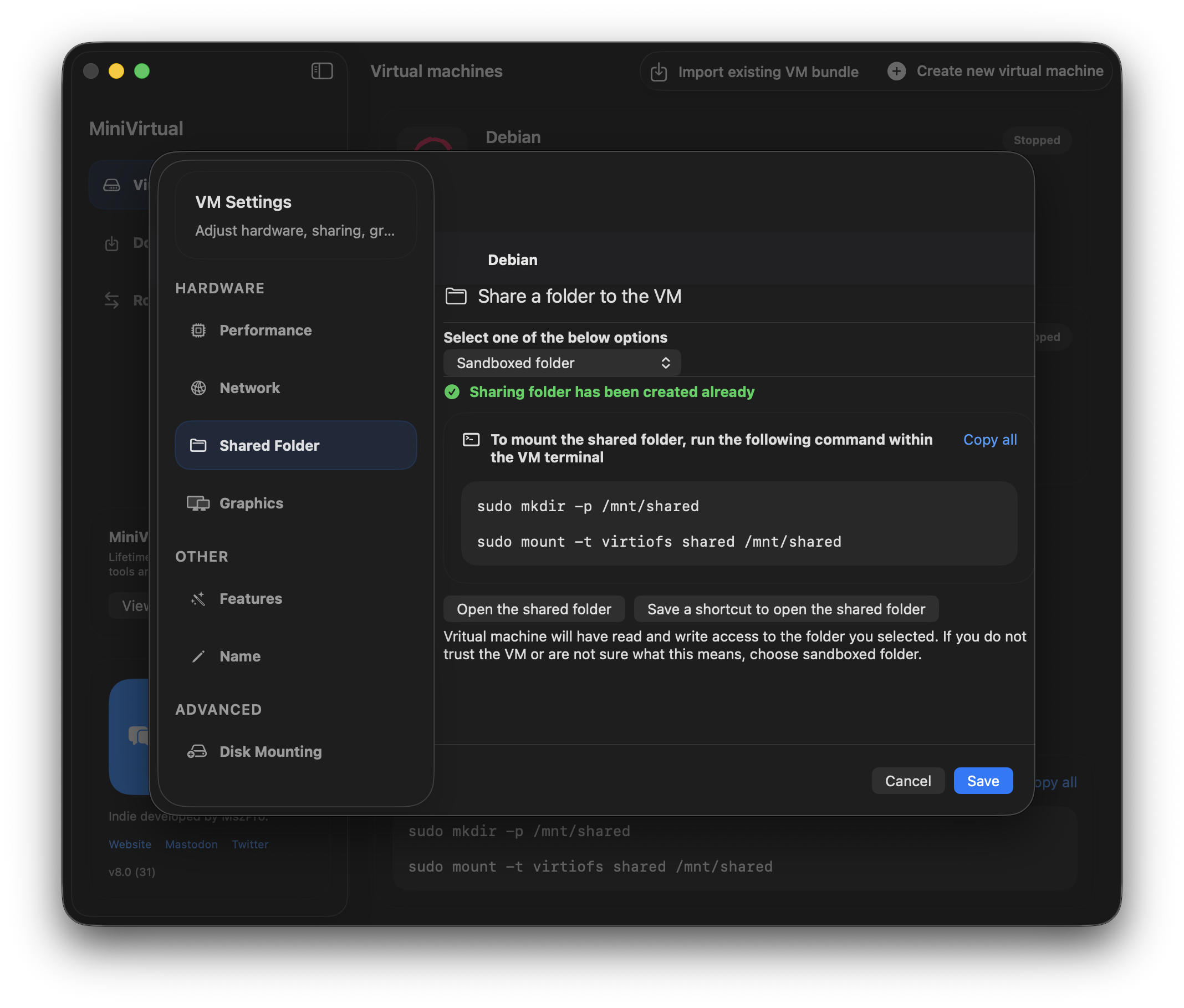
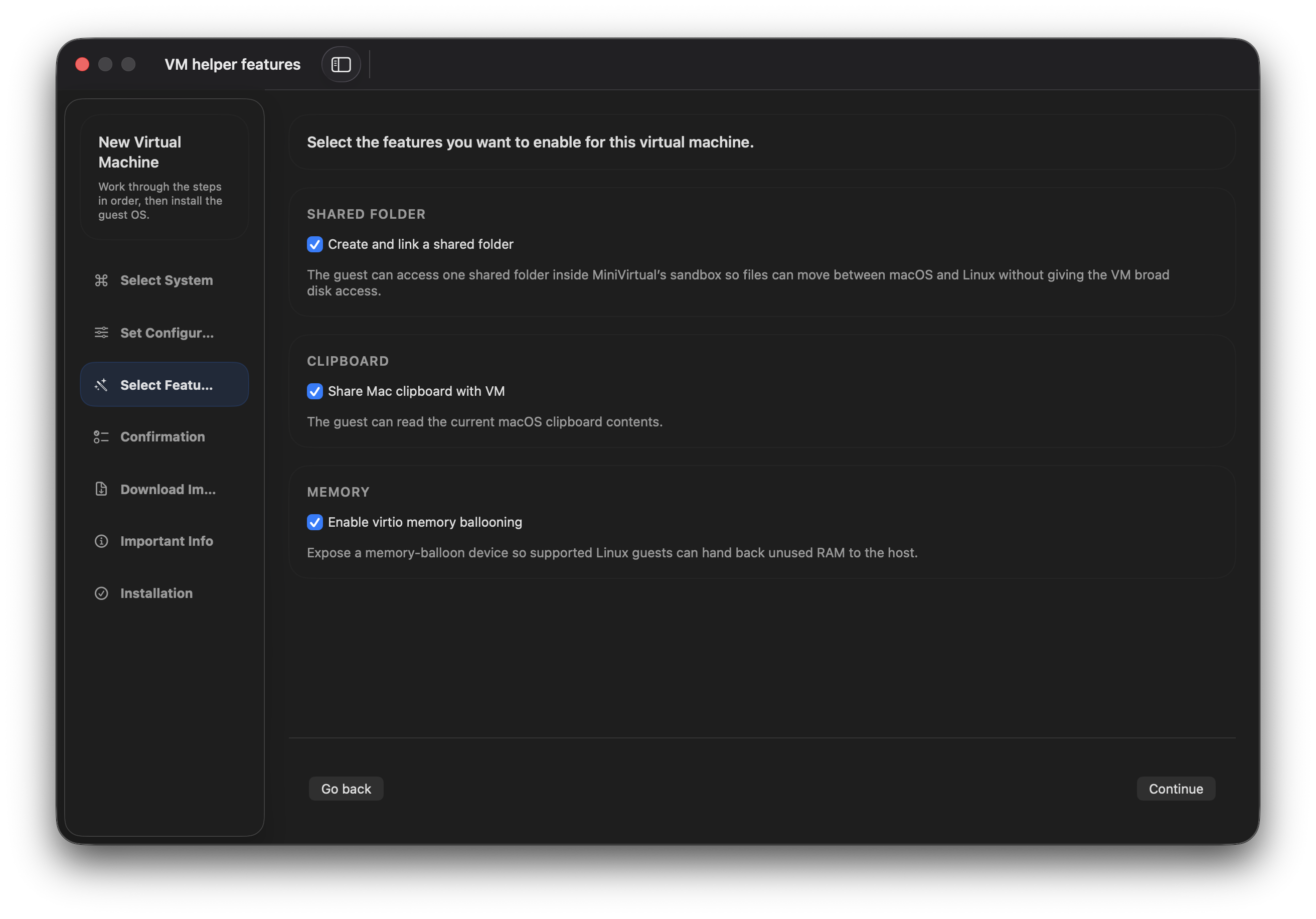
Share folders and clipboard with the host when the guest supports it.
MiniVirtual keeps the guest useful instead of trapping it. Share folders from Downloads, the app sandbox, or other chosen locations, enable clipboard sharing where the guest allows it, and keep the VM connected through shared NAT networking.
Compatible macOS guests
Run supported macOS virtual machines, including beta system experiments.
MiniVirtual is not limited to Linux. On supported Apple silicon Macs, it can boot compatible macOS virtual machines for experiments, environment checks, and restore-image-based testing in the same focused interface.
- Use supported macOS restore images where the platform allows it.
- Keep experiments separate from the main Mac install.
- Guest operating systems must match the Mac’s CPU architecture.