Translate Xcode localization packages on your Mac.

Full workflow demo Import .xcloc, translate, then export straight back into Xcode.

A direct translation flow for exported Xcode localizations.

The page mirrors the real app flow: import the package, choose the translation engine, run the job, and export the translated result.

01 Import

Start by dragging in the exported .xcloc files.

The first screen is intentionally simple: drop the localization packages into the window and start from the files you already exported from Xcode.

  • Fast entry point instead of a dense utility screen.
  • Designed around the actual Xcode export artifact.
  • Single-file import works immediately, with multiple files available in Pro.
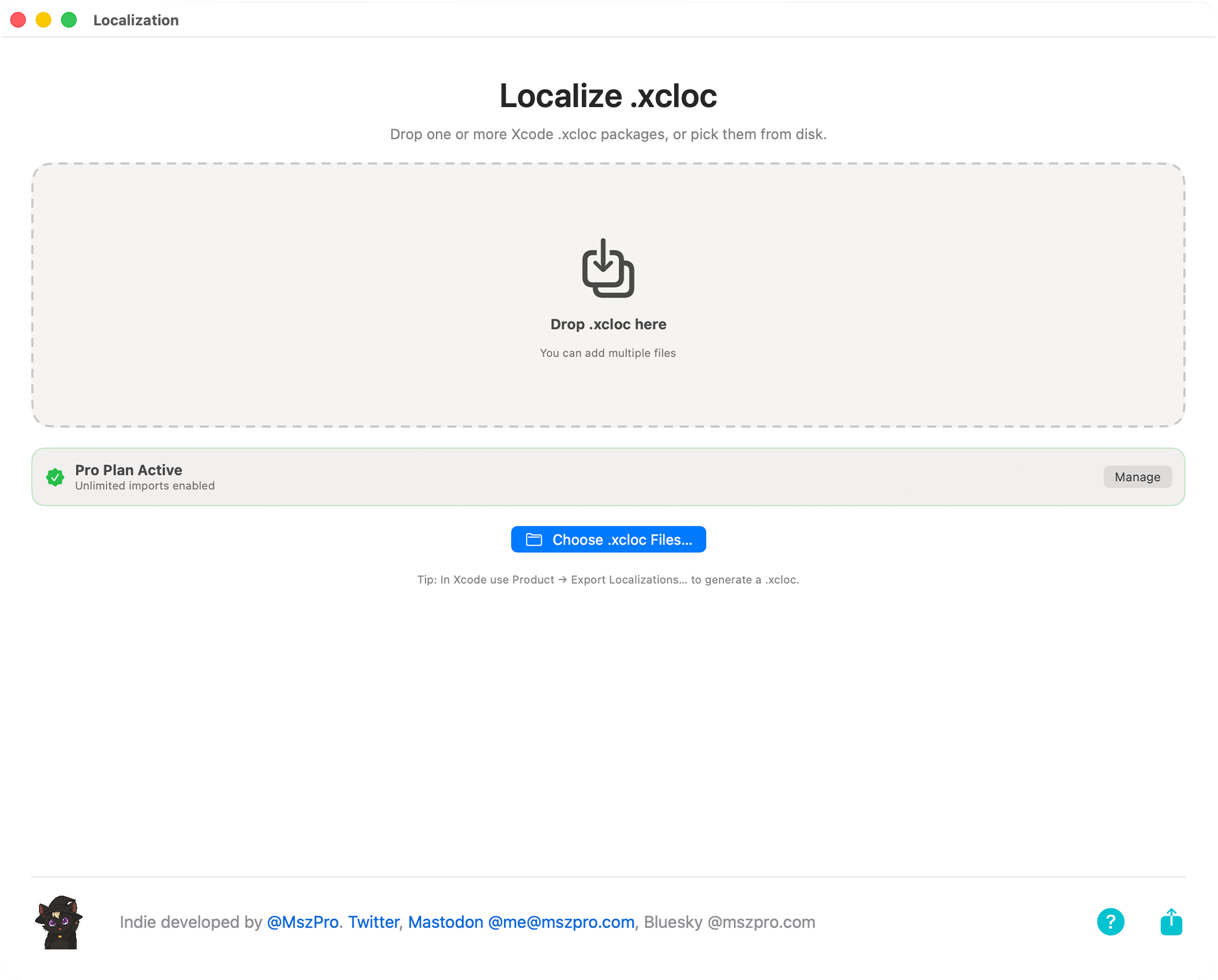
XCLOC AI Localizer startup screen asking the user to drag in .xcloc files
02 Prepare

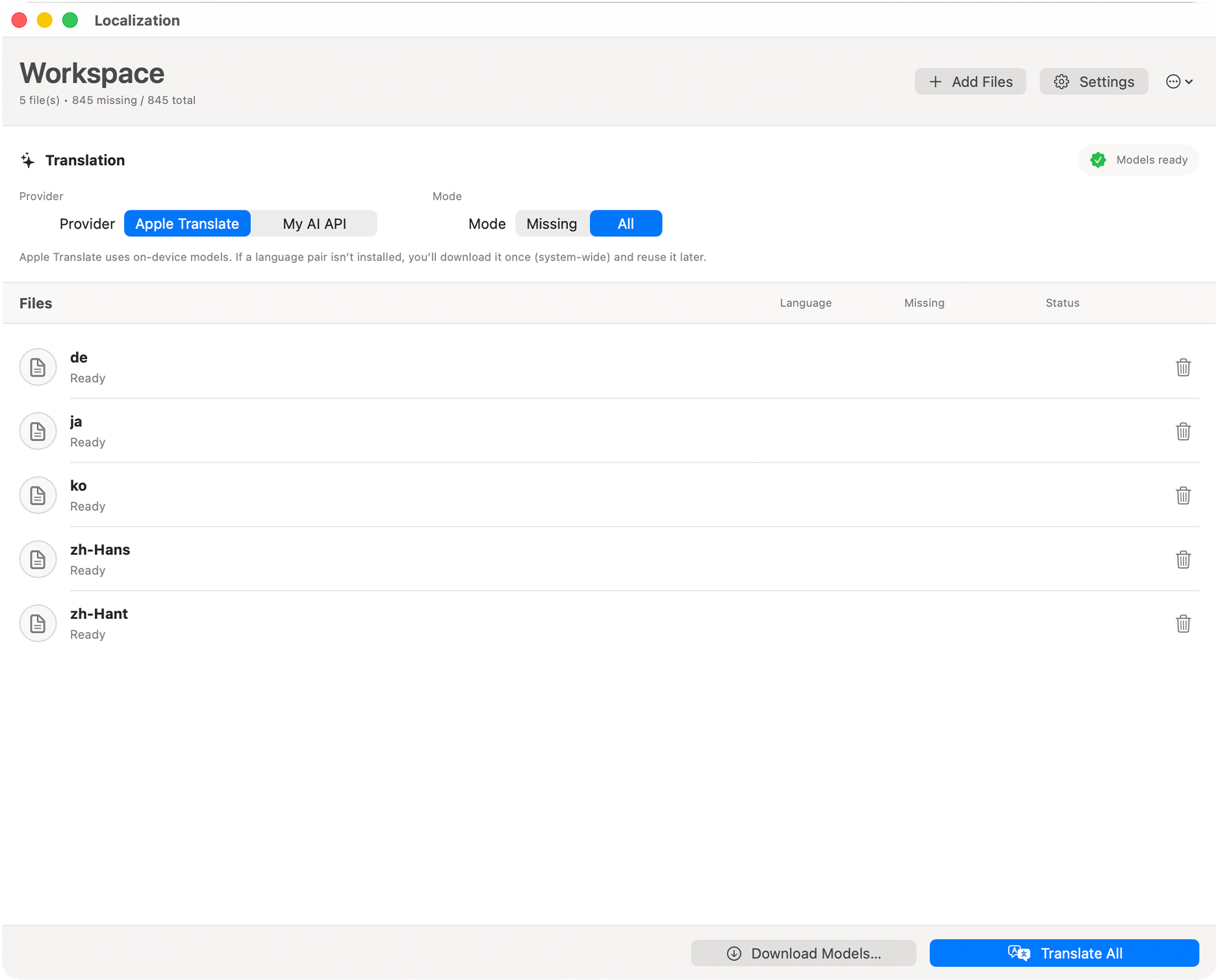
Choose the engine and decide whether to translate missing strings or all strings.

Once the workspace is ready, the app shows the imported languages and lets you choose the translation mode before any processing starts.

  • Pick Apple Translate or your own OpenAI key.
  • Run a conservative missing-strings pass or refresh the full package.
  • Keep one place to manage the whole batch before translation begins.
XCLOC AI Localizer showing imported files and translation options
03 Translate locally

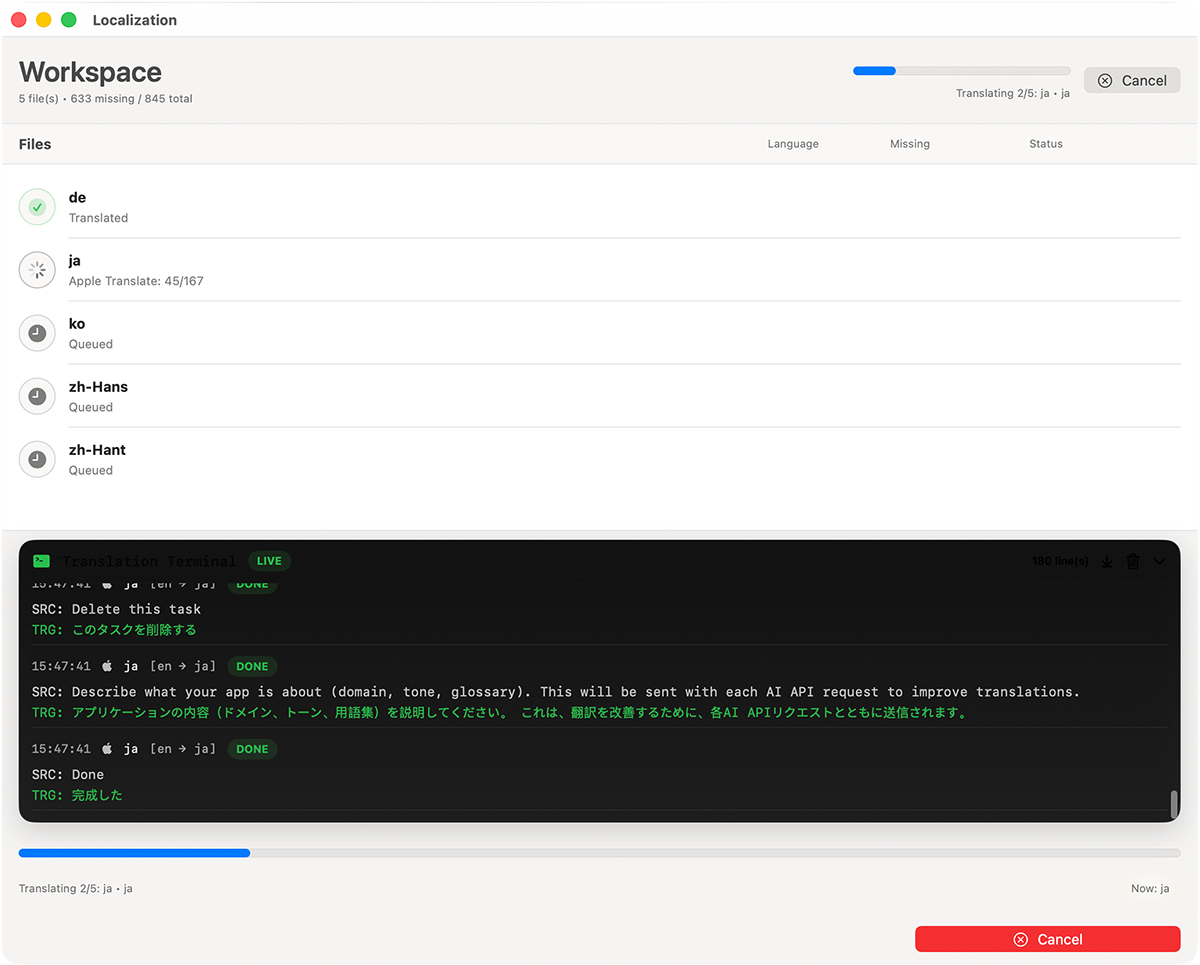
Use Apple system translation for a fast built-in pass.

The local mode keeps the workflow native. You can watch translated entries appear as the job progresses, along with the live progress bar.

  • Free built-in translation path on supported macOS systems.
  • Fast feedback while the translated strings fill in.
  • Useful when you want a local-first workflow for supported languages.
XCLOC AI Localizer translating strings with Apple system translation
04 Translate online

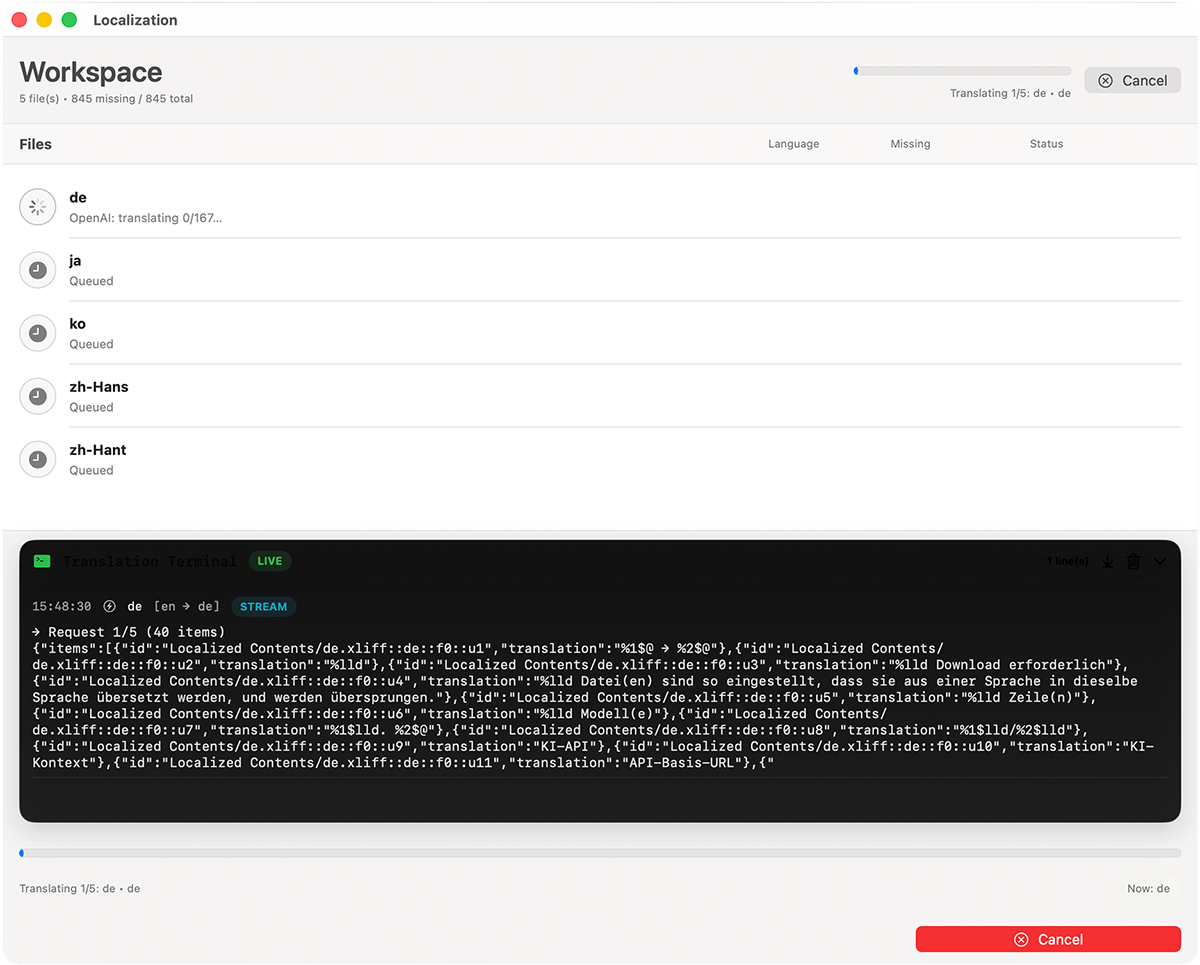
Switch to your own OpenAI key when you want online AI translation.

The Pro online mode uses your configured API credentials, while keeping the translation interface and progress tracking consistent with the local workflow.

  • Bring your own key instead of relying on a bundled cloud account.
  • Use the same import and export flow as the local mode.
  • Only the text being translated is sent to the configured provider.
XCLOC AI Localizer translating strings with the user's OpenAI API key
05 Export

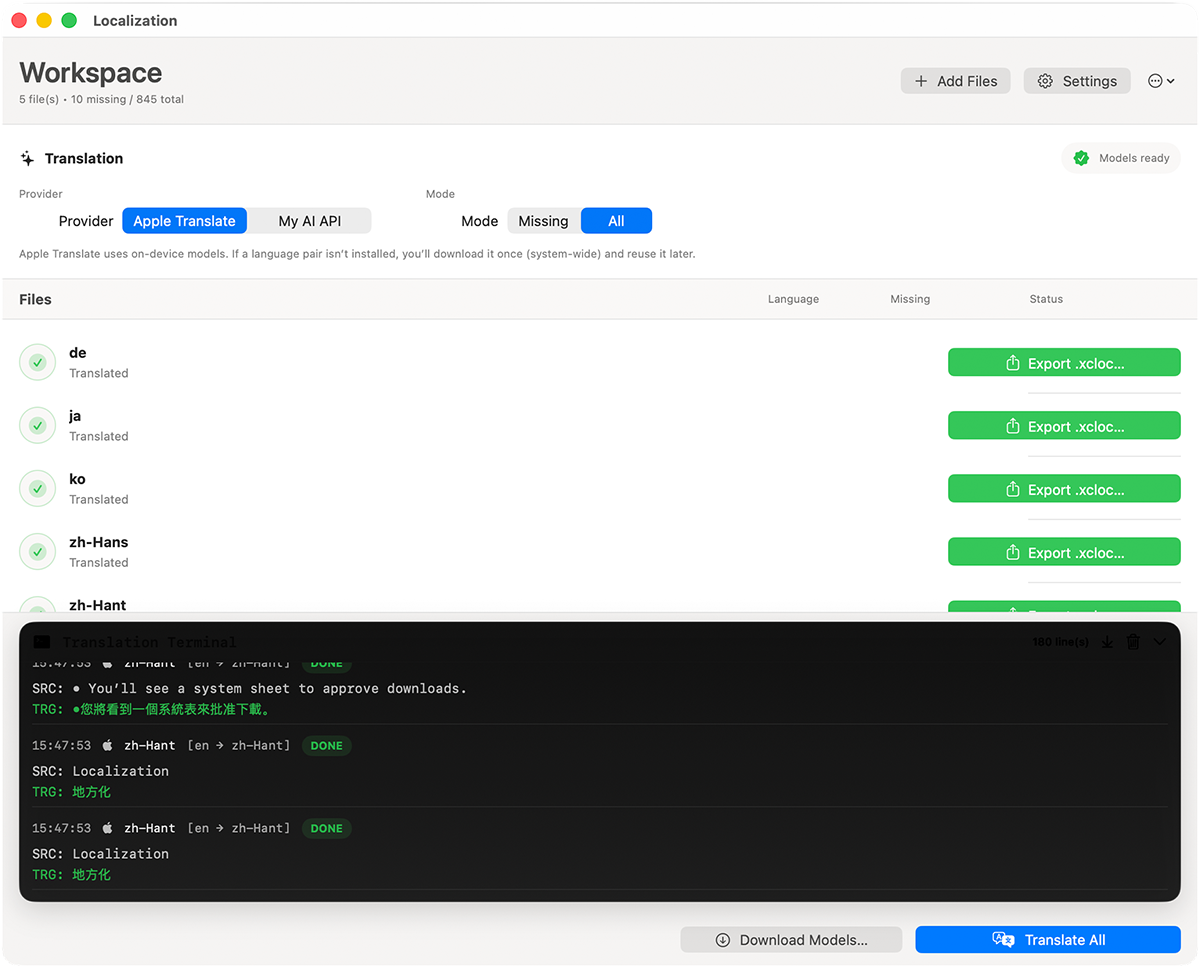
Export the translated package and bring it back into Xcode.

After translation finishes, the app gives you a clear export step so the result stays aligned with the Xcode localization workflow you already use.

  • Finish with a translated .xcloc package.
  • Move back into Xcode without manual copy and paste.
  • Keep localization work organized per exported language package.
XCLOC AI Localizer finished screen with export buttons

Apple system translation

Use the translation technology built into macOS for a fast, native path that can stay on-device where supported.

  • Free built-in engine.
  • Strong fit for privacy-conscious workflows.
  • Good default when supported languages match the project.

Your own OpenAI key

Bring your own API credentials for the Pro online path while keeping the same import, review, and export flow.

  • Uses your configured key rather than a shared account.
  • Useful when you want a different translation path from the local engine.
  • Feature availability can depend on country and region.

Translate exported String Catalog workflows without rebuilding your localization pipeline.

XCLOC AI Localizer is aimed at developers already using Xcode localization export. If your project uses String Catalogs, the app fits neatly into the exported .xcloc stage instead of asking you to move strings into a separate custom format.

  • Great for projects using .xcstrings through Xcode export.
  • Batch process multiple localization files in one session with Pro.
  • Works for iOS, macOS, and other Xcode projects that export .xcloc.
XCLOC AI Localizer workspace ready screen on macOS

Local stays on your Mac. Online sends only the translated text.

The app keeps the privacy model clear. Apple system translation can stay local, while the online AI option sends only the text you choose to translate to your configured provider.

  • Local AI stays on your Mac.
  • Online AI transmits only the text being translated.
  • Useful when localization content includes internal project strings.

Ship translated XCLOC packages back into your project.

XCLOC AI Localizer for Xcode is available on the Mac App Store. Some features, including multiple file import and online AI, require a monthly subscription.

Availability of the online AI feature depends on your country and region.

Xcode .xcloc local AI localizer

Xcode .xcloc local AI localizer

Use local AI model or AI API to localize your iOS apps

Check it out on Product Hunt →