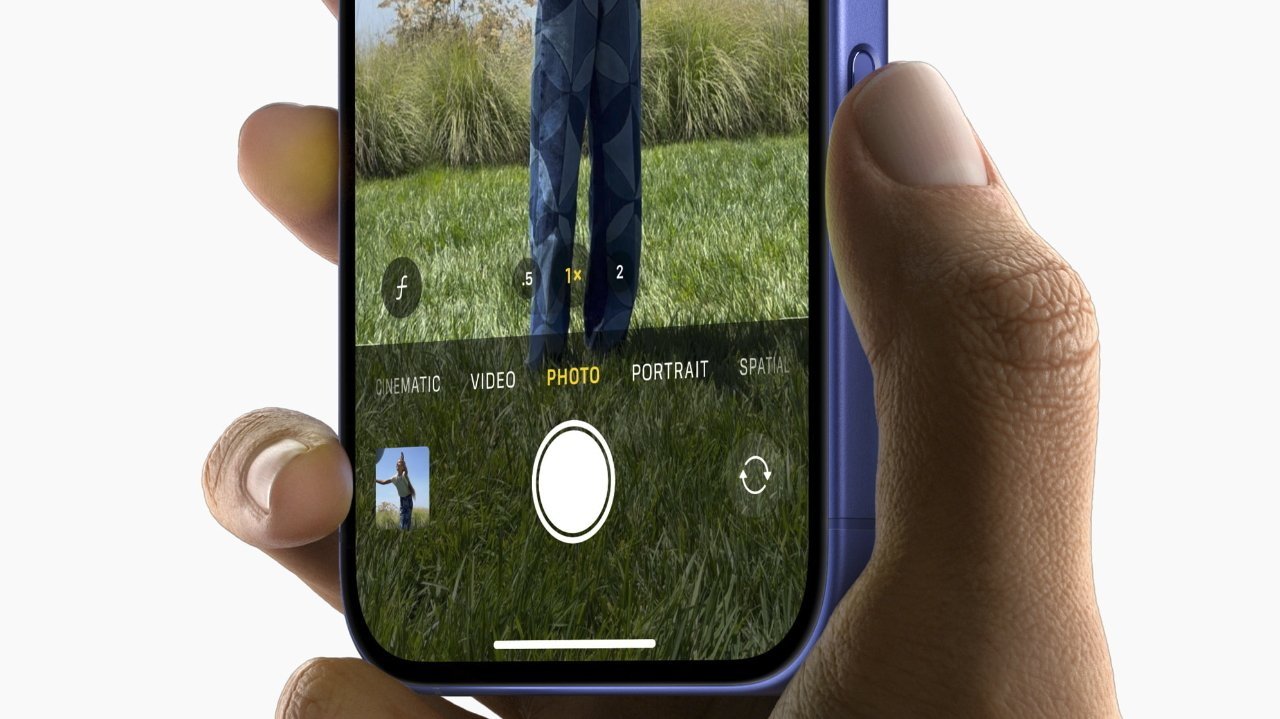
Support the iPhone Camera Control button in your own iOS app
SwiftUI, zoom, exposure, and custom control examples for handling the iPhone Camera Control button inside your own app.
SwiftUI, zoom, exposure, and custom control examples for handling the iPhone Camera Control button inside your own app.

Use TabView, ZStack, AsyncImage, GeometryReader, and drag state to build a custom tab bar and swipeable sidebar in SwiftUI.
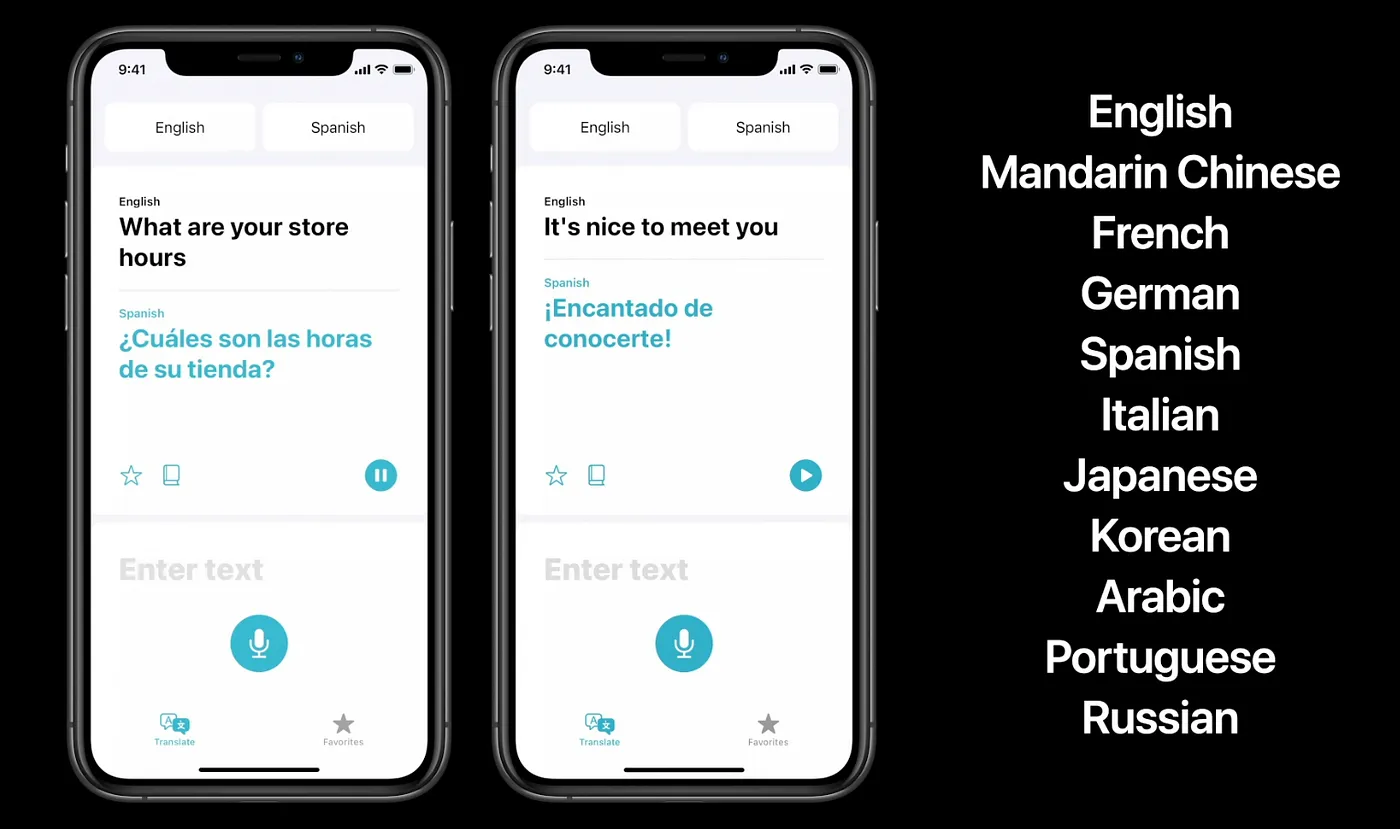
SwiftUI and UIKit patterns for Apple's Translation framework, including built-in UI, availability checks, model downloads, and programmatic translation.
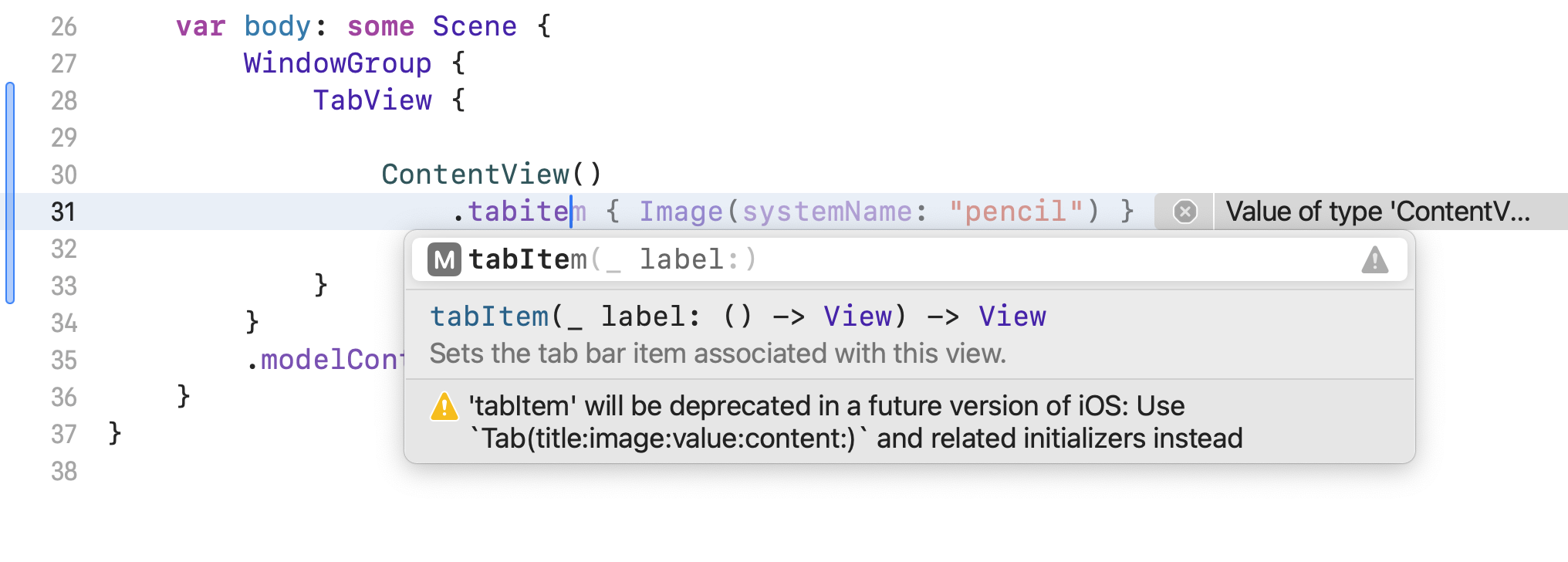
Use the new Tab initializer inside TabView, then add selection values and badges without relying on the old .tabItem modifier.

Use SwiftUI, RealityKit, ImmersiveSpace, WindowGroup, and Reality Composer Pro to build a simple visionOS mini-game.
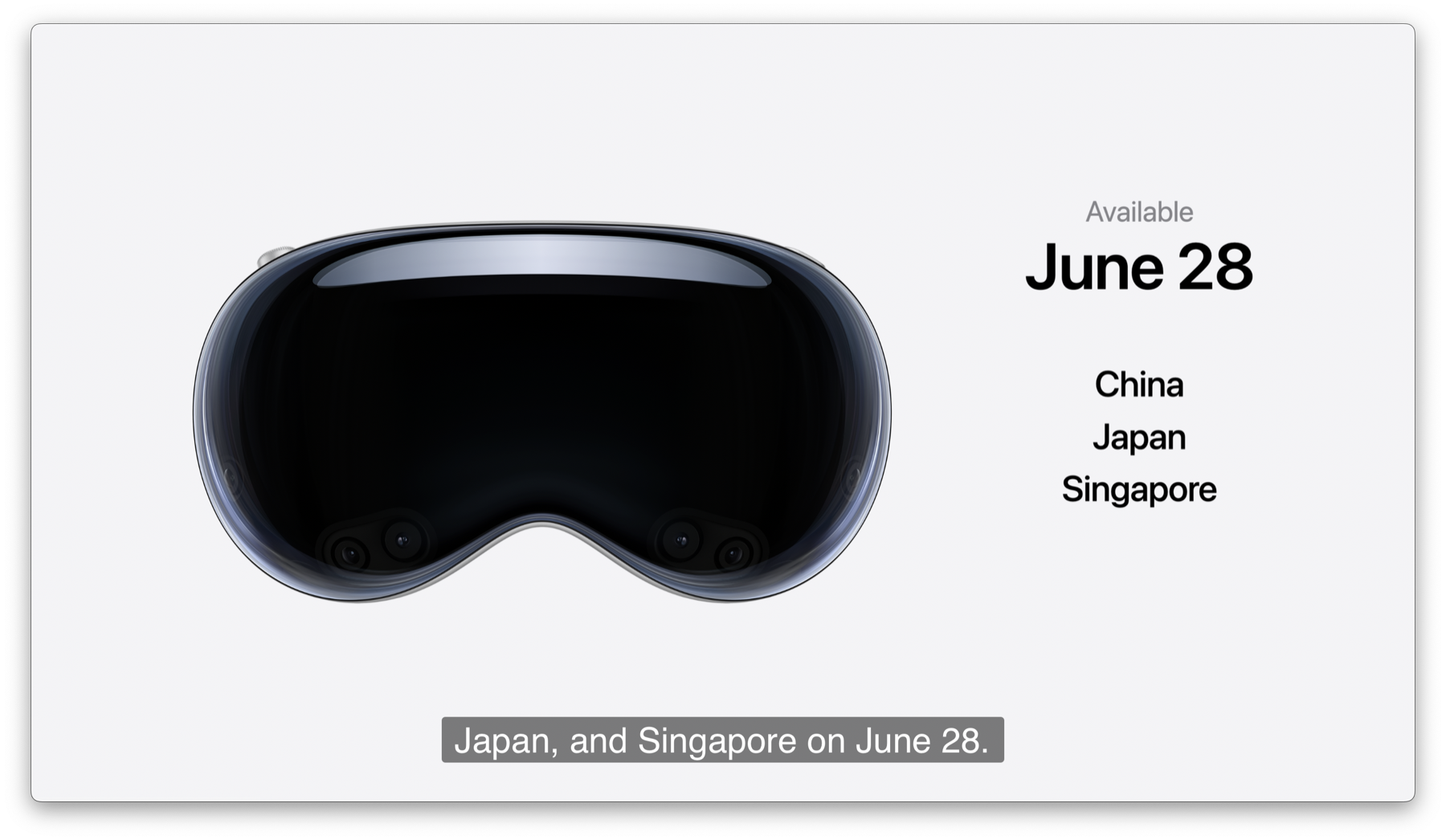
Apple's WWDC 2024 keynote, from visionOS 2 and iOS 18 to Apple Intelligence and macOS Sequoia.

Use Apple's high-level image interaction APIs for Photos-style subject lifting, then drop to Vision when you need the actual mask.
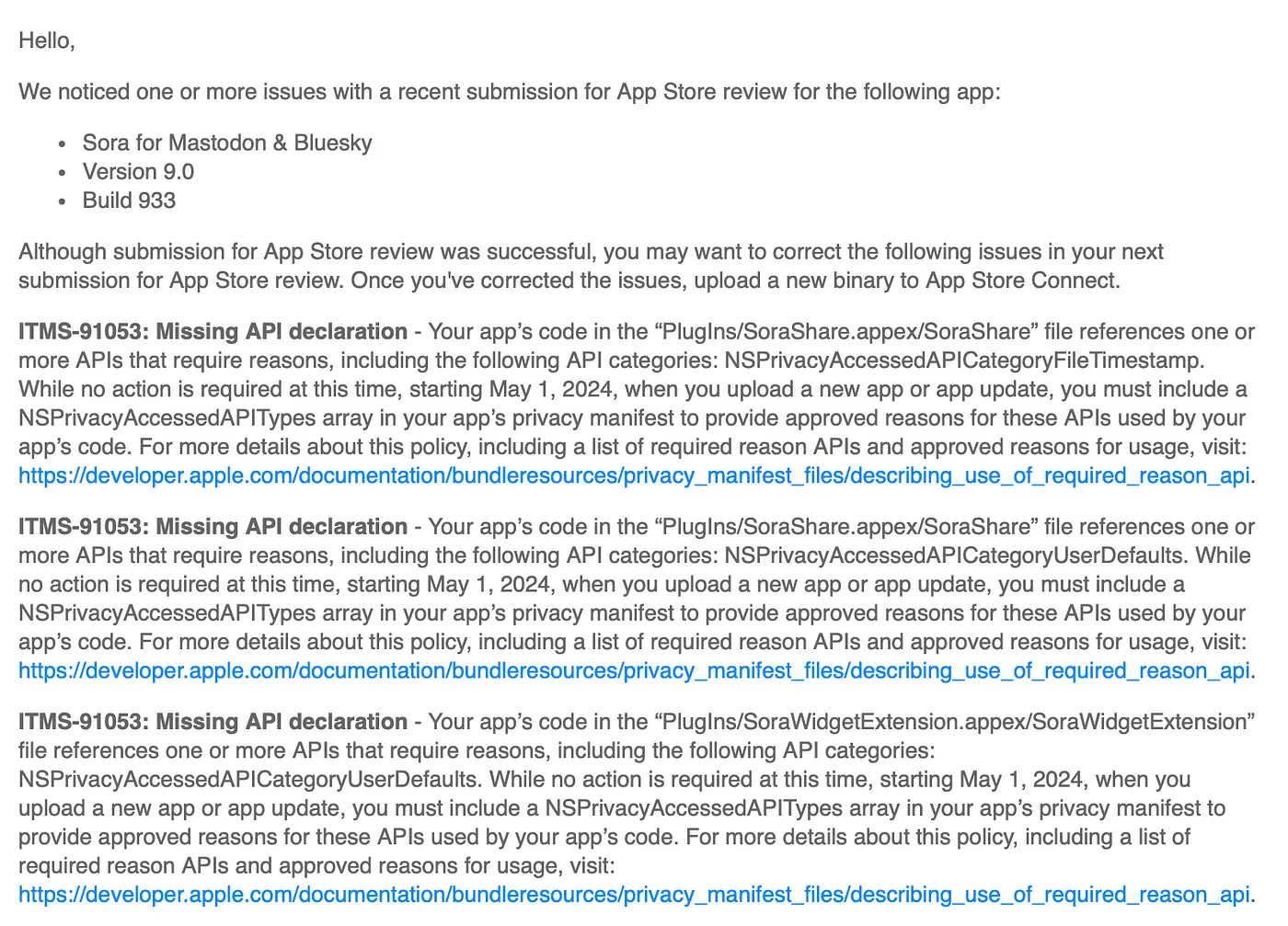
Create PrivacyInfo.xcprivacy, attach it to the right targets, add required-reason API entries, and fill out data collection details correctly.
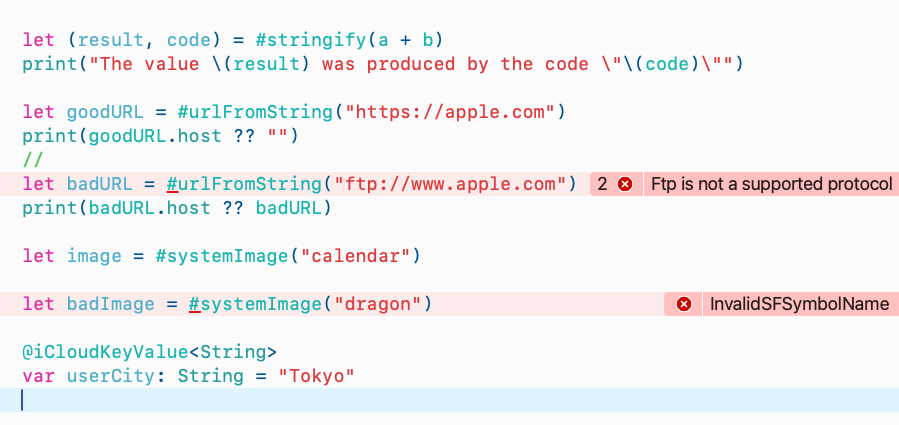
Build Swift macros that validate inputs at compile time, generate accessors, and emit better diagnostics.
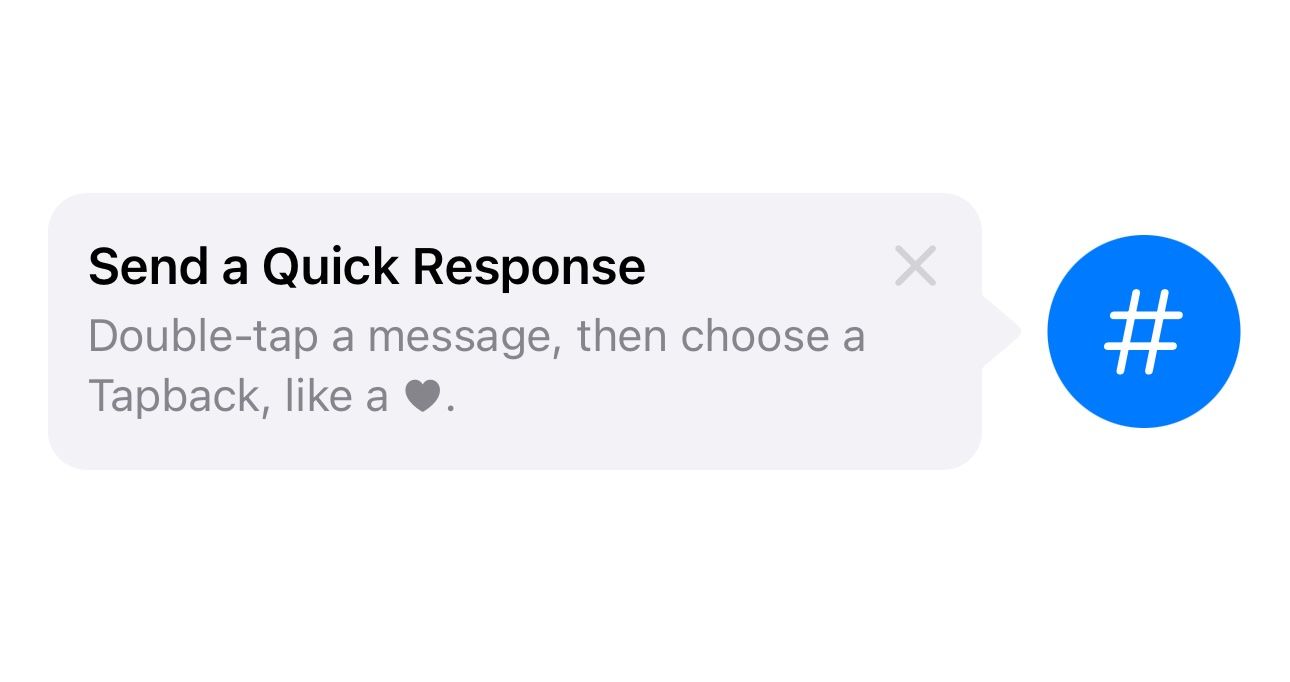
Define Tip objects, show inline and popover hints, gate them with rules, and debug TipKit behavior in SwiftUI.
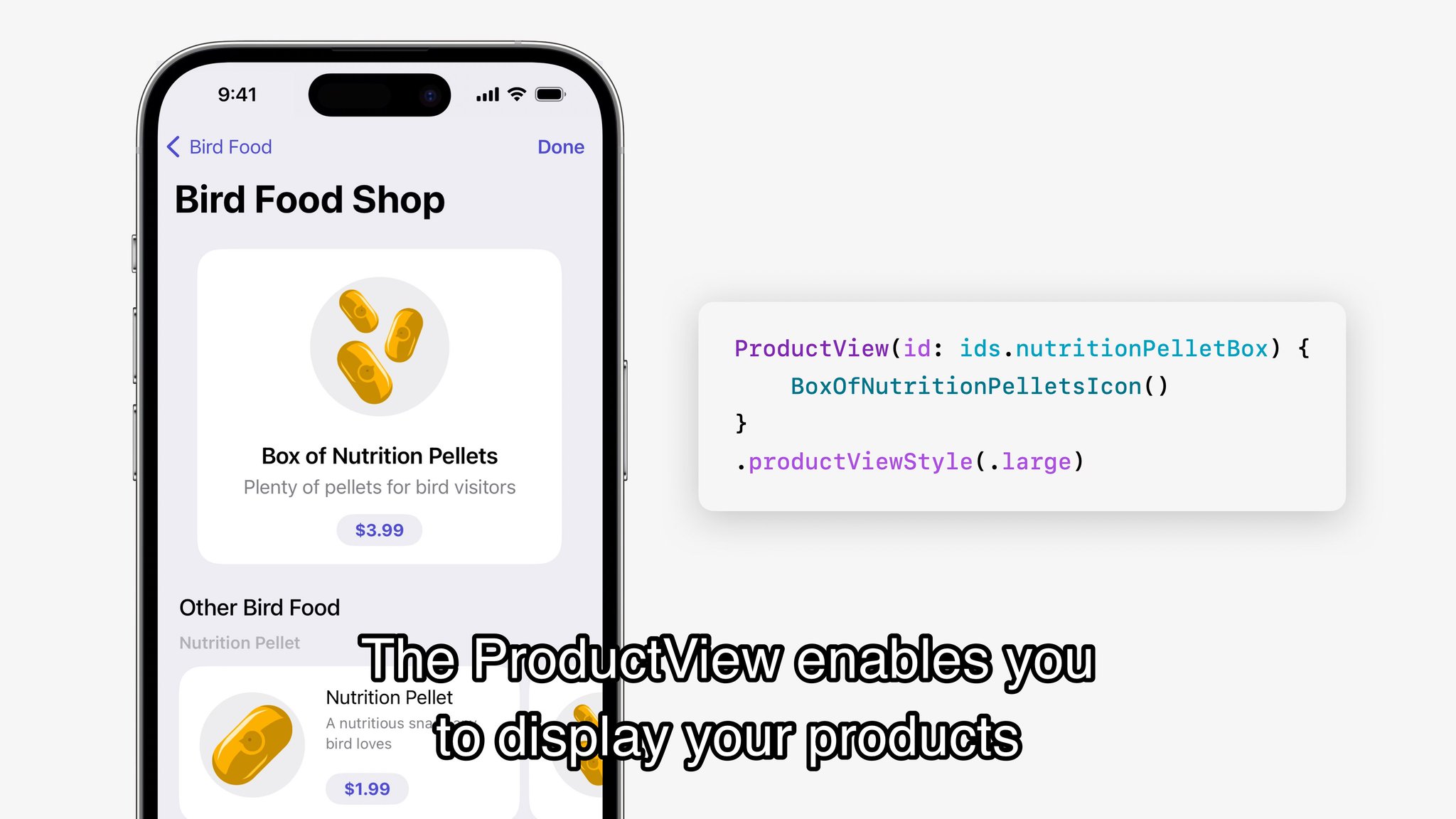
Practical SwiftUI and related iOS 17 features shown around WWDC 2023.

Apple's WWDC 2023 keynote, from Vision Pro and new Mac hardware to iOS 17, iPadOS, macOS Sonoma, and the rest of the platform sweep.
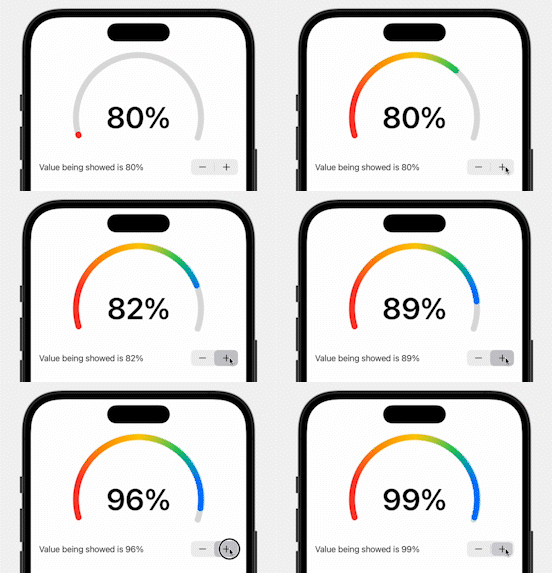
Trim a circle, rotate it into place, animate the value, and build a semicircular progress ring in SwiftUI.
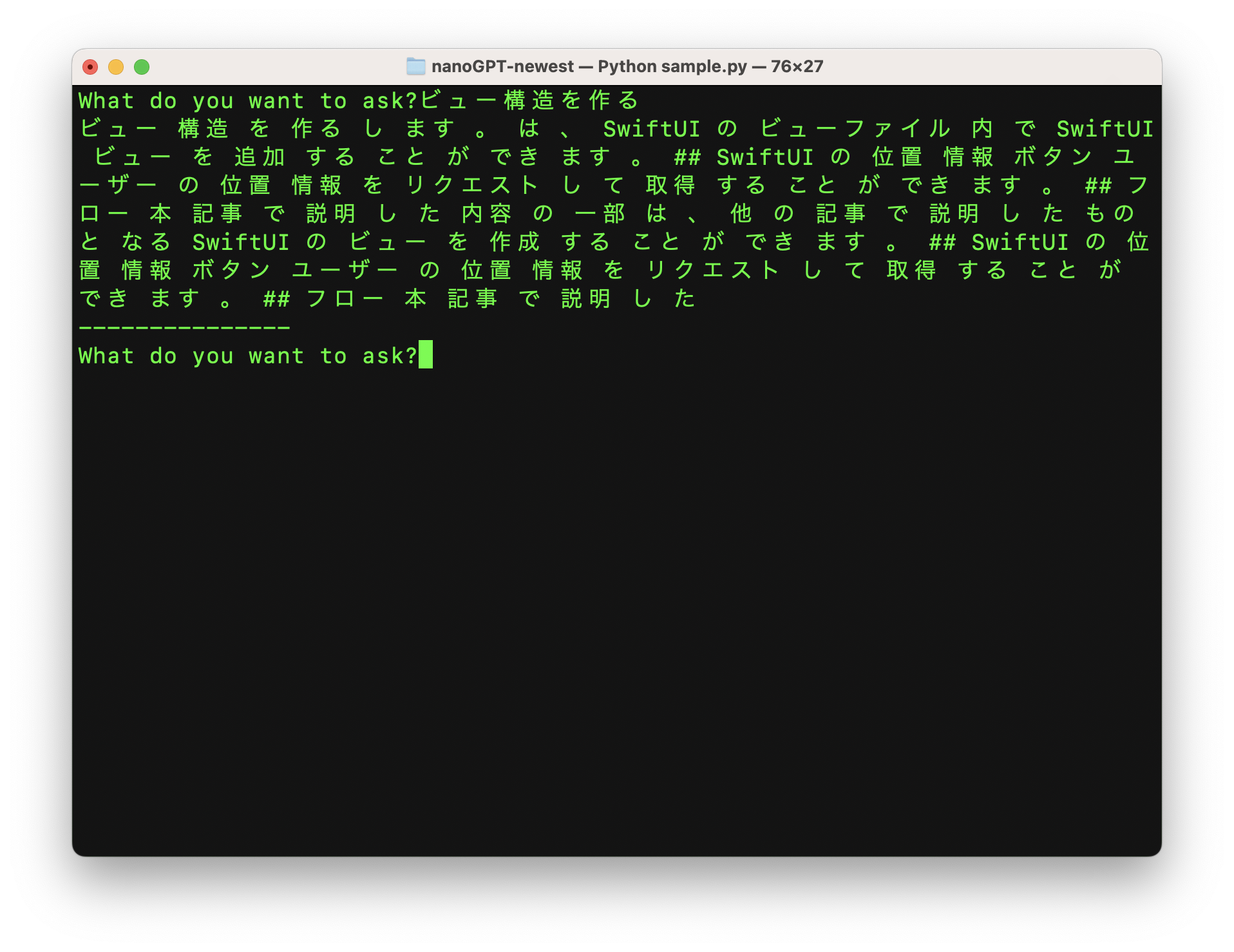
Use nanoGPT, a Japanese tokenizer, and your own text corpus to train a tiny chatbot from scratch and inspect how the output improves over time.
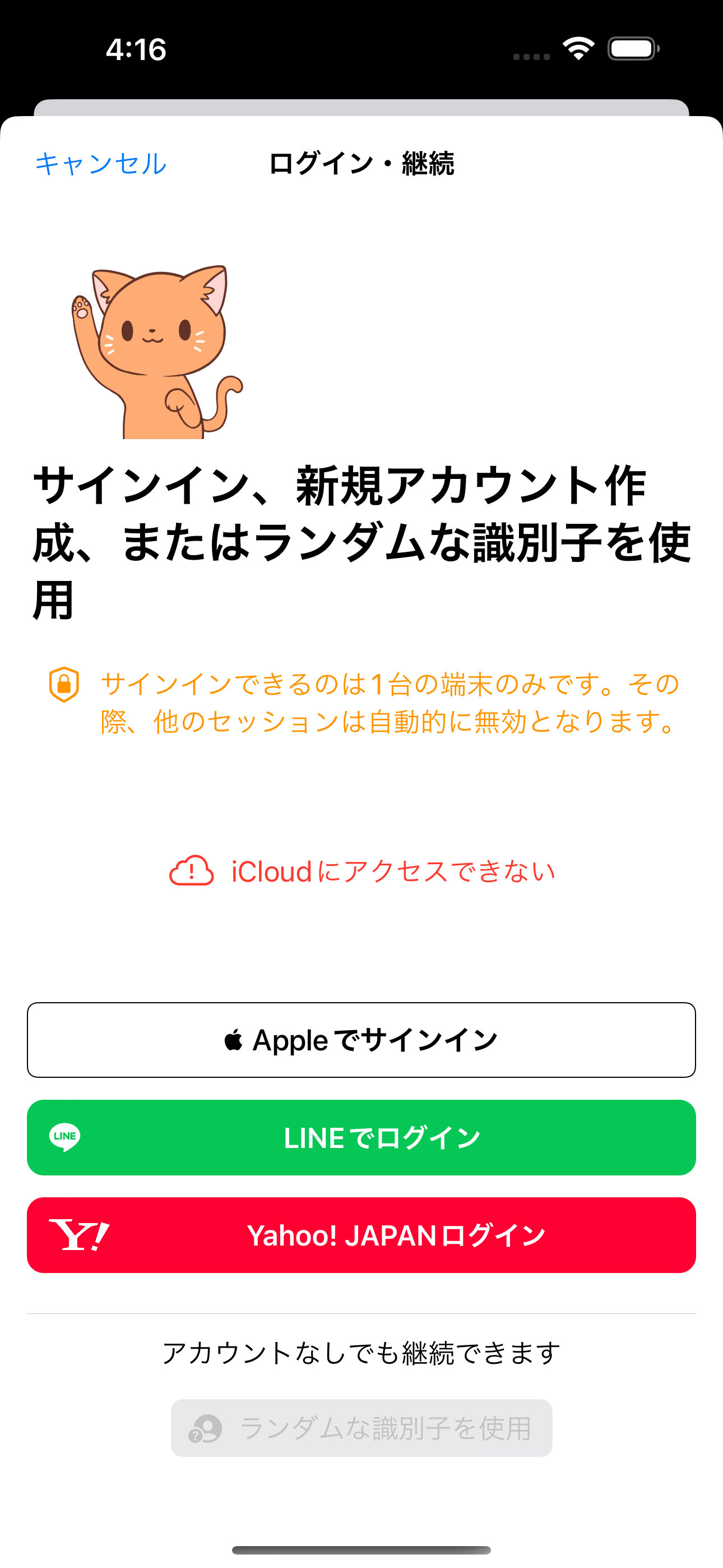
Register the LINE channel, add LineSDK, wire the callback through onOpenURL, and bridge the LINE login button into SwiftUI.
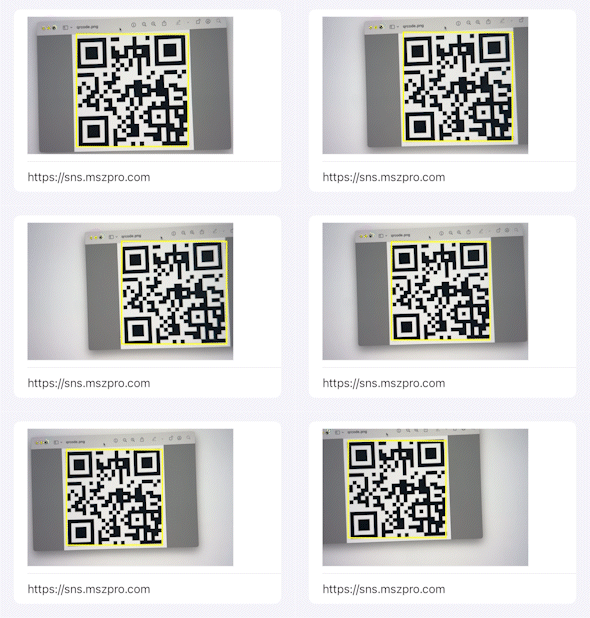
Use AVCaptureMetadataOutput to scan QR codes, draw an overlay around the detected code, and expose the scanner as a SwiftUI-compatible view.
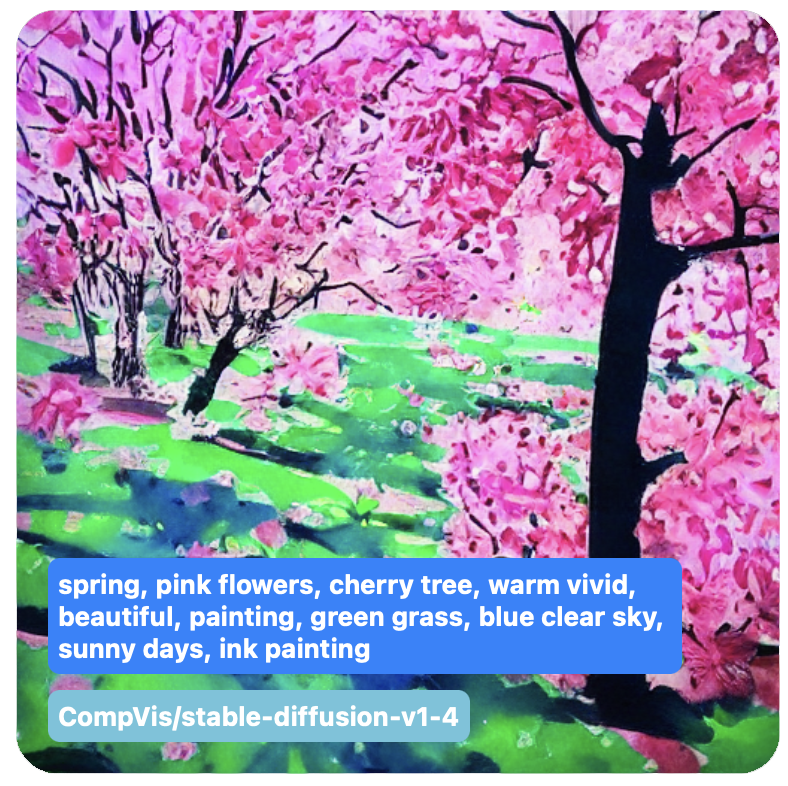
Convert Stable Diffusion models for Apple platforms, load the compiled resources in Swift, and understand the practical limits on iPhone, iPad, and Mac.
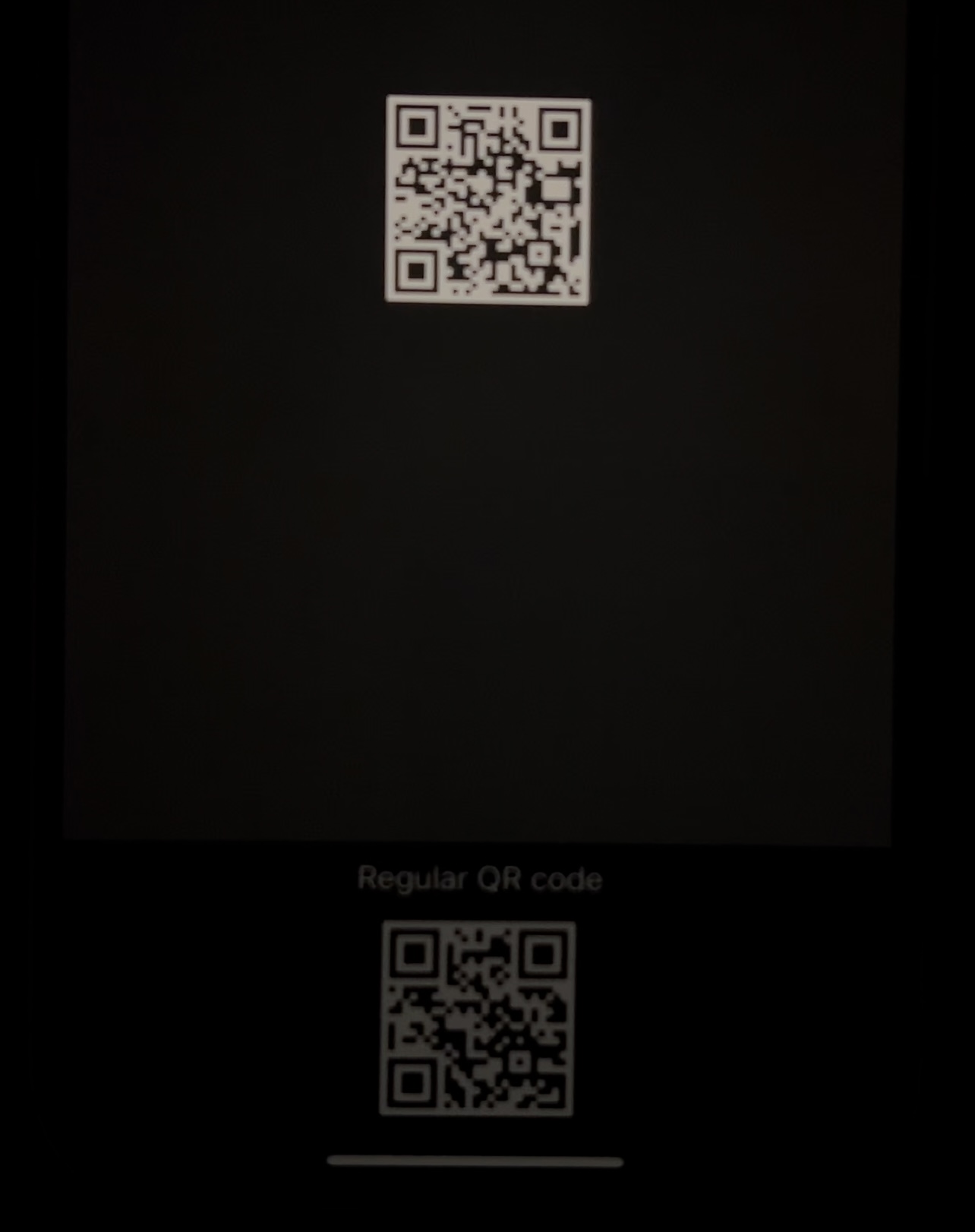
Use Extended Dynamic Range rendering, Core Image, MetalKit, and SwiftUI to make only the QR region brighter instead of blasting the whole display.
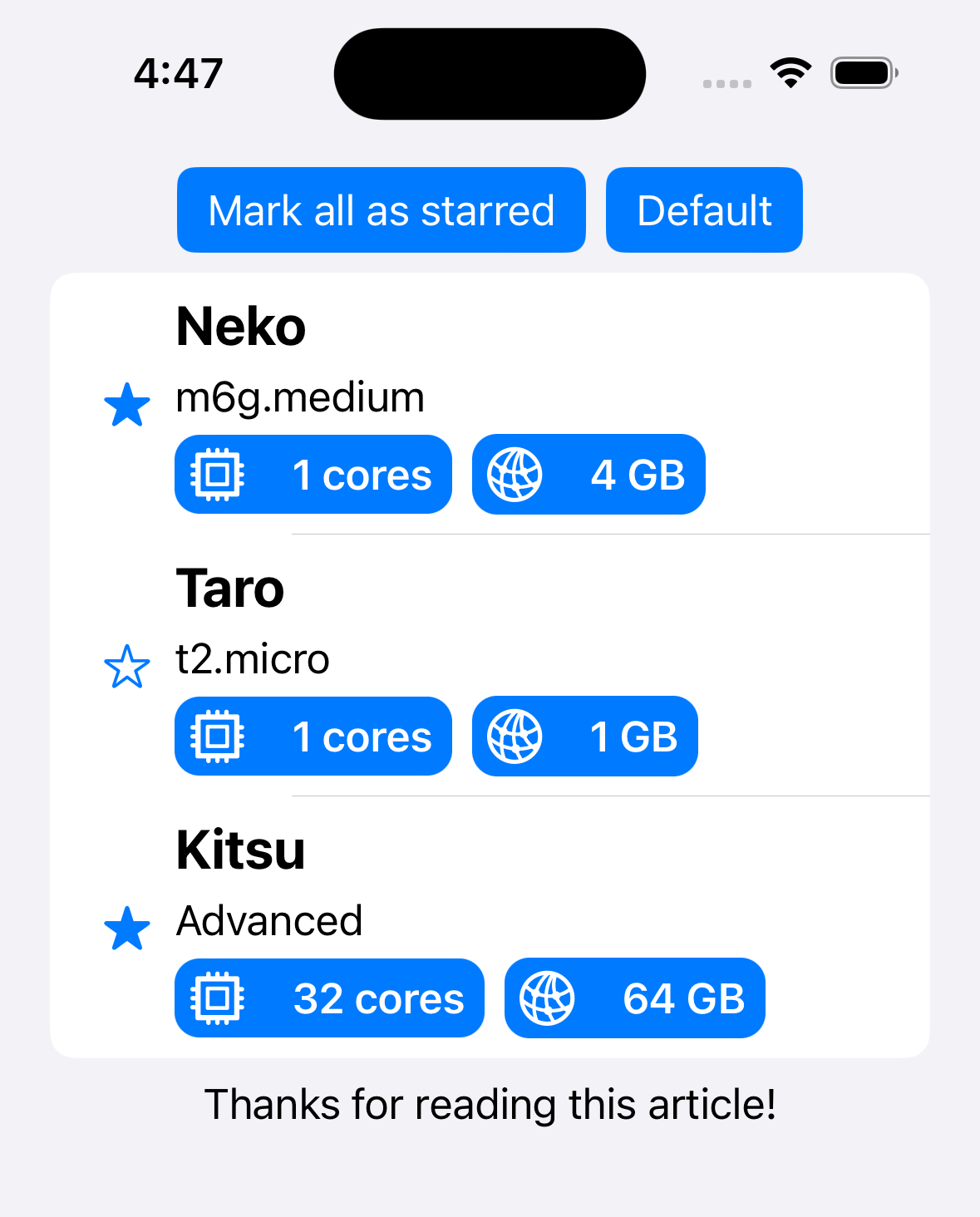
Bridge SwiftUI into UIKit list UIs with UIHostingConfiguration, CellRegistration, supplementary registrations, and a small amount of observation-friendly model work.
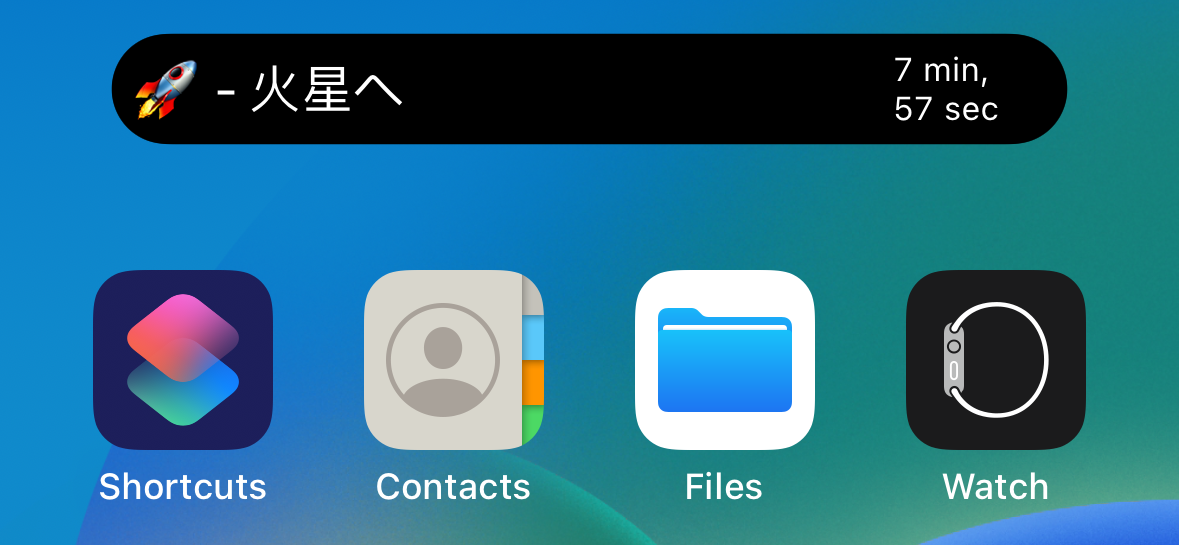
A practical ActivityKit walkthrough covering Live Activities on the lock screen and Dynamic Island, including attributes, widget configuration, launch, updates, and ending the activity.

A practical MapKit walkthrough for place picking, MKMapFeatureAnnotation callouts, Look Around snapshots, embedded street view, and search suggestions.
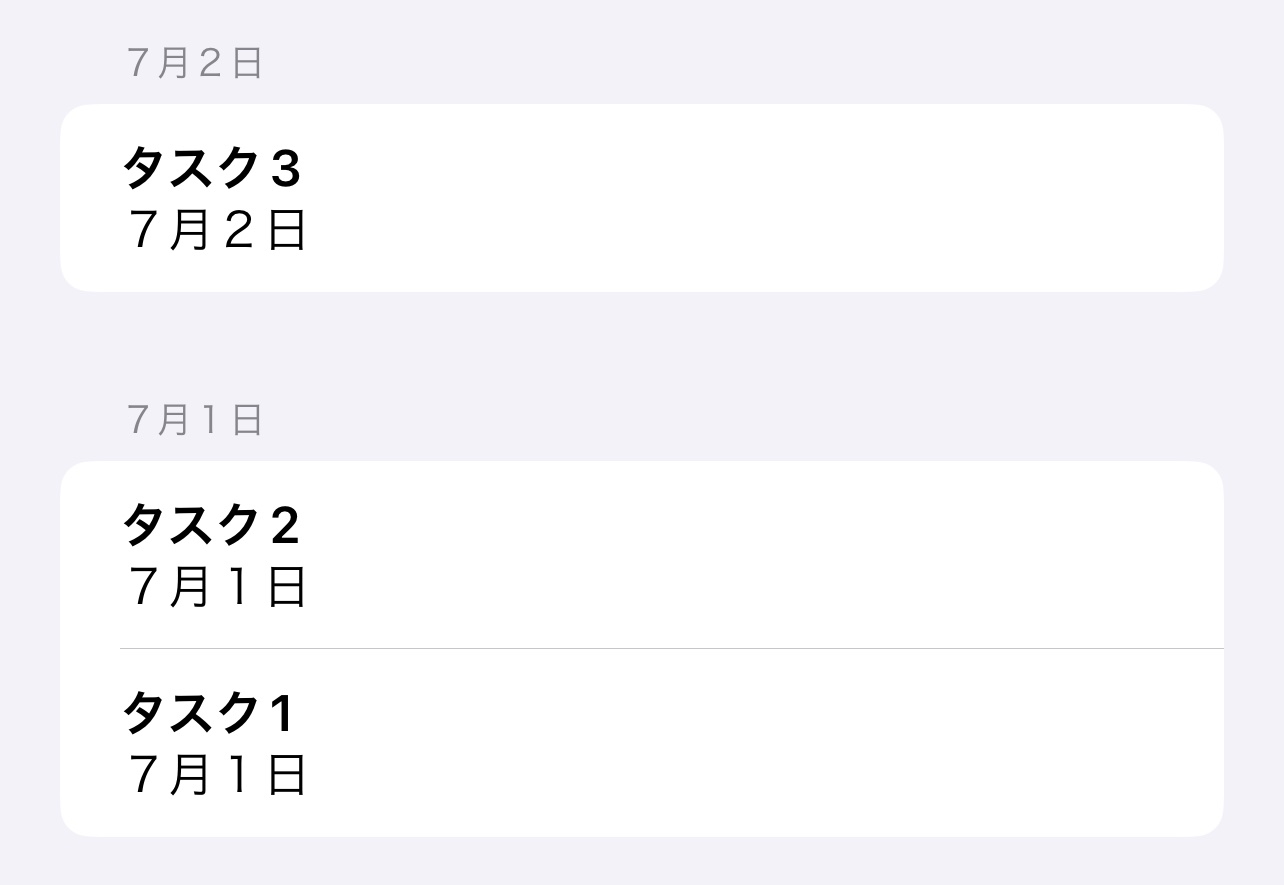
A practical SwiftUI guide to SectionedFetchRequest, grouping keys, section identifiers, and rendering grouped Core Data results.
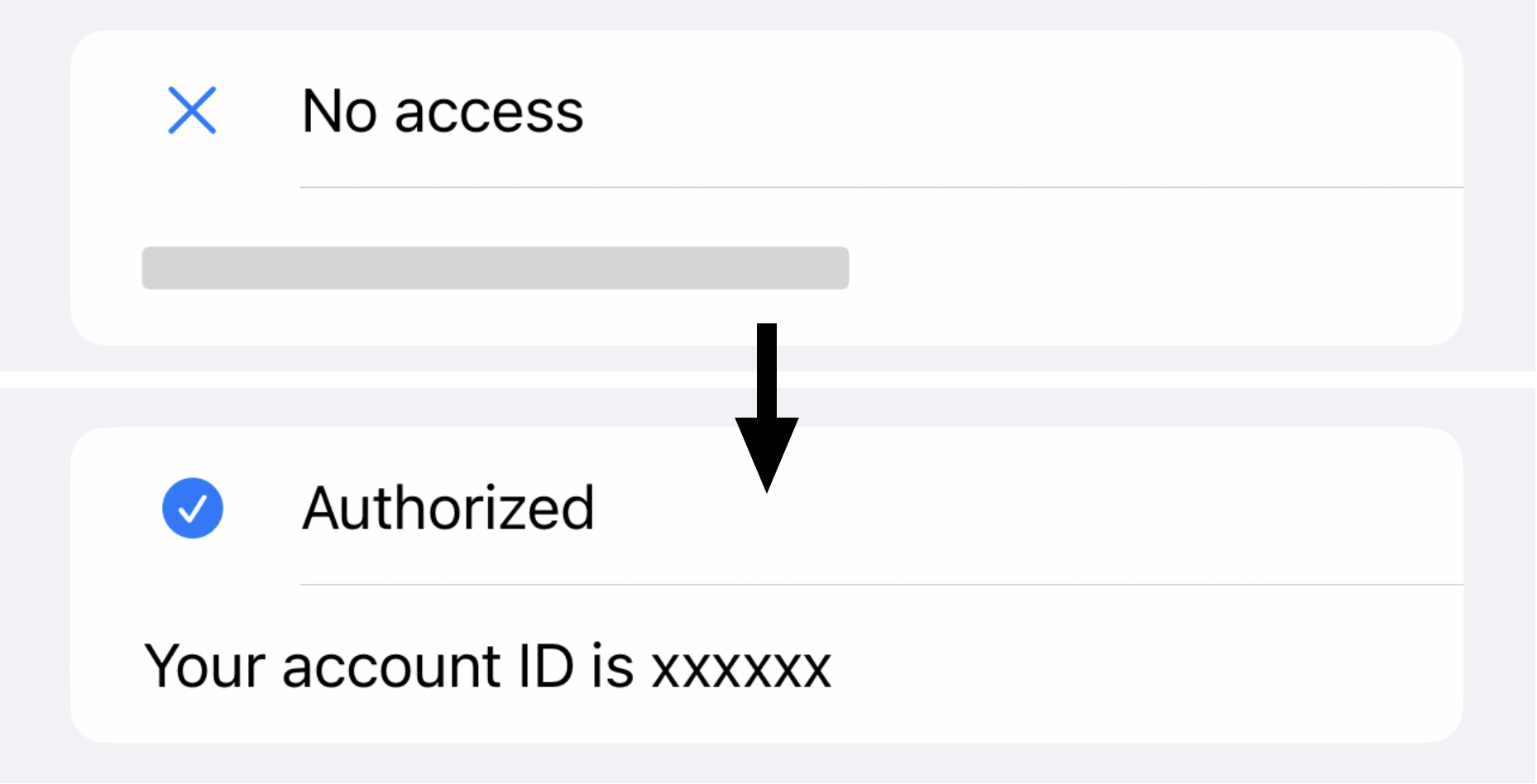
A practical LARight walkthrough for storing secrets, reauthorizing access, sharing biometric state across SwiftUI views, and hiding private data with redaction.
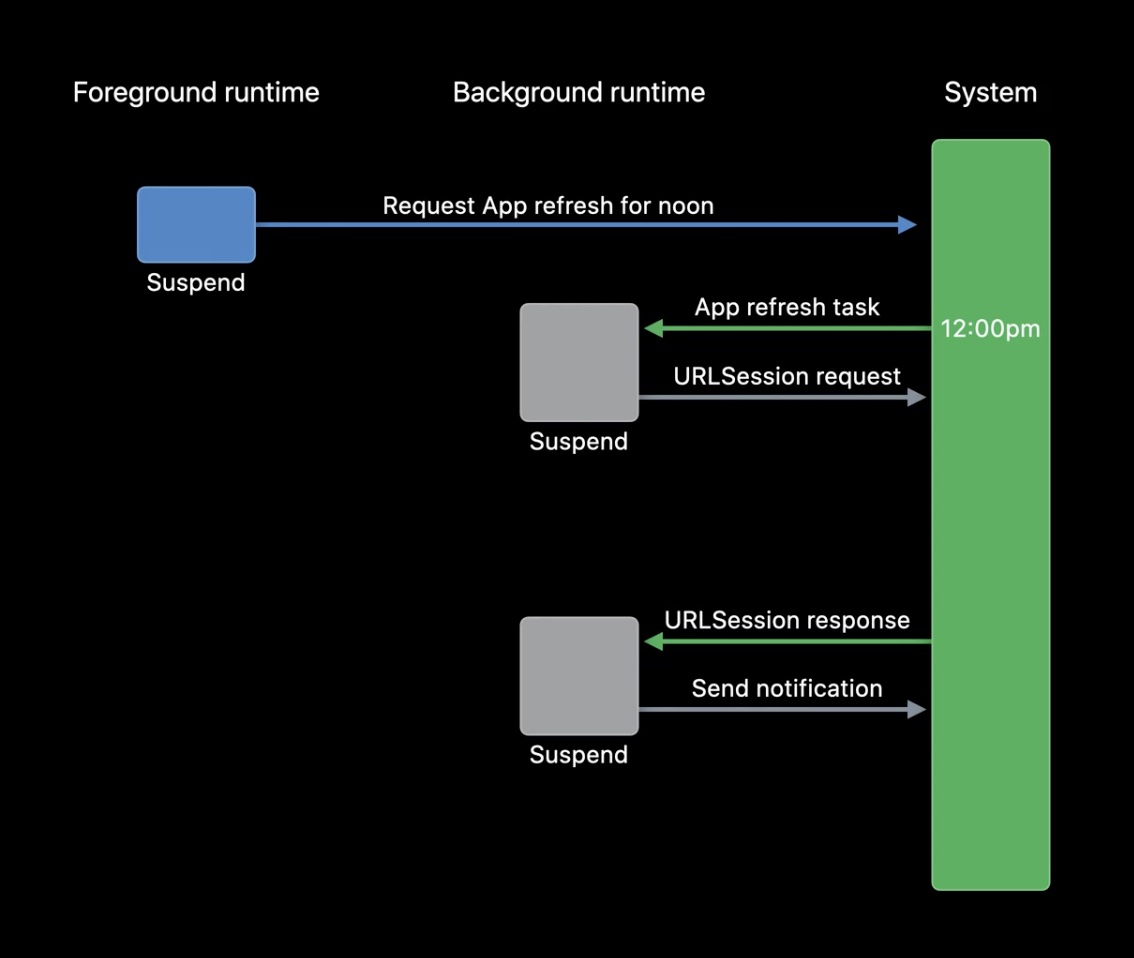
A practical SwiftUI guide to BackgroundTasks, scheduling refresh work, background URLSession downloads, and compatibility fallbacks.
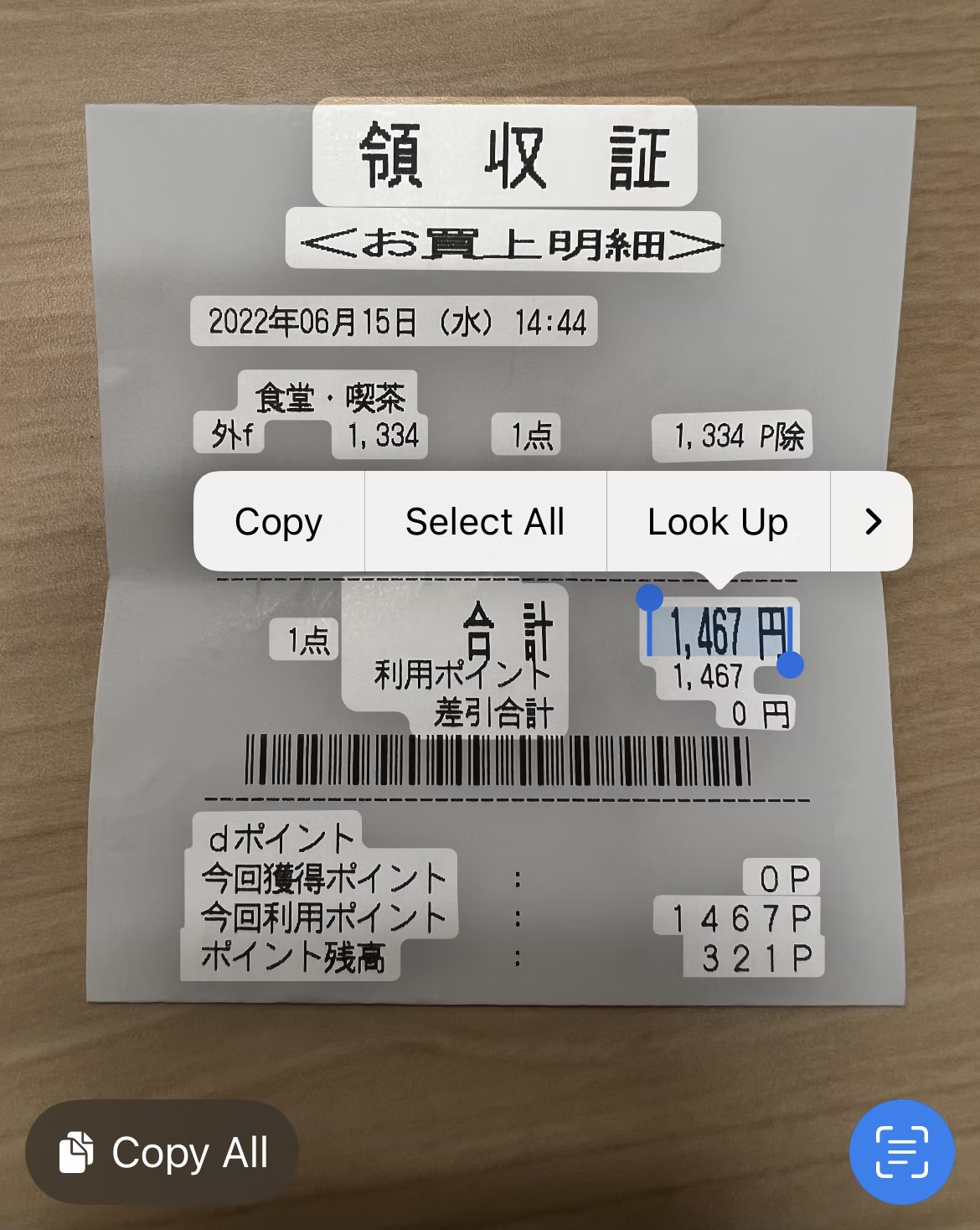
A practical VisionKit guide to DataScannerViewController, recognized data types, delegate callbacks, ImageAnalyzer, and ImageAnalysisInteraction.

Practical SwiftUI additions from WWDC 2022, grouped into views, navigation, integrations, workflow improvements, and utility APIs.
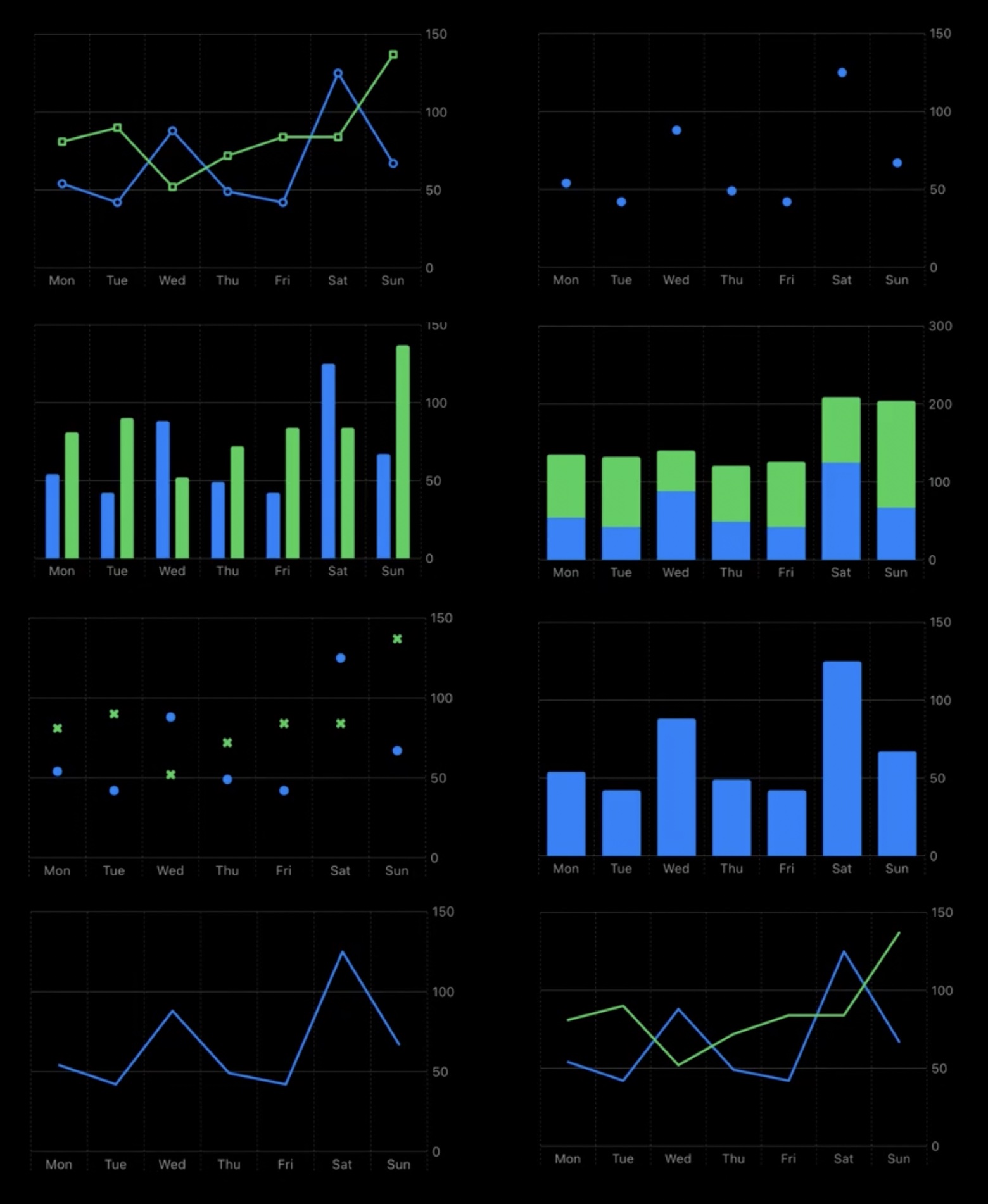
A practical Swift Charts walkthrough covering the data model, Chart container, mark types, multiple datasets, RuleMark, and AreaMark.
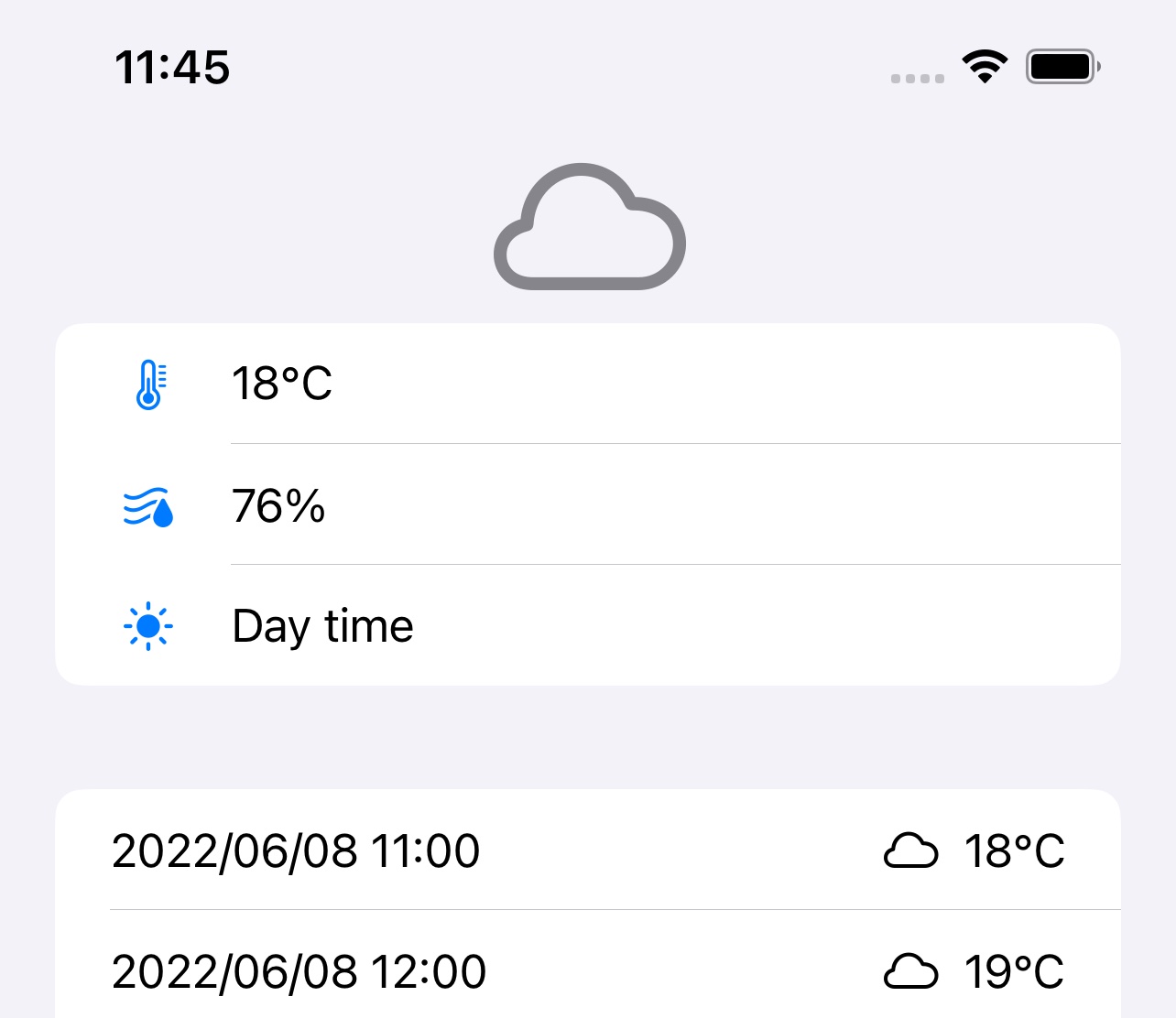
A practical WeatherKit walkthrough covering entitlements, WeatherService, formatted weather values, forecasts, attribution, and the REST API.
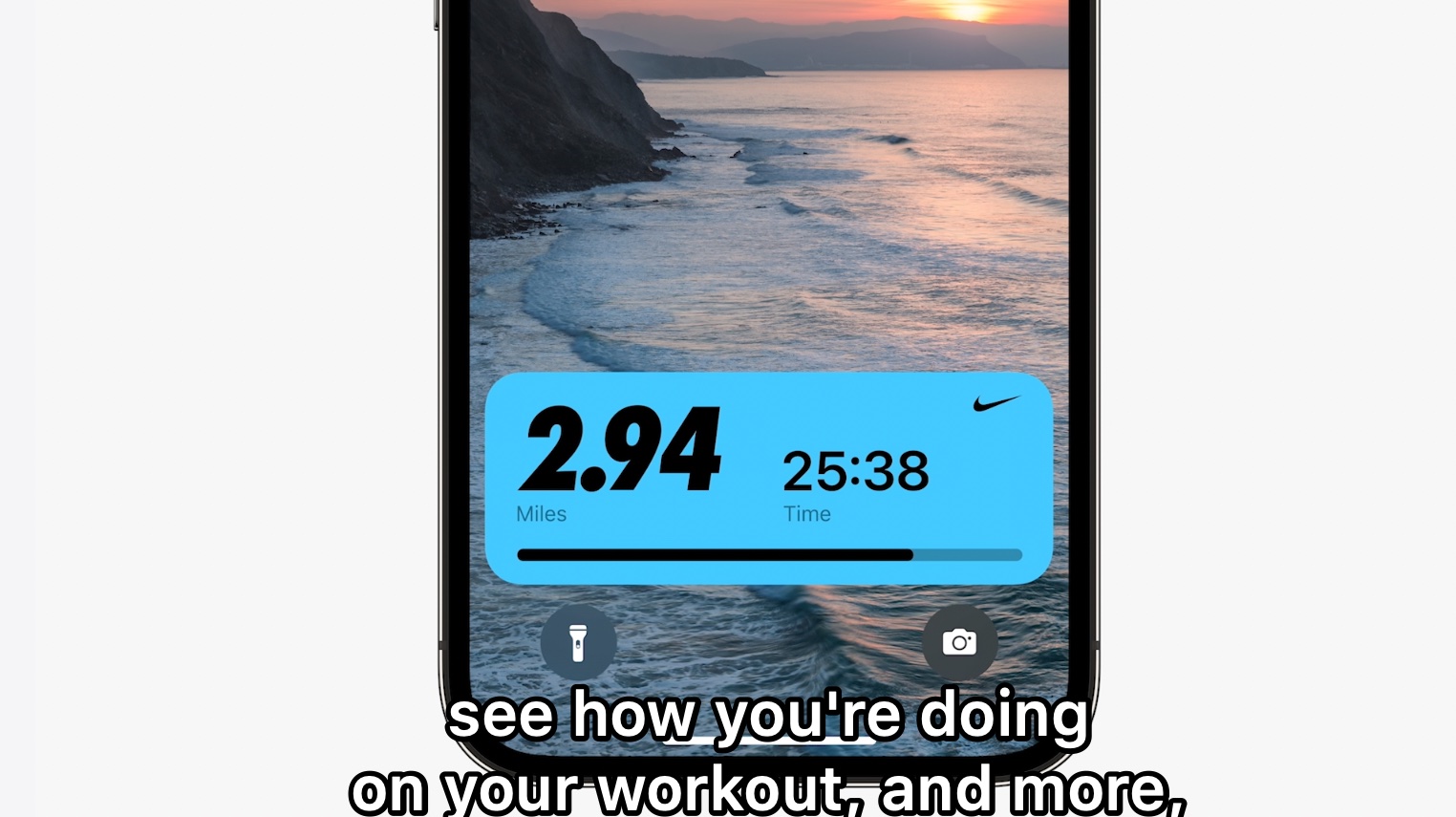
Apple's WWDC 2022 keynote, from the iOS 16 lock screen and Live Activities to Stage Manager, WeatherKit, Swift Charts, RoomPlan, and the M2 Mac refresh.
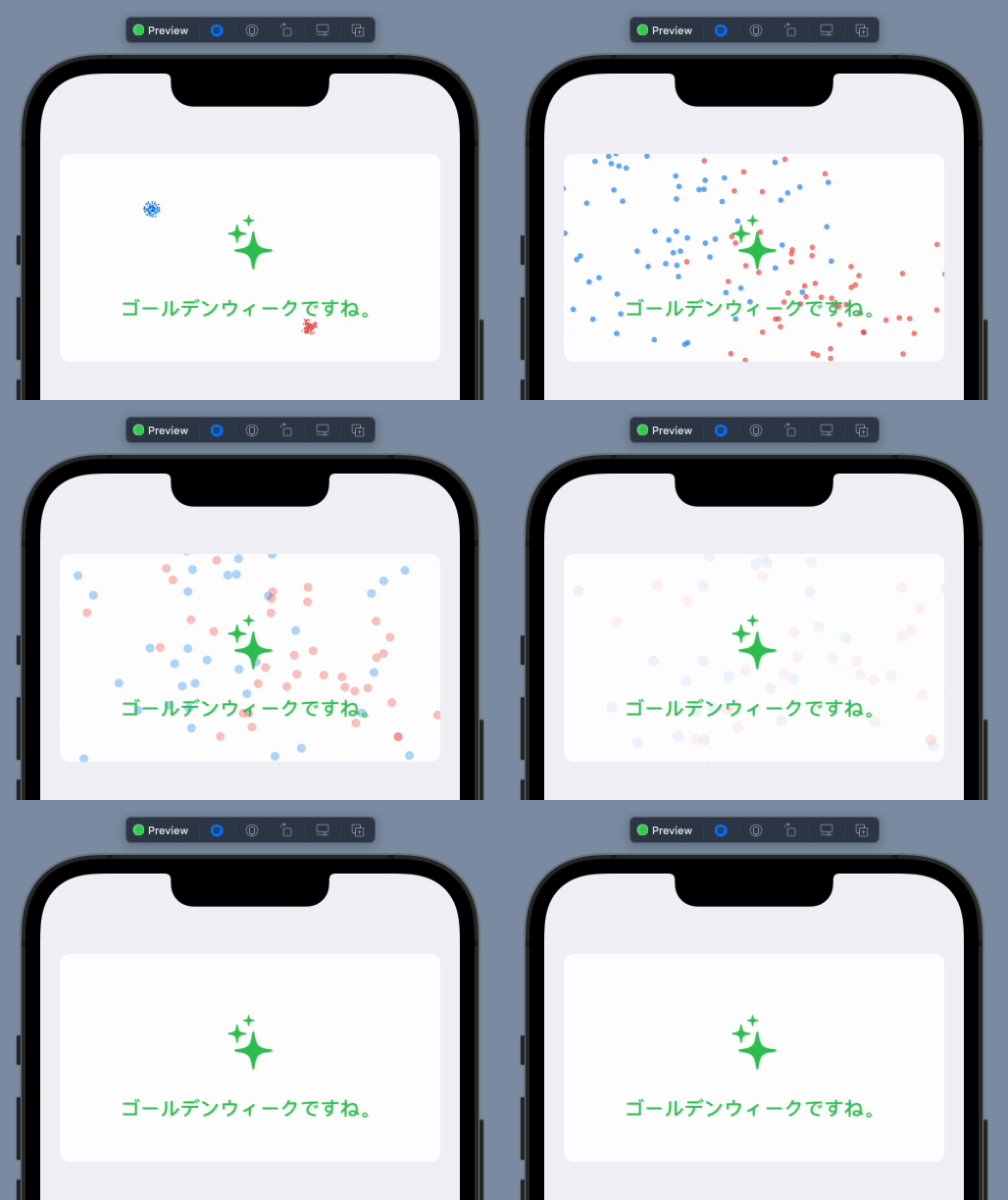
Analyze the motion, move one particle with sin and cos, scale it up to many particles, and build a simple firework effect in SwiftUI.
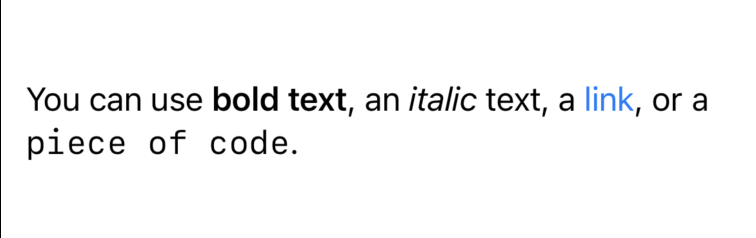
Use markdown directly in a Text string, parse saved content with AttributedString(markdown:), and build a simple live markdown editor in SwiftUI.

Use NSApplicationDelegateAdaptor inside a SwiftUI app, create a status bar popover, accept dropped URLs, and propagate them back into SwiftUI with ObservableObject.
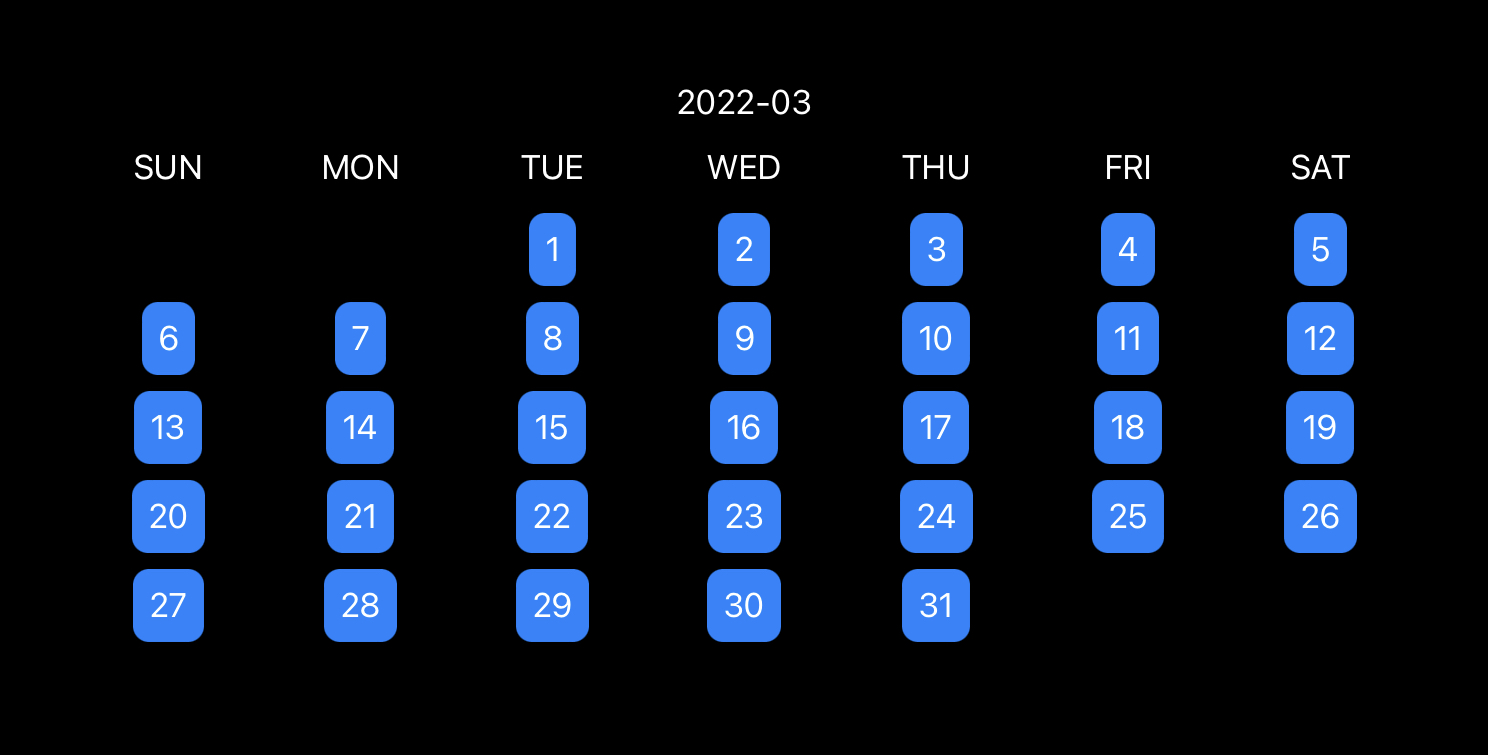
Use a 7-column LazyVGrid, generate the visible range for a month, and keep the calendar aligned by hiding overflow days.

Start a FaceTime call from your app, control the SharePlay share sheet option, manage session lifecycle, and present system notices.
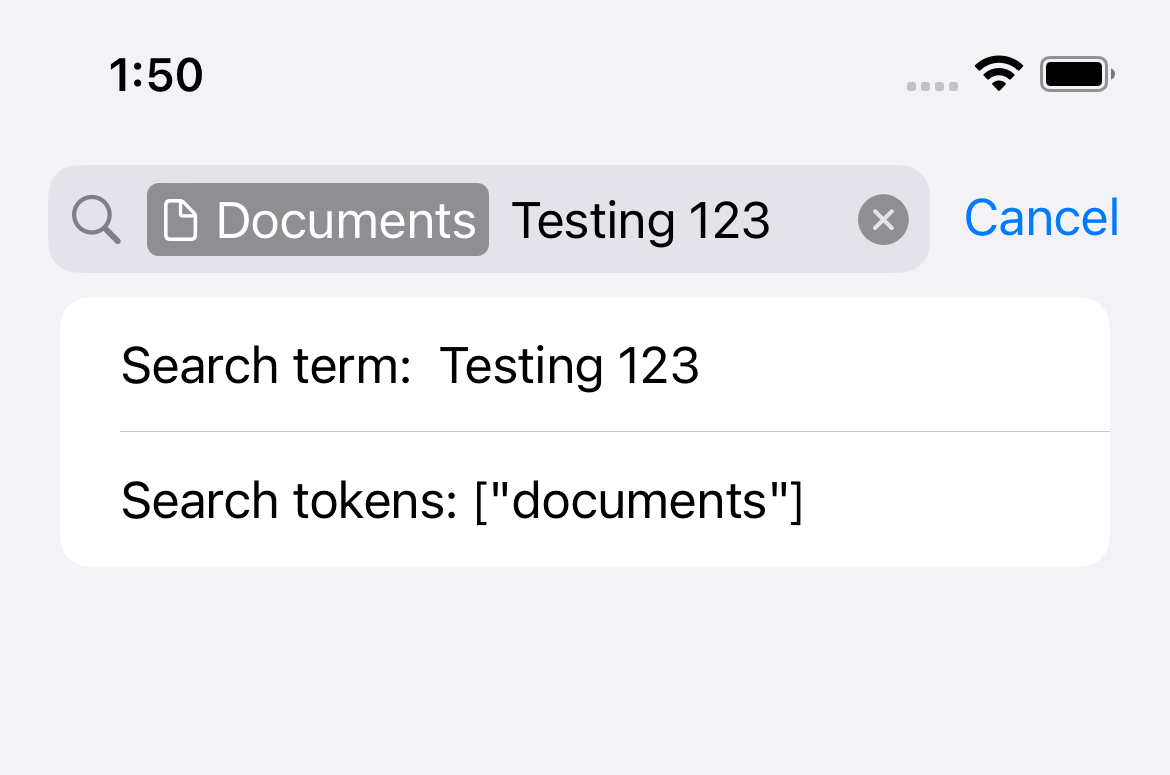
Create UISearchToken values, assign them to a UISearchController, and bridge that search UI into SwiftUI with UIViewControllerRepresentable.
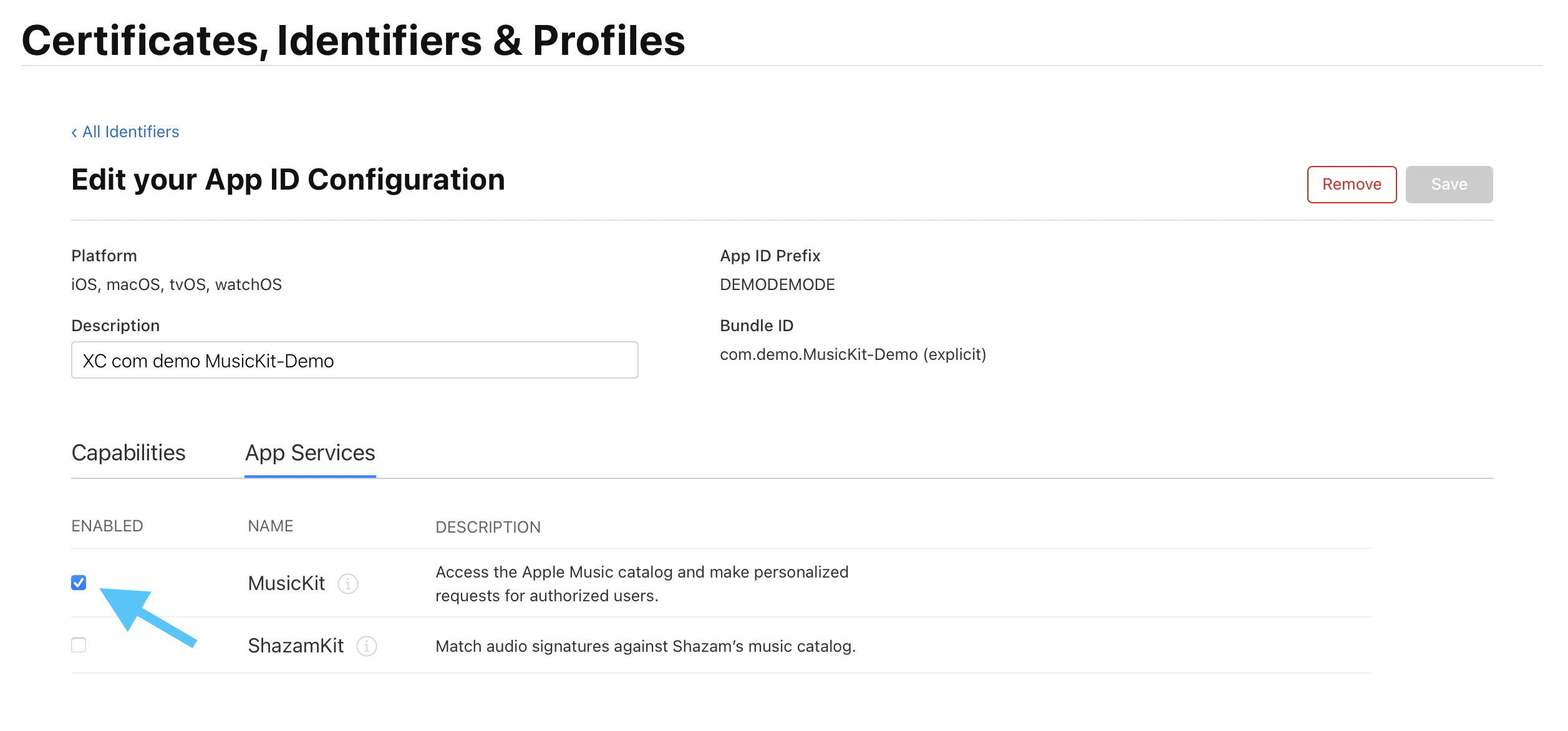
Enable MusicKit, check subscription state, search Apple Music, request albums, and play them with the system or in-app player.
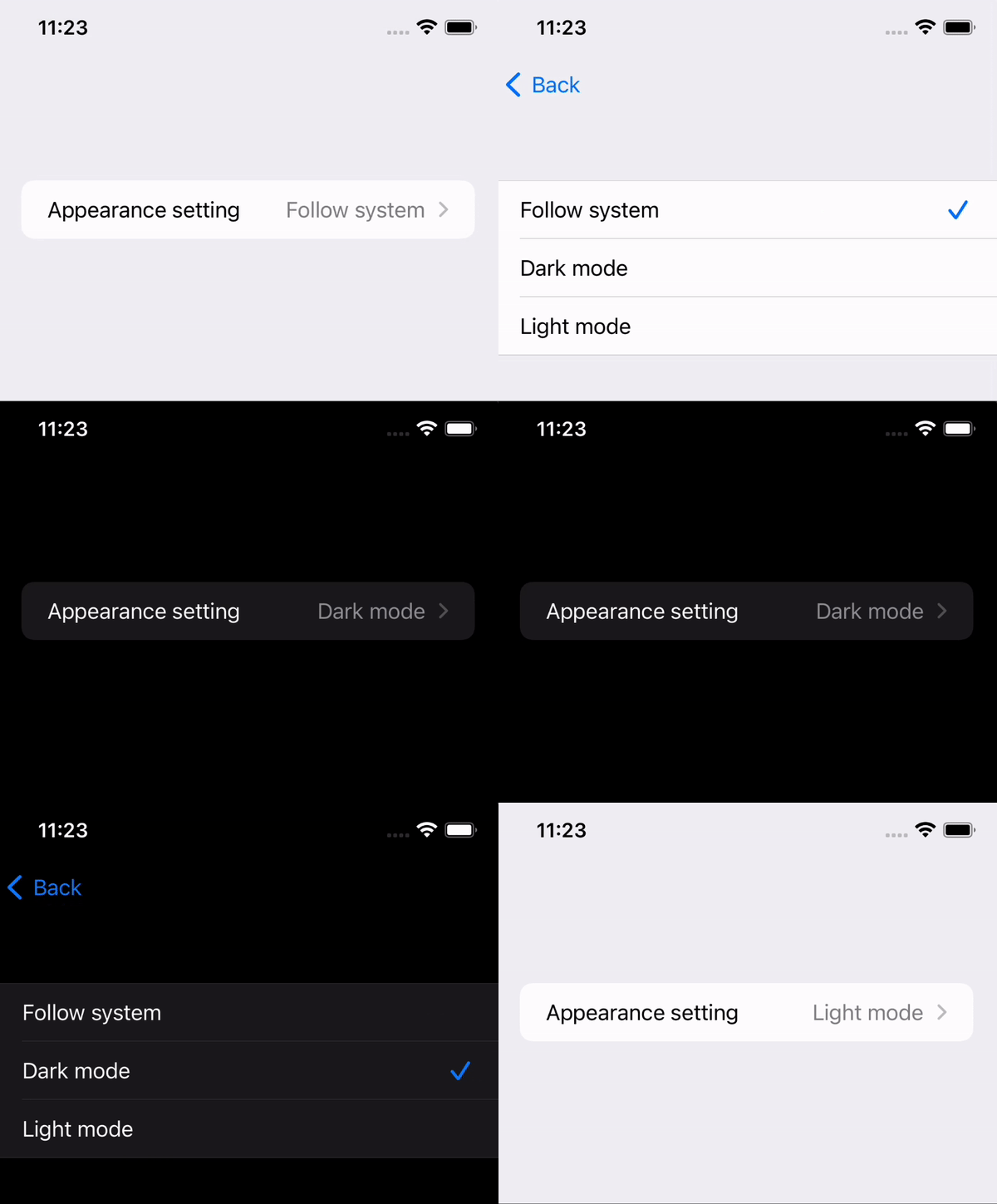
Store a user-selected appearance mode with AppStorage, expose it through a Picker, and apply it through preferredColorScheme.
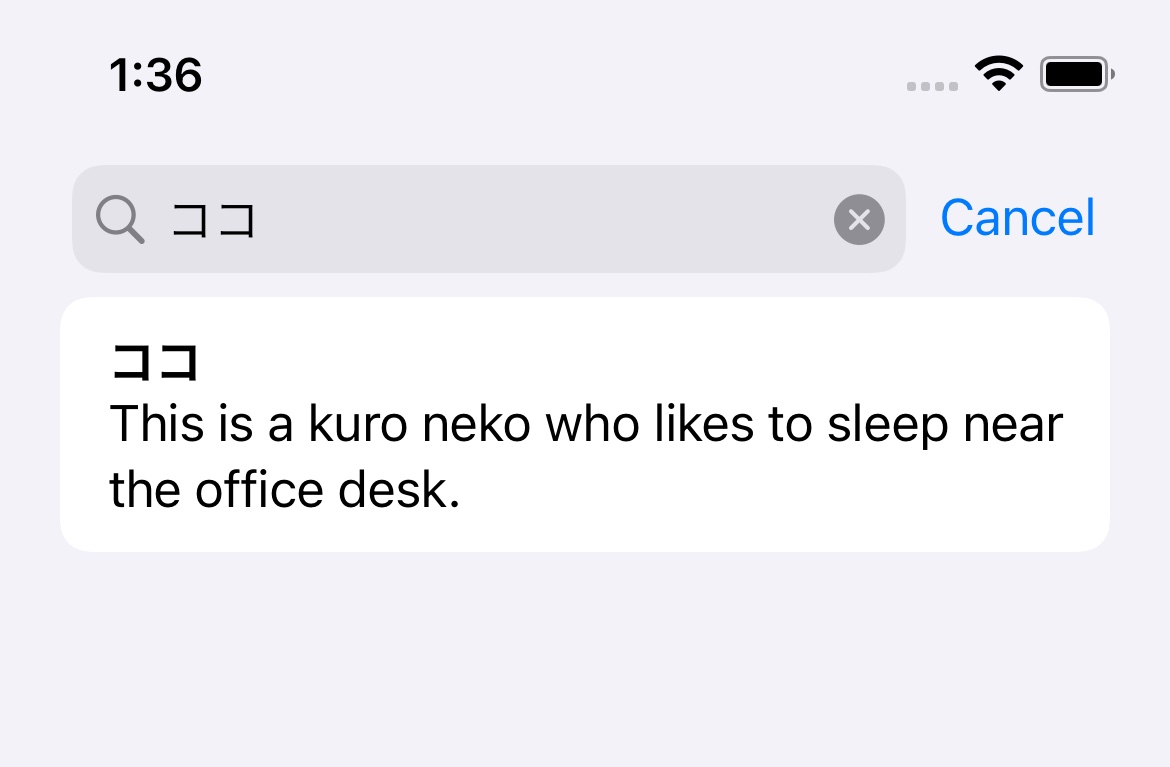
Use SwiftUI's searchable modifier, bind it to state, filter list results, and show suggestion rows with searchCompletion.
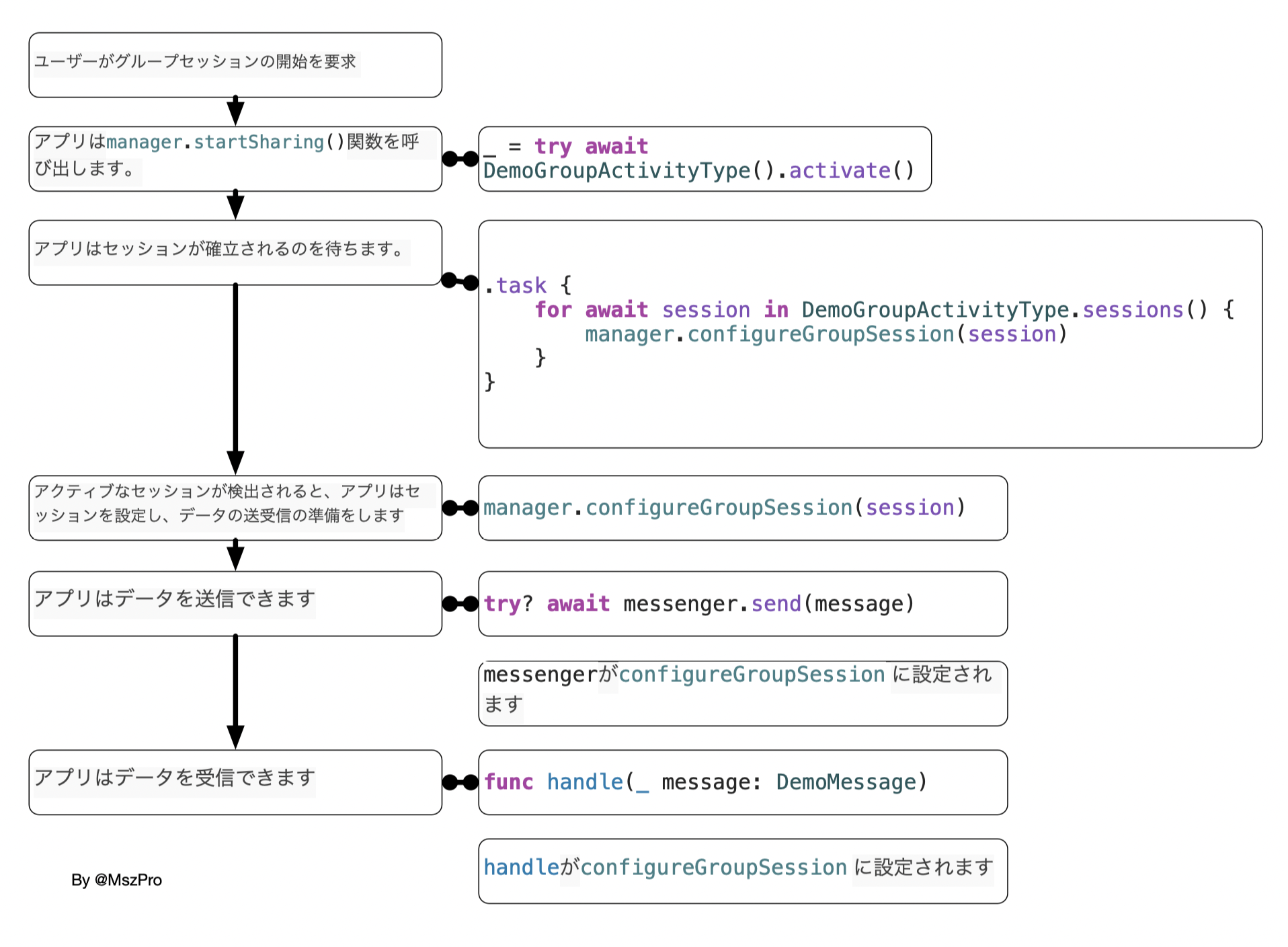
Enable the Group Activities capability, define a GroupActivity type, watch sessions, configure GroupSessionMessenger, and send data between FaceTime participants.
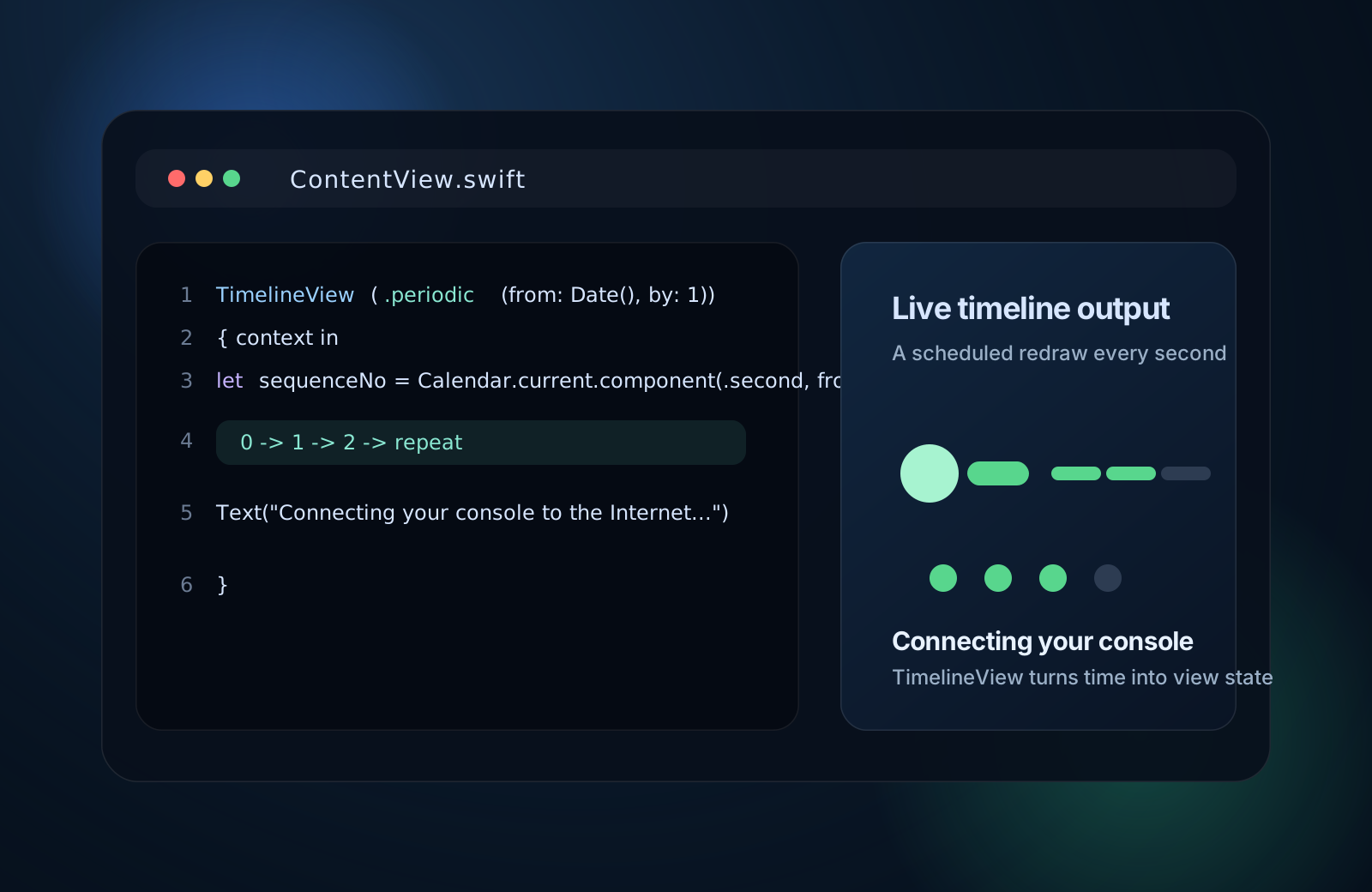
Use TimelineView(.periodic) to schedule redraws, read the current date from the timeline context, and turn time into a lightweight SwiftUI loading animation.

Prepare the project languages, mark strings correctly, turn on compiler extraction, export localizations, edit xcloc files, and import the translated result back into Xcode 13.
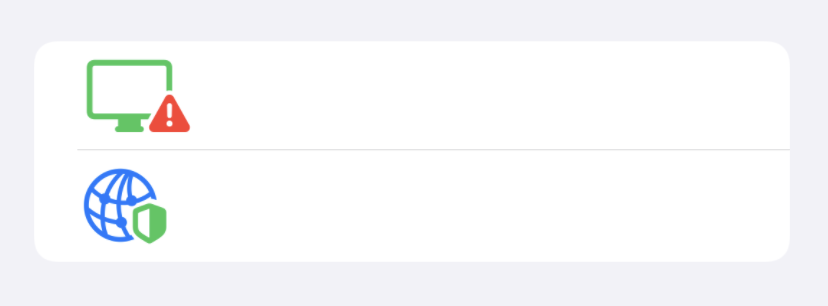
Use Image(systemName:), UIImage.SymbolConfiguration, hierarchical rendering, multicolor rendering, and palette colors to control SF Symbols in SwiftUI and UIKit.

Set up alternate app icons in Xcode 13 with asset catalogs, Alternate App Icon Sets, and UIApplication.shared.setAlternateIconName.
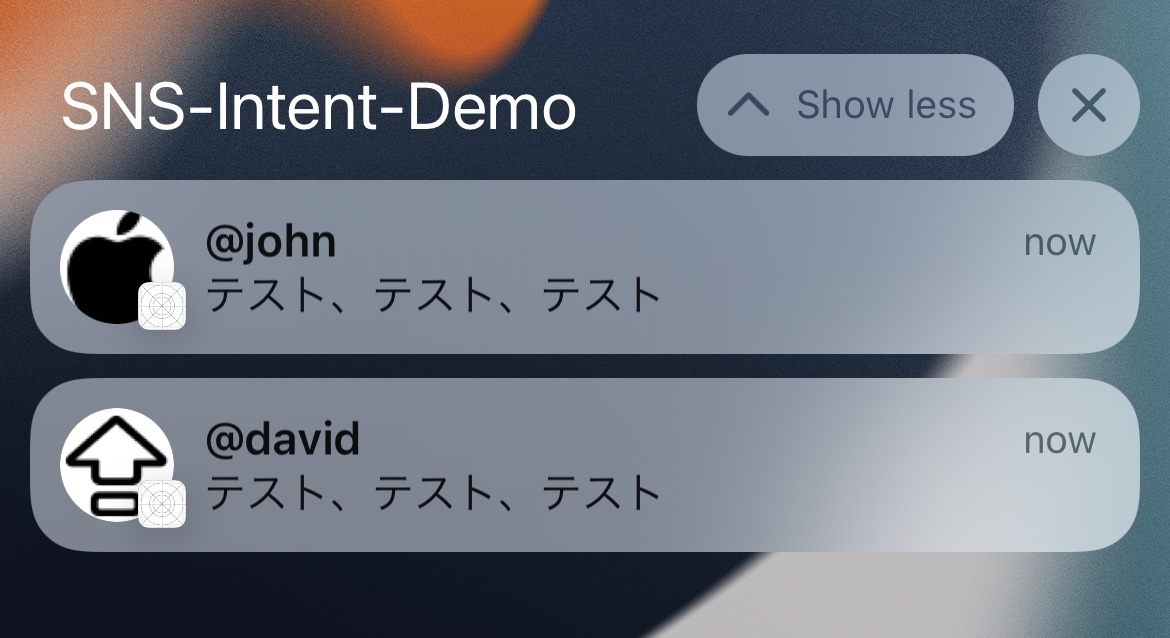
Use Communication Notifications, INPerson, INSendMessageIntent, and a notification service extension to make chat notifications feel more like Messages.
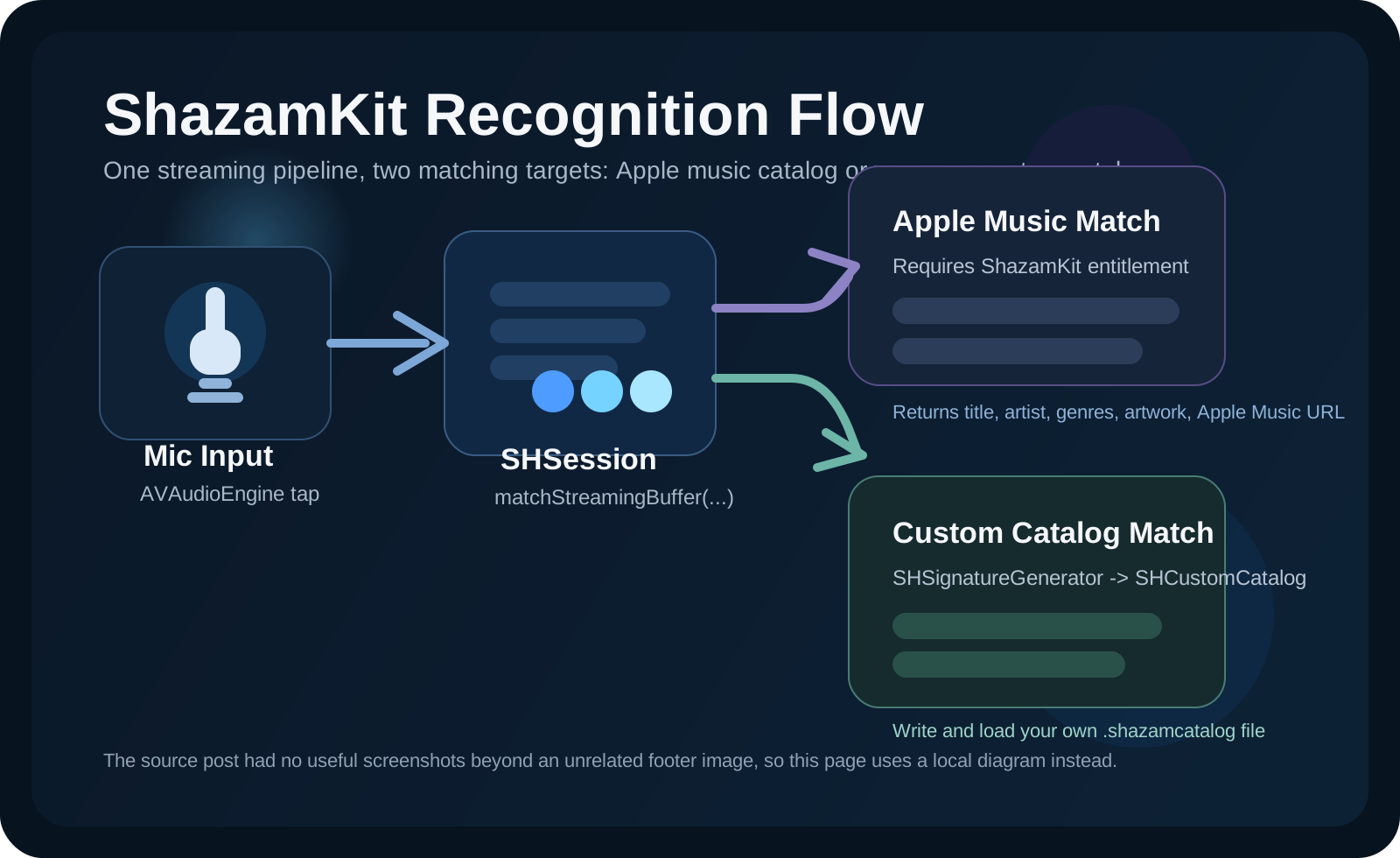
Set up SHSession, stream microphone audio with AVAudioEngine, handle SHSessionDelegate callbacks, build a custom .shazamcatalog, and recognize your own sounds with ShazamKit.
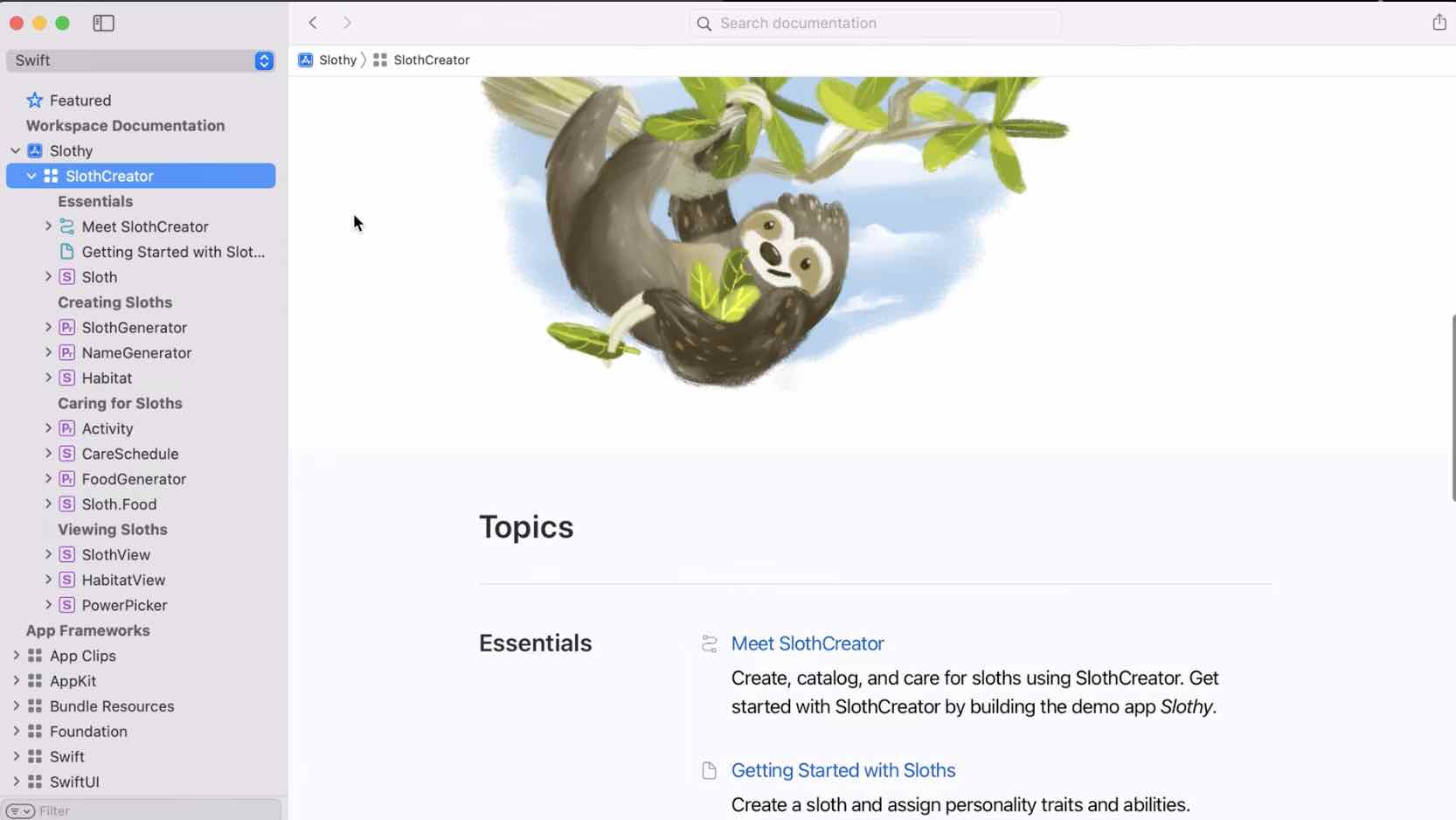
Create a DocC catalog, write symbol comments, build documentation in Xcode 13, customize the landing page, export .doccarchive, and host the result with nginx.
A compact iOS 15 SwiftUI roundup: Task, LocationButton, AsyncImage, searchable and refreshable lists, markdown text, FocusState, onSubmit, badges, and time-sensitive notifications.
Apple's WWDC 2021 keynote, from SharePlay and Focus to Monterey, Universal Control, Xcode Cloud, Live Text, and more.
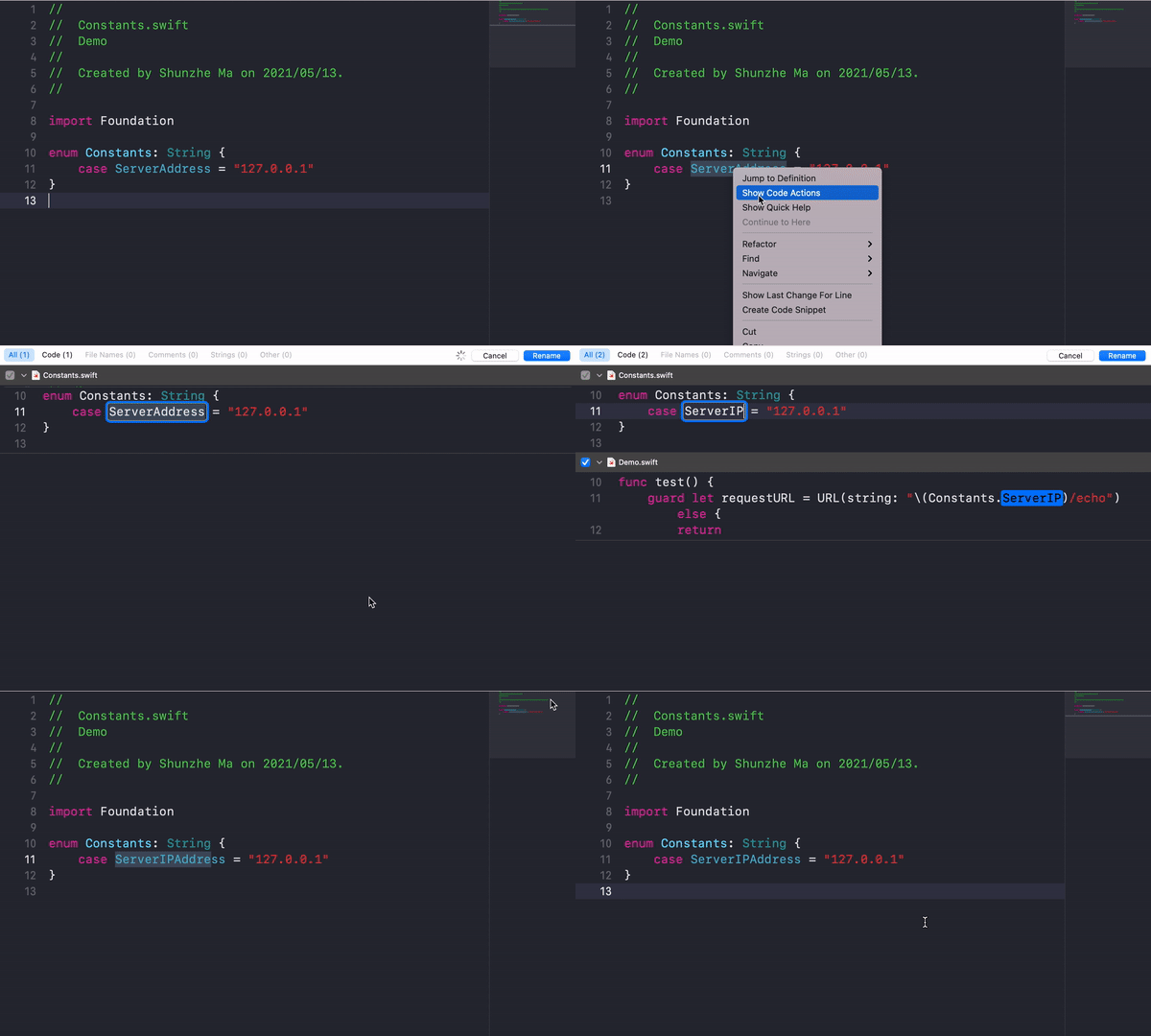
Rename symbols safely, extract methods and variables, wrap strings for localization, generate initializers, save snippets, inspect history, and move around Xcode faster.
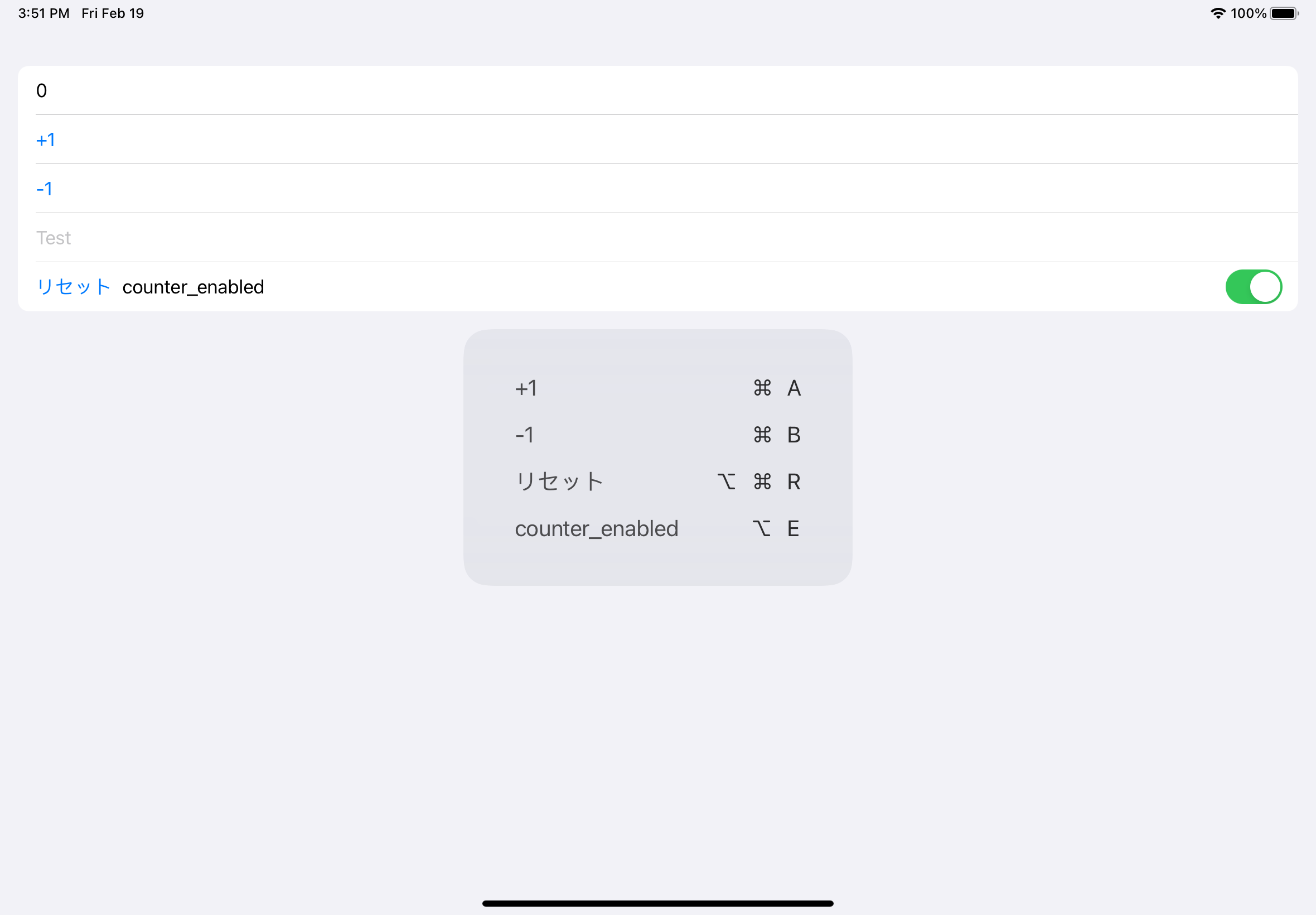
Use keyboardShortcut in SwiftUI, override keyCommands in UIKit, and let iPad users discover your app's shortcuts by holding Command.
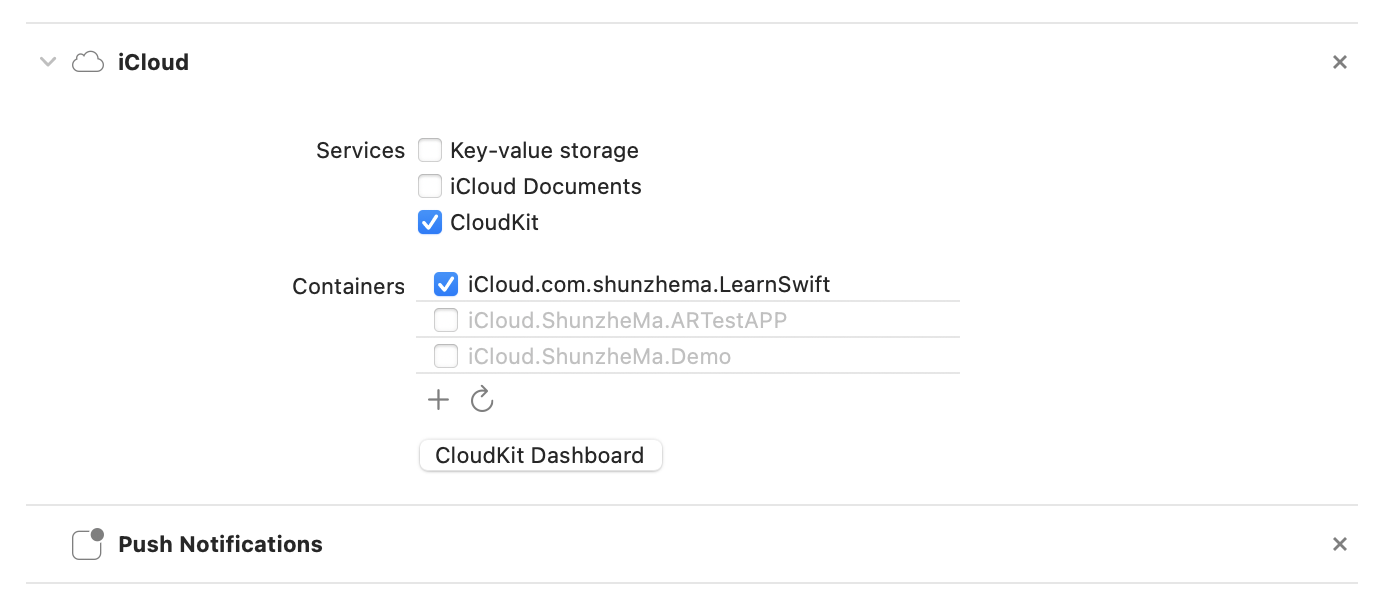
A practical checklist for NSPersistentCloudKitContainer projects: capability setup, database environments, merge policy, dashboard verification, schema deployment, and debug flags.
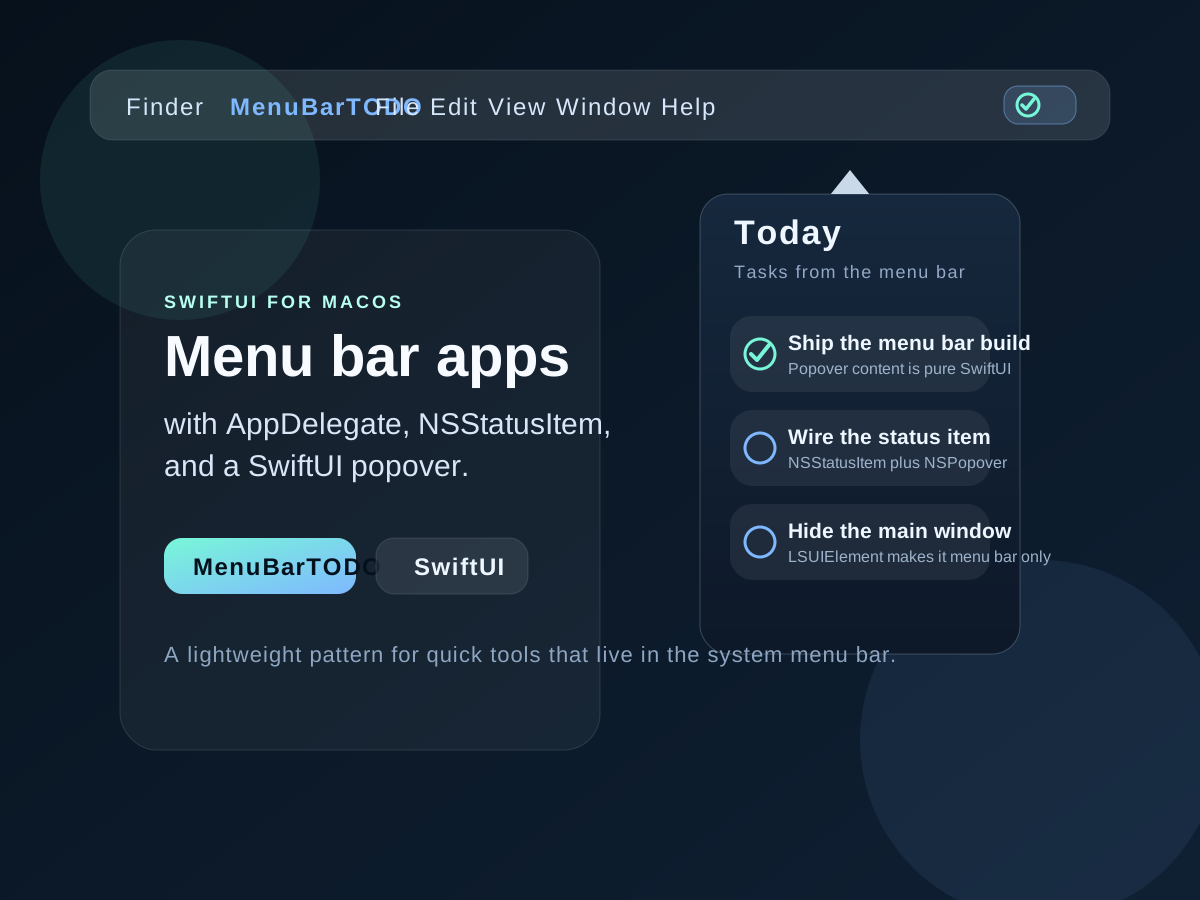
A practical walkthrough for creating a SwiftUI powered macOS menu bar app with AppDelegate setup, a status item, a popover, and LSUIElement.
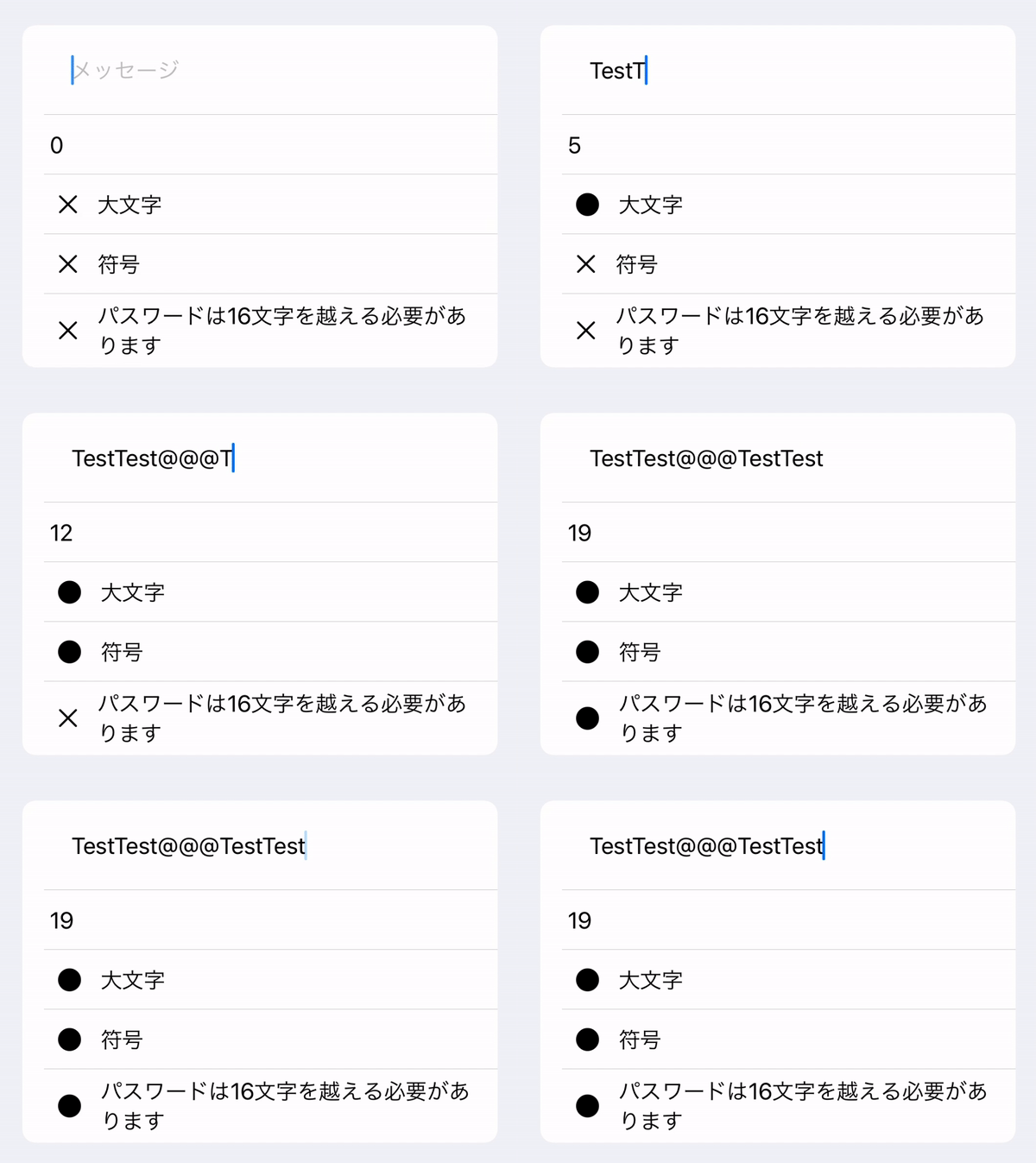
A practical SwiftUI pattern for observing TextField updates with Just, enforcing input length, and driving password validation state.
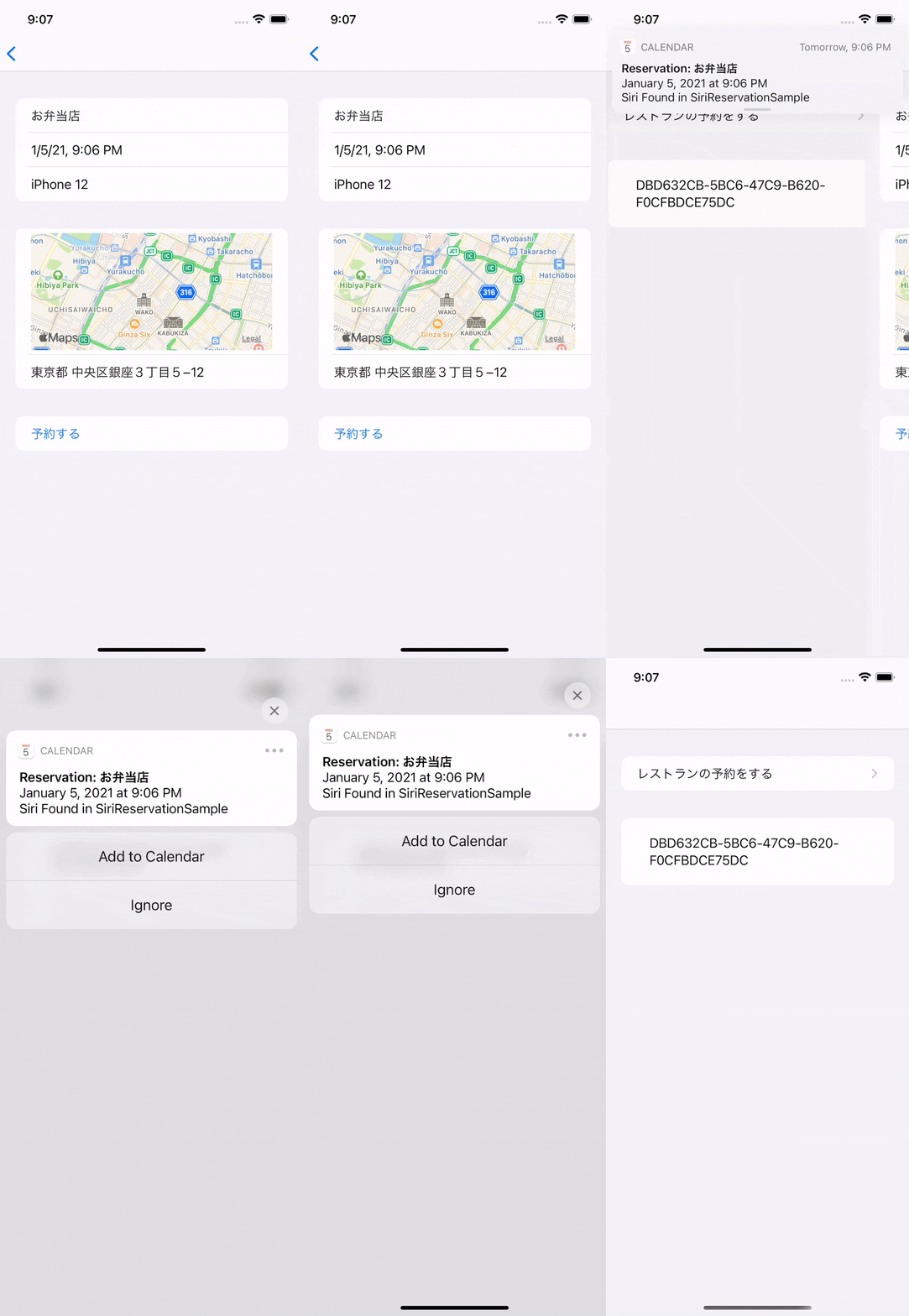
A practical iOS guide to donating reservation data with Intents, prompting calendar additions, updating existing reservation events, and handling Siri launch callbacks.
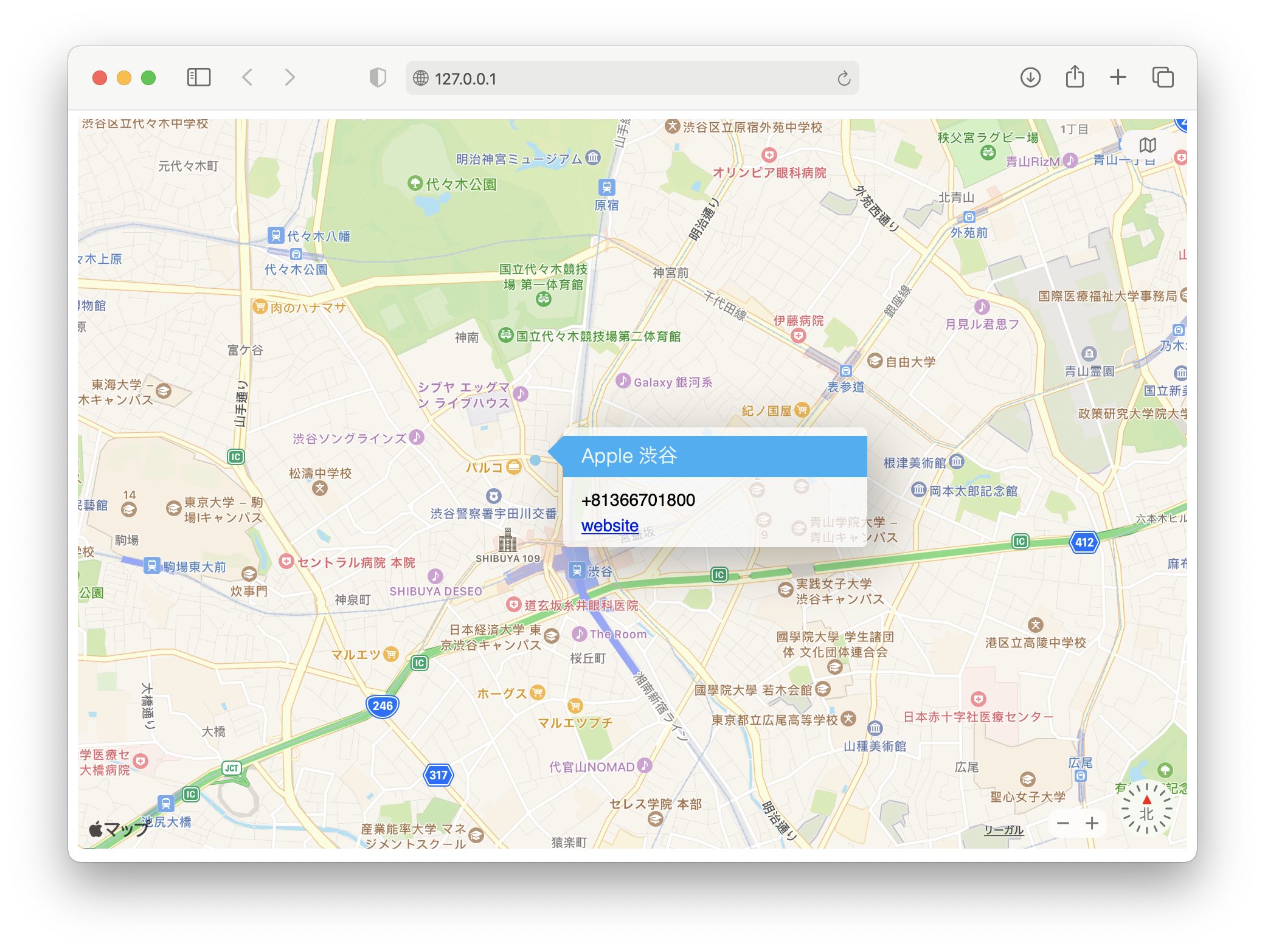
A practical MapKit JS setup guide covering Maps IDs, token generation, the basic HTML embed, annotation pins, and key rotation.
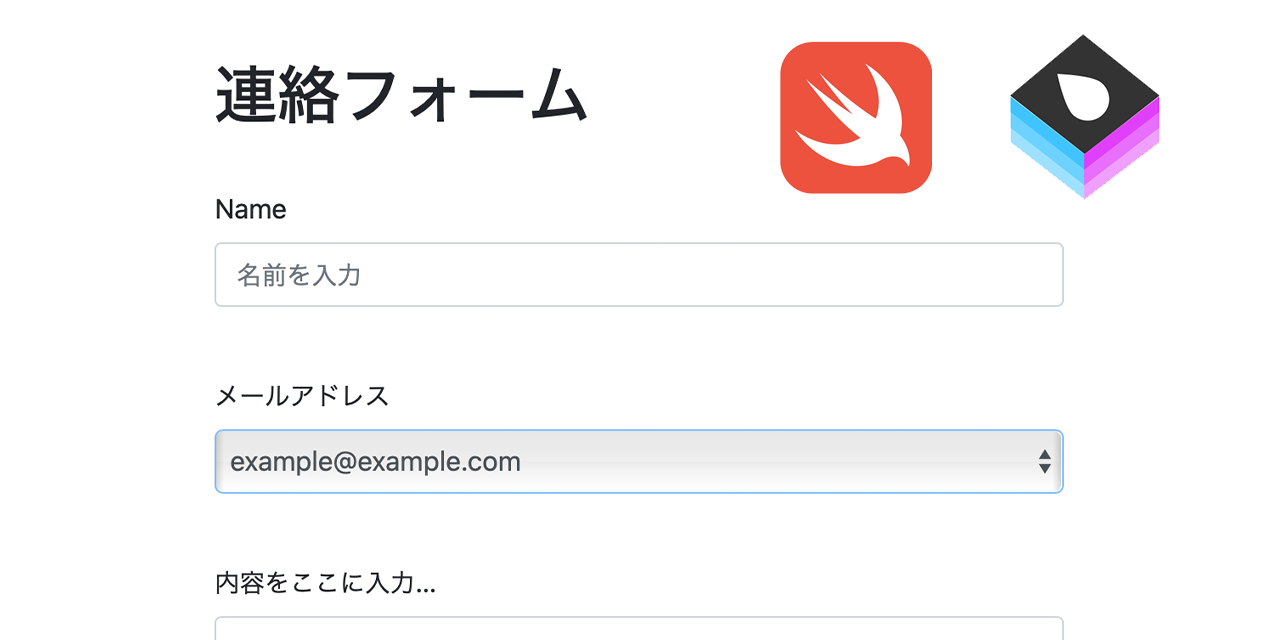
Use Vapor and Leaf to build a contact form that signs in with GitHub, verifies users with hCaptcha, sends mail through Mailgun, and deploys cleanly to Ubuntu with Nginx.
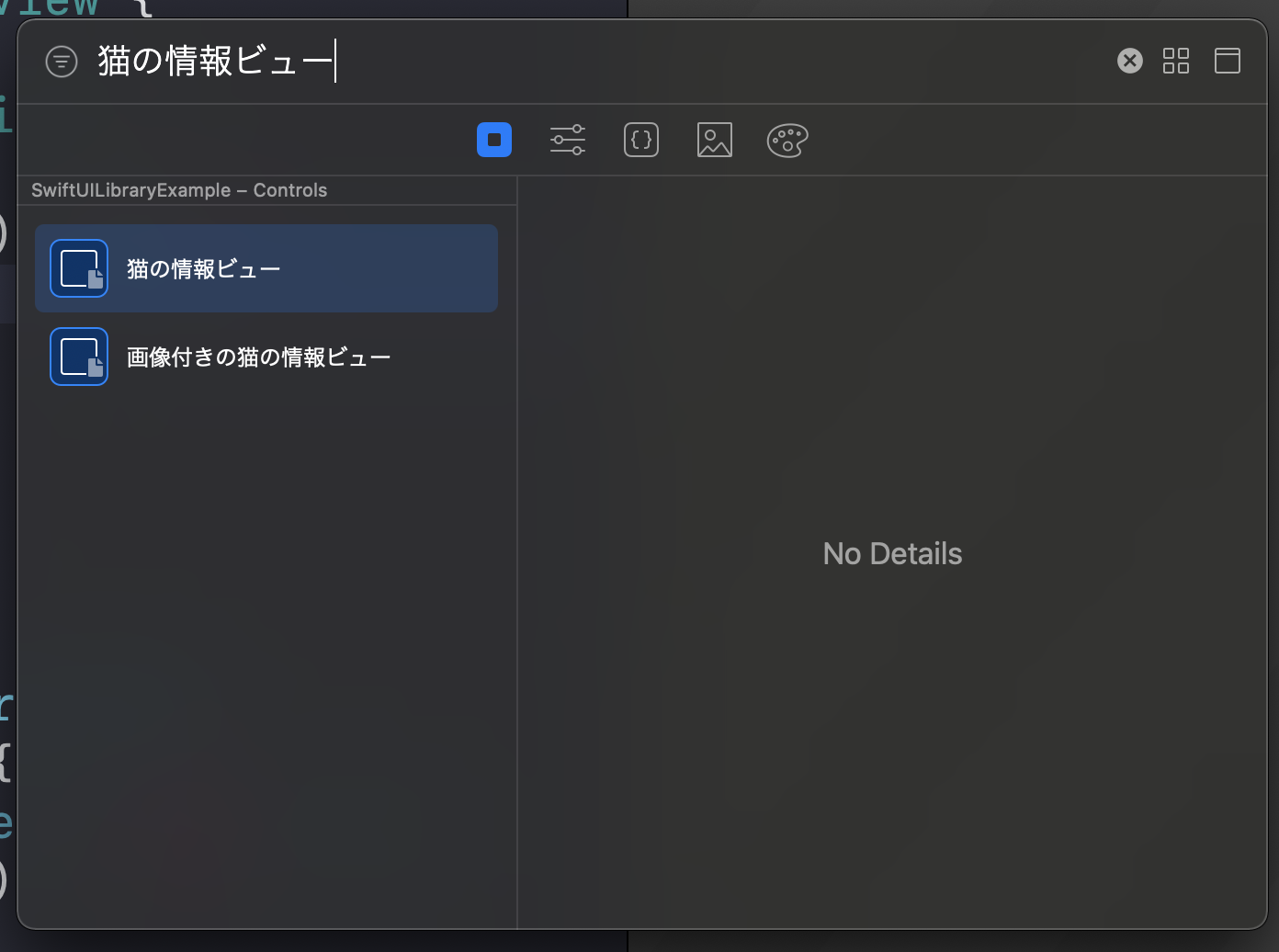
Open the Xcode SwiftUI library, browse built-in views and modifiers, then register your own reusable SwiftUI components with LibraryContentProvider.
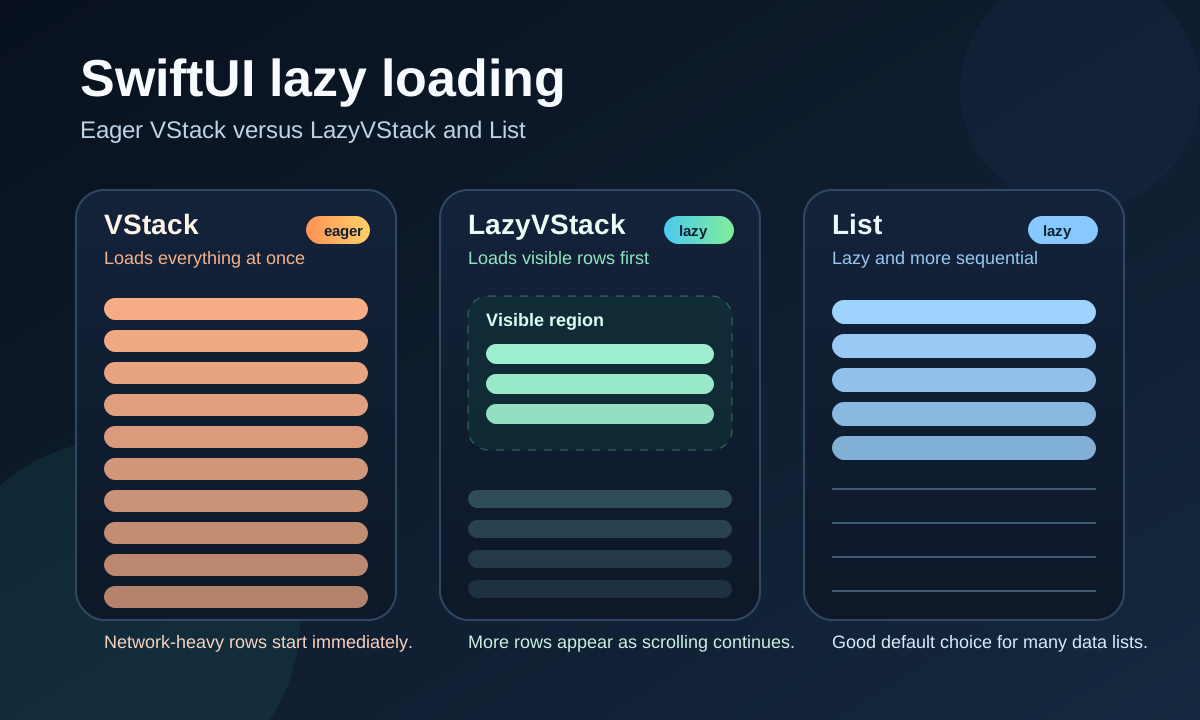
Use LazyVStack, LazyHStack, or List to avoid loading every SwiftUI row at once when the screen first appears.
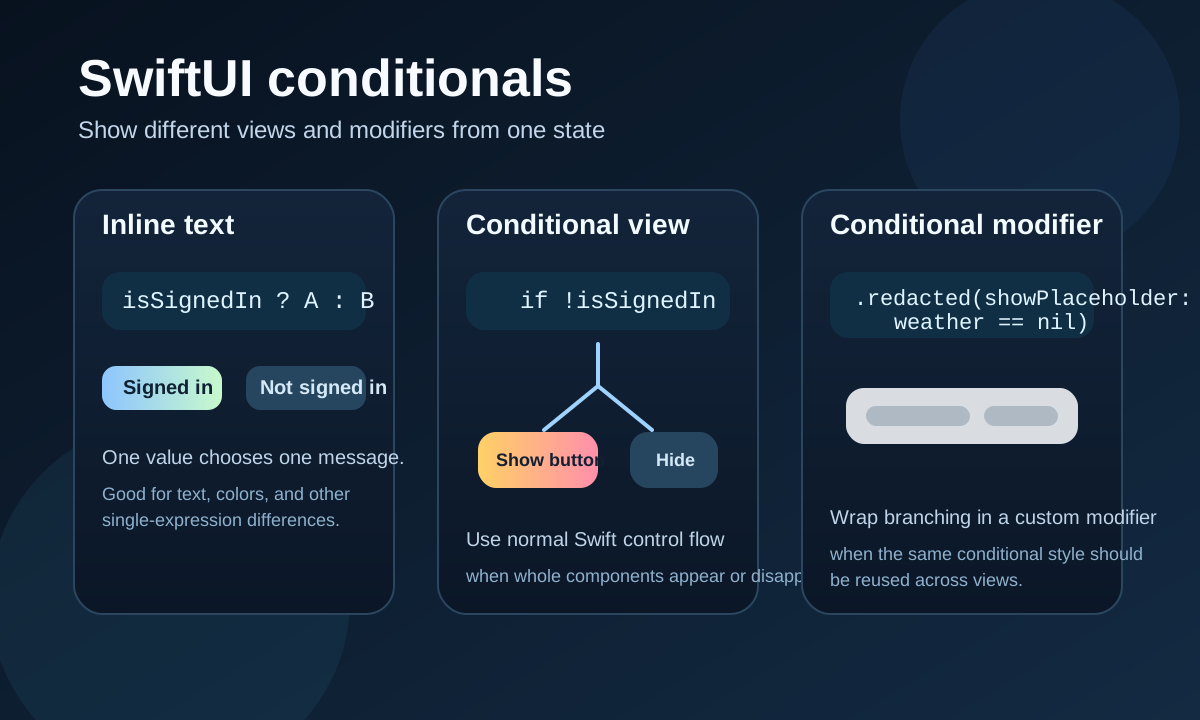
Use ternary expressions for simple values, if statements for conditional views, and custom modifiers when conditional styling should be reusable.

Use .redacted for loading placeholders, keep selected content visible with .unredacted(), monitor redaction state, and add a simple shimmer-like animation.

Add pointer support to SwiftUI views with hoverEffect, enable it in storyboard buttons, and customize pointer behavior in UIKit with UIPointerInteractionDelegate.
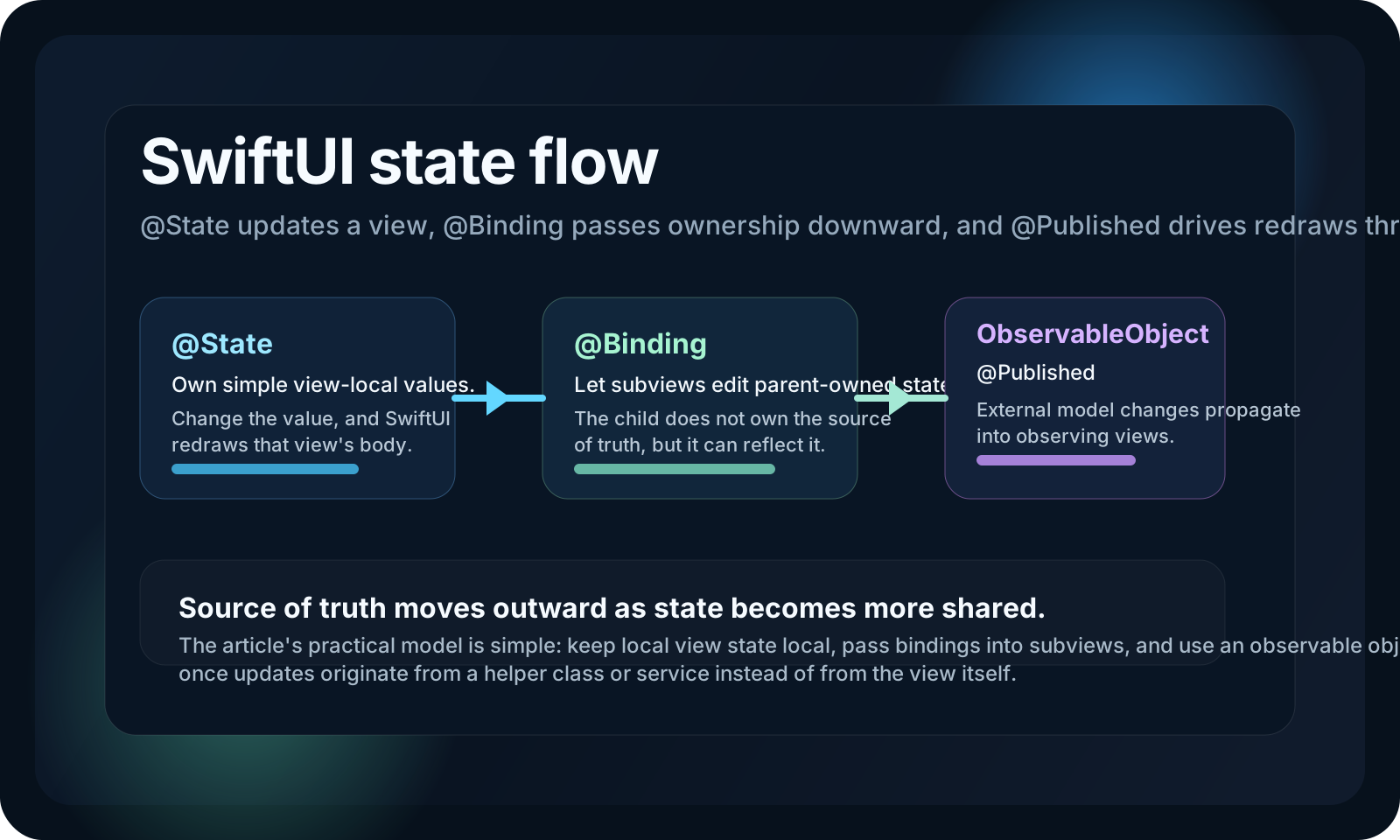
A SwiftUI state-management article covering local state, bindings into subviews, and observed object updates from external helpers.

Create the App Clip target, wire associated domains, configure App Store Connect, show the website banner, preserve shared state, confirm location, schedule notifications, and read the launch URL.
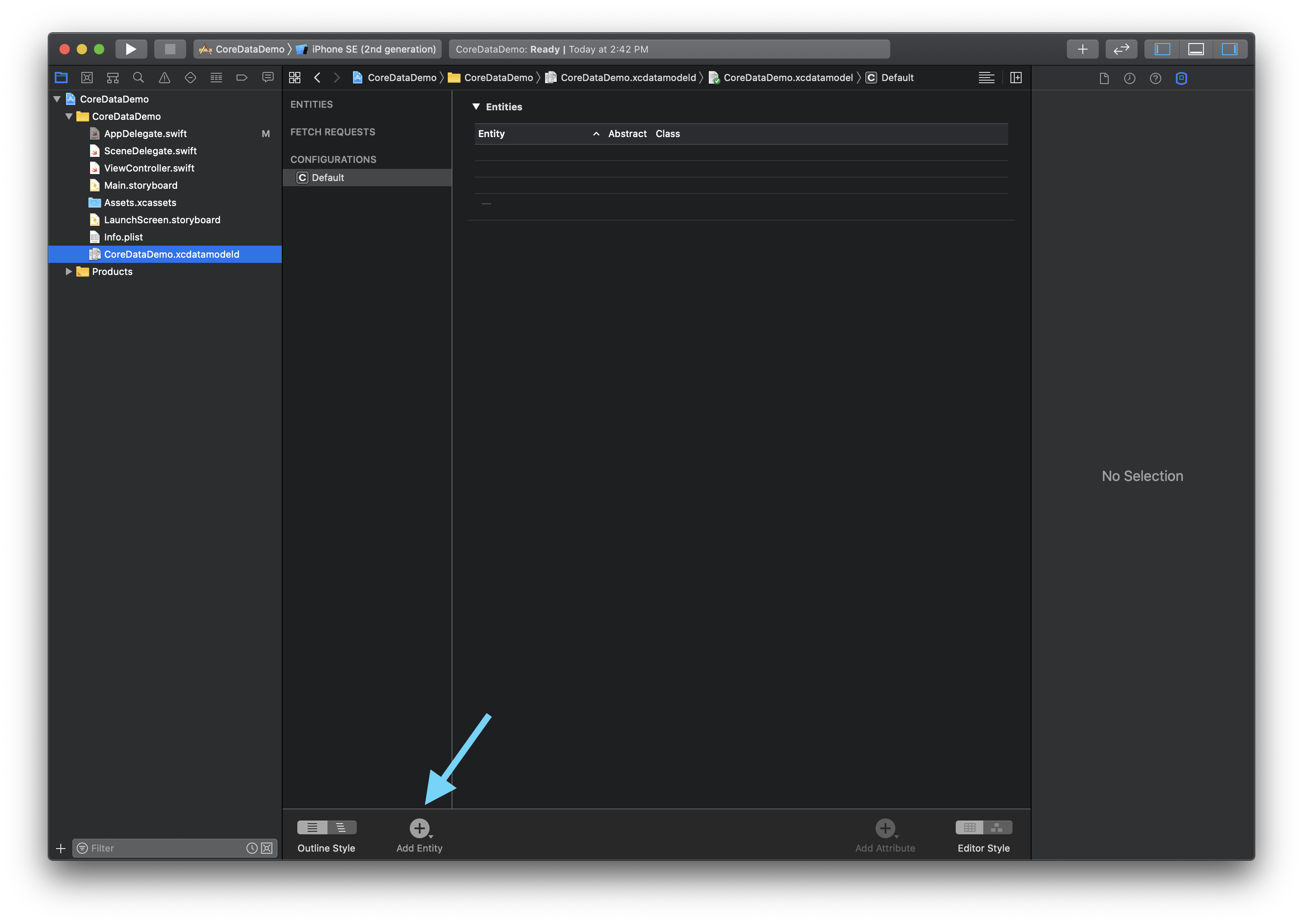
Create the data model, generate entity classes, add a persistence controller, inject managedObjectContext, fetch items, and choose a merge policy.
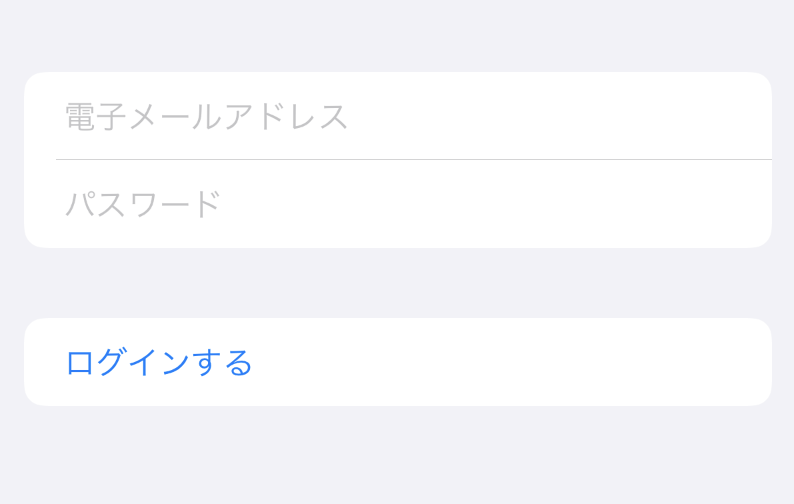
Common SwiftUI components: text, images, lists, navigation, selection controls, layout stacks, alerts, state, previews, and UIKit bridging.
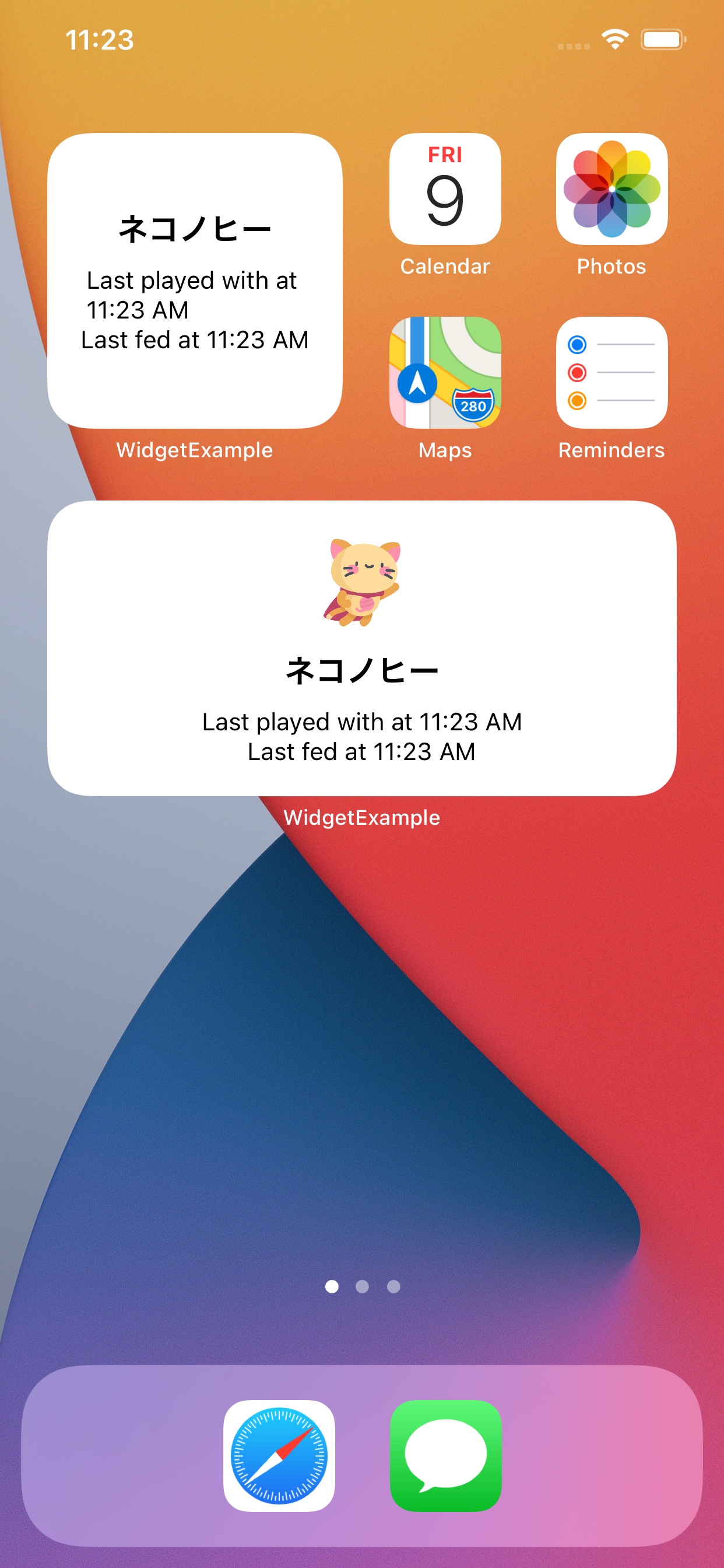
Adding WidgetKit widgets to an existing app, then making them configurable with the classic iOS 14 intent-based flow.
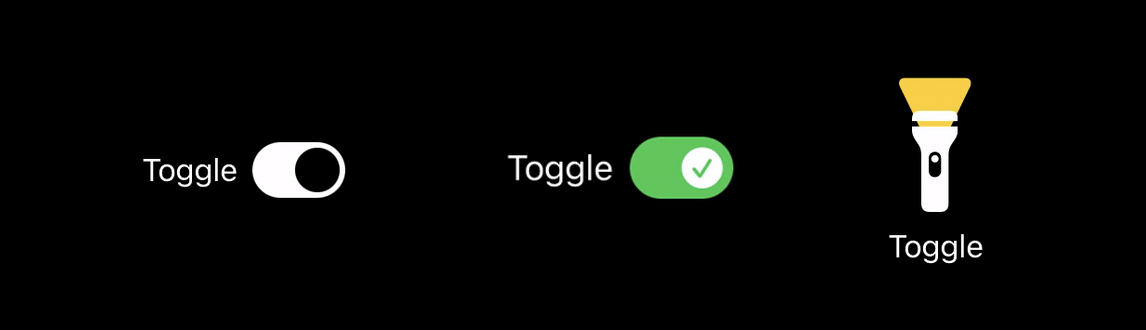
ToggleStyle in SwiftUI, including configuration.label, configuration.isOn, custom switch layouts, SF Symbols, and a playful flashlight example.
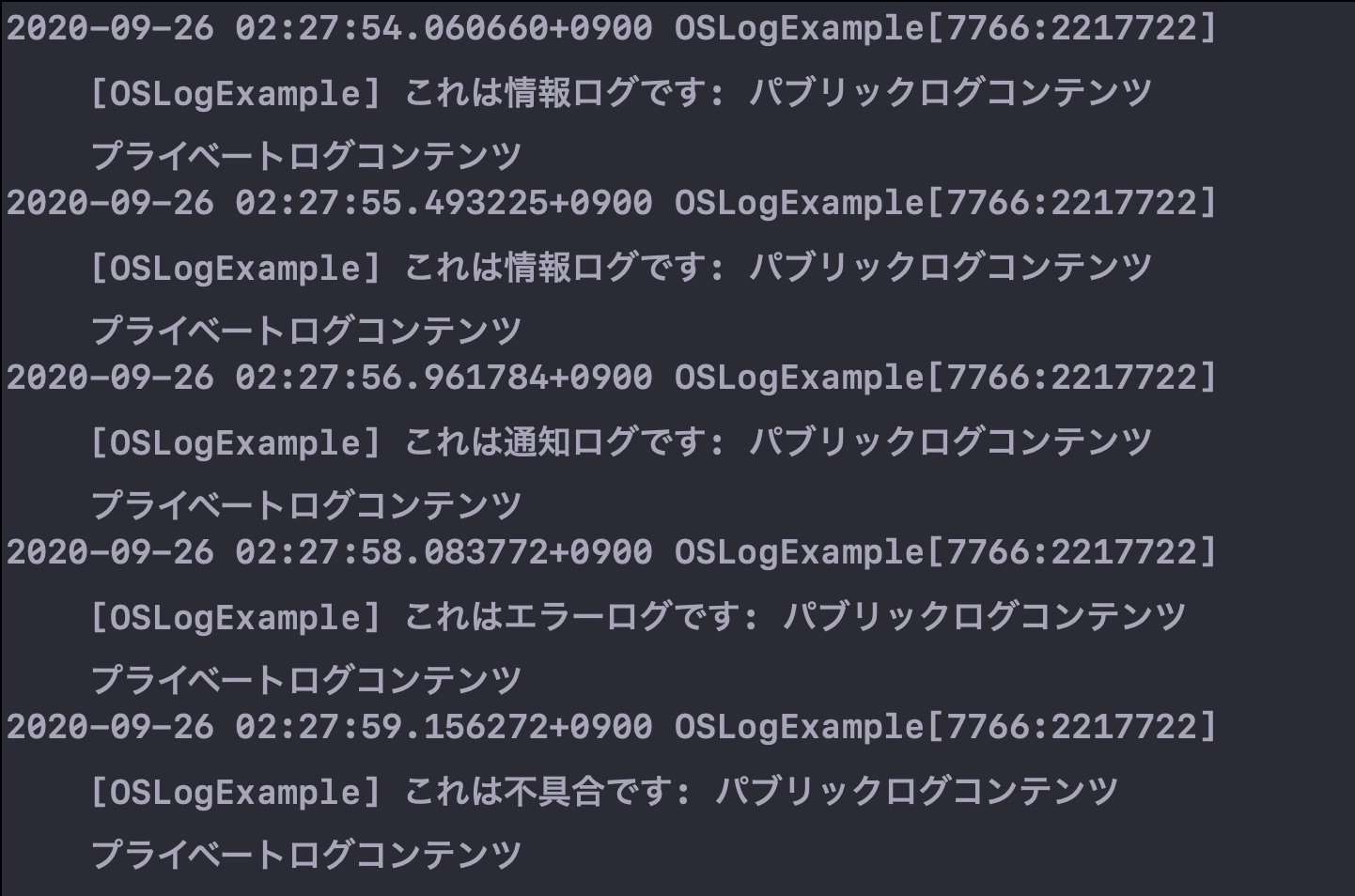
Apple's Logger API on iOS 14, including subsystem and category names, privacy markers, visibility differences, and Console.app filtering.

Fetching crash reports from a device or Xcode, locating the right dSYM, and symbolocating reports with symbolicatecrash or atos.
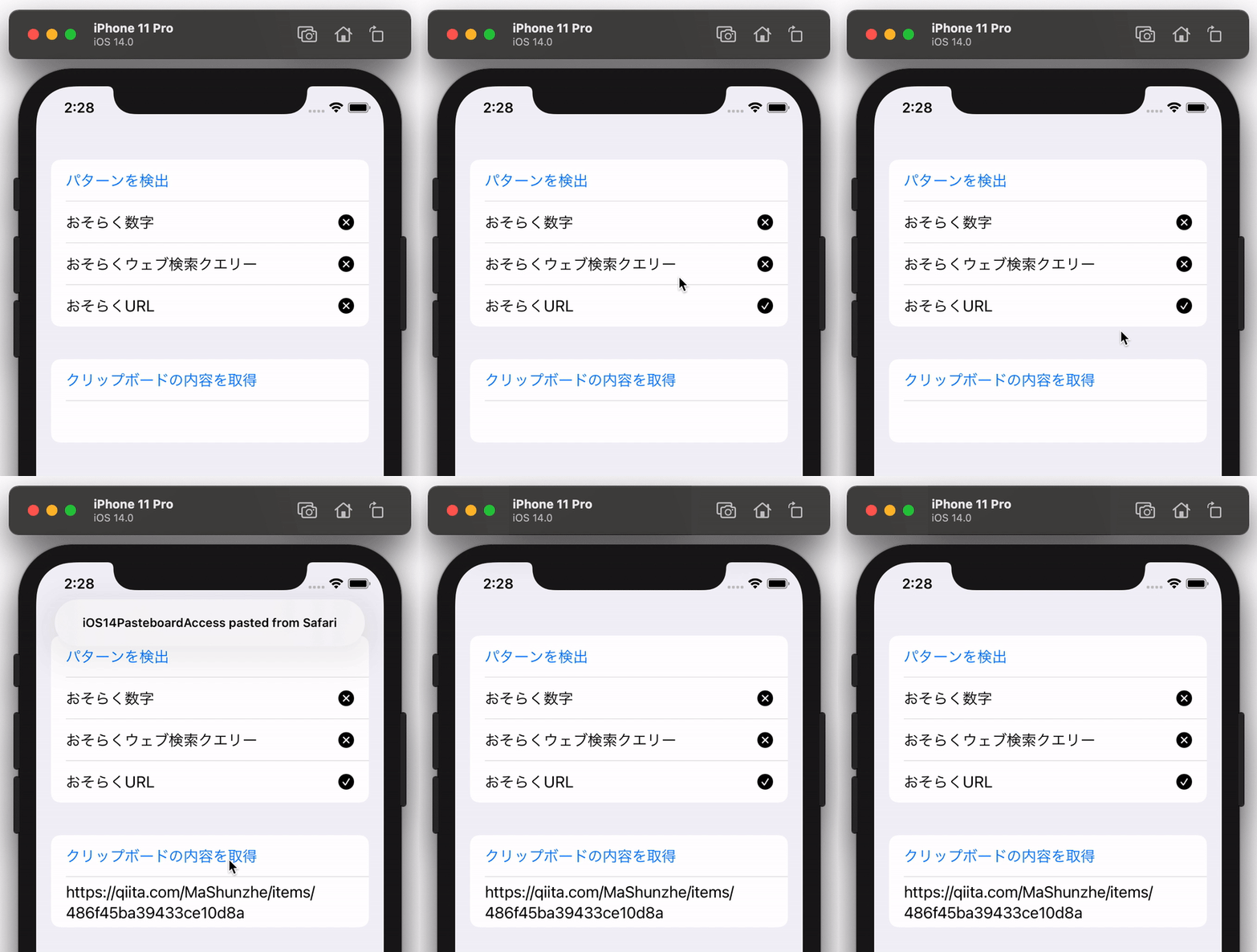
UIPasteboard.detectPatterns, why it matters for iOS 14 privacy prompts, and how to decide whether clipboard content is worth reading at all.
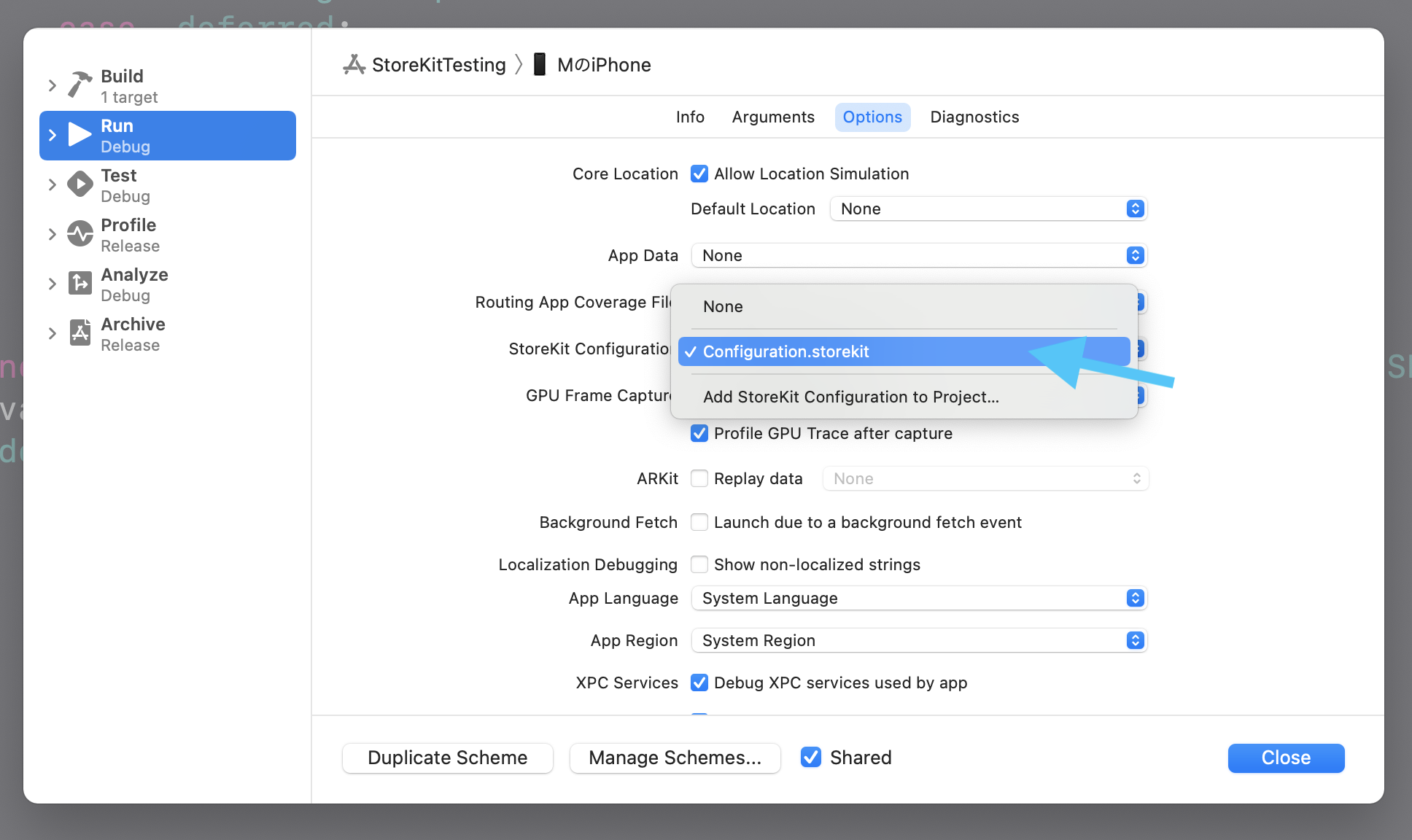
Xcode's StoreKit Configuration workflow for local in-app purchase testing across consumables, non-consumables, and subscriptions.

Paged UIScrollView layout, UIPageControl wiring, and the iOS 14 UIPageControl additions for custom indicator images, background styles, and scrolling interaction.
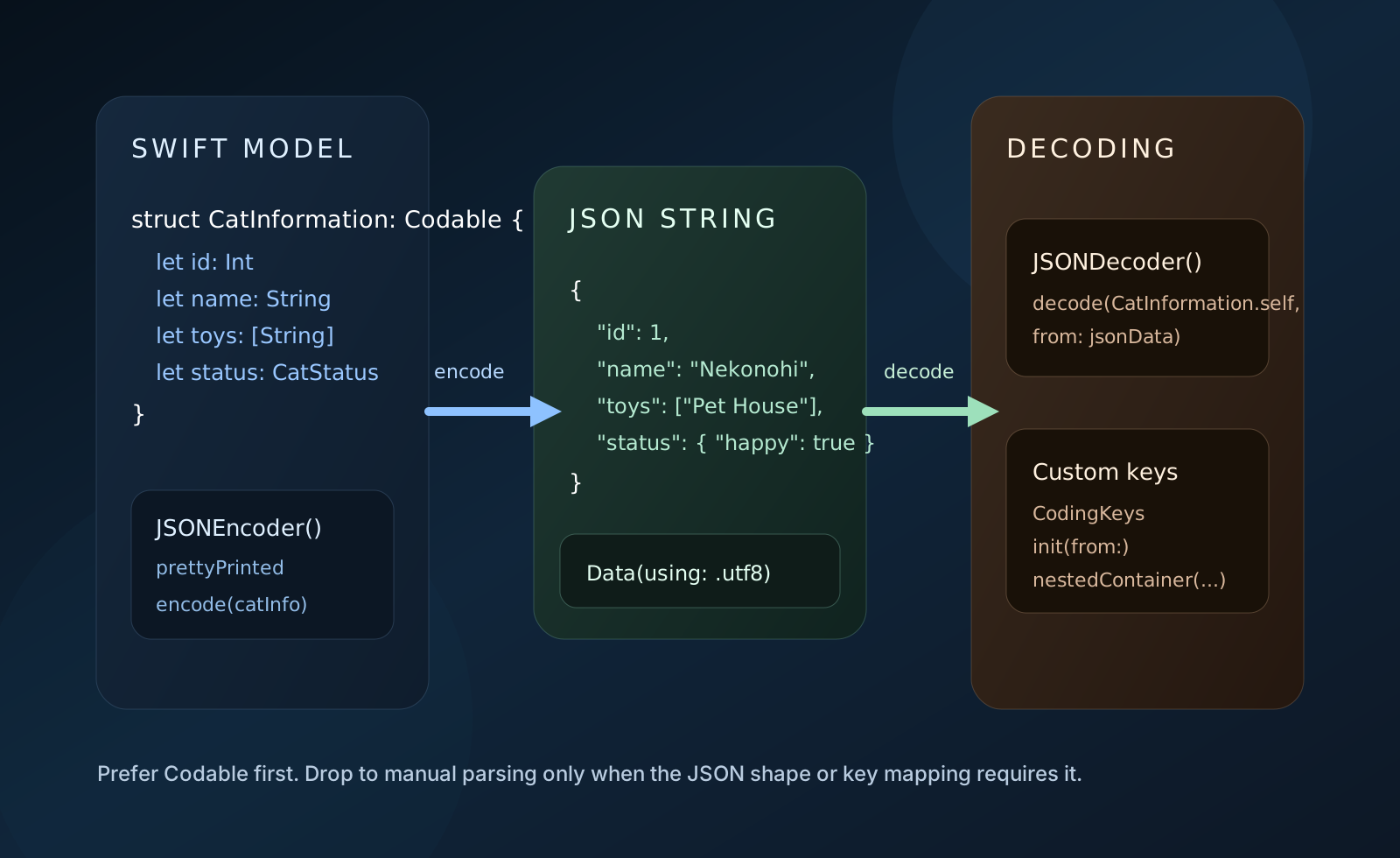
Turning Swift models into JSON, decoding JSON back into models, handling mismatched keys, and comparing Codable with SwiftyJSON.
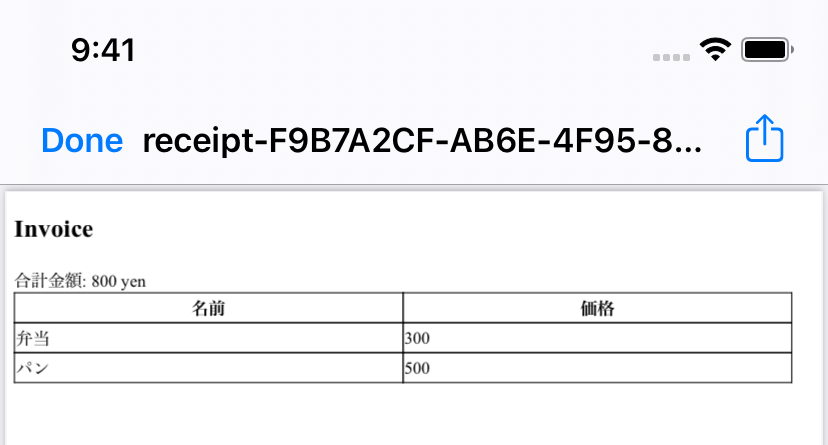
A practical UIKit walkthrough for building receipt HTML, converting it into PDF data, saving it locally, and presenting it with Quick Look.
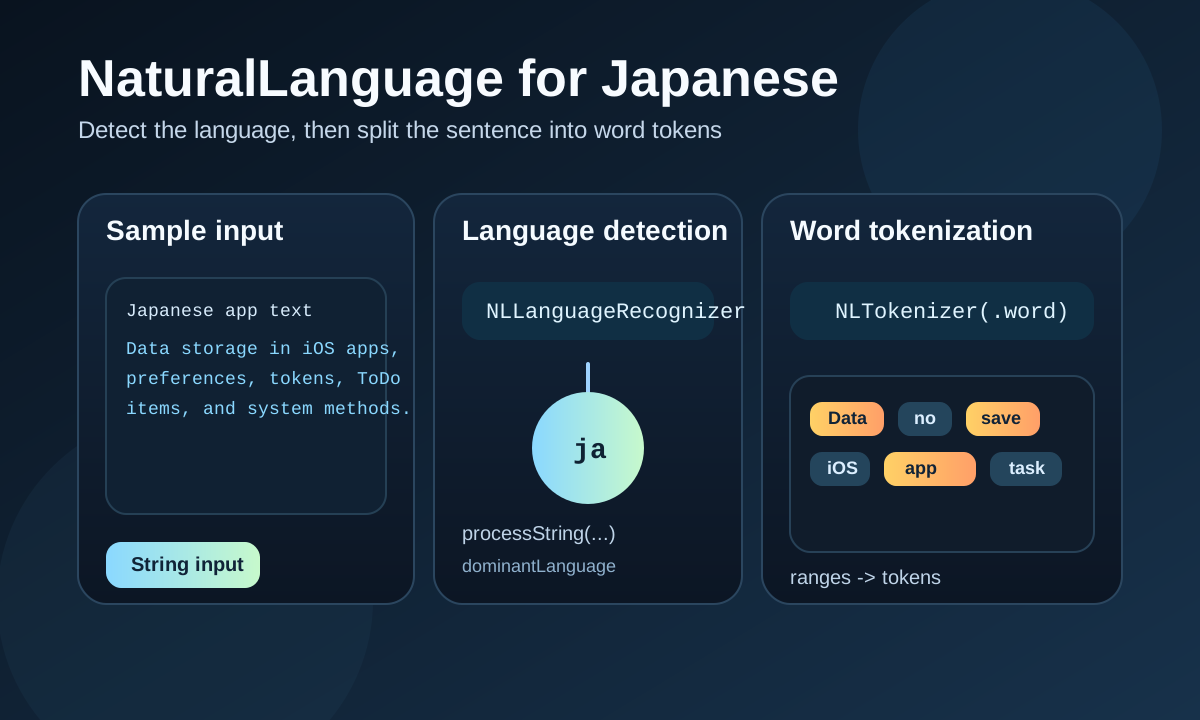
A practical Swift guide to detecting Japanese text and splitting it into word tokens with Apple's NaturalLanguage framework.
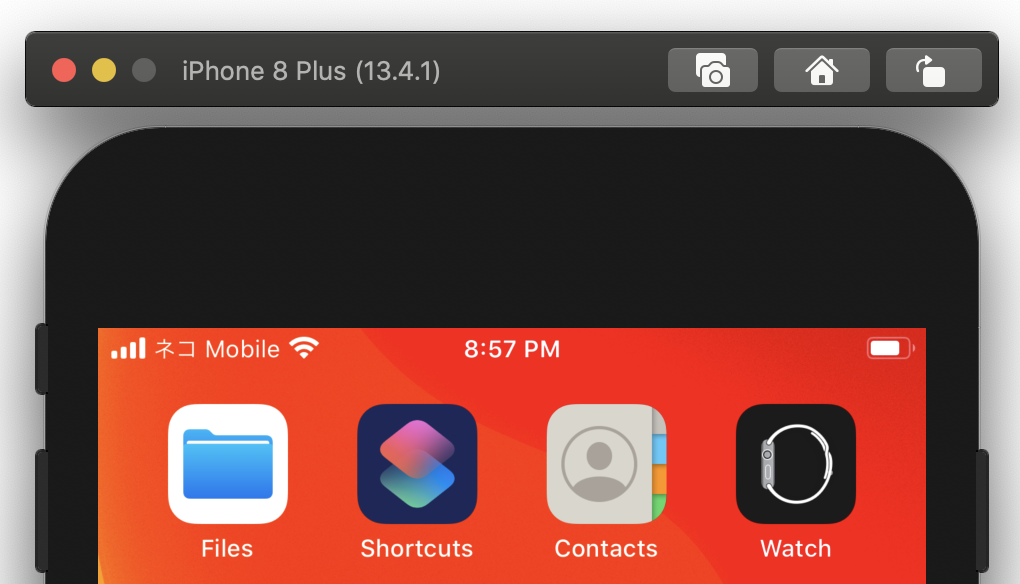
A practical simulator cheat sheet for status bar overrides, appearance changes, push notification testing, and media capture.

A compact SwiftUI guide to DisclosureGroup, binding expansion state, and building simple collapsible sections on iOS 14.
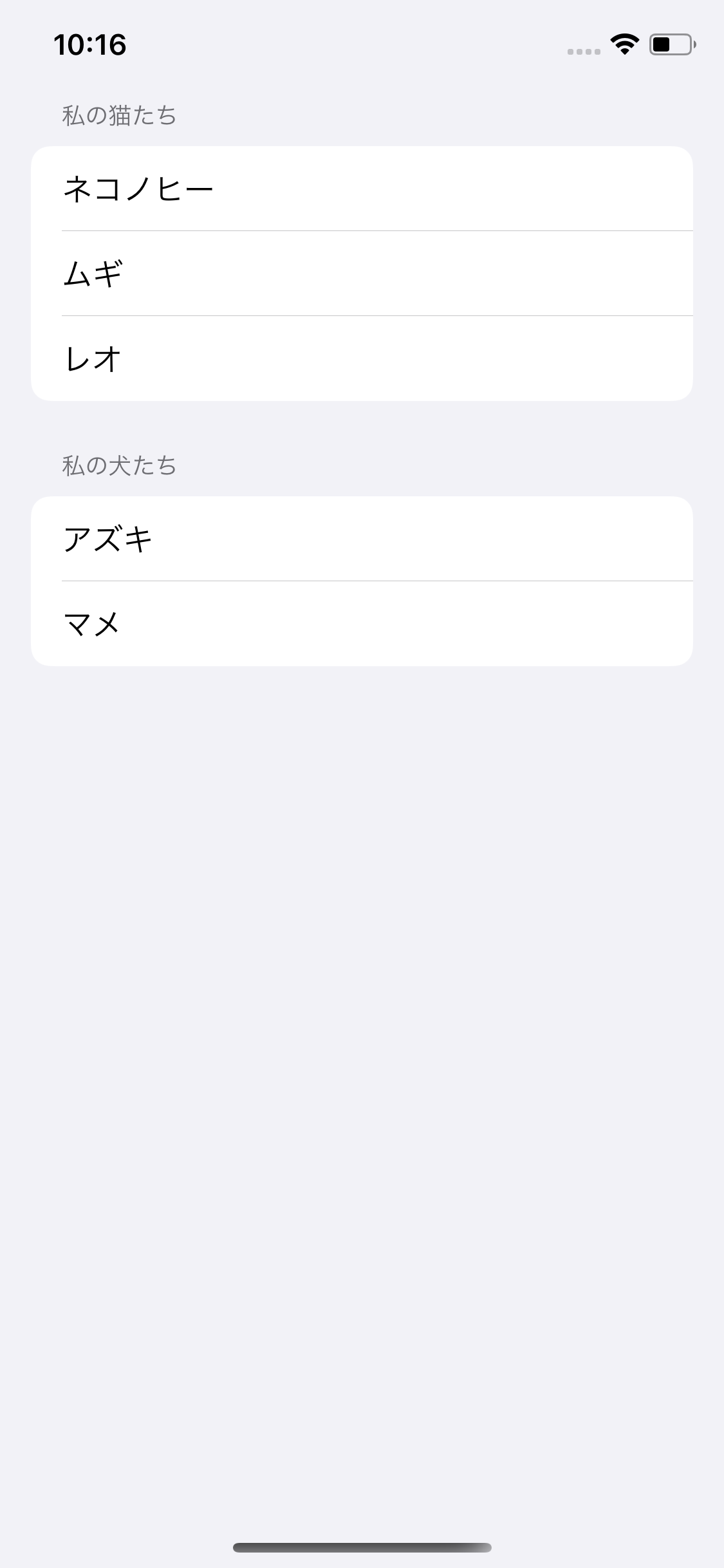
A practical UIKit guide to iOS 14 list-style UICollectionView layouts, header modes, diffable data sources, and snapshots.
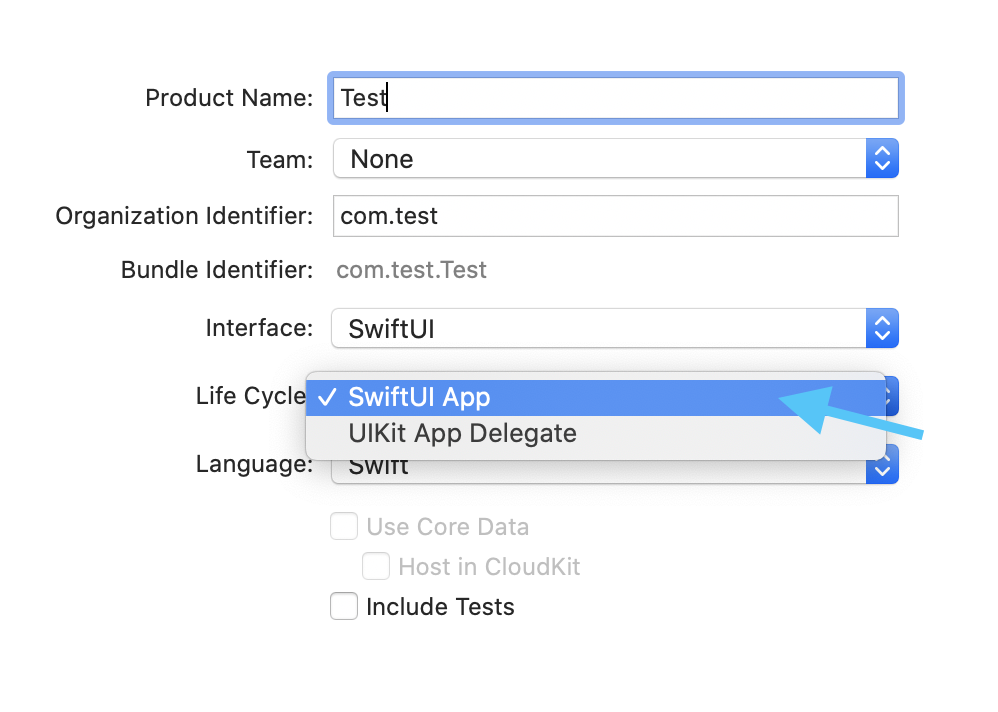
An iOS 14 SwiftUI article focused on storage wrappers and the new app lifecycle.
A UIKit-focused roundup covering several small but useful iOS 14 APIs.

A UIKit tutorial on making UITextView-backed UITableView cells resize automatically.
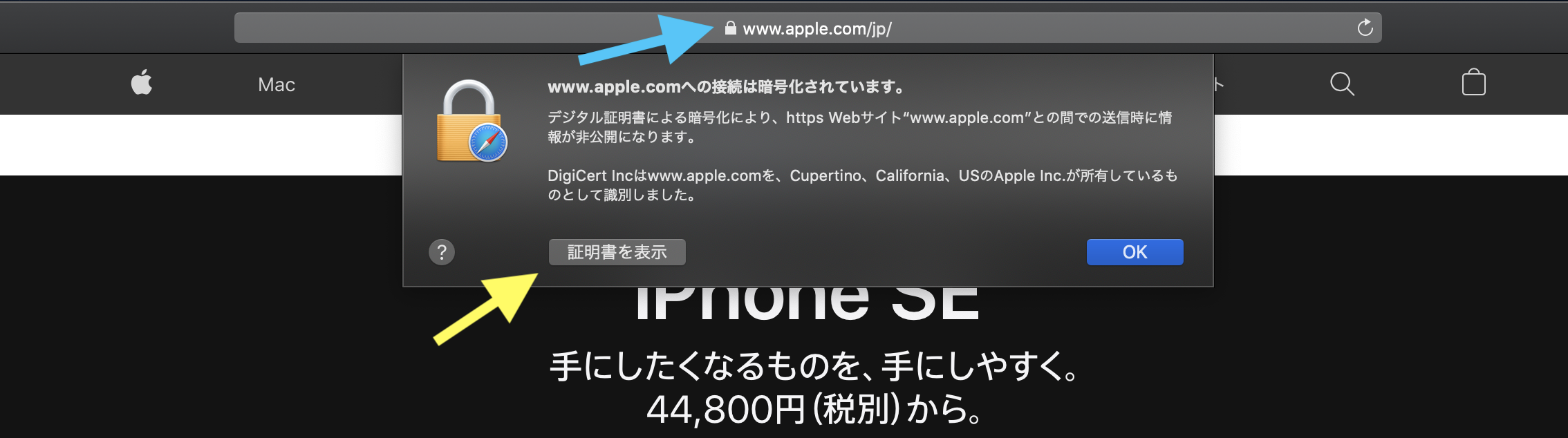
A Swift networking guide covering Alamofire requests, multipart upload, SSL pinning, and a plain URLSession version.
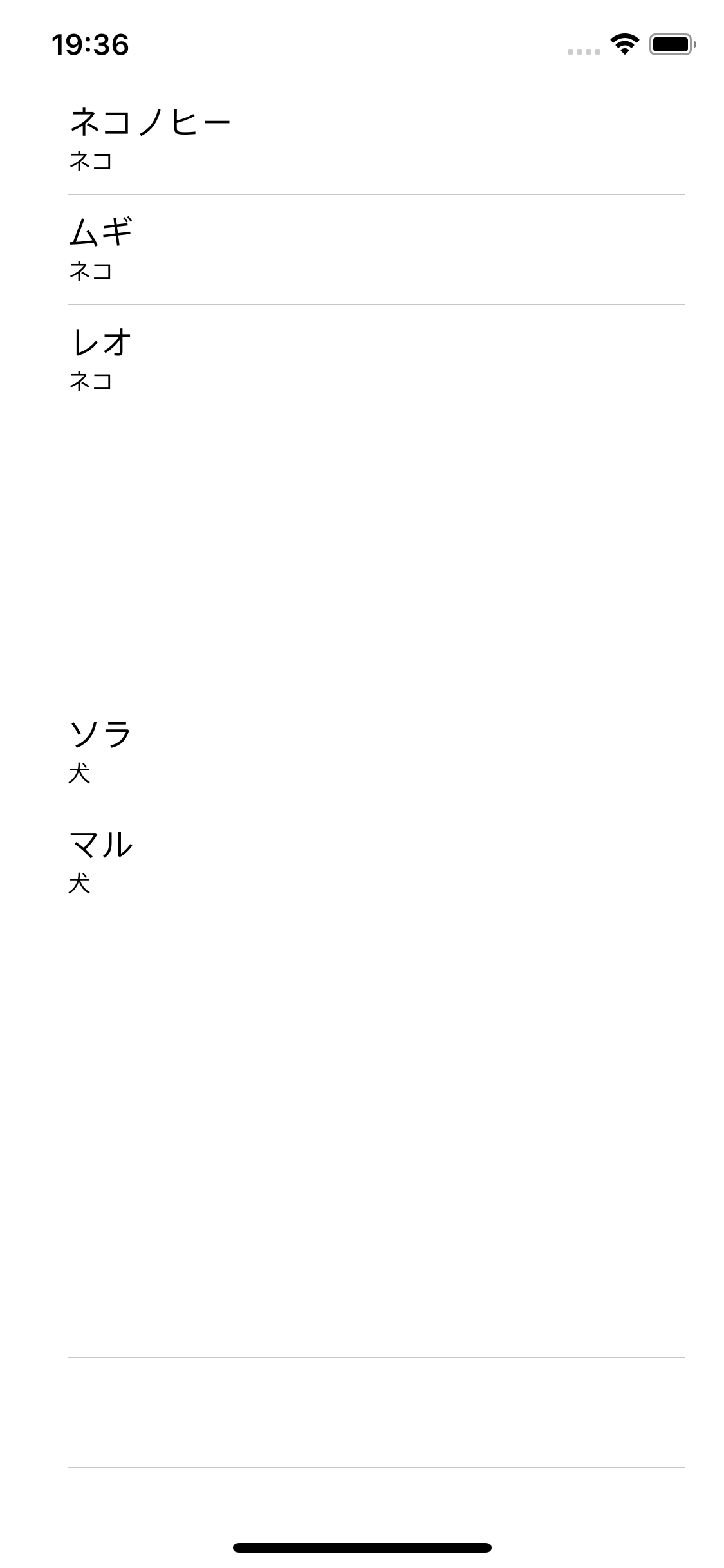
Extract UITableView delegate and data-source code into a reusable helper class, then wire two separate tables into one view controller.
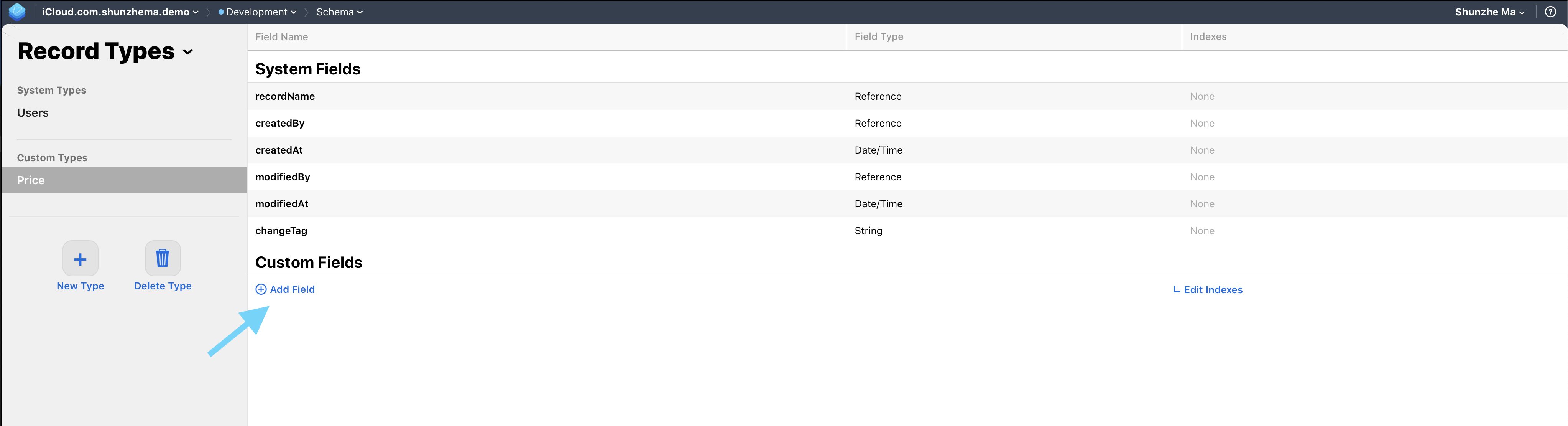
Use CloudKit public records for shared catalog data, add query indexes, fetch records from Swift, and deploy the schema from development to production correctly.
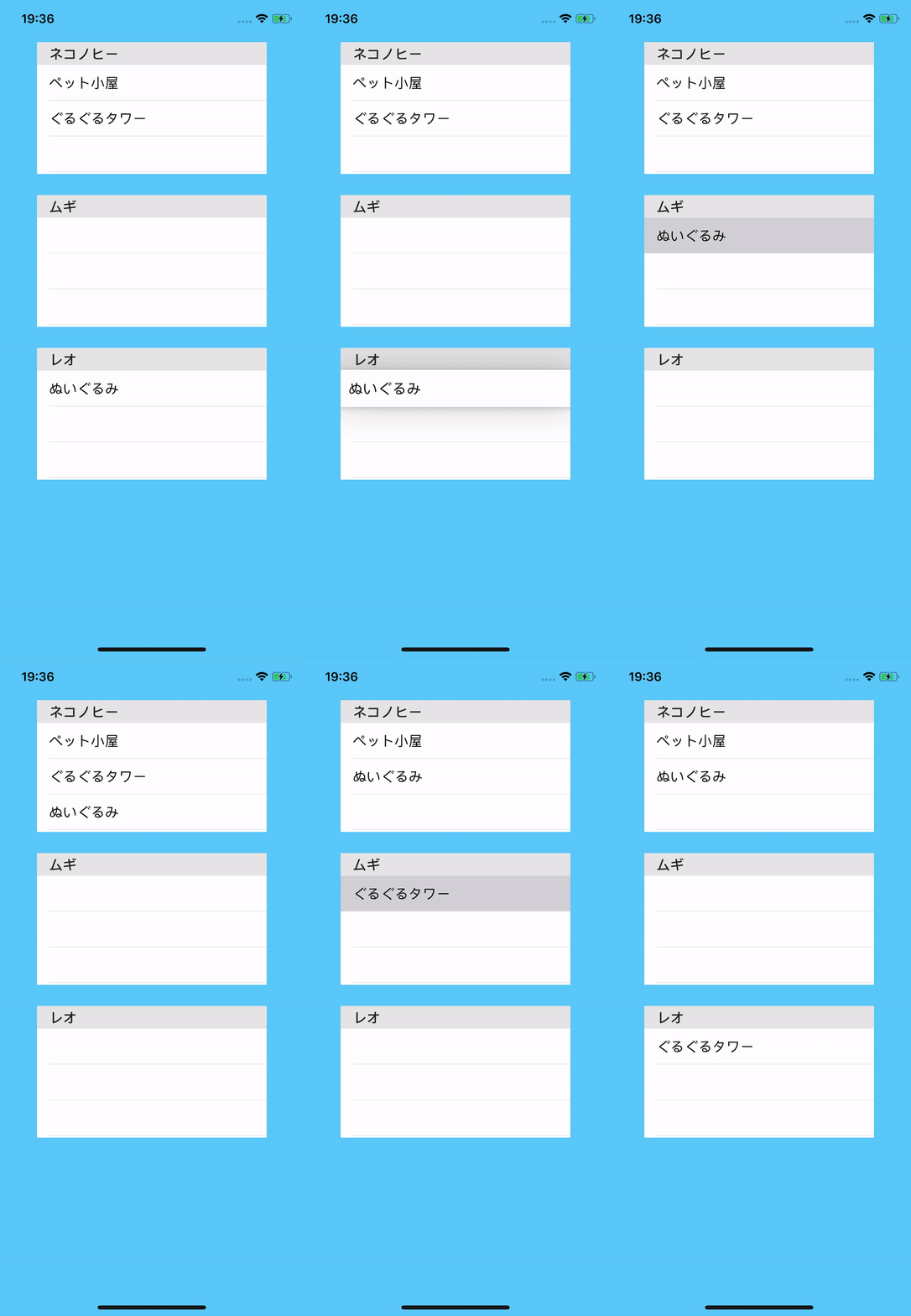
Enable dragInteractionEnabled, build UIDragItem values from table rows, receive drops, and move data between lists.
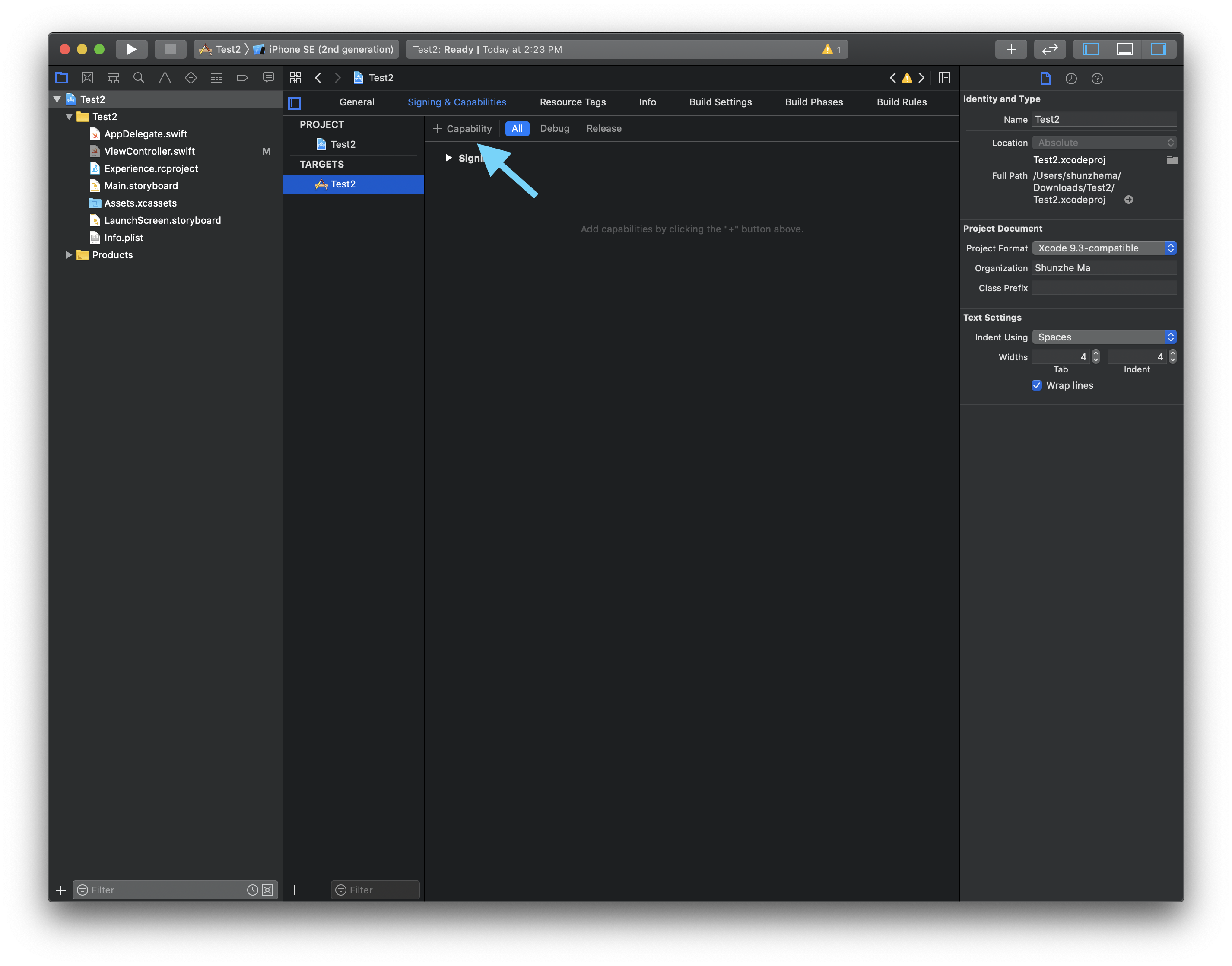
Choose the right iOS storage layer for preferences, structured records, secrets, and cloud-backed data, then follow this article's Xcode setup flow.

Case study covering cookie-backed auth, keychain token storage, URLSession requests, JSON parsing, remote image loading, and a GitHub-style contribution grid for Qiita.

A concise rewrite showing how to connect an iPhone once by cable, enable Connect via Network, then launch and debug wirelessly from Xcode.
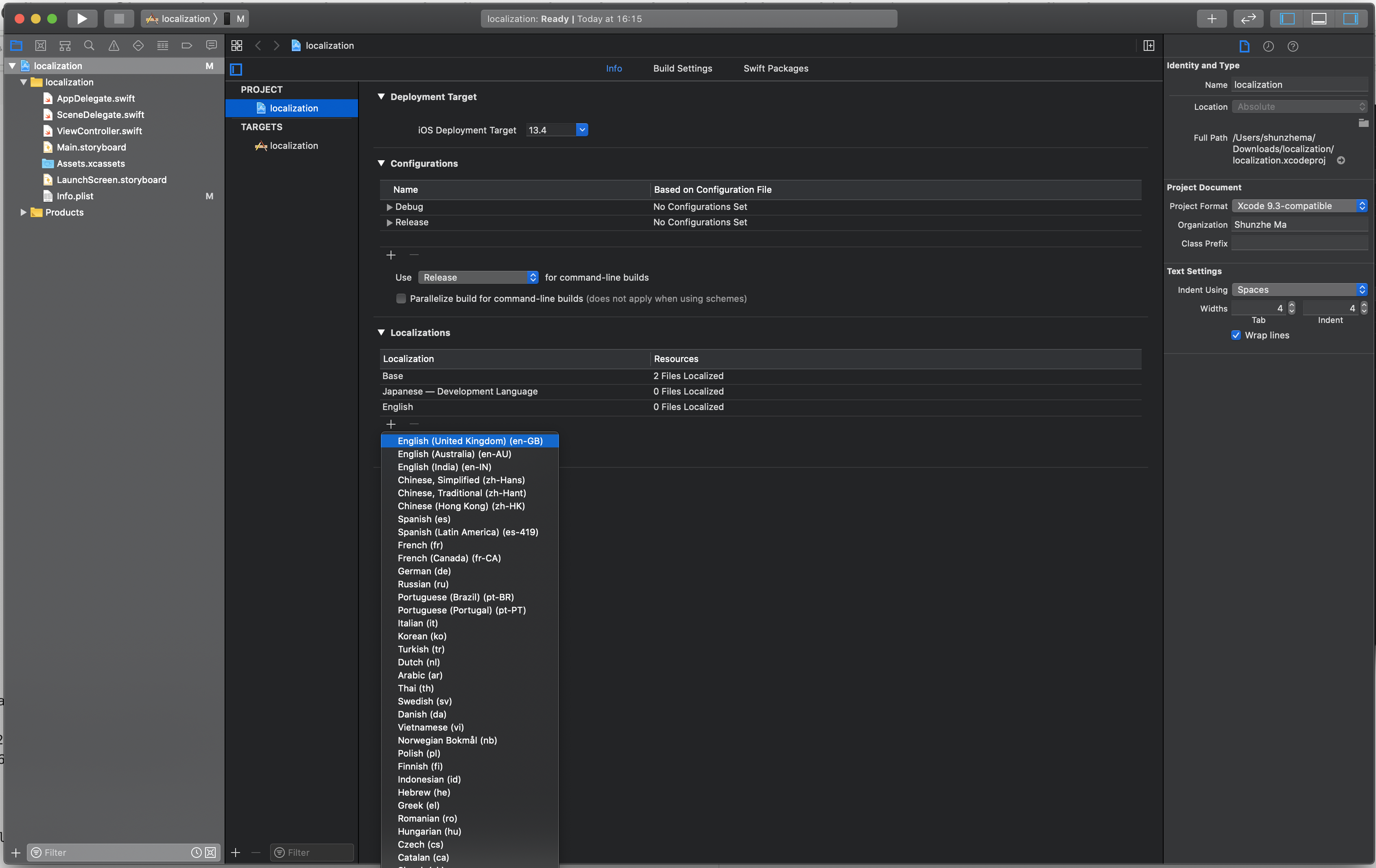
Base language setup, adding localizations, storyboard and string files, simulator language overrides, and missing-string checks.
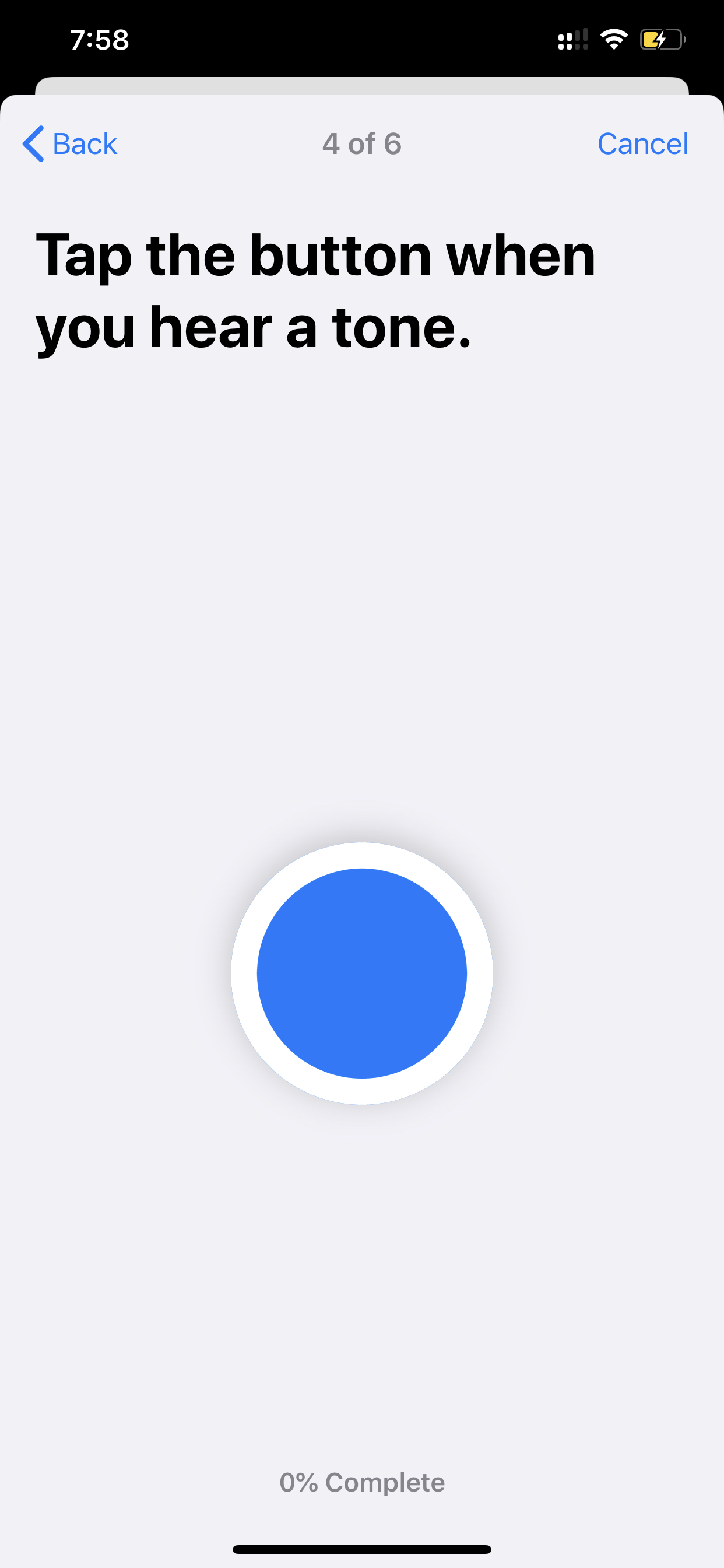
ResearchKit setup, ORKTaskViewController presentation, delegate-based result handling, and the built-in cognitive, visual, and audio study tasks.

Print-based debugging, regular and conditional breakpoints, breakpoint actions, po inspection, runtime mutation, and Organizer crash reports.
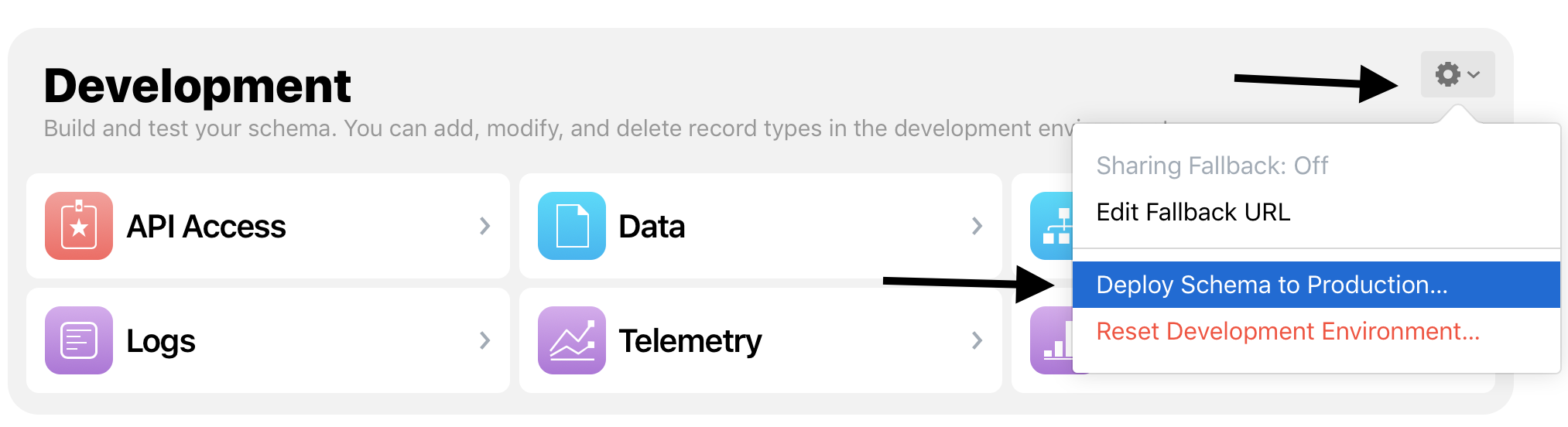
The capability setup, container configuration, Core Data model changes, NSPersistentCloudKitContainer migration, and production schema deployment.
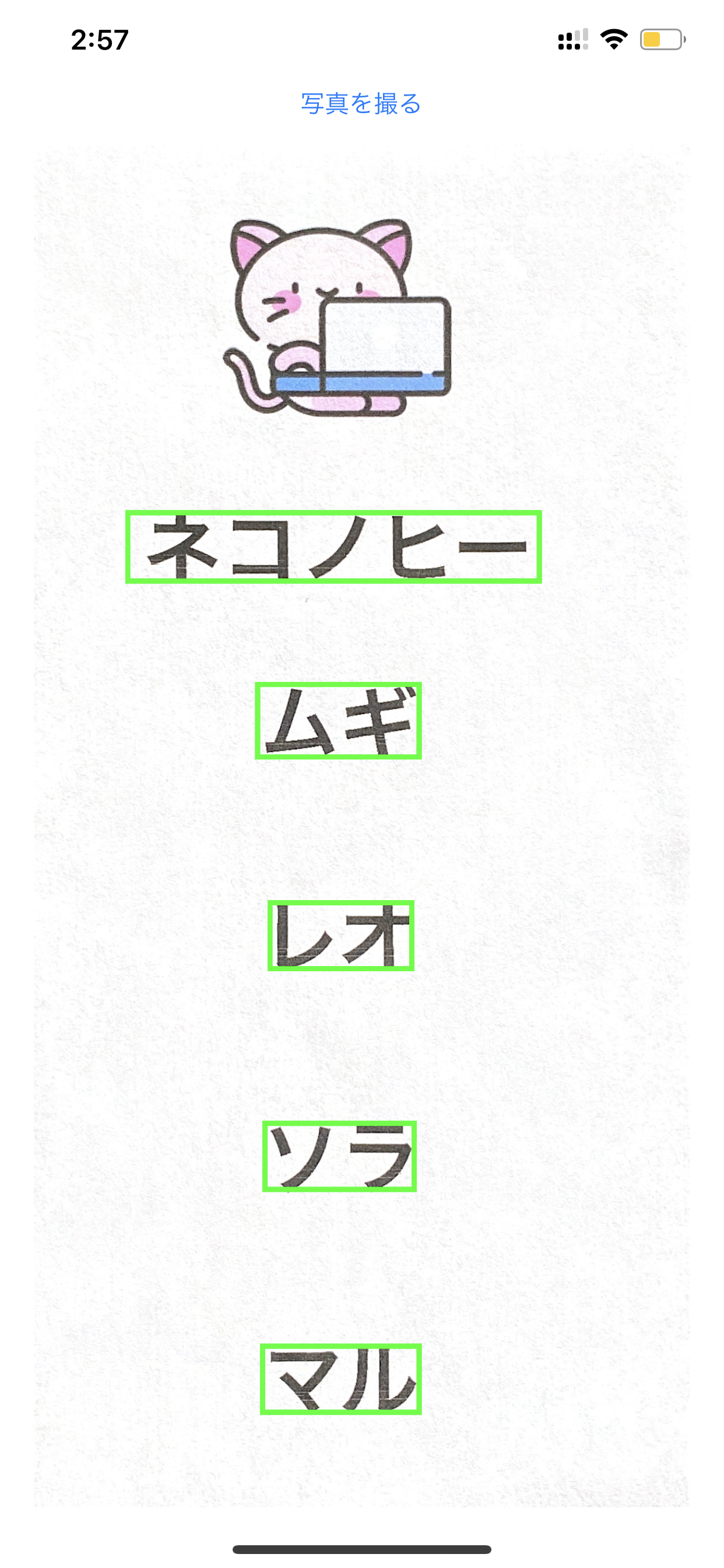
VisionKit document capture, VNDetectTextRectanglesRequest, VNTextObservation results, and overlay drawing for Japanese text regions.

Historical guide covering the pre-2020 WWDC student scholarship format, including the Swift Playground submission, essays, eligibility proof, and inspiration resources.

The Xcode memory graph, leaked view controllers, malloc stack logging, and a weak-delegate fix for a retain cycle.
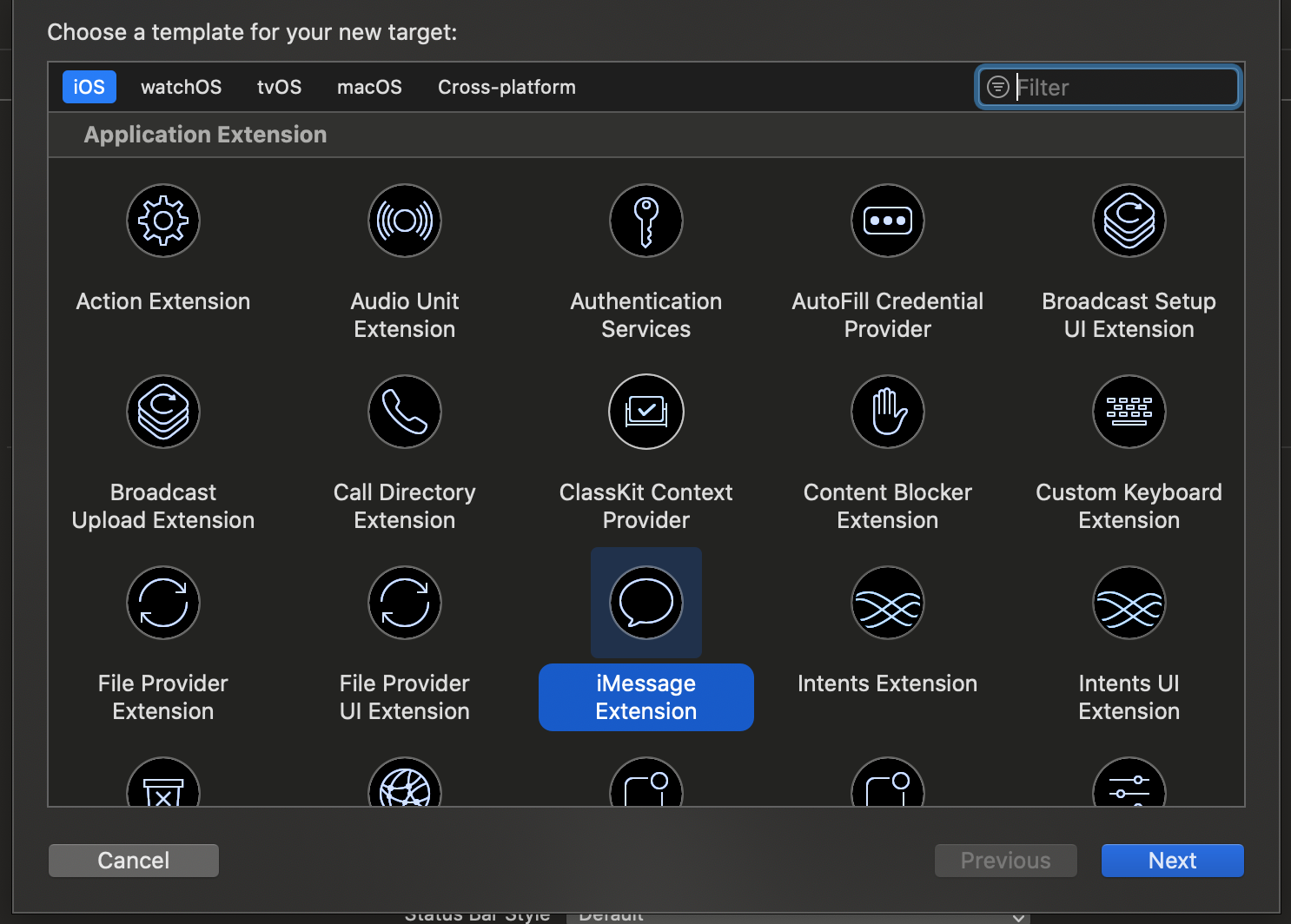
App Groups, a custom NSPersistentCloudKitContainer directory override, and shared Core Data access across an iOS app and its extensions.
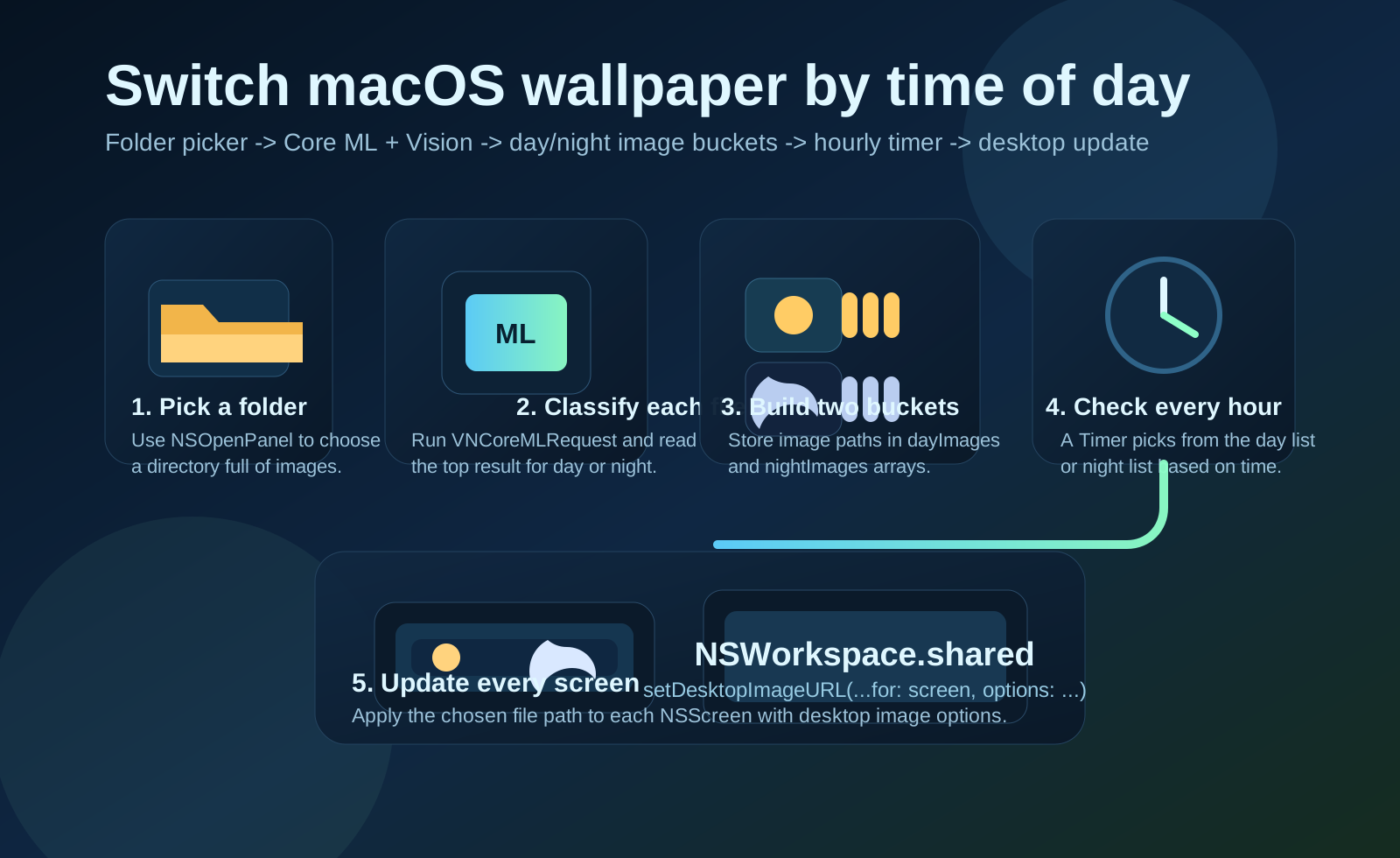
Folder selection, Vision classification, day and night image buckets, an hourly timer, and NSWorkspace desktop image updates on macOS.
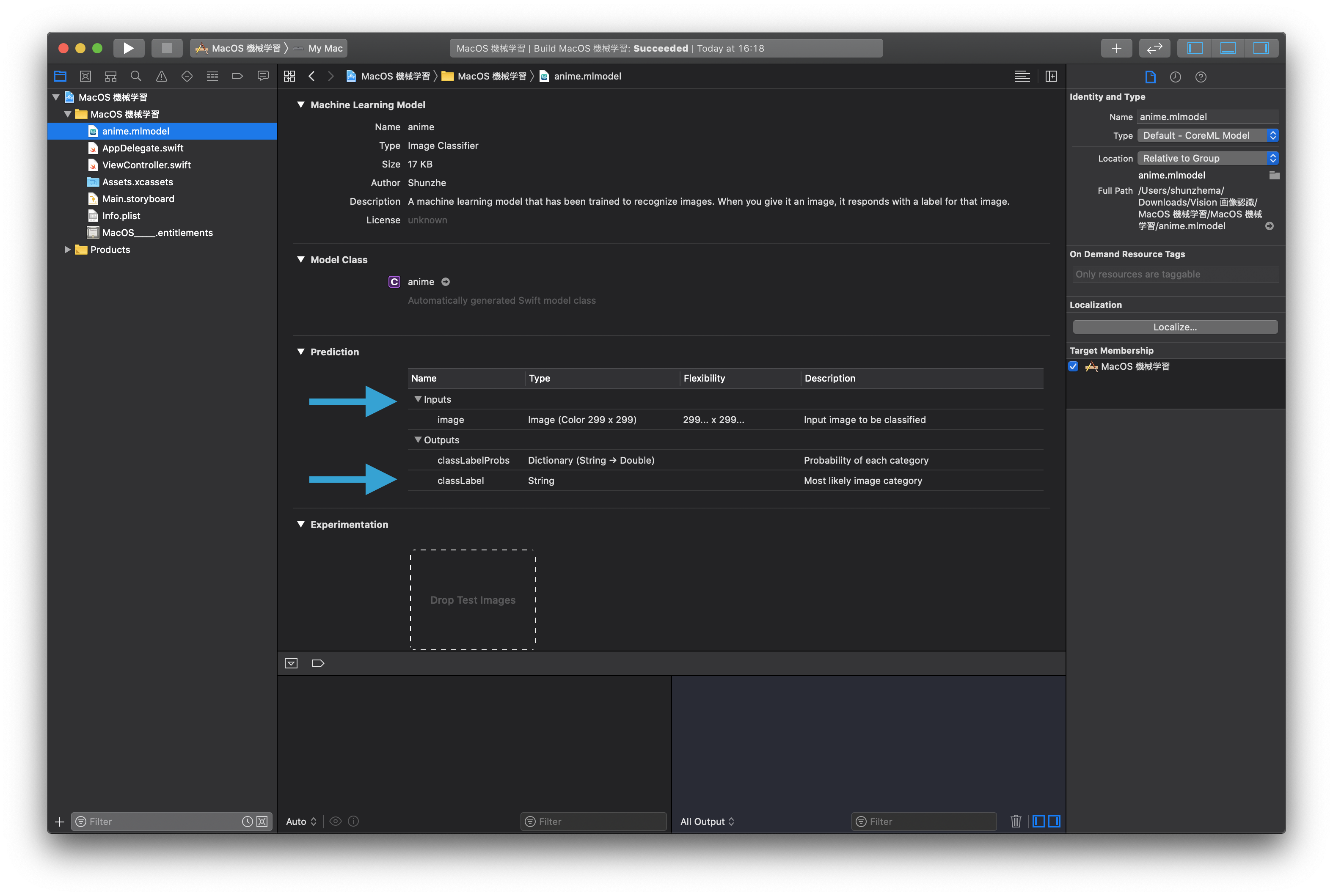
VNCoreMLModel, VNCoreMLRequest, VNImageRequestHandler, label handling, and demo app links for iOS and macOS.
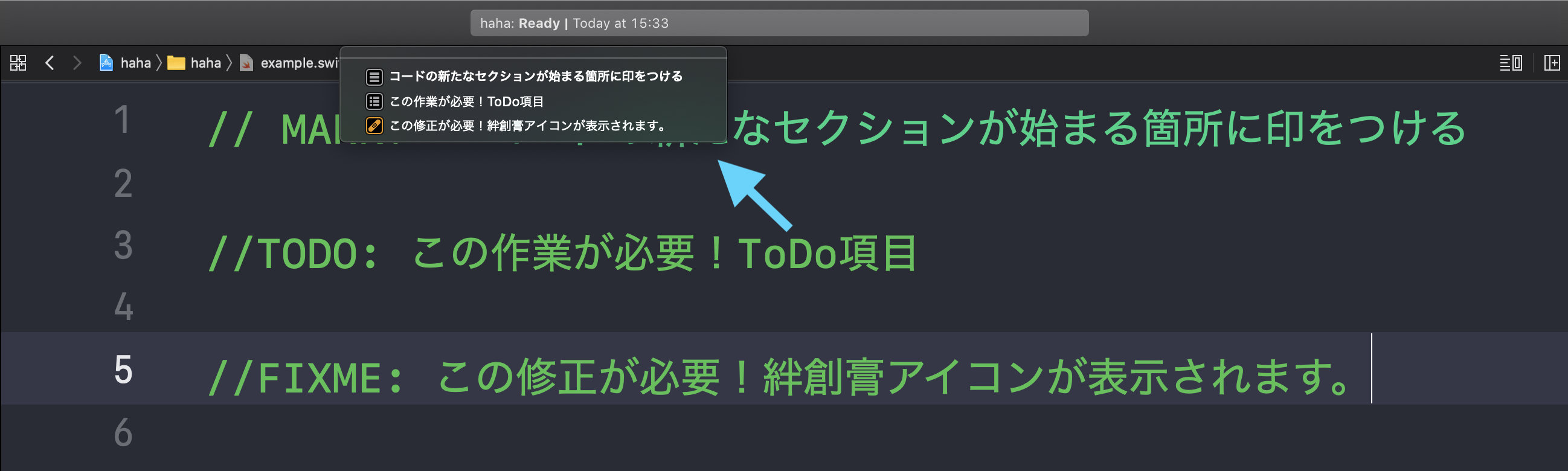
Xcode code annotations: open the file outline from the jump bar, add MARK, TODO, and FIXME comments, and turn long source files into a readable outline.
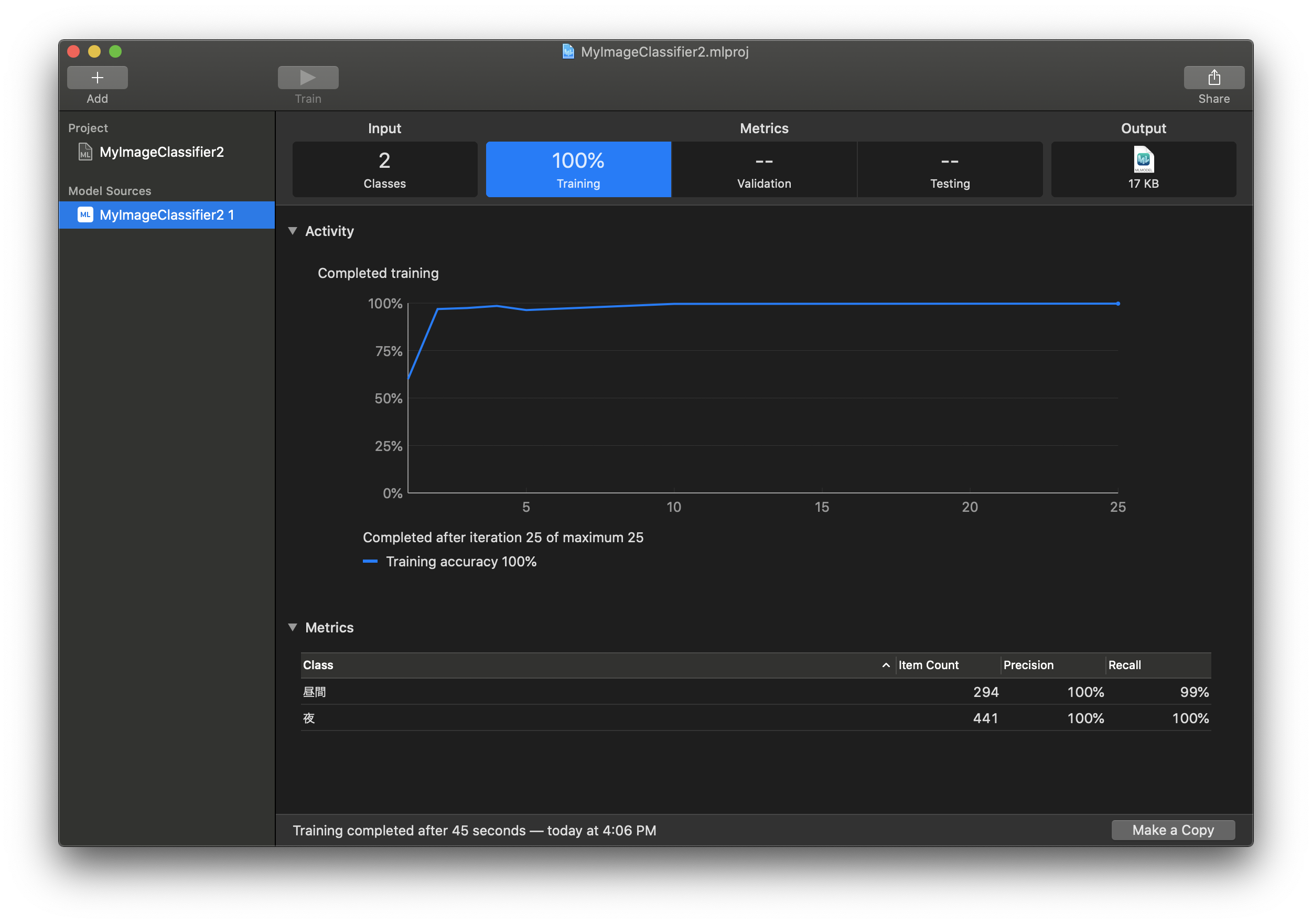
Create ML setup, image collection, training data import, model testing, and exporting the final .mlmodel file.
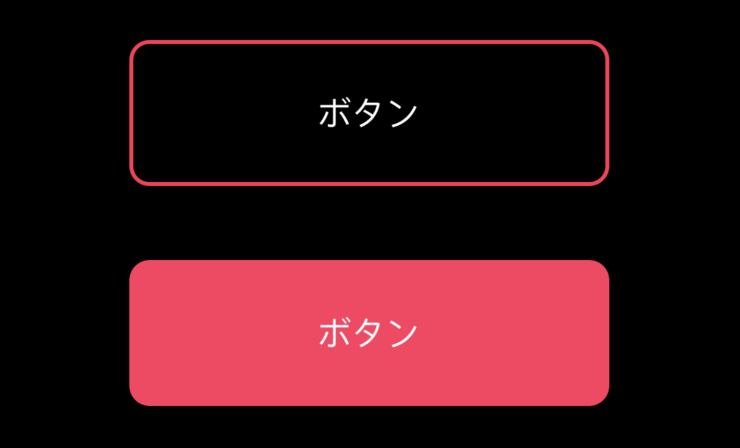
Swift convenience extensions for date formatting, alerts, table scrolling, rounded views, custom colors, screenshots, and delegate access.

ICloud capability setup, CloudKit schema design, Sign in with Apple, first-sign-in user creation, repeat-login fetches, and private CloudKit storage.